
What is Let's Enhance?
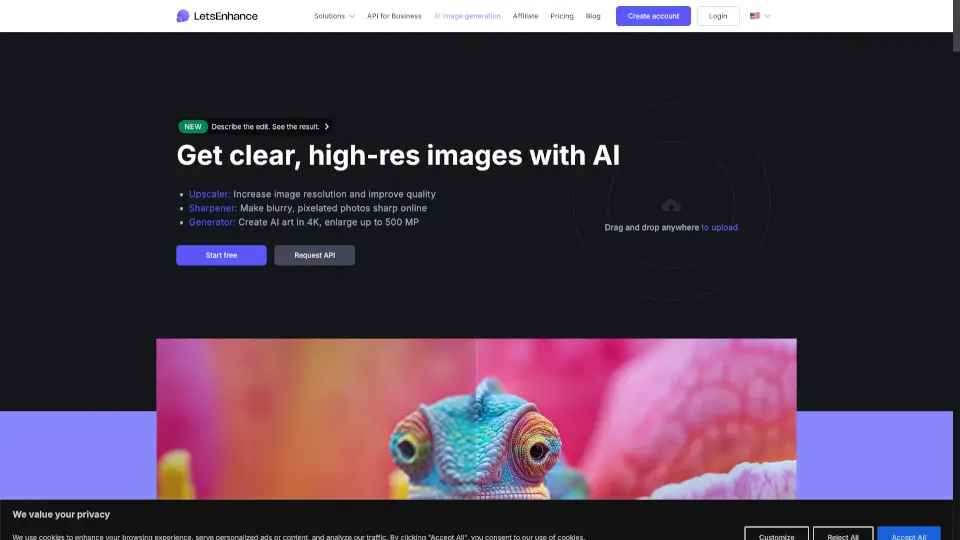
Let’s Enhance is a powerful AI-powered image enhancement tool that helps you upscale, sharpen, and restore photos without losing quality. Whether you’re fixing blurry product shots, reviving old family photos, or preparing AI-generated art for print, Let’s Enhance uses smart algorithms to bring out natural details—not plastic-looking artifacts. It’s designed for creators, e-commerce teams, photographers, and everyday users who want professional results fast.
The platform works entirely online with no software to install, supports batch processing of up to 20 images at once, and can scale photos up to a massive 512 megapixels. Best of all? You can start using it for free, with options to upgrade for commercial use, higher resolution outputs, or API access.
What are the features of Let's Enhance?
- AI-Powered Upscaling: Enlarge images up to 16x while preserving sharpness and detail—ideal for posters, canvases, and large-format printing.
- Smart Image Enhancement: Automatically corrects exposure, reduces noise, and restores lost textures using context-aware AI (like the Prime mode for portraits or products).
- Specialized Restoration Modes: Includes dedicated filters like Old Photo for damaged scans and Gentle for preserving fine text or intricate patterns.
- Print-Ready Output: Achieves 300 DPI quality so your upscaled images look crisp in physical formats—from T-shirts to billboards.
- Batch Processing: Edit up to 20 images at once, saving time for e-commerce catalogs or photo collections.
- AI Art Optimization: Specifically tuned to refine outputs from Midjourney, Stable Diffusion, and DALL·E, removing artifacts and boosting resolution to 4K/8K.
- No Fake “AI Look”: Unlike other tools, Let’s Enhance avoids unnatural halos or waxy skin by focusing on authentic detail recovery.
What are the use cases of Let's Enhance?
- E-commerce sellers enhancing product photos for consistent, high-quality online catalogs—no reshoots needed.
- Photographers preparing low-res client images for large prints or gallery displays.
- Digital artists turning AI-generated artwork into print-ready, high-resolution masterpieces.
- Genealogists restoring faded or damaged vintage family photos with the Old Photo restoration mode.
- Content creators making YouTube thumbnails or social media visuals sharper and more engaging.
- Print-on-demand businesses ensuring designs stay crisp on mugs, posters, and apparel.
- Marketers removing backgrounds or improving lighting in campaign assets quickly and at scale.
How to use Let's Enhance?
- Upload your image via drag-and-drop or file selection (supports JPG, PNG, and WebP).
- Choose the right enhancement mode: Use Prime for general photos, Gentle for text/fine details, or Old Photo for scanned vintage images.
- Select your goal: Pick “Upscale” for size increase, “Enhance” for quality improvement, or “Sharpen” for fixing blur.
- Download your result in full resolution—free users get watermarked files; paid plans offer clean, commercial-ready downloads.
- For advanced needs, try Chat Editor to tweak results further or Image to Video to animate stills.
- Use batch mode to process multiple images together—perfect for product catalogs or photo albums.