
Komodo logo

Komodo

4.0
(0 Reviews)
United States37.99%

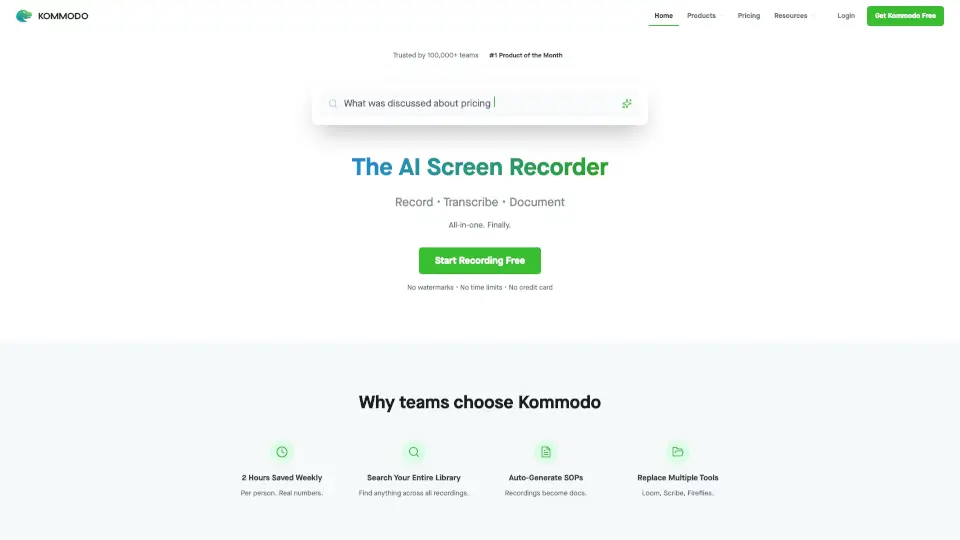
Kommodo is an AI screen recorder that automatically transcribes recordings, generates meeting summaries, and creates step-by-step guides, trusted by 100,000+ users with no watermarks or time limits.

Verified by SeekTool
Social Media:
Komodo

Komodo Product Information

What is Komodo?

Kommodo is an AI screen recorder designed for professionals, teams, and content creators who need to record, transcribe, and document their screen activity automatically. Instead of using separate tools for recording, transcription, note-taking, and guide creation, Kommodo combines all these steps into one workflow. Users record their screen, and the AI generates transcripts, summaries, and step-by-step guides (SOPs) from the recording. The tool is trusted by 100,000+ users and is rated #1 Product of the Month. It works on Windows and Mac, supports unlimited recording for free users, and offers no watermarks or time limits.

What are the features of Komodo?

  • AI Transcription & Summaries: After recording, Kommodo automatically generates meeting summaries, weekly recaps, insights, and action items that can be shared in Slack or Jira. Ideal for teams that need quick documentation of calls or demos.
  • Auto-Generated SOPs & Guides: While recording, the tool tracks every action and converts the recording into a step-by-step guide or standard operating procedure (SOP). Users can edit and reorder steps after recording.
  • Searchable Video Library: Find any recording across your entire library using AI-powered search. The tool indexes transcripts and summaries, so you can jump to the exact moment (e.g., “Jump to 2:34” for a specific topic).
  • Browser-Based Video Editor: Edit any recorded or uploaded video directly in the browser. Includes version control and video export. Useful for trimming or overdubbing parts of a recording.
  • Custom Branding & Landing Pages: Add logos, custom colors, subdomain support, and extra elements like images, text, markdown, or embedded tweets/lead forms to the video page.
  • AI Meeting Recorder Integration: Sync with Google Calendar to automatically record video calls. Recordings live alongside other work videos inside Kommodo.
  • AI Assistant for Knowledge Retrieval: The AI can extract key information from your entire library of videos and guides, providing precise answers with direct links to the source.

What are the use cases of Komodo?

  • Sales teams: Record a demo call with Acme Corp, then use the AI-generated transcript and summary to share action items with the team instantly.
  • Customer success: Document a product walkthrough by recording your screen, and let the AI auto-generate a step-by-step guide for new users.
  • Remote teams: Record a weekly sync meeting, get a recap with insights and action items, and share directly in Slack or Jira.
  • Educators: Record a lecture, and the AI provides a searchable transcript and a set of key points for students.
  • Content creators: Record a software tutorial, edit out mistakes using the browser-based editor, and publish a polished video without watermarks.
  • Process documentation: Record a complex workflow in a tool like CS Sync for Widget Inc, then export the automated SOP as a reusable guide.

How to use Komodo?

  1. Download and install the Kommodo desktop app for Windows or Mac, or use the Chrome extension for browser-based recording.
  2. Start a new recording – select screen region, audio source (system or microphone), and optionally sync with your Google Calendar to record meetings.
  3. Record your screen – Kommodo tracks every action automatically. You can pause or stop at any time.
  4. After stopping, the AI processes the video: you’ll get a transcript, meeting summary, and draft SOP (if you were documenting a process).
  5. Edit the video or guide – use the built-in video editor to trim, reorder steps, or overdub parts. Customize the landing page with branding if needed.
  6. Share the recording – generate a shareable link with no expiration (free users) or export the video. You can also integrate the AI summary into Slack or Jira.

Do you like this tool?

Upvote to help others discover it!

Komodo Alternatives

Loom

Loom

Loom is a user-friendly screen recorder that simplifies video creation, editing, and sharing for individuals and teams.

US
42.91%
17.4M
5.0
Camtasia online

Camtasia online

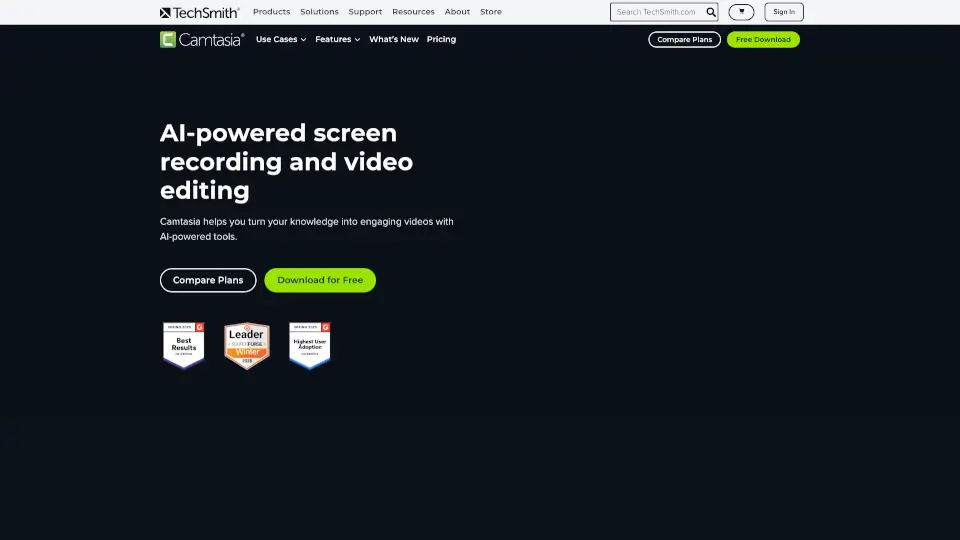
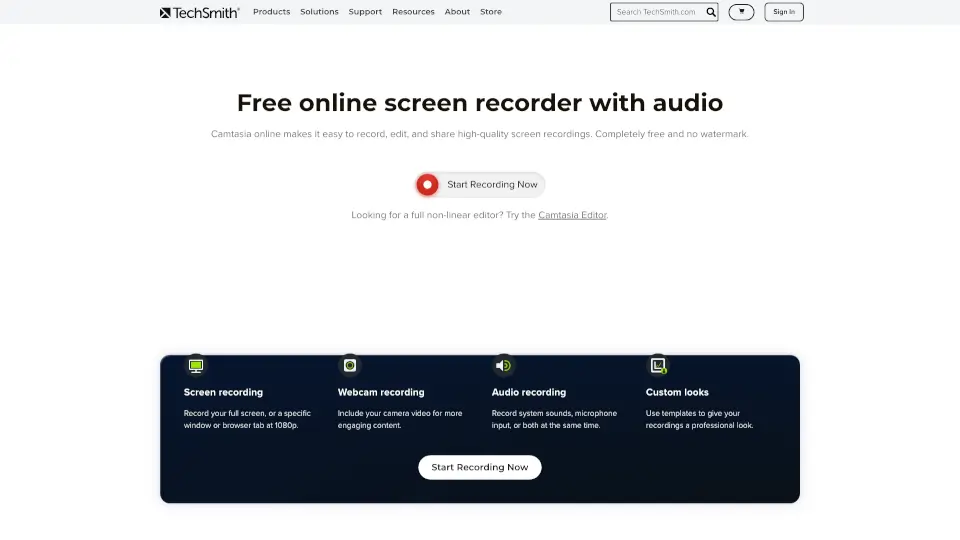
TechSmith’s Camtasia online is a free, browser-based screen recorder for Mac and Windows. Record, edit, and share videos with no watermarks or limits.

US
44.61%
945.7K
5.0
Berrycast

Berrycast

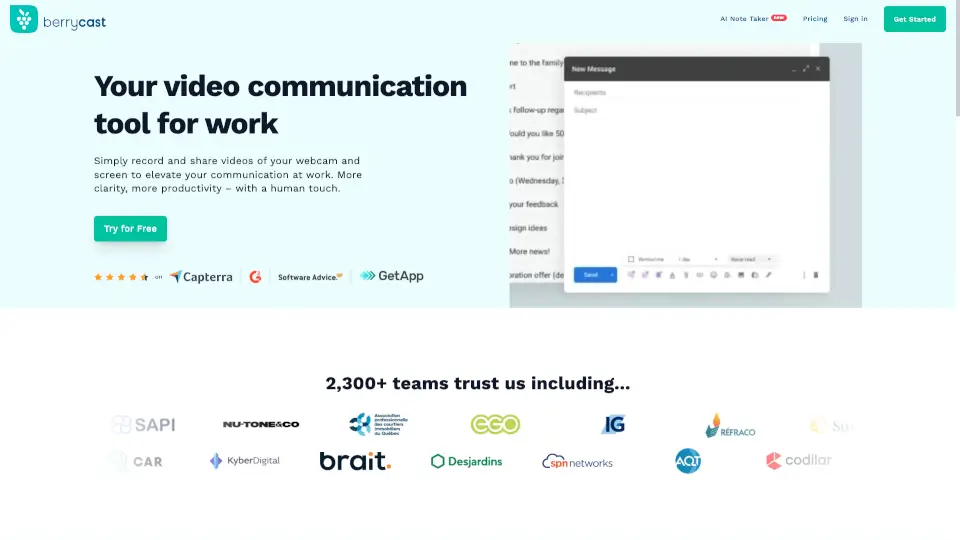
Berrycast is the best free screen recorder for Windows and Mac, combining easy video messaging with AI-powered transcripts and summaries for clearer, faster work communication.

CO
13.90%
32.6K
4.0
dadan.io

dadan.io

Dadan is an AI-powered video creation platform that makes it easy to record, edit, and share high-quality videos, perfect for education, remote teams, and content creators.

US
27.14%
117.4K
5.0
Canvid AI Screen Recorder

Canvid AI Screen Recorder

Canvid makes screen recording easy and fun, perfect for anyone looking to create engaging videos.

US
18.45%
46.8K
4.0
Camtasia

Camtasia

Camtasia makes video creation simple with AI tools, multitrack recording, and drag-and-drop editing—ideal for tutorials, training, and demos. Try it free!

US
44.61%
945.7K
5.0
Tella

Tella

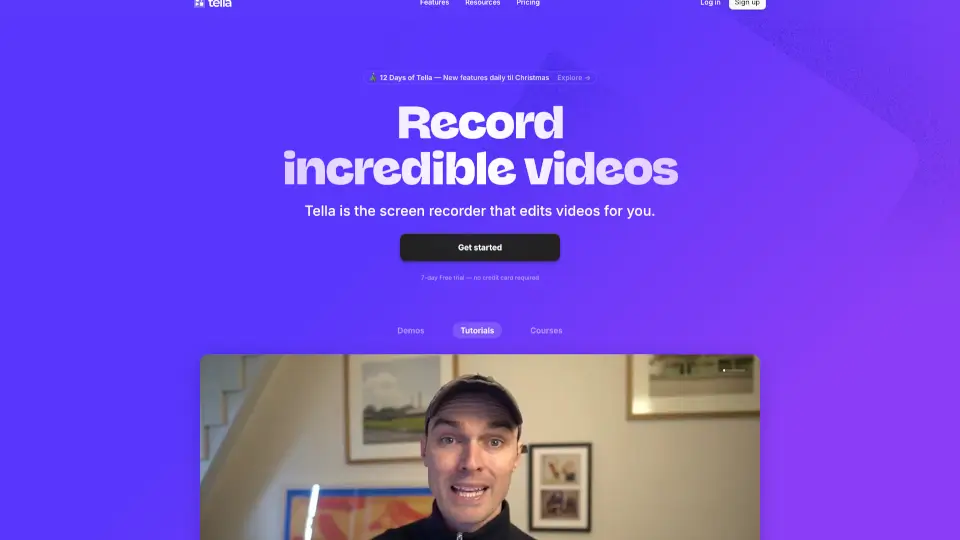
Tella is the easiest screen recorder for Mac & Windows, perfect for demos, tutorials, and courses. With AI-powered editing and 4K exports, it’s like having a pro editor in your pocket.

US
15.94%
259.6K
5.0
RecCloud

RecCloud

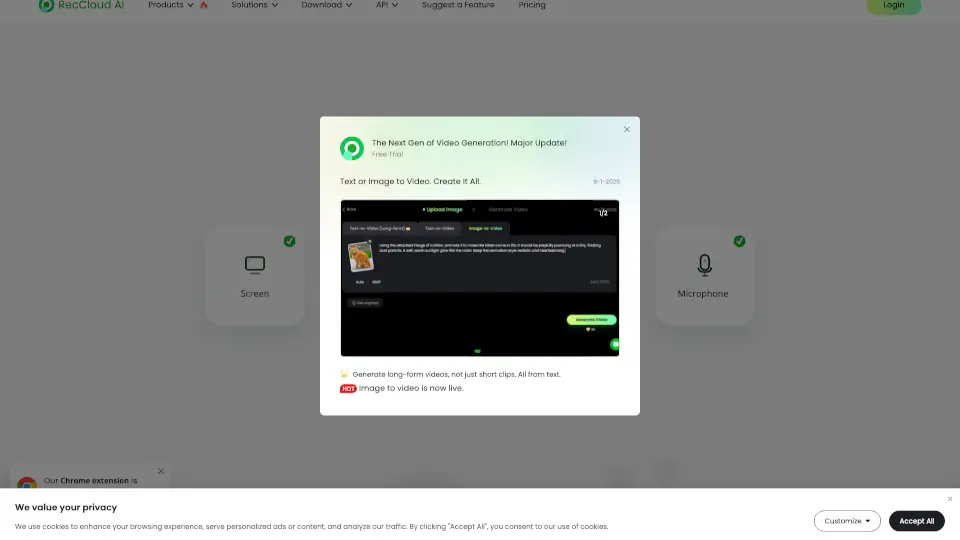
RecCloud Online Screen Recorder is a versatile, no-download solution for all your recording needs, offering a range of AI-powered tools for enhanced media creation.

BR
12.67%
386.4K
5.0

Komodo Related Other Categories

Komodo Traffic Analysis

💡 Insights

🌱
Emerging Tool
10K-100K monthly visits. Niche or new tool with potential unique value.
📉
Traffic Decline
Significant traffic drop recently. Check for alternatives.
👍
Good Experience
Bounce rate of 48%. Users are willing to explore features.
  • Monthly Visits

    19.89K

  • Bounce Rate

    48.02%

  • Pages Per Visit

    1.85

  • Visit Duration

    00:01:23

  • Global Rank

    1431814

  • Country Rank

    494167

Visits Over Time

Traffic Sources

Display Ads63.49%
Direct22.66%
Referrals7.43%
Search Organic6.24%
Gen Ai0.17%
Social Organic0.00%
Search Paid0.00%
Social Paid0.00%
Affiliate0.00%

Top Keywords

1
kommodo
CPC$1.29
30Traffic
2
komodo decks
CPC$0.49
0Traffic
3
komododecks
0Traffic

Top Regions

RegionPercentage
United States
United States
37.99%
Mexico
Mexico
25.49%
Brazil
Brazil
13.20%
India
India
12.02%
Nepal
Nepal
5.53%
Low
High

Powered by SimilarWeb

Komodo FAQ

What is Kommodo?

Kommodo is an all-in-one AI screen recorder that records, transcribes, and documents screen activity. It’s for professionals, teams, and creators who need to turn recordings into transcripts, summaries, and step-by-step guides automatically.

Who is Kommodo best for?

It’s ideal for sales teams, customer success managers, remote workers, educators, and content creators who regularly record demos, meetings, tutorials, or processes and want to avoid manual transcription and note-taking.

How does the AI auto-generate SOPs?

While you record your screen, Kommodo tracks every mouse click, keystroke, and screen change. After recording, the AI converts those actions into a numbered step-by-step guide. You can then edit or reorder the steps.

Is there a free version?

Yes, Kommodo offers free unlimited recording with no watermarks and no time limits. Free users get AI transcripts and summaries. Premium features include 4K resolution, custom branding, and advanced video editing.

What platforms does Kommodo support?

The desktop app works on Windows and Mac. There is also a Chrome extension, iOS app, and Android app. The video editor runs in the browser.

Can I search across all my recordings?

Yes. Kommodo indexes the transcripts and AI summaries of every recording, so you can search for keywords or phrases and jump directly to the relevant moment in any video.

Komodo Reviews

0

0

0 Reviews
Sign Into leave a review

Recent Reviews

No reviews yet

Komodo Embed

Use website badges to drive community support for SeekTool.ai. They are easy to embed in your homepage or footer.

Light
Dark
Komodo - Featured on SeekTool.aiKomodo - Featured on SeekTool.ai
How to install?