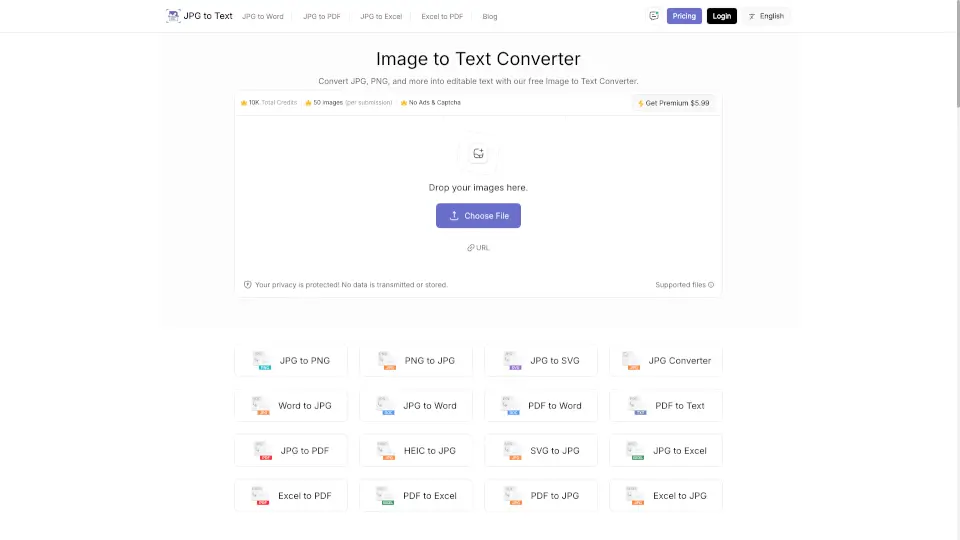
What is jpgtotext.com?
Convert Images to Text Instantly with Our Image to Text Converter!
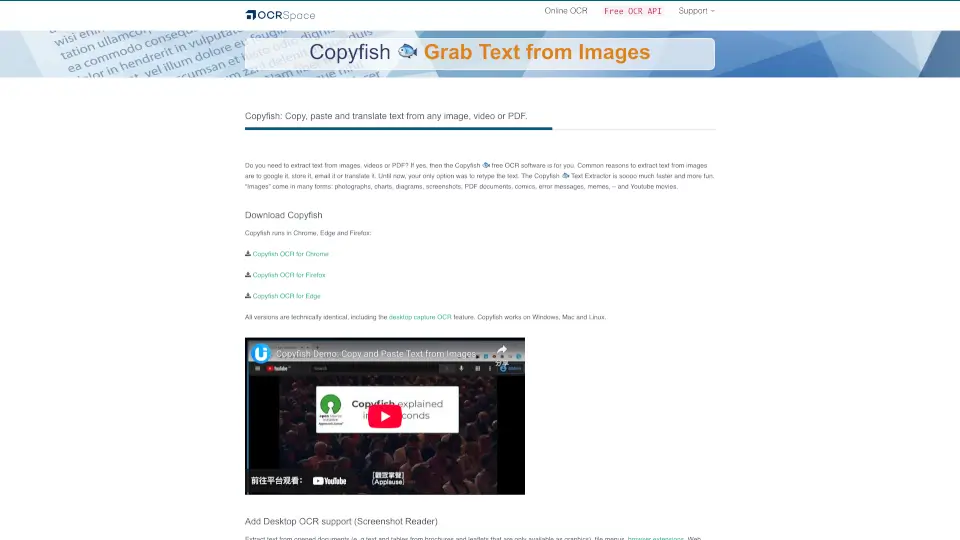
Say goodbye to manual typing! Our image to text converter is a powerful online tool that uses OCR (Optical Character Recognition) technology to extract text from images like JPG, PNG, and more. Whether you're a student, professional, or traveler, this tool helps you convert images into editable text quickly and accurately.
What are the features of jpgtotext.com?
- Extract Text from Low-Resolution Images: Even blurry or low-quality images can be converted to text.
- Multi-Language Support: Convert images to text in over 50 languages.
- No Registration or Installation: Use the tool directly in your browser—no sign-ups or downloads needed.
- Free to Use: Convert as many images as you want without paying a dime.
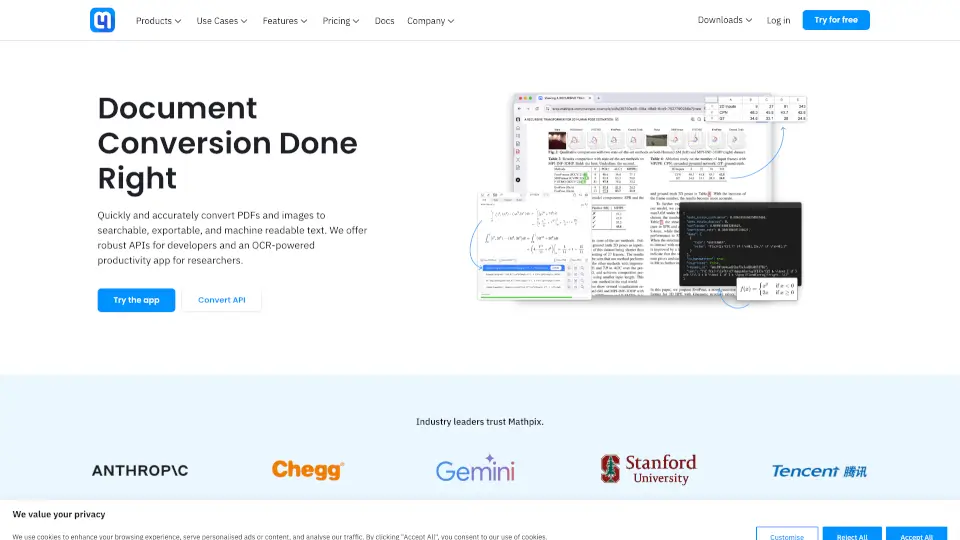
- Mathematical Equation Support: Extract complex math formulas and equations with ease.
- Download or Copy Text: Save the extracted text as a .txt file or copy it to your clipboard.
What are the use cases of jpgtotext.com?
- Students: Convert scanned notes or textbook pages into editable text for easier studying.
- Professionals: Automate data entry tasks by extracting text from invoices, reports, and documents.
- Travelers: Extract text from foreign signs, menus, or documents while on the go.
- Researchers: Digitize handwritten notes or scanned articles for analysis.
How to use jpgtotext.com?
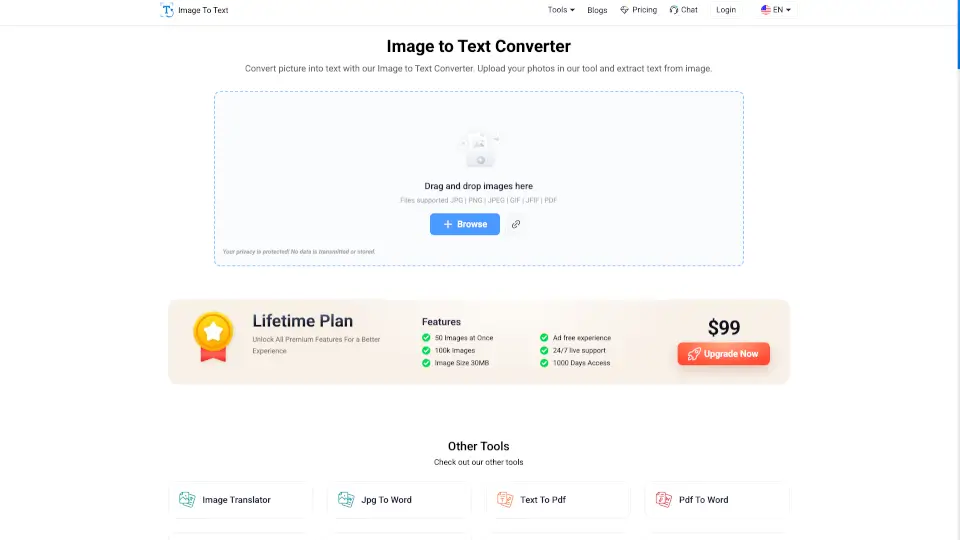
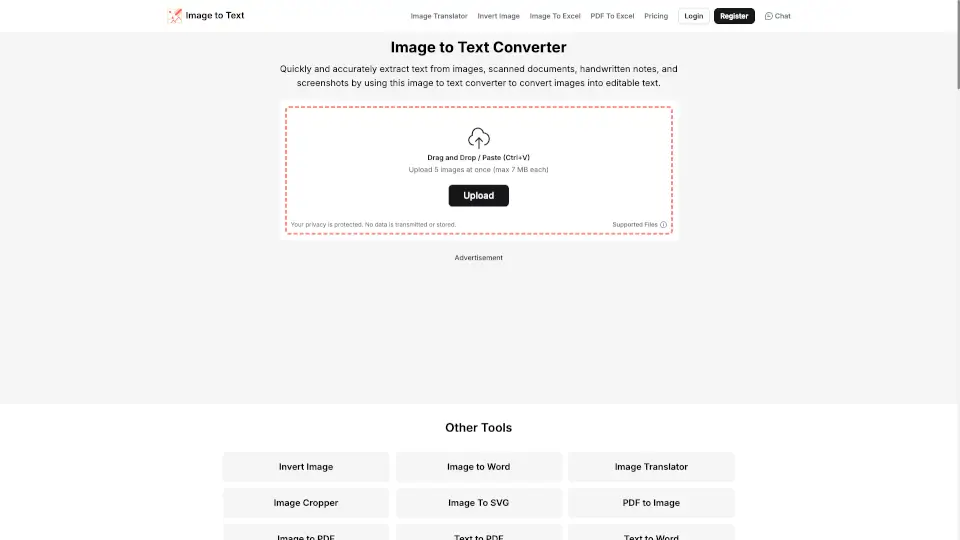
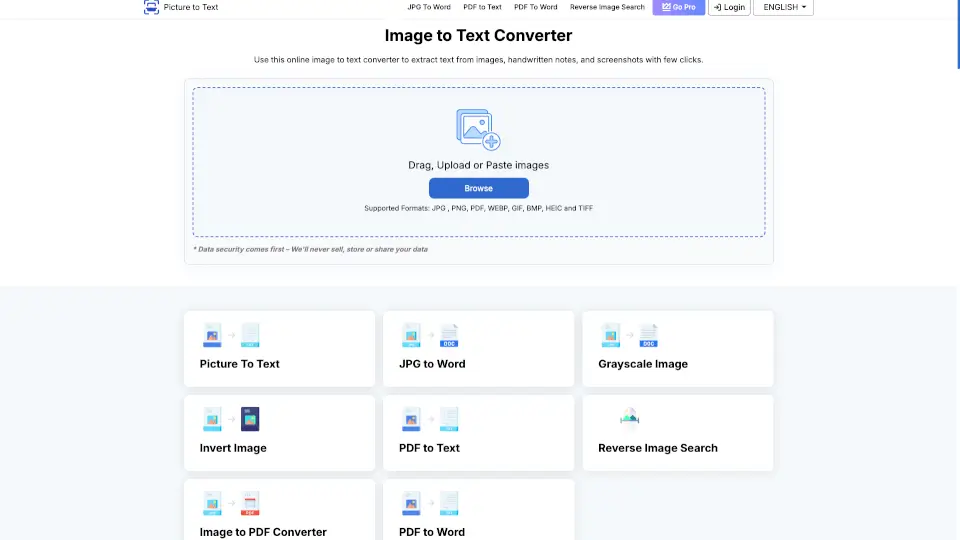
- Upload Your Image: Drag and drop your image or click "Choose File" to upload.
- Extract Text: Click "Extract Now" and let our OCR tool do the work.
- Download or Copy: Once extracted, you can download the text as a .txt file or copy it to your clipboard.