
What is Image Upscaler?
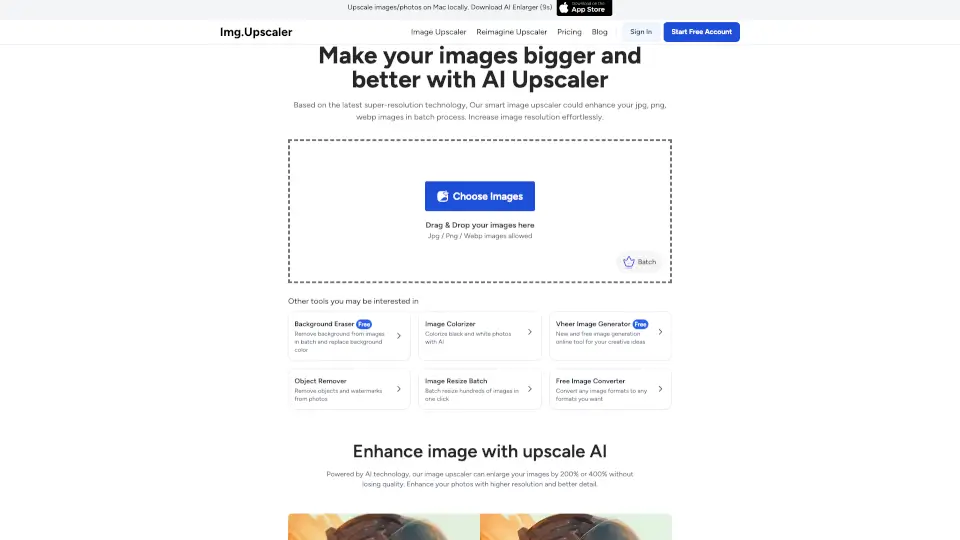
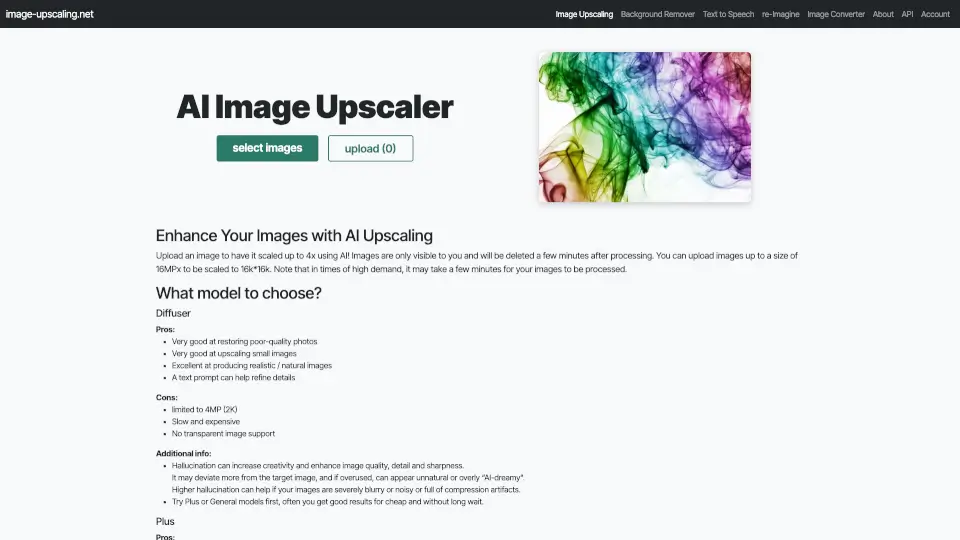
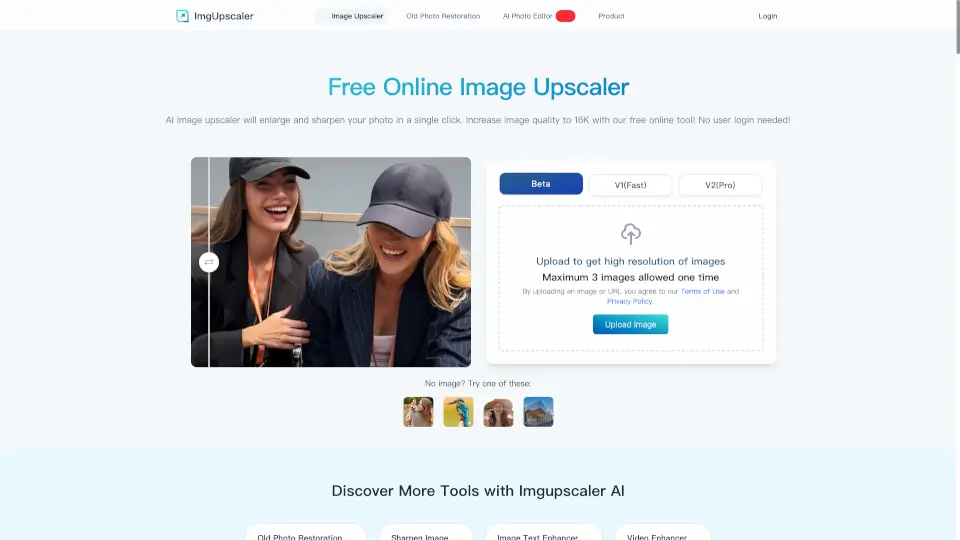
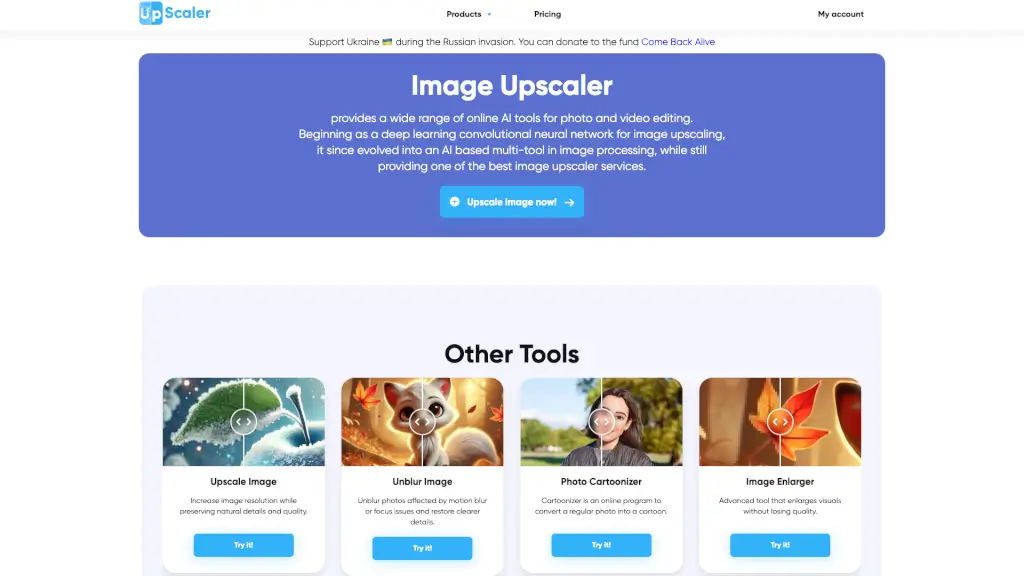
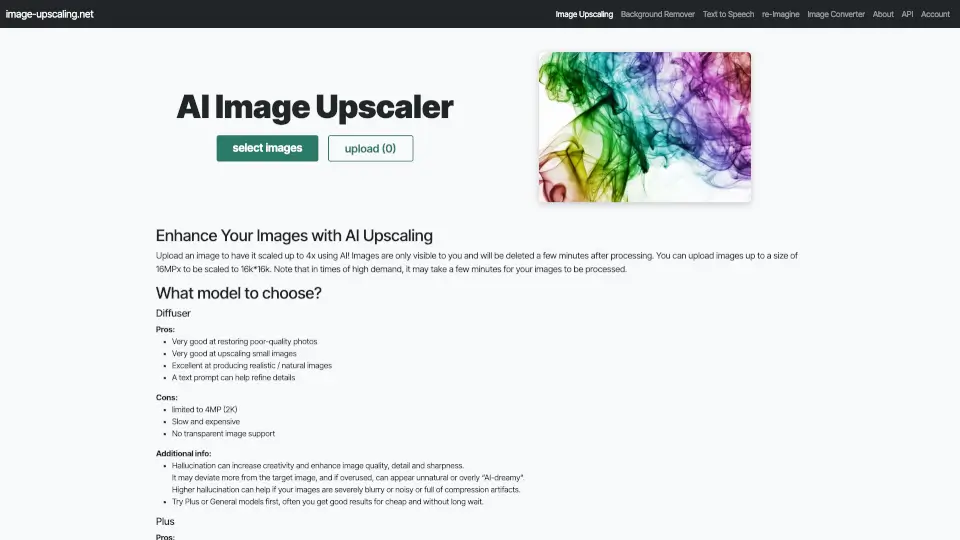
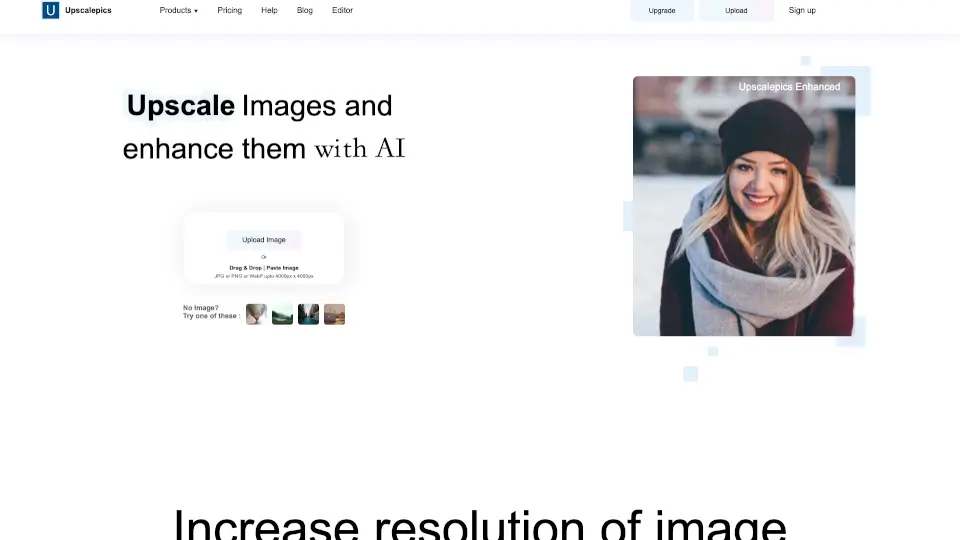
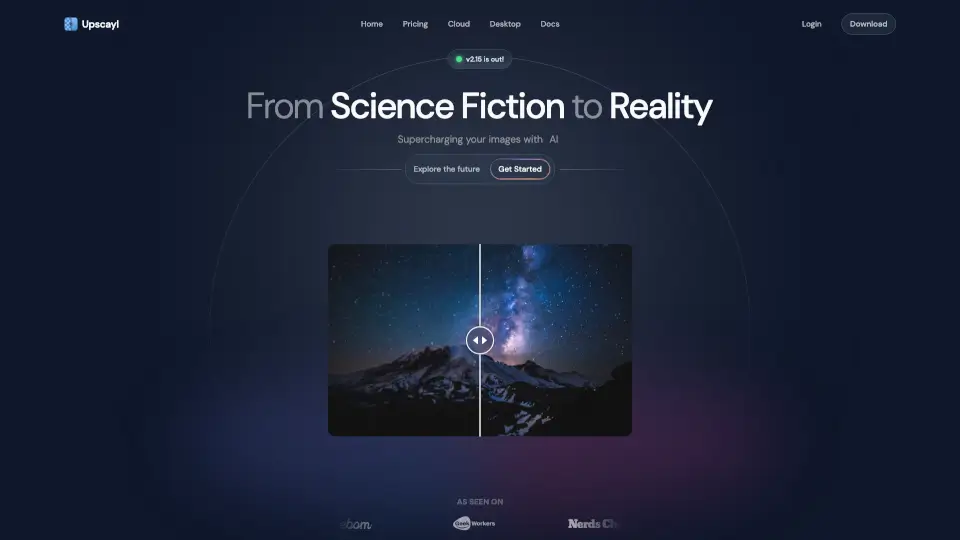
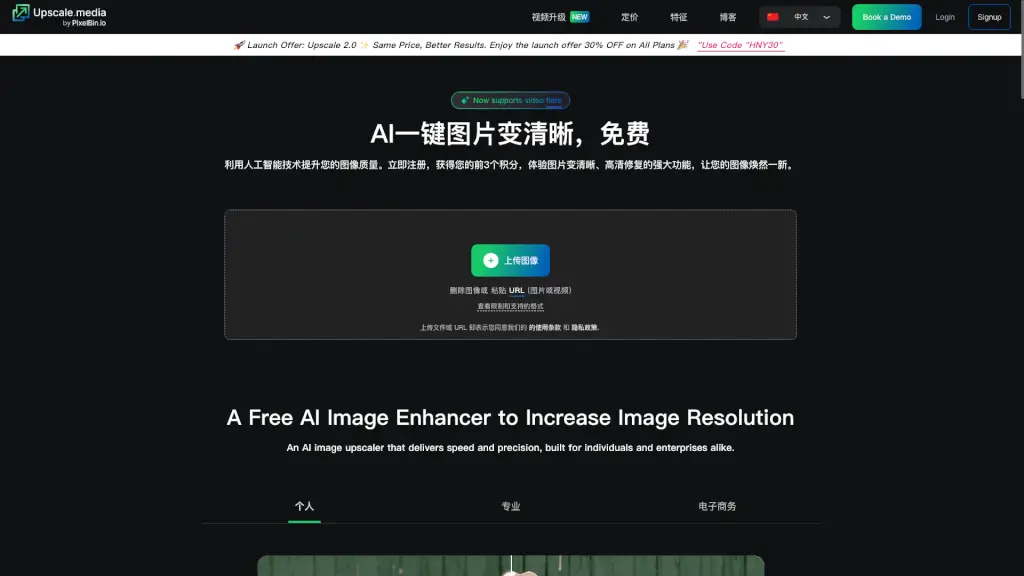
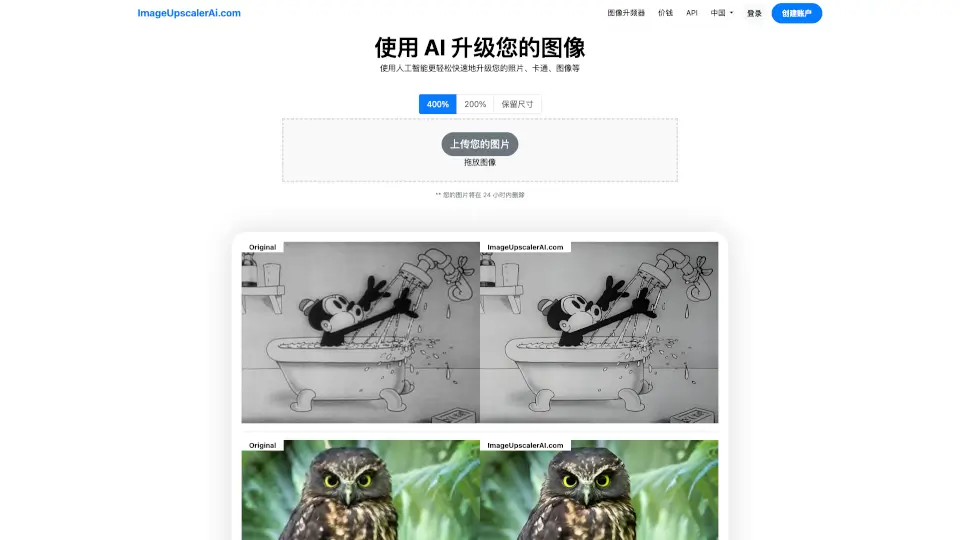
Tired of blurry, pixelated photos? ImageUpscalerAI.com is a free, easy-to-use AI-powered tool that instantly enhances your images—whether they’re old family photos, digital artwork, or screenshots. Using advanced artificial intelligence, it intelligently adds detail and sharpness to upscale your pictures up to 400% without losing quality.
Best of all, you don’t need any design skills or expensive software. Just drag, drop, and let the AI do the heavy lifting. Whether you're prepping an image for print, social media, or just want to restore a cherished memory, ImageUpscalerAI makes high-resolution results fast and accessible to everyone.
What are the features of Image Upscaler?
- AI-Powered Upscaling: Uses cutting-edge AI to intelligently enhance image details up to 4x (400%) resolution.
- Multiple Scale Options: Choose from 200%, 400%, or “Keep Original Size” depending on your needs.
- Free to Use: No cost for basic upscaling—ideal for casual users and hobbyists.
- Privacy-Focused: Uploaded images are automatically deleted within 24 hours, and Pro users get fully private processing.
- No Watermarks: Get clean, professional-looking results without branding or overlays.
- Multi-Format Support: Works with common image types like JPG, PNG, and more (exact formats not specified).
- Global Language Support: Available in over 70 languages, including Chinese, Spanish, Arabic, Hindi, and Japanese.
What are the use cases of Image Upscaler?
- Restore old or low-resolution family photos for printing or sharing online.
- Enhance screenshots or game captures for clearer social media posts.
- Upscale digital illustrations or anime art without losing crisp lines.
- Improve product photos for small business listings or e-commerce.
- Prepare web graphics for high-DPI displays (like Retina screens).
- Fix blurry images taken on older smartphones or cameras.
How to use Image Upscaler?
- Visit ImageUpscalerAI.com and click “Upload Your Picture” or drag and drop an image onto the page.
- Select your desired upscale level: 200%, 400%, or Keep Original Size.
- Wait a few seconds while the AI processes your image—progress is shown in real time.
- Download your enhanced image once processing is complete.
- Remember: Free users have a daily conversion limit; upgrade to Pro for unlimited use.
- Note that all uploaded images are automatically deleted after 24 hours for privacy.