
GenOffice logo

GenOffice

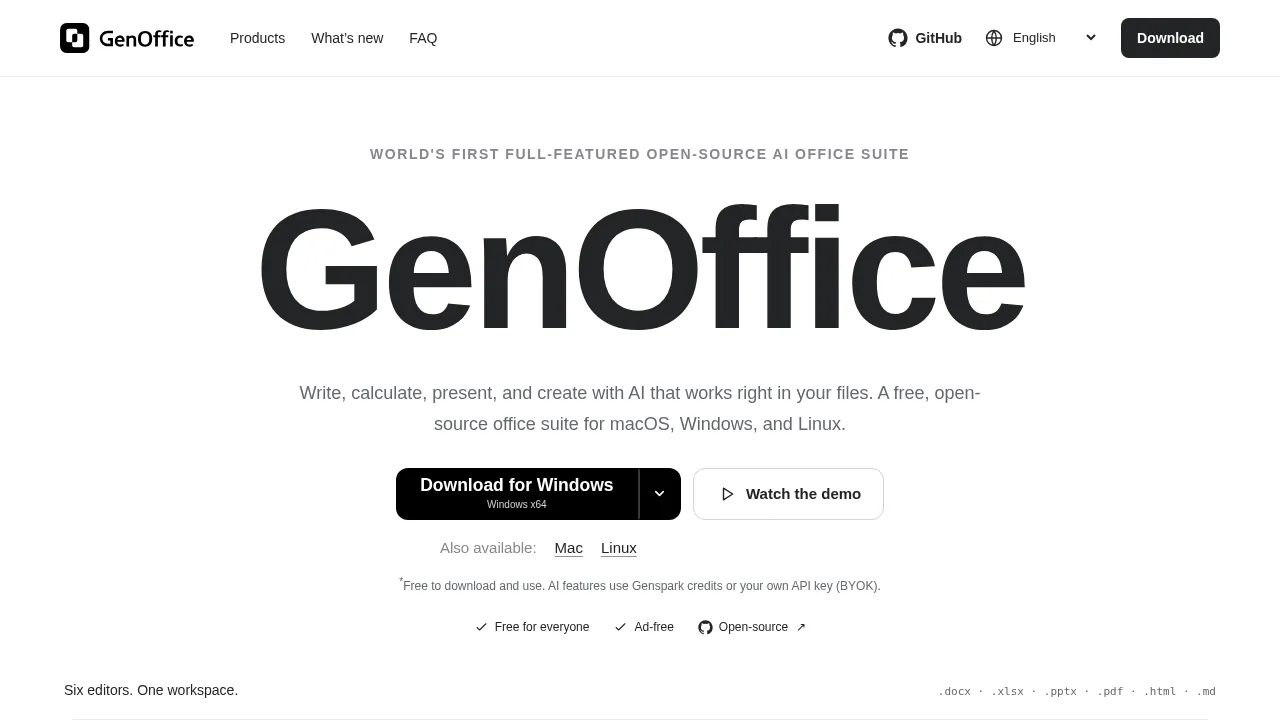
GenOffice is a cross-platform desktop suite that edits standard office formats and applies AI assistance directly within local files.

GenOffice

GenOffice Product Information

What is GenOffice?

GenOffice is a free, open-source desktop office suite for macOS, Windows, and Linux that integrates AI assistance directly into document editing. It supports opening, editing, and saving .docx, .xlsx, .pptx, .pdf, .html, and .md files locally. While core editing functions run offline, AI features require either Genspark credits or a user-provided API key.

What are the features of GenOffice?

  • Byte-preserving Word editing
    Opens and saves real .docx files, rewriting only the sections modified by the user.
  • Built-in spreadsheet engine
    Processes .xlsx files with support for charts, pivot tables, and slicers.
  • Native presentation editor
    Handles .pptx files including masters, layouts, and smart guides.
  • Direct PDF editing and conversion
    Edits text and images while preserving original fonts, and converts PDFs to Word, Excel, or PowerPoint locally.
  • Block-level AI edits
    Applies AI changes with snapshots and diffs, using Genspark or custom OpenAI-compatible endpoints like Claude, OpenAI, and Gemini.
  • Local HTML generation
    Produces single self-contained HTML files for landing pages, reports, or posters from design briefs.

What are the use cases of GenOffice?

  • Converting scanned documents
    Converts a PDF into an editable Word file locally without AI credits, using OCR on macOS and Windows.
  • Generating spreadsheets from prompts
    Asks the integrated AI to build a budget tracker in Sheets, which writes the formulas automatically.
  • Creating presentations from topics
    Describes a topic in Slides to receive a finished deck ready for further editing or presentation.

How to use GenOffice?

  1. Open the source file
    Launch the desktop app and open an existing PDF document.
  2. Select the output format
    Choose Word from the Convert PDF menu.
  3. Run local conversion
    The application converts the file locally without requiring AI credits.
  4. Edit the result
    Modify the resulting .docx file within the application.

GenOffice Pricing Information:

  • Desktop application
    Free to download and use, with no ads, license fees, or watermarks.
  • AI features
    Requires Genspark credits or a bring-your-own-key (BYOK) setup; third-party provider usage charges may apply.


Do you like this tool?

Upvote to help others discover it!

GenOffice Alternatives

WPS Office

WPS Office

WPS Office is a free, AI-driven office suite that offers seamless compatibility with Microsoft Office, advanced features, and real-time collaboration, making it perfect for students and professionals alike.

ID
8.09%
37.7M
0
GenText AI Assistant for MS Word

GenText AI Assistant for MS Word

GenText AI Assistant helps academics write and cite research reports accurately using AI integrated directly into Microsoft Word.

JP
21.74%
191.7K
0
ChatPDF

ChatPDF

ChatPDF allows users to upload documents in various formats and ask questions to generate cited summaries and answers.

US
10.13%
1.1M
0
DocTransGPT

DocTransGPT

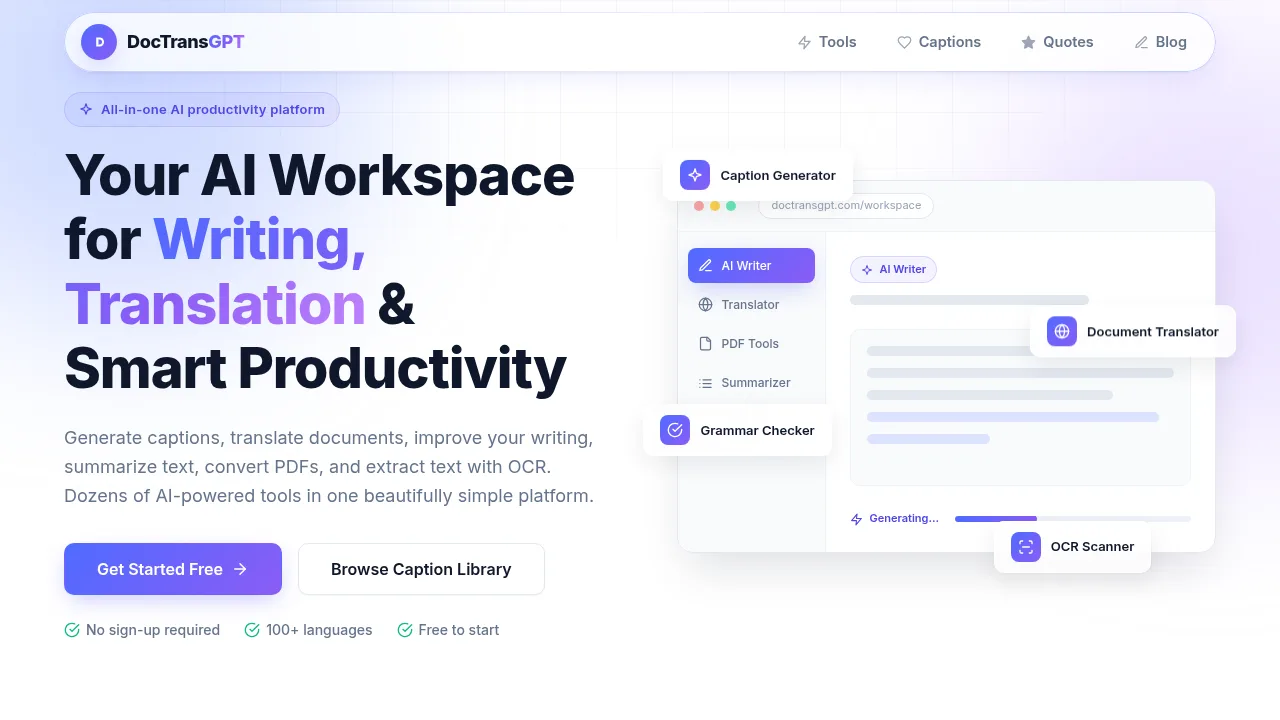
DocTransGPT provides browser-based tools for generating captions, translating documents, converting PDFs, extracting text via OCR, and summarizing content.

US
23.42%
63.6K
0
PopAi

PopAi

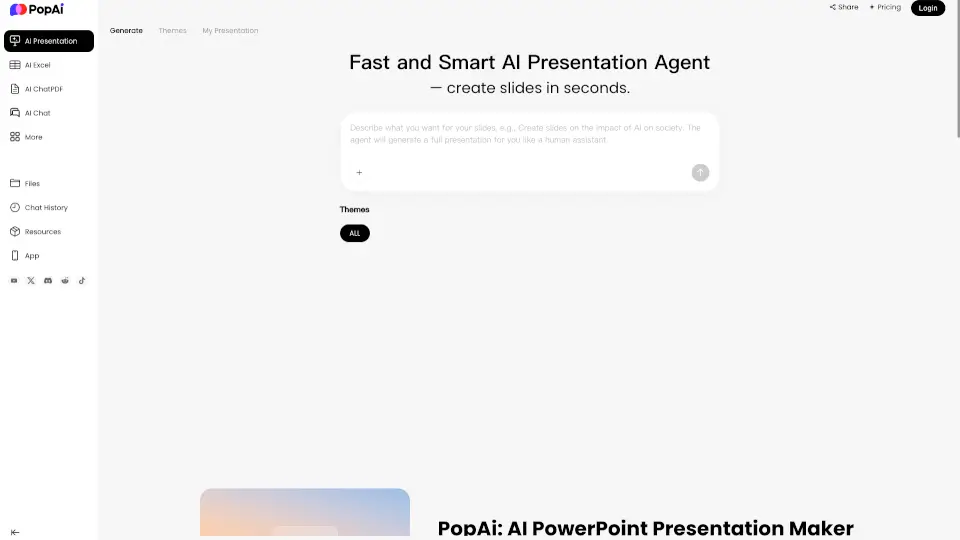
PopAi turns your notes and files into polished, editable AI presentation decks in seconds, saving hours of design work while delivering professional slides.

US
17.31%
187.7K
0
AI Perfect Assistant

AI Perfect Assistant

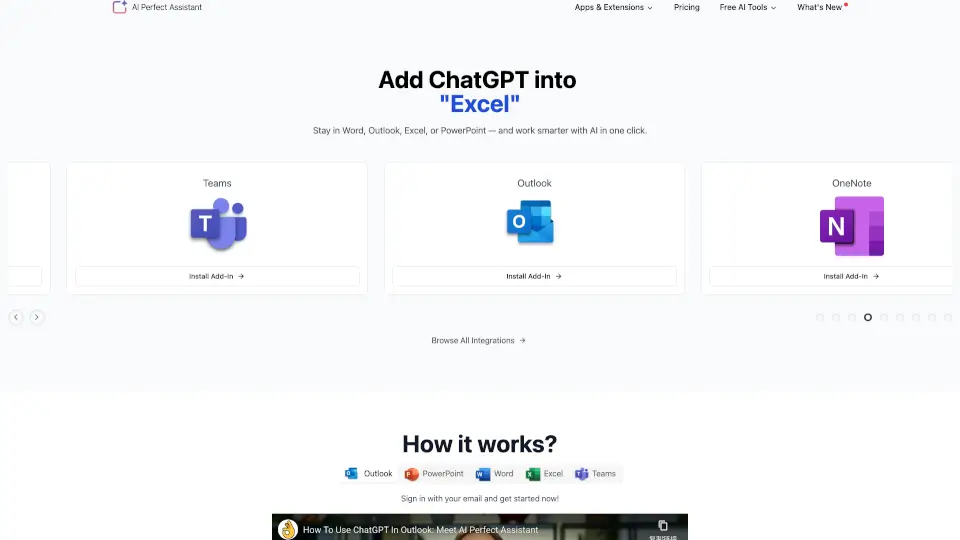
Streamline your daily workflow with AI Perfect Assistant, featuring versatile ChatGPT add-ins for Word, Excel, and Outlook to draft, edit, and automate office tasks quickly.

US
17.31%
48.7K
0
editGPT - Proofread, Edit, and Track Changes in chatGPT

editGPT - Proofread, Edit, and Track Changes in chatGPT

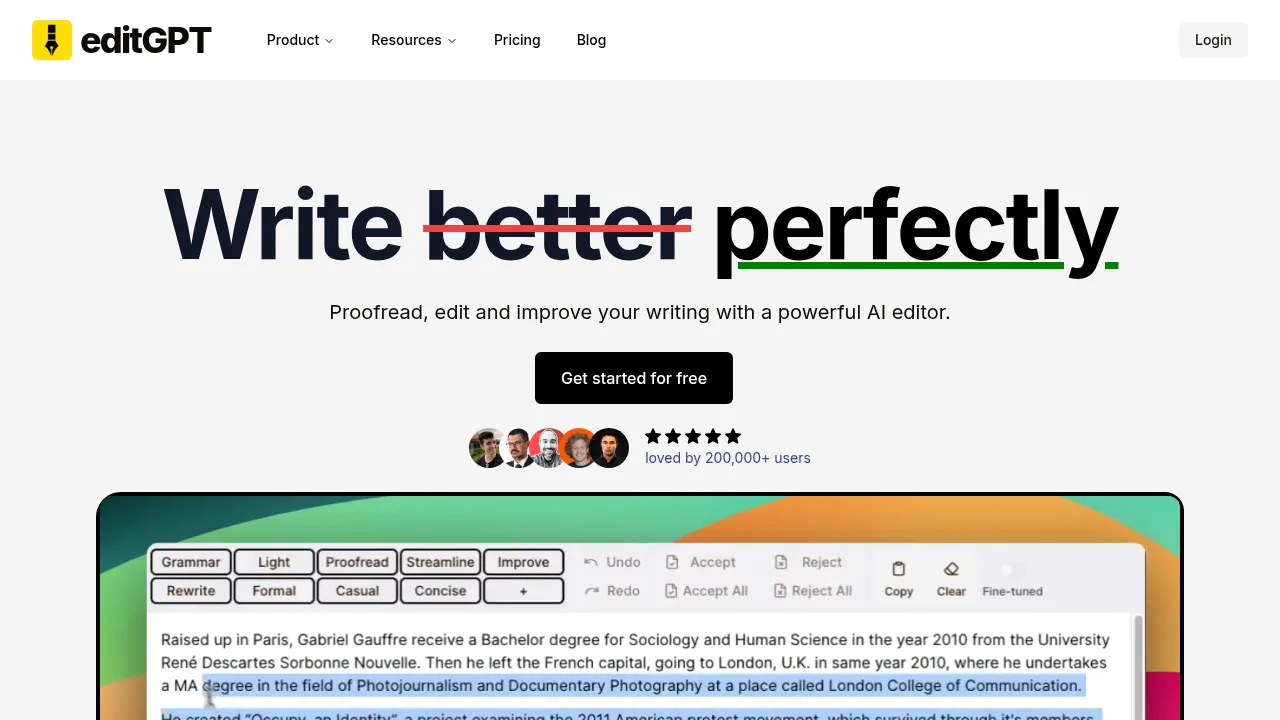
editGPT - Proofread, Edit, and Track Changes in chatGPT processes text in over 80 languages and exports edited Word documents with tracked changes preserved.

US
44.71%
198.1K
0
GoPDF

GoPDF

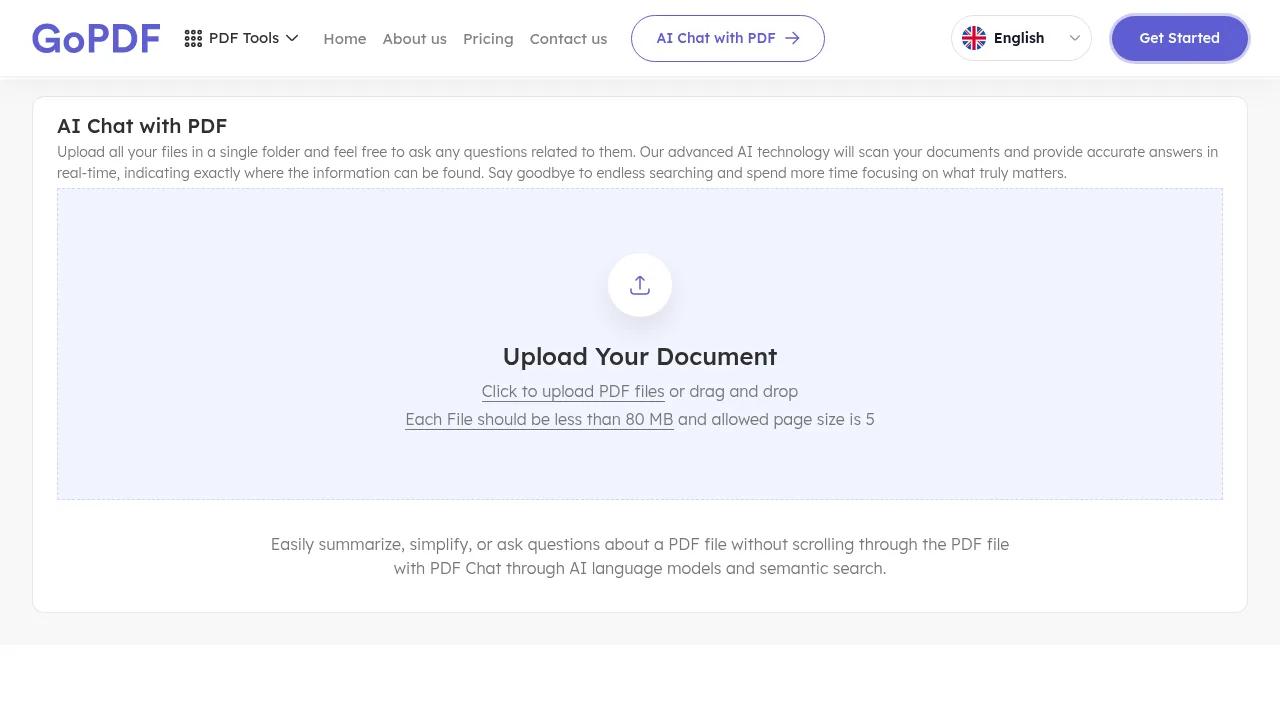
GoPDF lets users upload PDFs and receive AI-generated answers with exact page citations from the source documents.

US
17.32%
32.0K
0

GenOffice Related Other Categories

GenOffice Traffic Analysis

Website traffic estimates for genoffice.ai. Visits are not unique users or product usage.

💡 Insights

⭐
Medium Scale
100K-1M monthly visits. Growing tool with active development.
➡️
Stable
Traffic remains stable, indicating a mature product.
👍
Good Experience
Bounce rate of 47%. Users are willing to explore features.
  • Monthly Visits

    113.39K

  • Bounce Rate

    46.80%

  • Pages Per Visit

    1.50

  • Visit Duration

    00:00:30

  • Global Rank

    389836

  • Country Rank

    39567

Visits Over Time

Traffic Sources

Search Organic48.94%
Direct31.39%
Referrals10.65%
Social Organic7.85%
Gen Ai0.60%
Search Paid0.23%
Display Ads0.14%
Mail0.13%
Social Paid0.07%
Affiliate0.00%

Top Keywords

1
genoffice
16.46KTraffic
2
gen office
3.54KTraffic
3
genofice
430Traffic
4
genoffce
230Traffic
5
linux genoffice
230Traffic

Top Regions

RegionPercentage
China
China
36.75%
Mexico
Mexico
10.90%
United States
United States
7.77%
South Korea
South Korea
5.61%
India
India
4.88%
Low
High

Powered by SimilarWeb

GenOffice FAQ

Does GenOffice work without an internet connection?

Opening, editing, saving, and PDF-to-Office conversion run locally offline. Online connectivity is required only when using AI features.

Will my existing Office files look exactly the same?

GenOffice opens and saves .docx, .xlsx, and .pptx files, but complex formatting can vary. The vendor advises checking important files before sharing them.

GenOffice Reviews

0
0 Reviews
Sign Into leave a review

Recent Reviews

No reviews yet

GenOffice Embed

Use website badges to drive community support for SeekTool.ai. They are easy to embed in your homepage or footer.

Light
Dark
GenOffice - Featured on SeekTool.aiGenOffice - Featured on SeekTool.ai
How to install?