
什麼是AI Perfect Assistant?
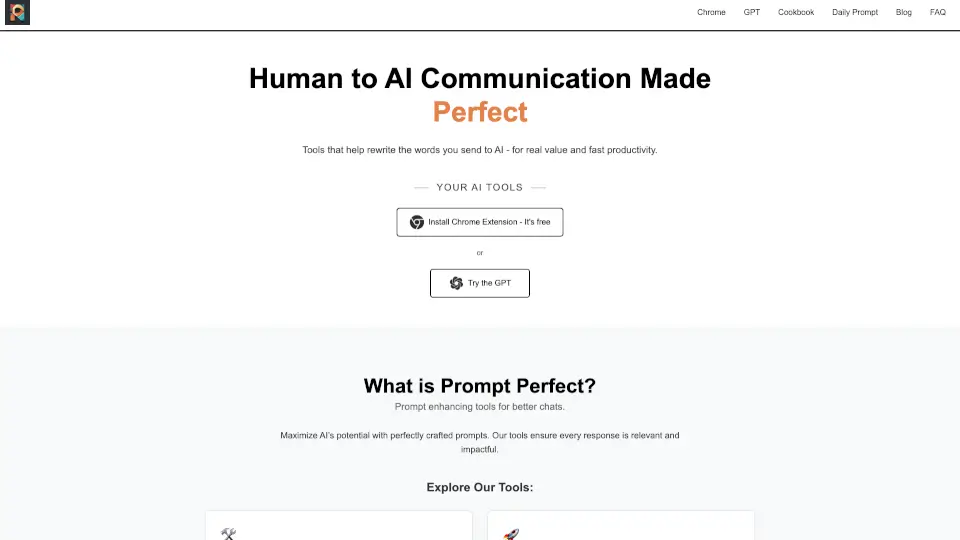
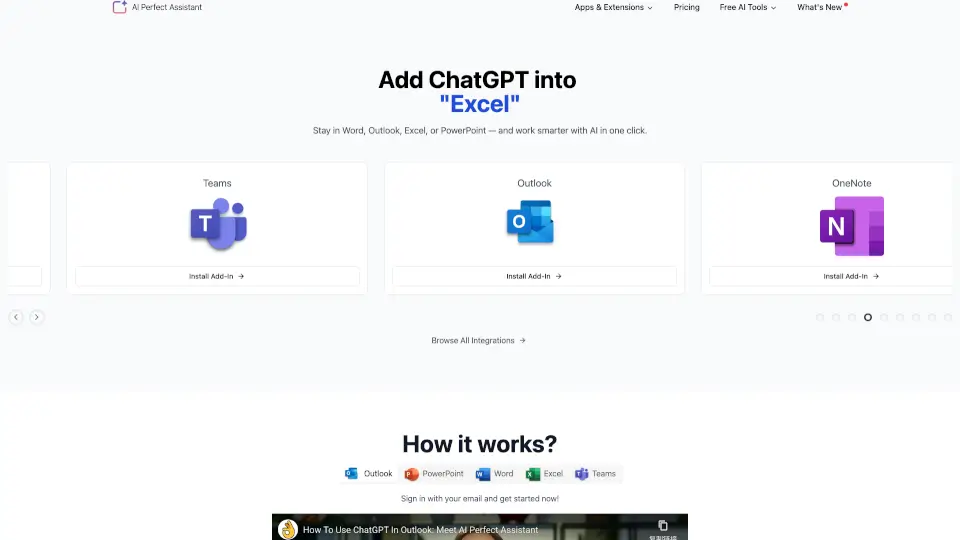
AI Perfect Assistant 是一款將強大 AI 能力直接帶入日常辦公軟體的瀏覽器外掛。無論是 Word、Excel、PowerPoint、Outlook 還是 OneNote,您都能在不離開當前畫面的情況下,呼叫 ChatGPT、Copilot 或 Gemini 等模型來協助工作。它的最大價值在於把原本需要切換多個網站才能完成的整理、寫作與排版任務,變成只需一鍵點擊就能自動生成結果。不管是撰寫報告、處理複雜試算表、規劃社群貼文,還是回覆客戶郵件,這份工具都能大幅減少重複勞動,讓您把時間留給更重要的判斷與創意。
AI Perfect Assistant的特色是什麼?
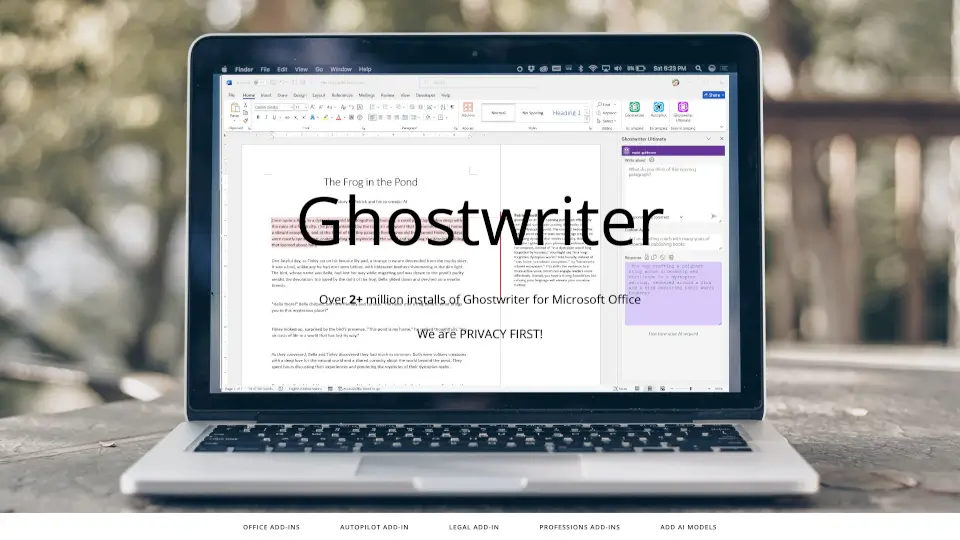
- 原生軟體深度整合:不用切換視窗或複製貼上,所有 AI 指令直接在 Office 選單列執行,降低資料遺失或格式跑版的風險。
- 內建超過 60 種實用工具:突破僅限語法檢查的限制,涵蓋簡報大綱自動產生、長文本濃縮、Excel 公式即時生成、社群廣告文案與 SEO 標題優化等多元情境。
- 多模型自由切換:支援 OpenAI、Google Gemini、Microsoft Copilot、Claude 與 Perplexity,可依文章類型或數據需求挑選最合適的語音與邏輯模型。
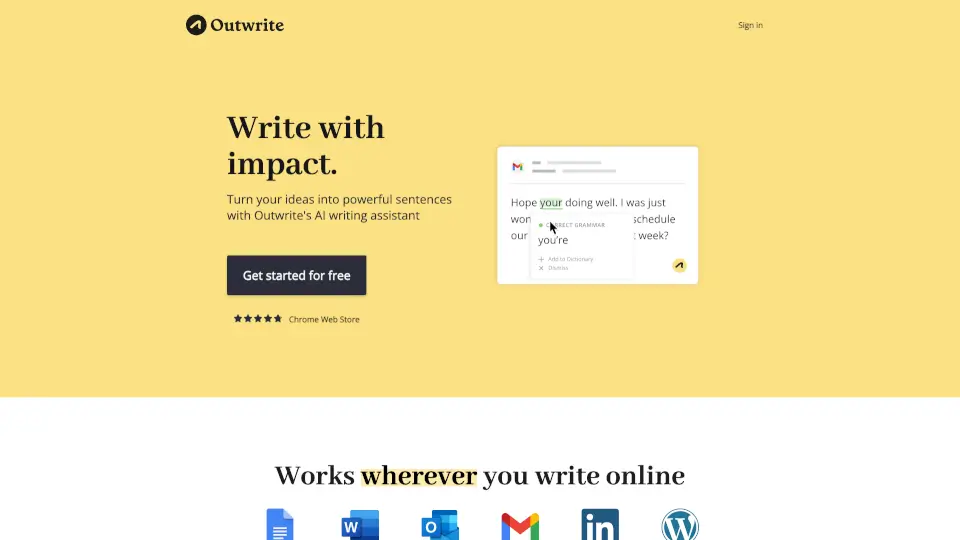
- 高 CP 值替代方案:對比 Grammarly Business 或 QuillBot Premium,本外掛在價格上更為親民,且完整保留商務寫作、數據分析與跨平台協作的核心功能。
- 符合 GDPR 隱私規範:系統架構注重使用者資安,提供清晰的資料處理透明度,適合重視個資保護的個人創作者與中小型團隊。
AI Perfect Assistant的使用案例有哪些?
- 快速起草與潤飾專業郵件:在 Outlook 中選取零碎想法,套用「正面回覆」或「拒絕客戶提案」模板,一鍵產出禮貌得體且語氣成熟的商務信。
- 會議筆記秒變簡報投影片:將 Word 或 OneNote 中的雜亂紀錄匯入,選擇「自動轉投影片」功能,AI 會自動抓取關鍵結論並分頁排版。
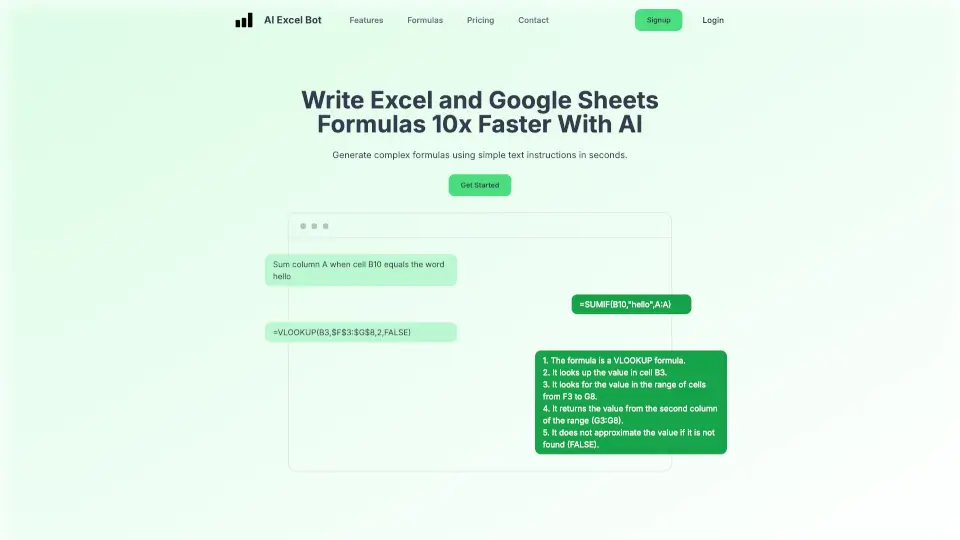
- 解決 Excel 進階運算卡關:遇到不懂的交叉比對或條件統計時,直接用自然語言描述需求,工具不僅跑出正確公式,還會逐行解釋每個參數的用途。
- 一站式社群行銷排程:利用內建的 Instagram 標籤推薦、TikTok 腳本生成器與Facebook 廣告文案工具,半天內完成整週的內容企劃表。
如何使用AI Perfect Assistant?
- 從 Chrome 線上商店搜尋 AI Perfect Assistant,按下新增至 Chrome 並依指示登入帳號完成啟用。
- 開啟目標軟體(如 Word 或 Outlook)後,先選取想要處理的文字區塊或表格區域,再點擊外掛浮動按鈕喚出對話面板。
- 在左側分類列表中挑選對應情境(例如「改善草稿」、「產生簡報大綱」),或直接手動輸入具體指令,AI 便會即時輸出結果。
- 強烈建議初次使用時先調整語言偏好與寫作語氣(例如正式、活潑或學術風格),如此生成的內容會更符合您的品牌人聲,後續只需微調字句即可套用。
- 若經常處理內部機密文件,請務必在設定中確認隱私權條款,並避開在公共模式下上傳含客戶聯絡資訊的敏感資料。