
AI Perfect Assistant logo

AI Perfect Assistant

4.0
(0 Reviews)
United States16.15%

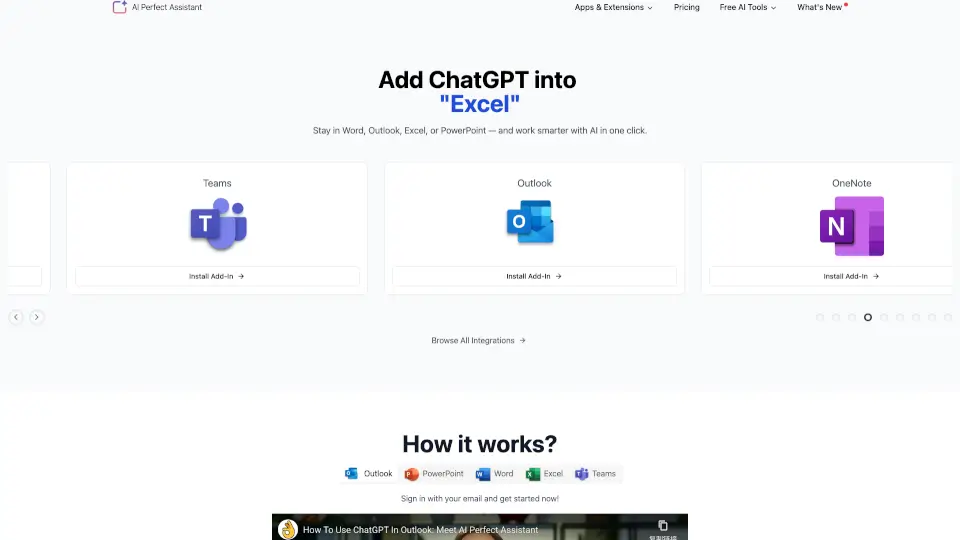
Streamline your daily workflow with AI Perfect Assistant, featuring versatile ChatGPT add-ins for Word, Excel, and Outlook to draft, edit, and automate office tasks quickly.

Verified by SeekTool
Social Media:
AI Perfect Assistant

AI Perfect Assistant Product Information

What is AI Perfect Assistant?

AI Perfect Assistant brings the power of artificial intelligence directly into the Microsoft Office apps you already use every day. Instead of hopping between browser tabs or copying text into random websites, this tool lets you write smarter, edit faster, and automate routine tasks without ever leaving Word, Excel, PowerPoint, Outlook, or OneNote. Designed for students, remote workers, and creators, it acts as your personal AI co-pilot right where you do your best work.

What are the features of AI Perfect Assistant?

  • Native Office Integration: Works smoothly inside Word, Outlook, Excel, PowerPoint, Teams, and more—zero switching required.
  • 60+ Specialized AI Tools: Goes way past basic spellcheck with dedicated commands for email drafting, slide creation, formula generation, and social media planning.
  • Smart Text Selection: Highlight any sentence or paragraph, pick an action, and instantly get polished, ready-to-use results.
  • Budget-Friendly Alternative: Delivers full multi-app support and advanced capabilities at a fraction of the cost of Grammarly Business or QuillBot Premium.
  • Privacy-First Design: Fully GDPR compliant so your documents stay secure while the AI handles heavy lifting behind the scenes.

What are the use cases of AI Perfect Assistant?

  • Draft polite client updates, handle upset customer complaints, or welcome new hires straight from Outlook.
  • Transform messy meeting notes into structured agendas or convert long blog posts into clean PowerPoint slides.
  • Build complex Excel formulas from plain English prompts and get step-by-step explanations for confusing cells.
  • Generate catchy SEO titles, meta descriptions, and Instagram captions while staying inside your writing flow.
  • Smooth out awkward phrasing, fix grammar slips, and rewrite paragraphs to match your exact brand voice.

How to use AI Perfect Assistant?

  • Download and install the AI Perfect Assistant add-in from your app’s official marketplace or extension store.
  • Sign up with your email to activate your workspace and unlock the full toolkit.
  • Open any supported app, highlight the text you want to improve, and click the AI toolbar button.
  • Select your goal from the dropdown menu—like Fix Grammar, Generate Reply, or Create Outline—and watch the assistant transform your draft in seconds.
  • Review the output, accept changes, and keep working seamlessly without breaking your concentration.

Do you like this tool?

Upvote to help others discover it!

AI Perfect Assistant Alternatives

Prompt Perfect

Prompt Perfect

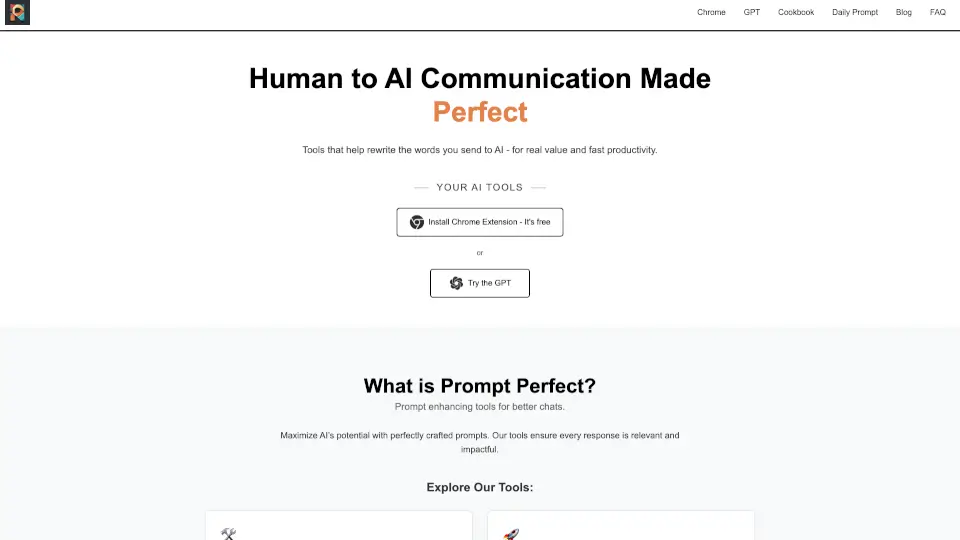
Enhance your AI interactions with Prompt Perfect, a free Chrome extension and custom AI assistant that refines and perfects your prompts for better, more effective AI-generated content.

US
15.20%
42.3K
4.0
Copilot for Microsoft 365

Copilot for Microsoft 365

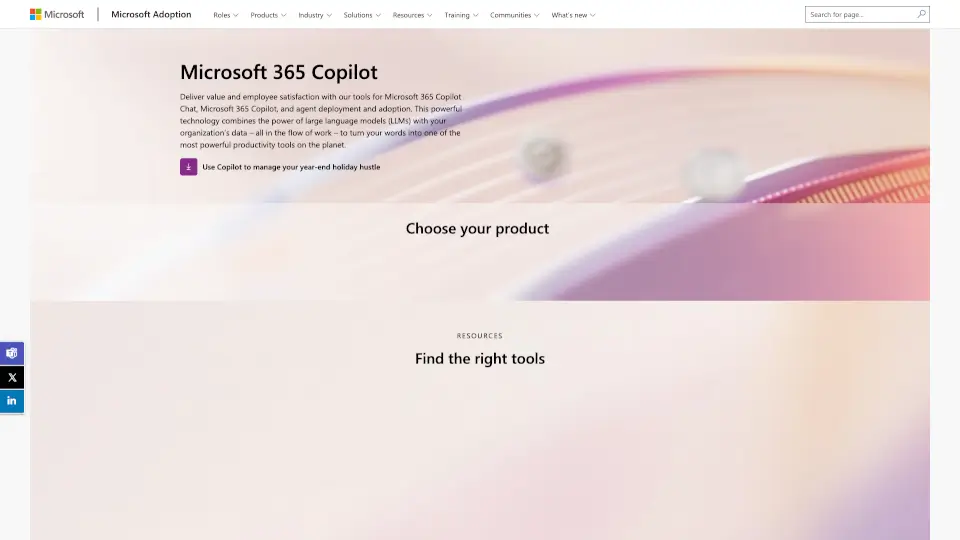
Microsoft 365 Copilot boosts productivity by embedding secure, context-aware AI directly into your daily workflows across Word, Excel, Outlook, Teams, and more.

US
18.59%
429.0K
5.0
Ghostwriter Add-ins for Microsoft Office

Ghostwriter Add-ins for Microsoft Office

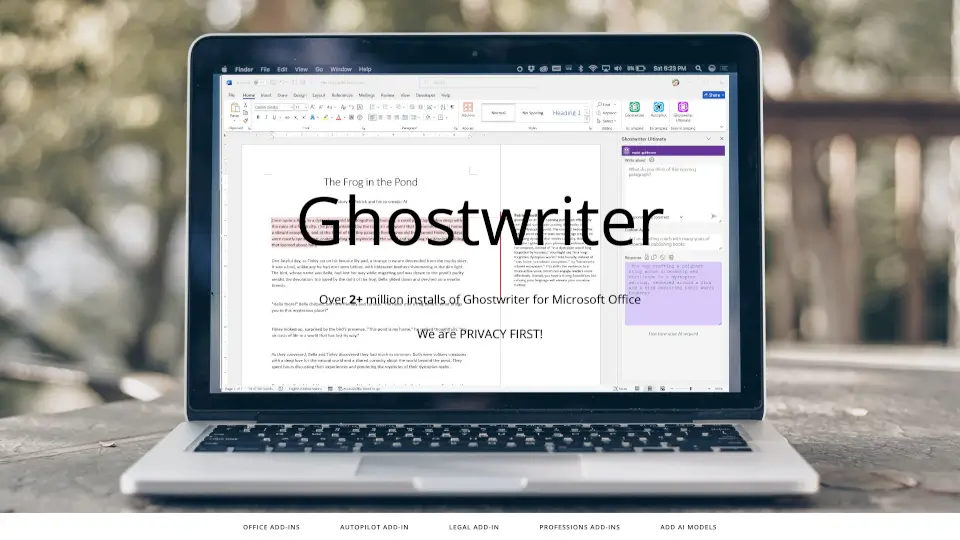
Ghostwriter Add-ins enhance your writing experience while prioritizing your privacy.

US
22.91%
25.1K
4.0
GenText AI Assistant for MS Word

GenText AI Assistant for MS Word

GenText AI Assistant helps academics write and cite research reports accurately using AI integrated directly into Microsoft Word.

US
19.52%
235.3K
5.0
Outwrite

Outwrite

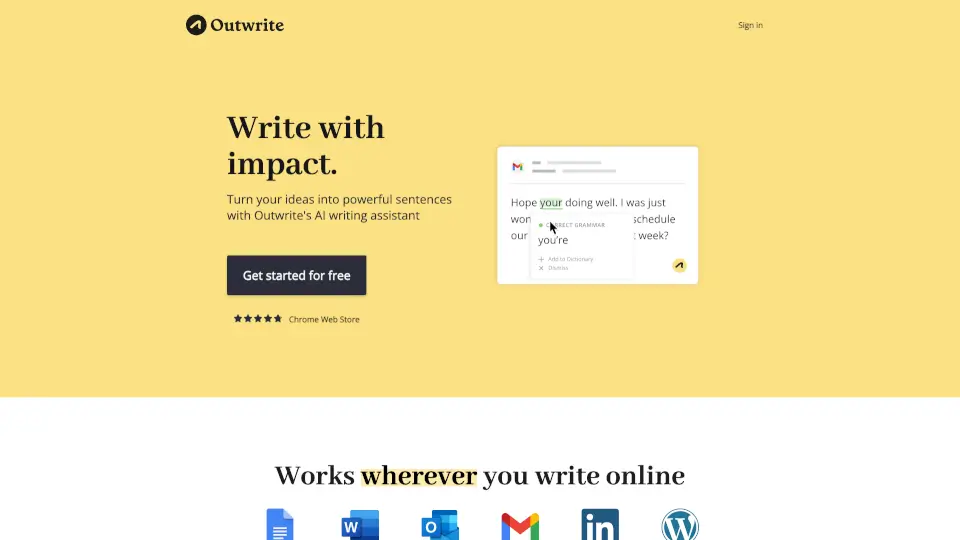
Outwrite helps you write with confidence—fixing errors, improving style, and boosting readability. Perfect for students, professionals, and teams.

FR
16.26%
31.5K
4.0
GPT For Work

GPT For Work

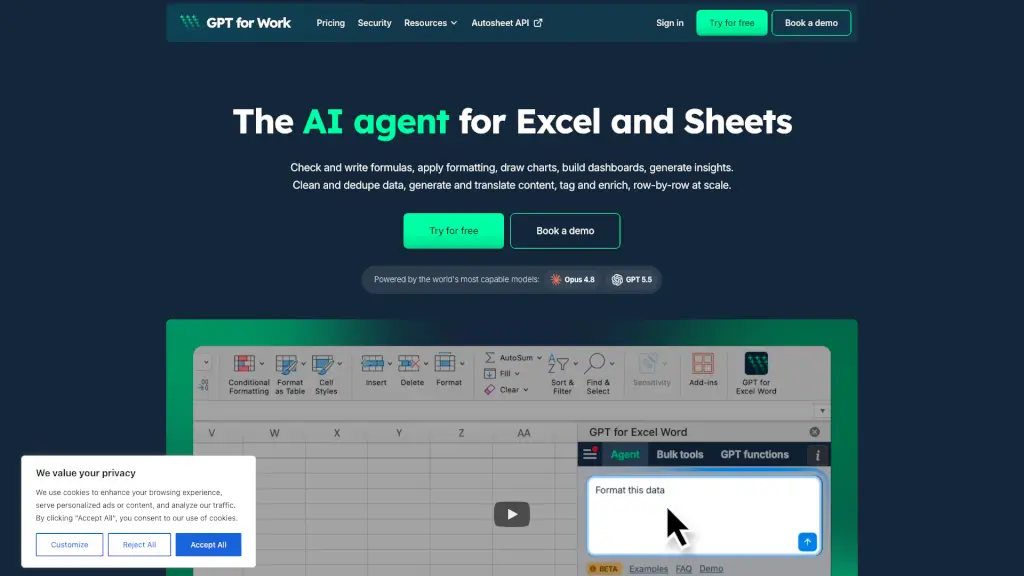
GPT for Work is the AI agent for Excel and Google Sheets that writes formulas, cleans data, and bulk-enriches thousands of rows in minutes.

US
14.55%
416.1K
5.0
Othersideai

Othersideai

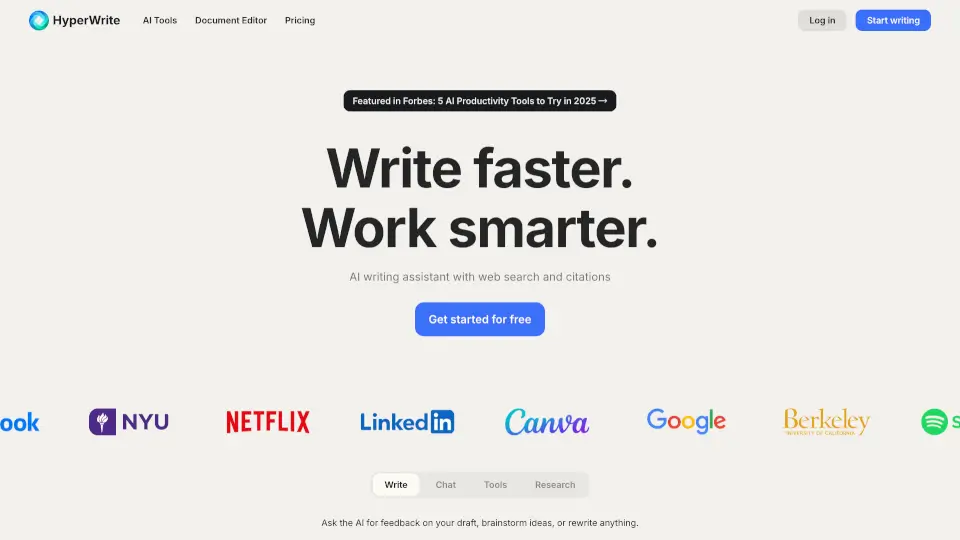
HyperWrite is an AI writing assistant that boosts productivity with smart tools for drafting, editing, researching, and replying—all tailored to your unique voice.

US
44.52%
233.3K
5.0
AI Formula Wizard

AI Formula Wizard

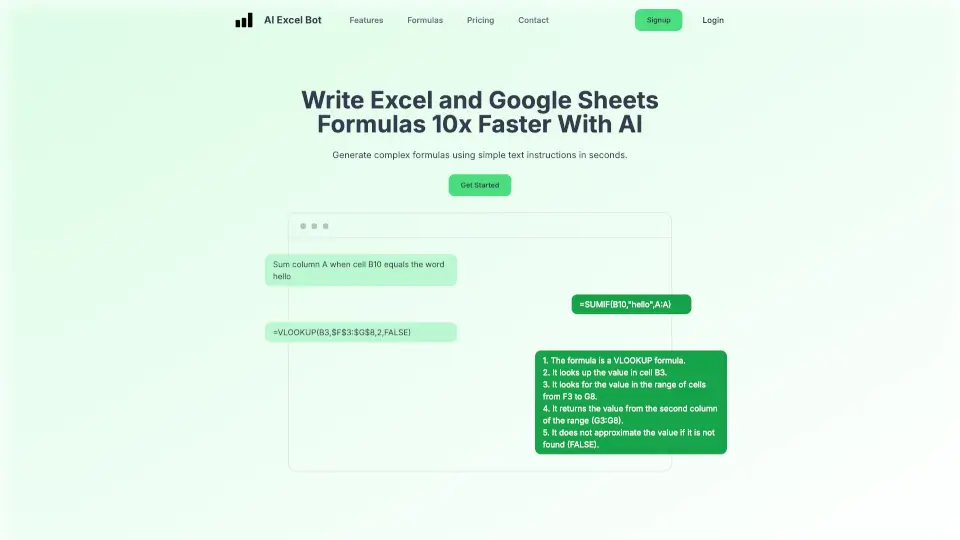
AI Excel Bot simplifies spreadsheet tasks by generating complex formulas, explaining them, and even writing VBA code using AI. Perfect for students, professionals, and beginners.

US
14.88%
41.7K
4.0

AI Perfect Assistant Related Other Categories

AI Perfect Assistant Traffic Analysis

💡 Insights

🌱
Emerging Tool
10K-100K monthly visits. Niche or new tool with potential unique value.
📉
Traffic Decline
Significant traffic drop recently. Check for alternatives.
👍
Good Experience
Bounce rate of 39%. Users are willing to explore features.
🌐
Global Reach
Balanced user distribution worldwide.
  • Monthly Visits

    37.00K

  • Bounce Rate

    38.98%

  • Pages Per Visit

    1.72

  • Visit Duration

    00:00:19

  • Global Rank

    891974

  • Country Rank

    1051767

Visits Over Time

Traffic Sources

Gen Ai0.00%
Display Ads0.00%
Social Organic0.00%
Mail0.00%
Search Paid0.00%
Social Paid0.00%
Referrals0.00%
Affiliate0.00%
Search Organic0.00%
Direct0.00%

Top Keywords

1
is there a plugin gemini for pptx?
120Traffic
2
iweaver company profile generator
110Traffic
3
chatgpt word addin
90Traffic
4
co mi da wersja płatna ai z googla? czyli płatna wersja ciebie?
90Traffic
5
add big excel files in deepseek
90Traffic

Top Regions

RegionPercentage
United States
United States
16.15%
Nigeria
Nigeria
7.54%
India
India
6.51%
Vietnam
Vietnam
5.97%
Thailand
Thailand
4.70%
Low
High

Powered by SimilarWeb

AI Perfect Assistant FAQ

How does AI Perfect Assistant actually differ from Grammarly?

Grammarly mostly focuses on spelling, punctuation, and basic tone checks across a limited set of platforms. AI Perfect Assistant runs natively inside Word, Excel, PowerPoint, and Outlook, and offers 60+ targeted tools for drafting emails, building presentations, and writing Excel formulas—not just checking typos.

Which programs and browsers can I install this add-in on?

You can plug it directly into Word, Excel, PowerPoint, Outlook, OneNote, Microsoft Teams, Gmail, Chrome, and Telegram. The platform supports over 100 integrations so you can keep everything centralized.

Will using the AI features slow down my computer or leak my data?

No. The add-in is built to run lightweight and stays inside your current app window. Plus, it is fully GDPR compliant, meaning your files and messages are processed securely without being sold or used to train outside models.

Can beginners use this tool effectively?

Absolutely. The interface is straightforward: just type what you need or highlight your draft, pick a prompt from the easy menu, and review the result. It breaks down complicated tasks like spreadsheet formulas or meeting summaries into simple, one-click actions.

AI Perfect Assistant Reviews

0

0

0 Reviews
Sign Into leave a review

Recent Reviews

No reviews yet

AI Perfect Assistant Pricing

Pro

Start for free and use across all Office 365 apps. Buy a subscription to unlock premium features.
$99.99 / annually
  • Monthly Token Limit: 100 tokens
  • ChatGPT version: 4.0
  • Query Limits: Standard
  • Full Integration with Office 365
  • Full Integration with Telegram
  • Chrome Extension
  • Regular Updates
  • Professional Support: Unavailable

Premium

Most popular plan with extended features.
$299.99 / annually
  • Monthly Token Limit: 3,000 tokens
  • ChatGPT version: 4.0-omega
  • Query Limits: Extended
  • Full Integration with Office 365
  • Full Integration with Telegram
  • Chrome Extension
  • Regular Updates
  • Professional Support: Unavailable

AI Perfect Assistant Embed

Use website badges to drive community support for SeekTool.ai. They are easy to embed in your homepage or footer.

Light
Dark
AI Perfect Assistant - Featured on SeekTool.aiAI Perfect Assistant - Featured on SeekTool.ai
How to install?