
GenText AI Assistant for MS Word logo

GenText AI Assistant for MS Word

5.0
(0 Reviews)
United States19.52%

GenText AI Assistant helps academics write and cite research reports accurately using AI integrated directly into Microsoft Word.

Verified by SeekTool
Social Media:

GenText AI Assistant for MS Word Product Information

What is GenText AI Assistant for MS Word?

GenText AI Assistant is a smart, easy-to-use Microsoft Word add-in designed specifically for academics who want to write research reports faster and cite sources accurately. Instead of spending hours formatting citations or hunting down references, GenText taps into a massive database of over 200 million academic papers—powered by Semantic Scholar—to help you generate well-structured, properly cited content right inside Word.

Whether you're a grad student drafting your thesis or a professor preparing a journal submission, GenText streamlines the writing process so you can focus on your ideas, not the mechanics. It’s built with academic integrity in mind, using AI fine-tuned for scholarly writing—not generic content generation.

What are the features of GenText AI Assistant for MS Word?

  • AI-Powered Academic Writing: Generates professional, accurate research text tailored to academic standards.
  • Seamless MS Word Integration: Works directly inside Microsoft Word—no switching between apps.
  • Semantic Scholar Integration: Pulls from a database of 200+ million peer-reviewed papers for credible sourcing.
  • Automatic Citation Support: Helps cite sources correctly in your preferred style (e.g., APA, MLA, Chicago).
  • Three Flexible Pricing Tiers: Free (2,000 words/month), Premium ($19/month for 100,000 words), and Business ($49/month for unlimited use).
  • Real-Time Document Editing: Can read and modify your document to suggest improvements or insert content.
  • Internet Connectivity: Sends data online to fetch relevant research and generate responses.

What are the use cases of GenText AI Assistant for MS Word?

  • A PhD student writing a literature review and needs quick access to recent studies with proper citations.
  • A researcher preparing a conference paper under a tight deadline who wants to reduce formatting time.
  • A university instructor creating course materials that reference up-to-date academic sources.
  • A postdoc drafting a grant proposal and requiring accurate, well-structured background sections.
  • An academic collaborating on a multi-author paper and needing consistent citation formatting.
  • A non-native English speaker improving clarity and academic tone in their manuscript.

How to use GenText AI Assistant for MS Word?

  • Install GenText AI Assistant from the Microsoft AppSource Marketplace.
  • Open Microsoft Word and sign in to your account if prompted.
  • Click the GenText sidebar or ribbon to activate the assistant within your document.
  • Describe what you need—like “summarize recent findings on climate change adaptation”—and let GenText generate text.
  • Review and edit the AI-generated content; accept or reject suggestions as needed.
  • Use the citation tool to automatically format references based on your selected style guide.
Do you like this tool?

Upvote to help others discover it!

GenText AI Assistant for MS Word Alternatives

Writefull

Writefull

Writefull is an AI-powered academic writing assistant that proofreads, paraphrases, and enhances research texts with discipline-specific intelligence.

US
12.09%
136.7K
5.0
ThesisAI

ThesisAI

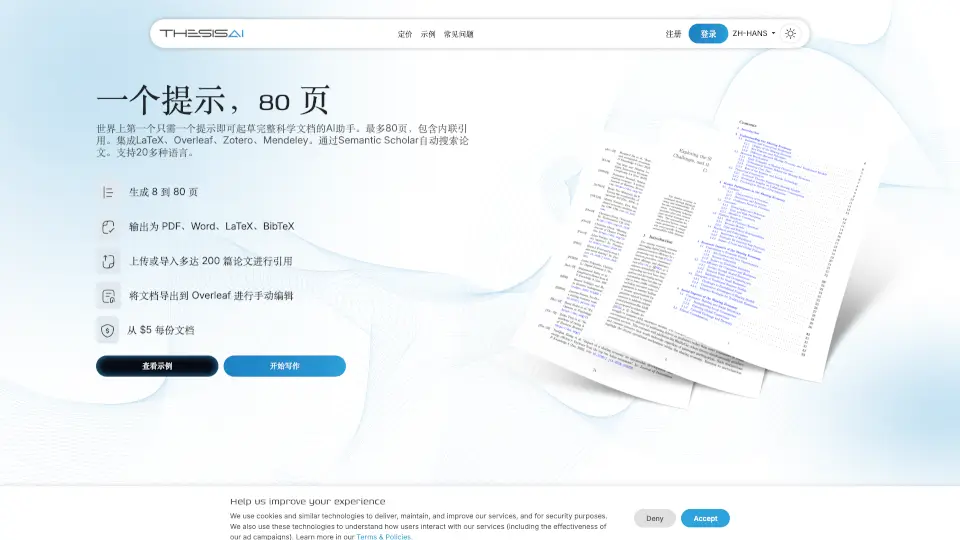
ThesisAI is an AI-powered tool that helps you create scientific documents quickly and efficiently, with features like LaTeX integration, inline citations, and multilingual support.

IQ
11.52%
219.8K
5.0
AI Perfect Assistant

AI Perfect Assistant

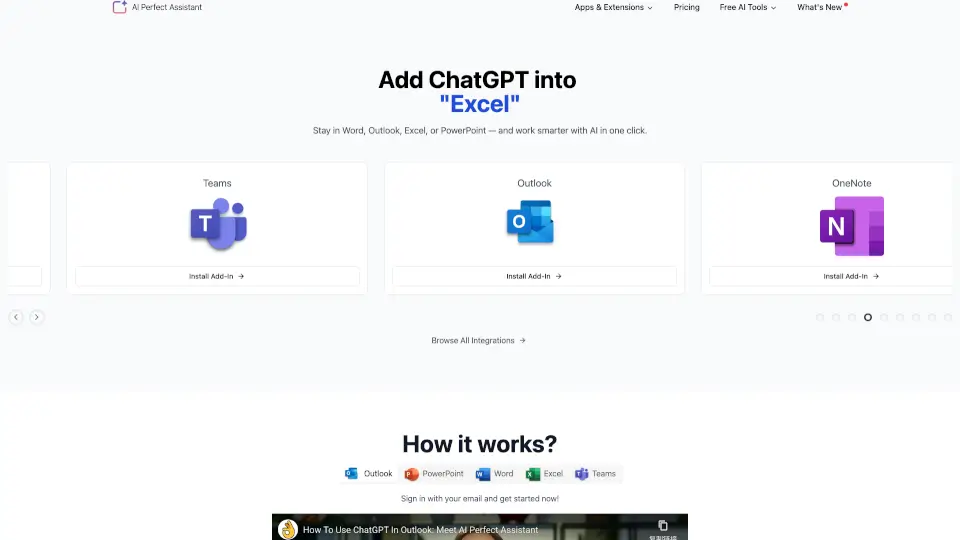
Streamline your daily workflow with AI Perfect Assistant, featuring versatile ChatGPT add-ins for Word, Excel, and Outlook to draft, edit, and automate office tasks quickly.

US
16.15%
37.0K
4.0
Thesify

Thesify

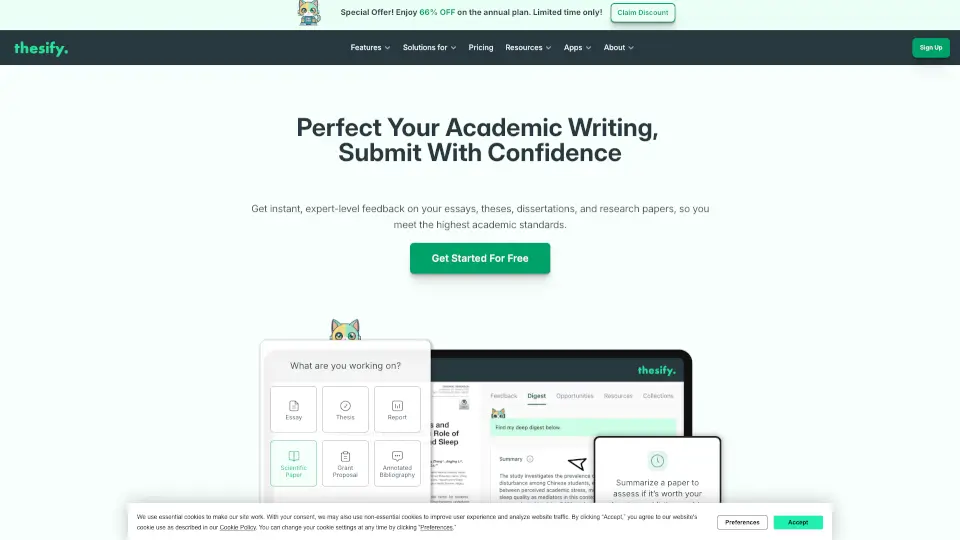
Thesify boosts academic writing with AI-powered feedback, citations, and research tools—keeping your work original and polished.

US
6.01%
153.0K
5.0
CoWriter

CoWriter

CoWriter AI is the smartest copilot for academic writing, helping students research, write, and cite faster while staying undetectable and original.

EG
21.83%
16.4K
4.0
AnyGen

AnyGen

AnyGen is a powerful AI tool that helps you create, refine, and polish professional content through collaborative editing and real-time feedback.

CN
18.82%
180.7K
5.0
Yomu AI

Yomu AI

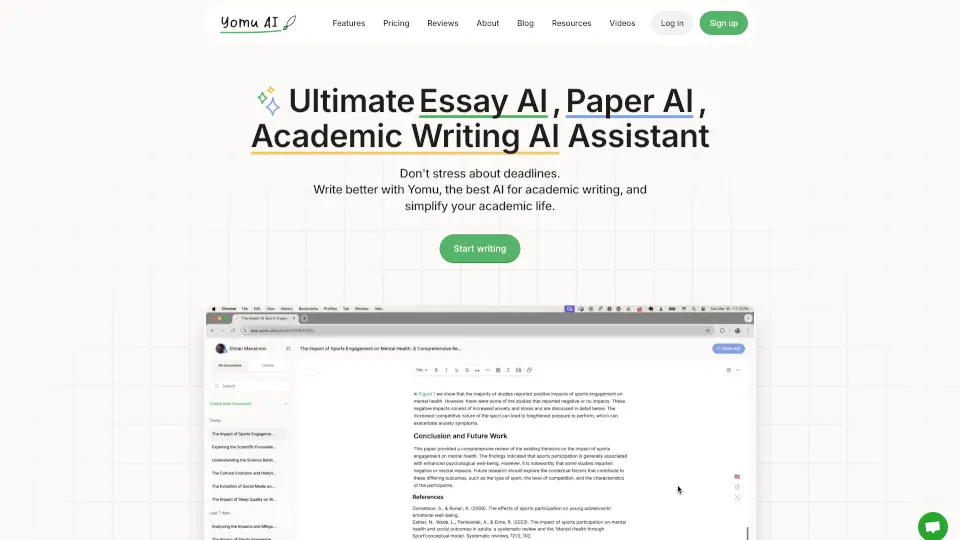
Yomu AI simplifies academic writing with AI-powered drafting, editing, and citations—ideal for students and researchers.

US
20.53%
62.1K
5.0
Othersideai

Othersideai

HyperWrite is an AI writing assistant that boosts productivity with smart tools for drafting, editing, researching, and replying—all tailored to your unique voice.

US
44.52%
233.3K
5.0

GenText AI Assistant for MS Word Related Other Categories

GenText AI Assistant for MS Word Traffic Analysis

💡 Insights

Medium Scale
100K-1M monthly visits. Growing tool with active development.
📉
Traffic Decline
Significant traffic drop recently. Check for alternatives.
🌐
Global Reach
Balanced user distribution worldwide.
  • Monthly Visits

    235.28K

  • Bounce Rate

    64.98%

  • Pages Per Visit

    1.58

  • Visit Duration

    00:00:42

  • Global Rank

    0

  • Country Rank

    0

Visits Over Time

Traffic Sources

GenAi0.00%
DisplayAds0.00%
SocialOrganic0.00%
Mail0.00%
SearchPaid0.00%
SocialPaid0.00%
Referrals0.00%
Affiliate0.00%
SearchOrganic0.00%
Direct0.00%

Top Keywords

1
fast people search
CPC$1.84
3.34KTraffic
2
fastpeoplesearch
CPC$2.24
1.40KTraffic
3
microsoft appsource
CPC$2.92
460Traffic
4
appsource
CPC$0.10
390Traffic
5
read ai
CPC$1.73
120Traffic

Top Regions

RegionPercentage
United States
United States
19.52%
Japan
Japan
18.17%
China
China
10.55%
Georgia
Georgia
4.93%
Vietnam
Vietnam
4.89%
Low
High

Powered by SimilarWeb

GenText AI Assistant for MS Word FAQ

What is GenText AI Assistant?

GenText AI Assistant is an AI-powered Microsoft Word add-in that helps academics write research reports and cite sources accurately by integrating with Semantic Scholar and using a database of over 200 million academic papers.

How does GenText integrate with Microsoft Word?

GenText works as a Word add-in, appearing in your Word interface so you can generate and edit content without leaving your document.

Is there a free version available?

Yes! The Free plan includes all features up to 2,000 words per month. Premium ($19/month) offers 100,000 words, and Business ($49/month) provides unlimited usage.

What data permissions does GenText require?

The app can read and make changes to your document and send data over the internet to function properly.

Where can I use GenText?

GenText is available through the Microsoft Marketplace but may not be accessible in all billing regions.

Does GenText support different citation styles?

While the product emphasizes accurate citing using its research database, specific citation style support (APA, MLA, etc.) isn’t detailed—users should verify formatting before final submission.

Who developed GenText?

GenText AI Assistant is developed by Gentext Group Inc.

GenText AI Assistant for MS Word Reviews

0

0

0 Reviews
Sign Into leave a review

Recent Reviews

No reviews yet

GenText AI Assistant for MS Word Pricing

Free

Free usage of all features up to 2,000 words per month
0
  • All features
  • 2,000 words per month

Premium

Usage of all features up to 100,000 words per month
19
  • All features
  • 100,000 words per month

Business

All features for unlimited usage
29
  • All features
  • Unlimited usage

GenText AI Assistant for MS Word Embed

Use website badges to drive community support for SeekTool.ai. They are easy to embed in your homepage or footer.

Light
Dark
GenText AI Assistant for MS Word - Featured on SeekTool.aiGenText AI Assistant for MS Word - Featured on SeekTool.ai
How to install?