
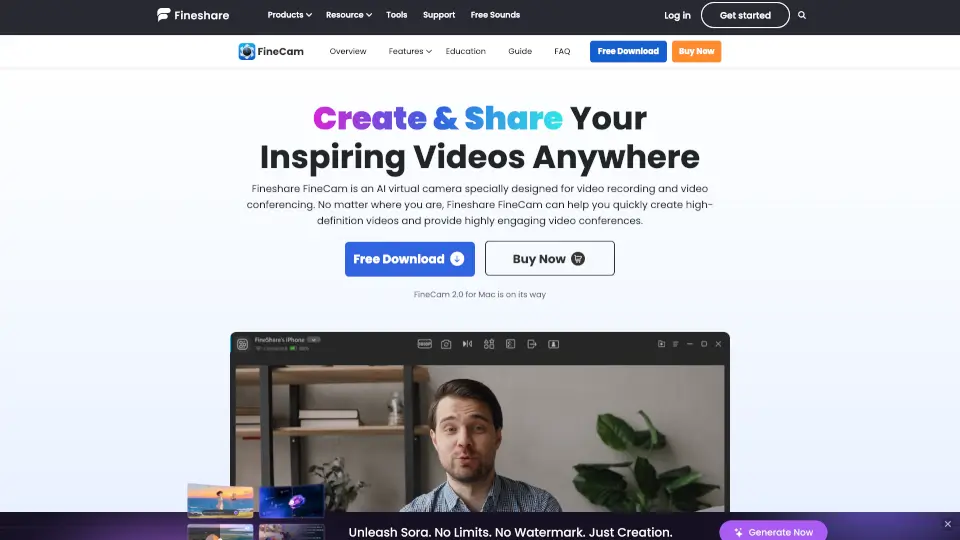
What is FineShare FineCam?
Fineshare FineCam is an AI virtual camera software designed to transform how you create and share video—whether for work, teaching, streaming, or meetings. Originally known as VibeCam, it turns your phone, webcam, or even DSLR into a powerful HD video source with smart AI enhancements. No more blurry backgrounds or limited angles: FineCam gives you professional-quality video with just a few clicks.
Whether you're hosting a Zoom call, teaching an online class, or going live on social media, FineCam helps you look and sound your best. It works seamlessly on both Windows and Mac, offering real-time background removal, multi-camera support, screen sharing, and easy integration with your favorite platforms—all without lag or watermarks.
What are the features of FineShare FineCam?
- Use Phone as Webcam: Wirelessly turn your iPhone or Android into a portable HD webcam with full control over zoom, resolution, orientation, and lighting.
- AI Background Removal: One-click background removal powered by deep learning and GPU acceleration for clean, professional-looking video.
- Multi-Camera Switching: Connect and switch between multiple cameras—including phones, DSLRs, webcams, and action cams—in real time.
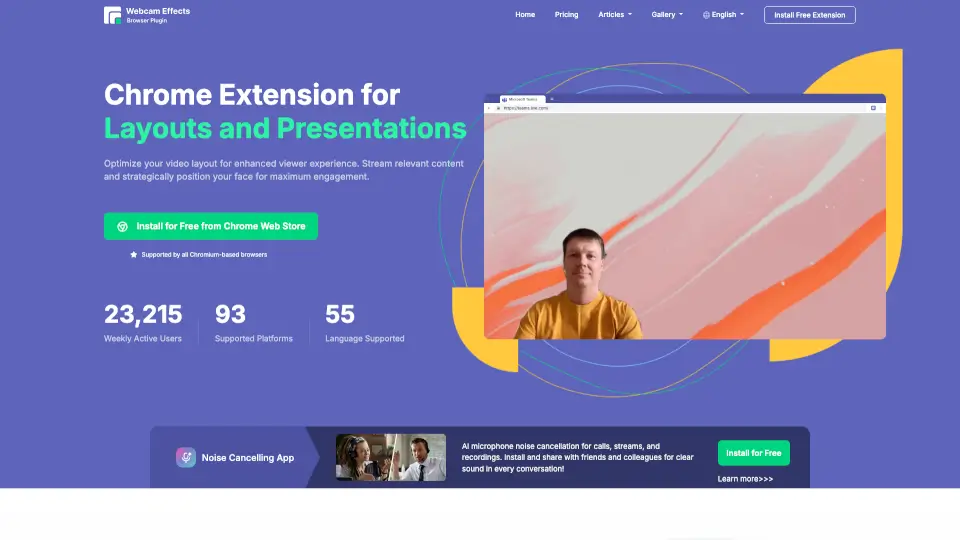
- Desktop Camera Mode: Overlay your webcam feed anywhere on-screen while recording tutorials, demos, or presentations.
- AI Background Generator: Create custom, branded, or themed virtual backgrounds in seconds using AI.
- Screen & App Sharing: Mirror your iPhone/iPad screen, share YouTube videos, capture specific app windows, or display webpages without opening a browser.
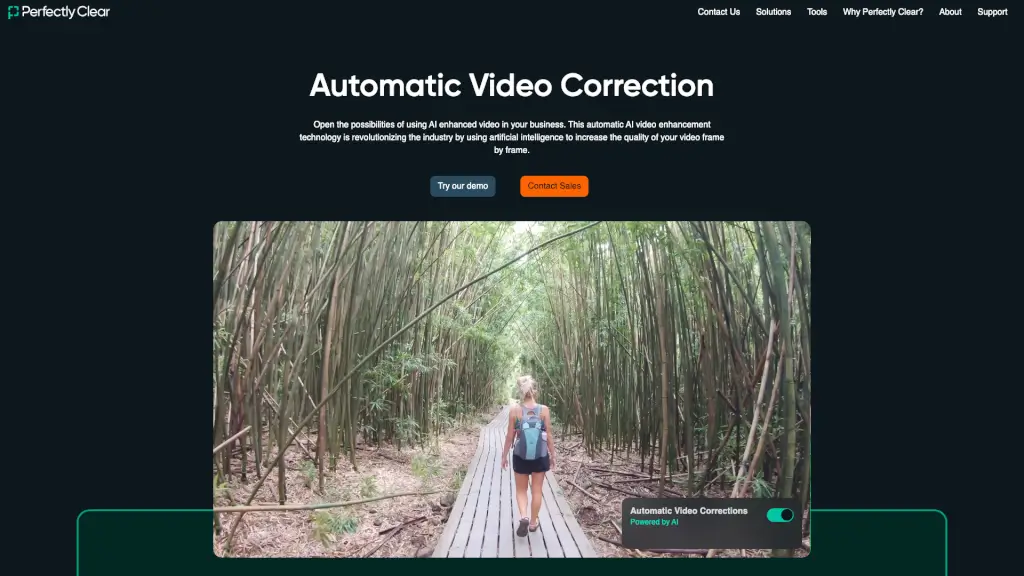
- Video Enhancement Tools: Adjust brightness, contrast, color vividness, and apply filters or bokeh effects for polished visuals.
What are the use cases of FineShare FineCam?
- Online Teaching: Teachers can display slides, websites, and webcam footage simultaneously to create engaging, interactive lessons.
- Remote Team Meetings: Teams can share documents, switch camera angles, and present ideas clearly during virtual collaboration sessions.
- Product Demos: Sales reps highlight key features with overlays, real-time annotations, and multi-source video for compelling pitches.
- Telemedicine Consultations: Doctors securely share medical records and conduct high-quality virtual visits from home.
- Content Creation: Influencers add branded overlays, custom backgrounds, and dynamic visuals to elevate their YouTube or social media videos.
- Live Streaming: Streamers broadcast gameplay, workouts, or cooking shows with professional-grade multi-source production.
- Webinars & Presentations: Speakers combine screen shares, webcam feeds, and media files into seamless, audience-focused experiences.
How to use FineShare FineCam?
- Download and install FineCam on your Windows PC or Mac.
- Launch the app and select your video source—phone, built-in webcam, external camera, or screen capture.
- Choose what to share: your webcam feed, phone screen, app window, webpage, or media file.
- Apply AI enhancements like background removal, custom backgrounds, or video filters.
- Click “Record” to save your video or select “Virtual Camera” to stream directly into Zoom, Teams, OBS, or other apps.
- Share your finished video or go live instantly—no editing required.