What is Vmake AI?
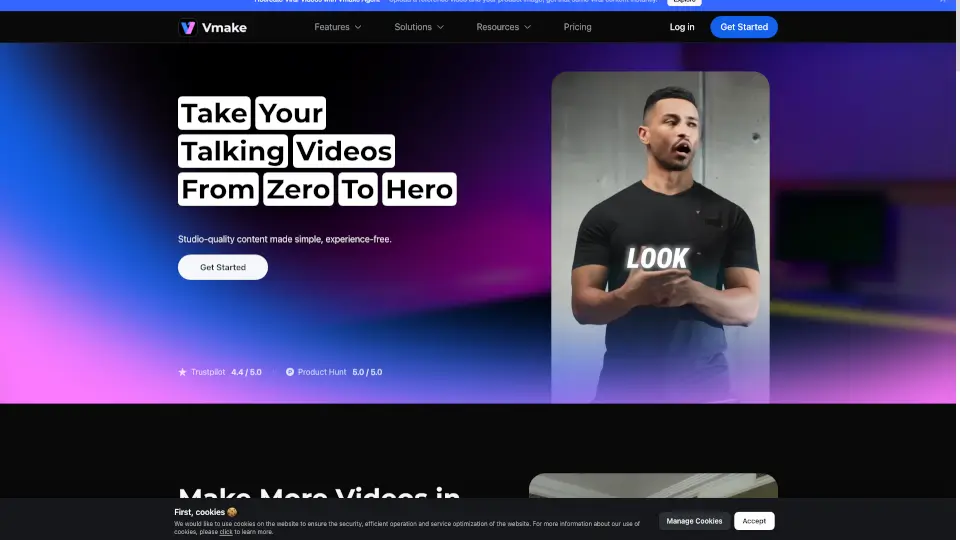
Vmake AI: Your Ultimate Talking Head Video Editor
Looking for an easy way to create stunning talking head videos? Vmake AI is here to help! Designed for creators, marketers, and educators, this all-in-one video editor makes it simple to enhance, transform, and share your videos. Whether you're removing watermarks, boosting quality, or adding dynamic captions, Vmake AI has the tools you need to make your content stand out.
What are the features of Vmake AI?
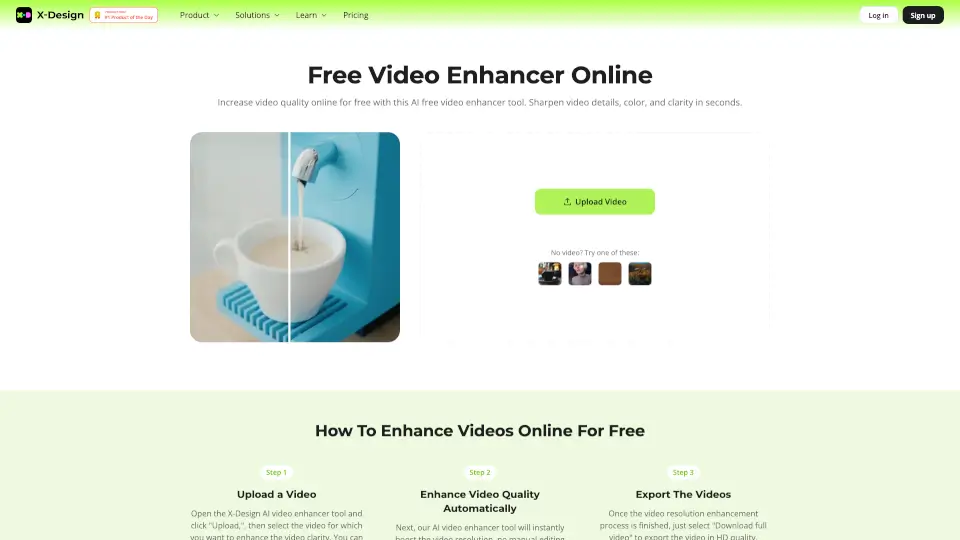
- Video Quality Enhancer: Turn low-quality videos into sharp, 4K-resolution clips with improved frame rates.
- Watermark & Subtitle Remover: Easily erase distracting watermarks, logos, or subtitles from your videos.
- Noise Reducer: Remove unwanted background noise for clearer audio.
- Video Background Remover: Replace backgrounds with green screens or transparent backdrops in one click.
- AI Creative Ads: Generate eye-catching ads with AI-powered creative tools.
What are the use cases of Vmake AI?
- Influencers: Create professional, engaging content for social media.
- Marketers: Enhance product demos or ads with high-quality visuals.
- Educators: Make polished video lessons or tutorials.
- Freelancers: Deliver impressive video projects to clients quickly.
How to use Vmake AI?
- Choose the tool you need (e.g., Video Quality Enhancer).
- Upload your video or audio file.
- Adjust settings or let AI do the work.
- Preview the result in real time.
- Export your final video and share!