
What is Remove Background AI?
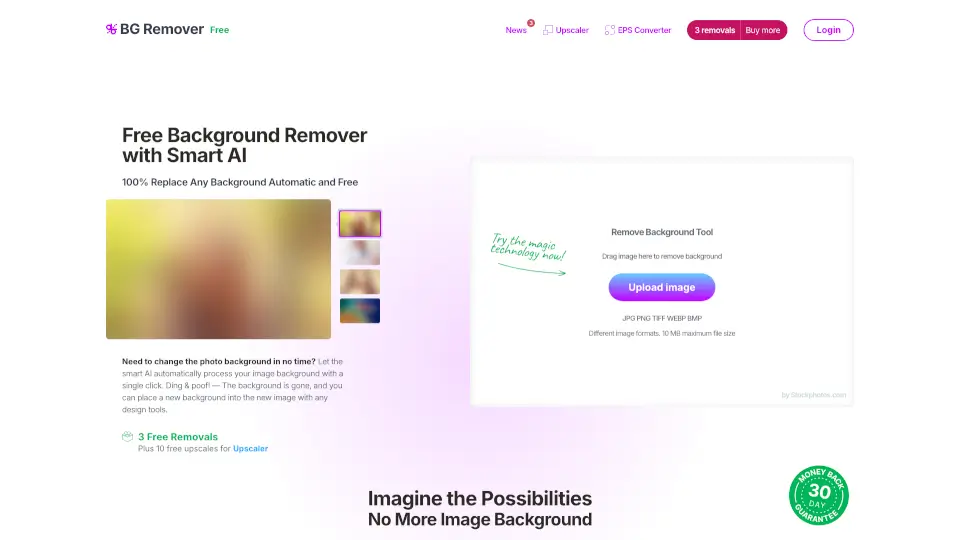
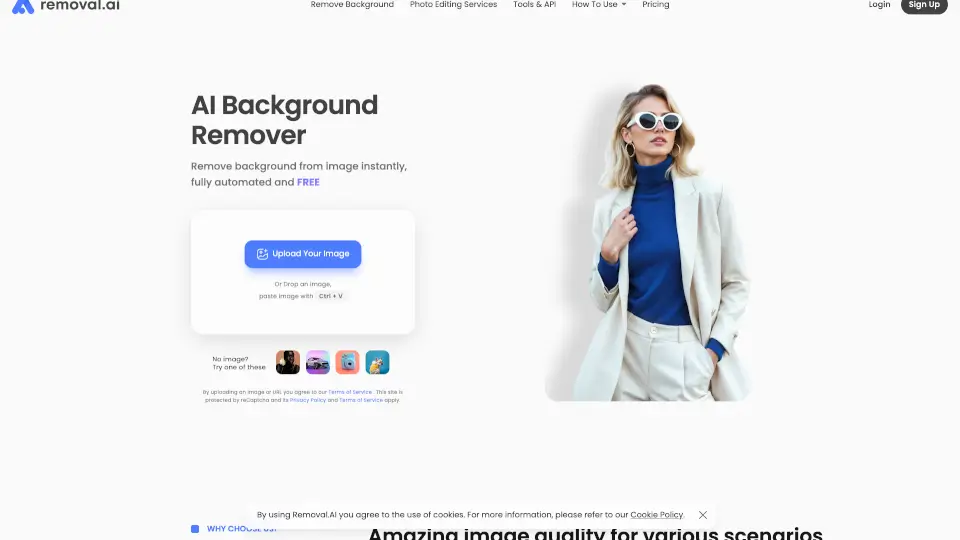
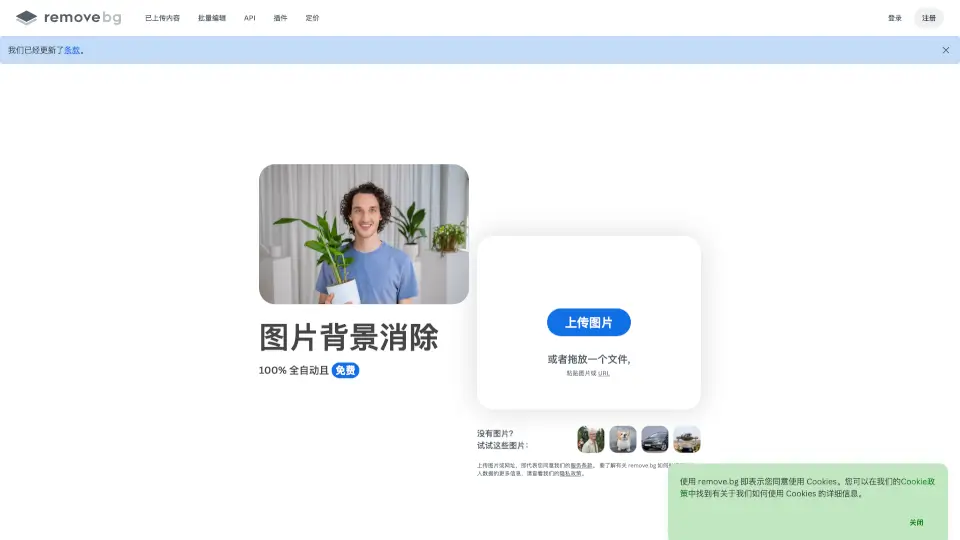
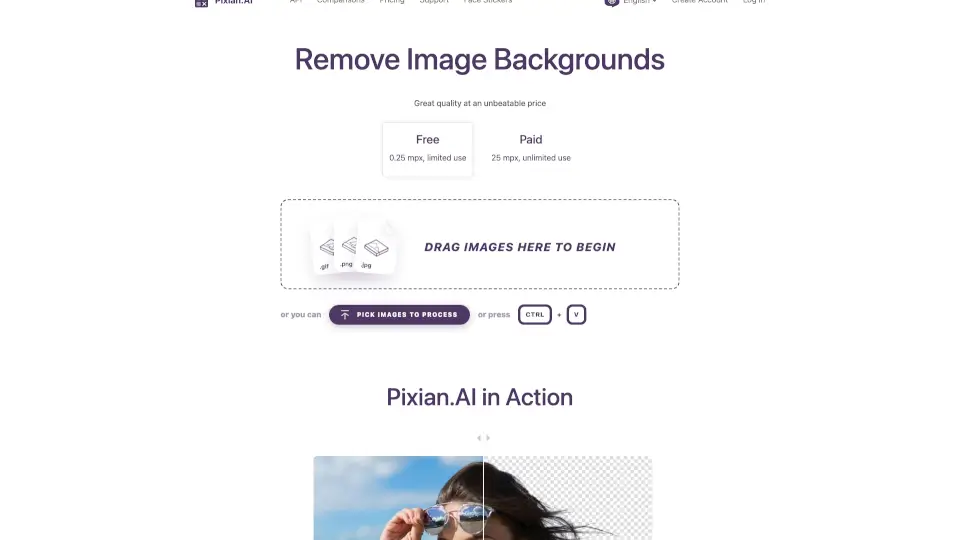
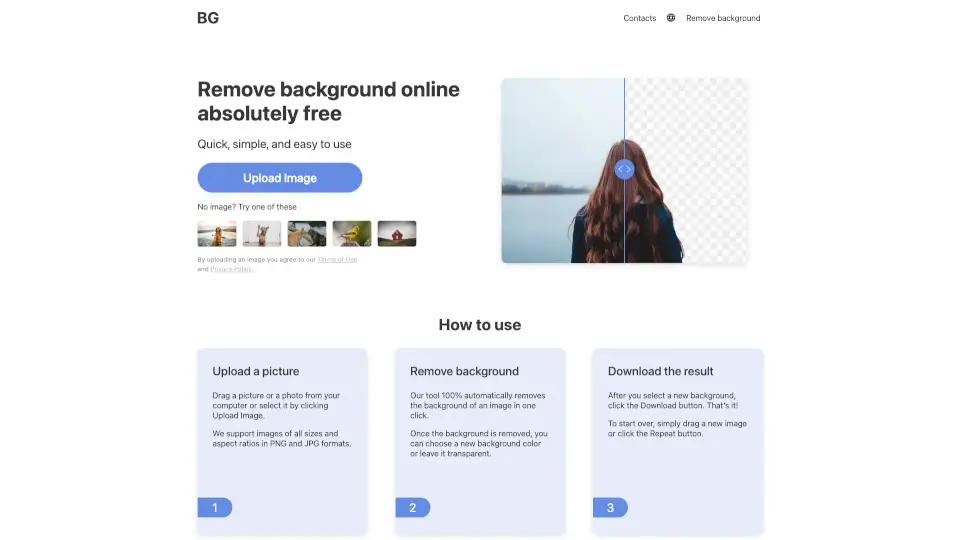
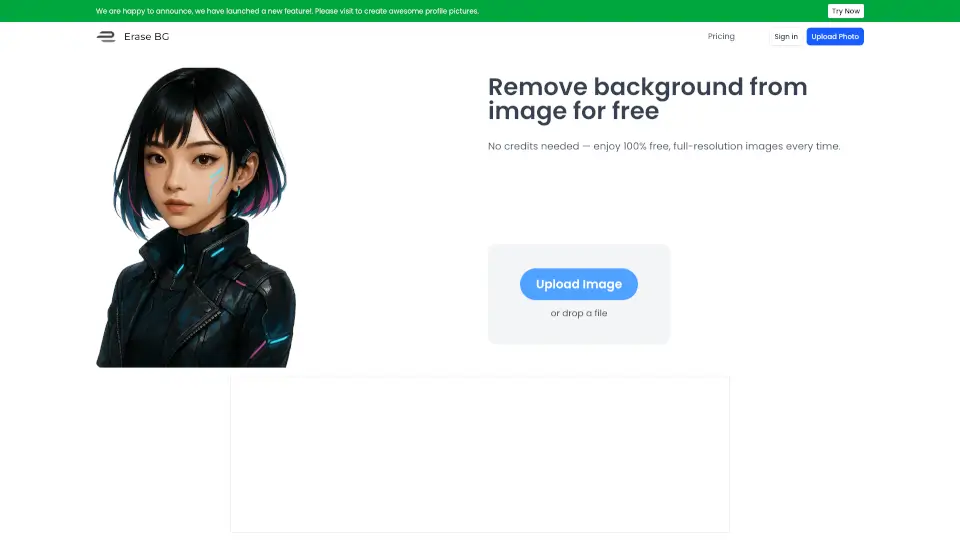
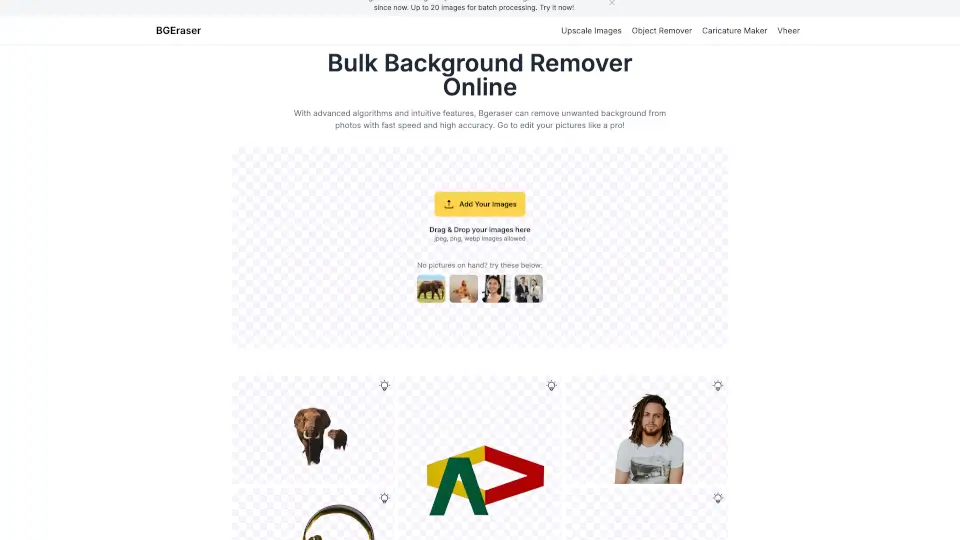
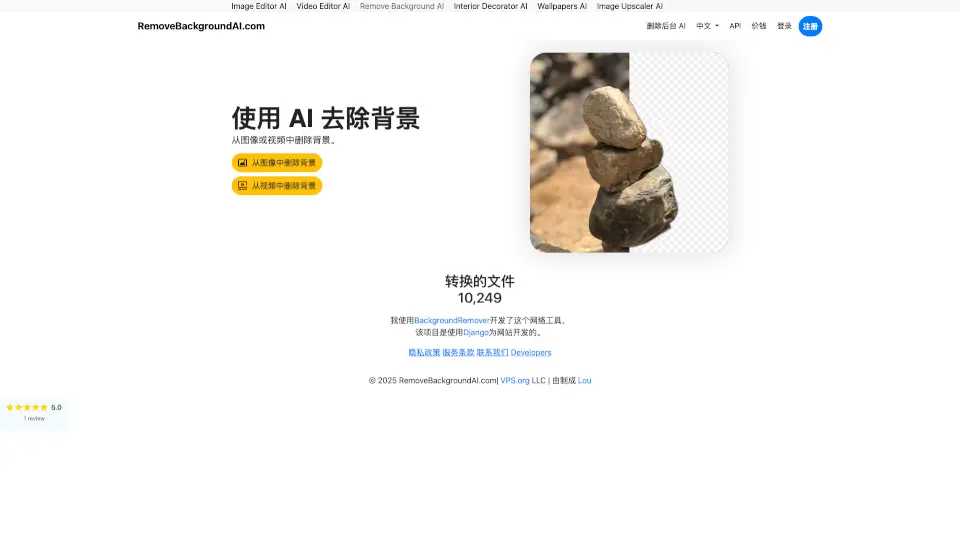
Tired of spending hours cutting out backgrounds in Photoshop? RemoveBackgroundAI.com is a smart, free online tool that uses advanced artificial intelligence to instantly strip backgrounds from your images and videos—no design skills needed. Just upload, let the AI work its magic, and download a clean, transparent PNG or background-free video in seconds.
Whether you're an e-commerce seller, social media creator, or just need a passport photo with a white backdrop, RemoveBackgroundAI delivers studio-quality results fast. Best of all? No registration required, and it’s completely free to start using right away.
What are the features of Remove Background AI?
- AI-Powered Precision: Handles tricky details like hair, fur, glass, and semi-transparent objects with pixel-perfect accuracy.
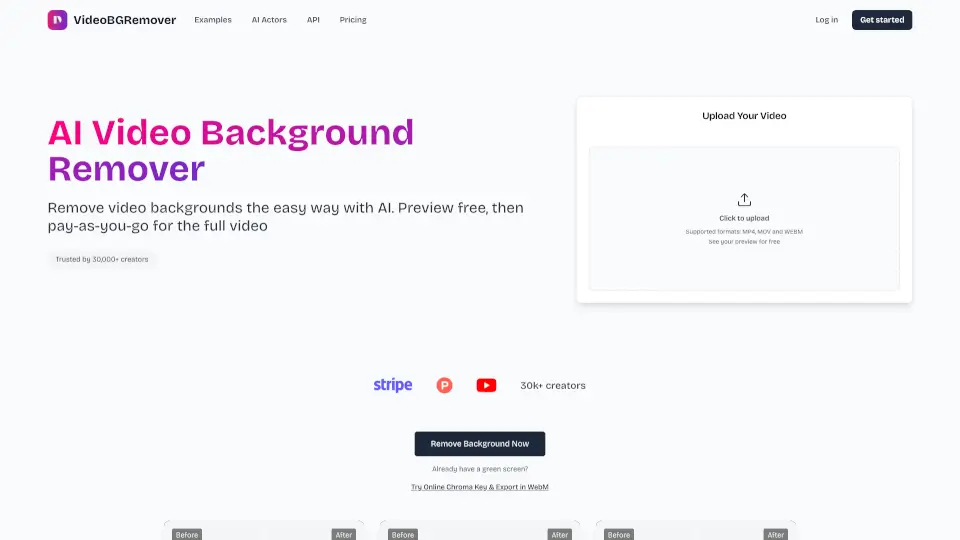
- Supports Images & Videos: Works with JPG, PNG, WEBP, MP4, MOV, and even GIF files—unlike many competitors that only handle still images.
- No Signup Needed: Jump right in and remove backgrounds instantly without creating an account.
- Free to Use: Basic background removal is 100% free; paid plans available for heavy usage or API access.
- HD+ Output: Downloads come as high-resolution transparent PNGs or clean video files ready for professional use.
- Fast Processing: Most images are processed in under 5 seconds thanks to GPU-accelerated servers.
- Developer-Friendly API: Automate background removal in your apps or workflows with a simple REST API.
What are the use cases of Remove Background AI?
- Create e-commerce product photos with pure white or transparent backgrounds for Amazon, eBay, or Shopify.
- Design eye-catching social media content for Instagram, TikTok, or Facebook with isolated subjects.
- Generate professional headshots or passport photos by removing distracting backgrounds.
- Produce transparent logos or signatures for branding, documents, or digital overlays.
- Edit videos without a green screen—remove backgrounds for creative effects or virtual presentations.
- Speed up graphic design workflows in Canva, Figma, or PowerPoint with ready-to-use transparent assets.
How to use Remove Background AI?
- Upload your image (JPG, PNG, WEBP) or video (MP4, MOV, GIF) directly on RemoveBackgroundAI.com.
- Wait a few seconds while the AI automatically detects your subject and removes the background.
- Preview the result—then download your file as a transparent PNG or background-free video.
- For developers: Use the API with your key via a simple cURL command to automate processing.
- No software install, no manual tracing—just drag, drop, and done.