
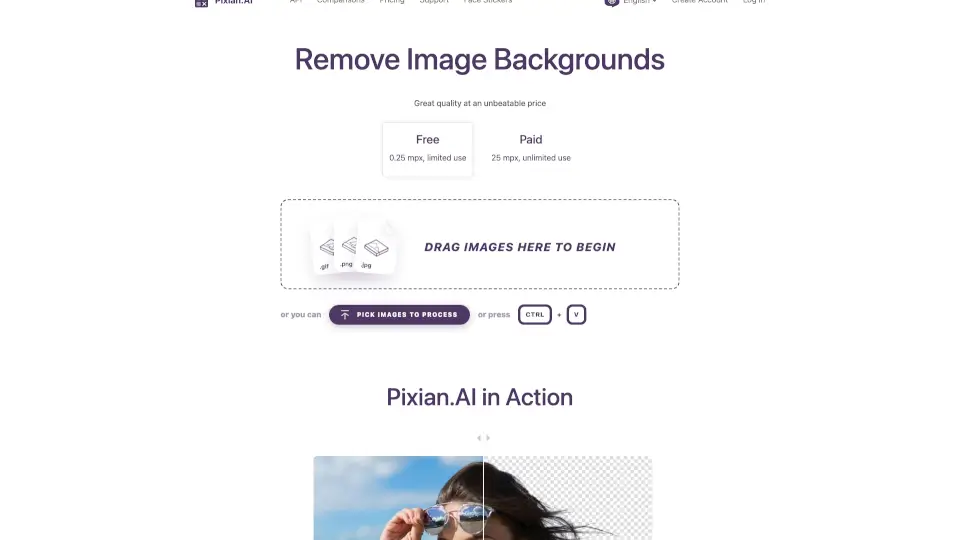
What is Pixian.AI?
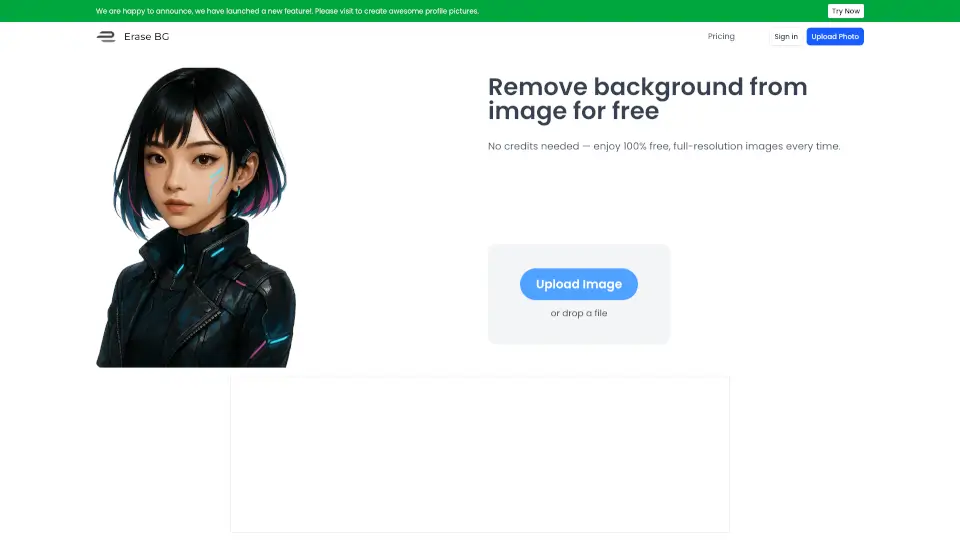
Tired of complicated tools that demand your email or credit card just to remove a background? Pixian.AI cuts through the noise with a truly free, no-signup background remover that works right in your browser. Whether you’re editing a product photo, prepping a profile picture, or creating social media content, Pixian.AI delivers high-quality results instantly—no strings attached.
What sets Pixian.AI apart is its commitment to accessibility and affordability. While competitors lock features behind paywalls, Pixian.AI offers solid performance for free (up to 0.25 megapixels) and scales affordably for heavier use (up to 25 megapixels). Built with a lean, efficient tech stack, it focuses on what matters: fast processing, accurate edge detection—even around tricky details like hair—and support for a wide range of image types, from portraits to logos and AI-generated art.
What are the features of Pixian.AI?
- Free Background RemovalRemove backgrounds instantly with no signup, no watermarks, and no hidden fees.
- High-Quality OutputSupports transparent PNGs and customizable JPEG/PNG options with precise edge handling—even for hair, fur, and complex objects.
- Multiple Output OptionsChoose background color (transparent, white, black), crop settings, file format, resolution presets (HD, Instagram, square), and filename suffixes.
- Supports Diverse Image TypesWorks well on people, products, artwork, logos, scans, and AI-generated images (like those from Stable Diffusion).
- Batch-Friendly InterfaceDrag and drop multiple images or paste directly (CMD+V), with options to download all at once.
- One-Click IntegrationsEasily send results to partner tools like VectorMagic, Recompressor.com, or ClippingMagic for further editing.
- Generous Free TierProcess images up to 250,000 pixels (0.25 MP) for free—perfect for social media or quick edits.
What are the use cases of Pixian.AI?
- Create clean e-commerce product photos with transparent backgrounds for online stores.
- Make professional-looking social media profile pictures or story graphics without design skills.
- Prepare presentations or marketing materials by isolating subjects from distracting backgrounds.
- Turn personal photos into custom face stickers for fun or promotional use.
- Clean up scanned documents, logos, or artwork for digital use or printing.
- Quickly edit AI-generated images from tools like Midjourney or Stable Diffusion for sharper composites.
How to use Pixian.AI?
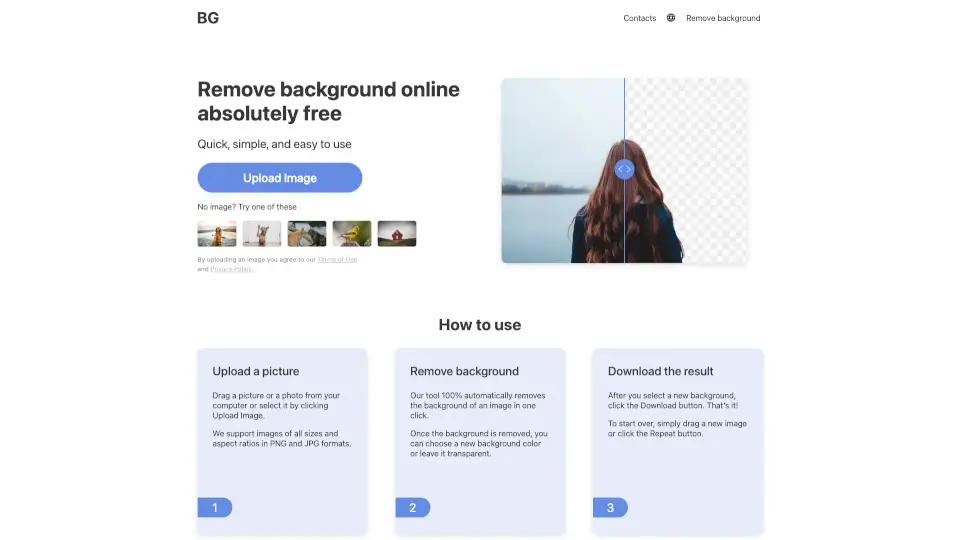
- Drag and dropyour image onto the upload area—or press CMD+V to paste directly from your clipboard.
- Wait a few seconds while Pixian.AI’s AI processes your image using powerful GPUs.
- Preview the result, then adjust output settings if needed (background color, crop, size, format).
- Click DOWNLOAD to save your edited image—or DOWNLOAD ALL if you processed multiple files.
- For best results on large images, pre-crop to focus on your subject before uploading.
- Try the “TRY THIS EXAMPLE” button to see how it works before uploading your own image.