
What is Dehancer?
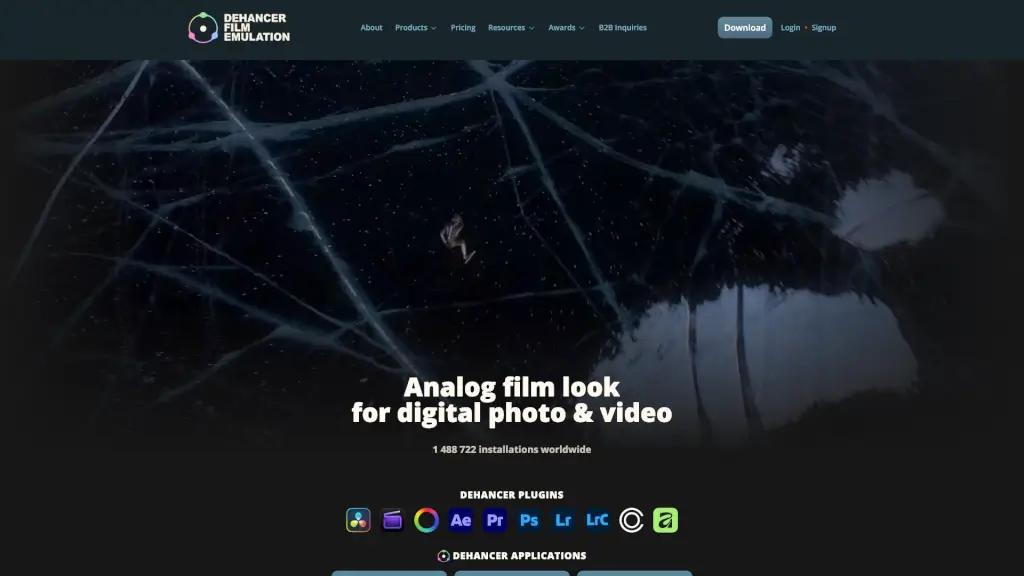
Dehancer is a powerful tool designed to bring the authentic look and feel of analog film to your digital photo and video projects. Whether you're a professional colorist, a filmmaker, or a photographer, Dehancer offers a wide range of features to help you achieve that classic film aesthetic. With over 1,488,722 installations worldwide, it's trusted by creatives in various fields to transform their digital workflows and create stunning, film-like visuals.
What are the features of Dehancer?
- Advanced Print Films: Emulate the unique characteristics of classic print films, giving your digital images and videos a timeless, analog look.
- Halation and Bloom: Add soft, natural light effects to enhance the mood and atmosphere of your scenes.
- Grain: Introduce realistic film grain to give your digital projects a more organic, tactile feel.
- 60+ Films and 130+ Camera Log Profiles: Choose from a vast library of iconic film rolls and camera profiles to easily create a cinematic look.
- Integration with Popular Software: Seamlessly integrate Dehancer into your workflow with support for DaVinci Resolve, Photoshop, Lightroom, Final Cut Pro, After Effects, Premiere Pro, and more.
- Color Test and Benchmark Tools: Use these tools to ensure accurate and consistent color grading across different projects and devices.
What are the use cases of Dehancer?
- Film Restoration: Restore old footage to its original glory by adding authentic film grain and halation.
- Cinematic Video Production: Create a filmic look for your short films, documentaries, or music videos.
- Photography Editing: Enhance your digital photos with the warmth and texture of classic film.
- Social Media Content: Give your social media posts a unique, vintage vibe that stands out.
- Advertising and Marketing: Add a professional, high-end look to your commercial and marketing videos.
- Artistic Projects: Experiment with different film styles and effects to create visually striking art pieces.
How to use Dehancer?
- Install the Plugin: Download and install the Dehancer plugin for your preferred software.
- Select a Film Profile: Choose from the extensive library of film rolls and camera profiles to match your desired look.
- Adjust Halation and Bloom: Fine-tune the halation and bloom settings to add a soft, natural glow to your scenes.
- Add Grain: Apply realistic film grain to give your project a more organic, analog feel.
- Fine-Tune Colors: Use the color test and benchmark tools to ensure accurate and consistent color grading.
- Export Your Project: Once satisfied, export your project and enjoy the authentic film look.