
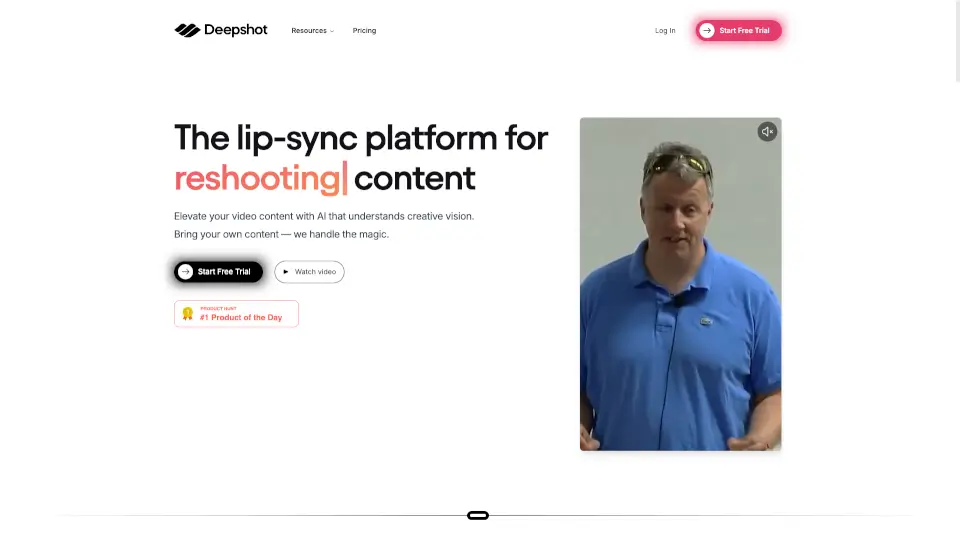
What is Deepshot AI?
Deepshot.ai is an AI-powered screenshot tool that transforms how you capture, understand, and share visual information from your screen. Instead of just saving static images, Deepshot uses artificial intelligence to analyze what’s in your screenshot—whether it's code, a webpage, a chart, or even handwritten notes—and instantly generates clear explanations, summaries, or actionable insights.
Whether you're a student trying to grasp complex concepts, a developer debugging code, or a professional sharing feedback with teammates, Deepshot saves time by turning screenshots into smart, searchable, and shareable content. It bridges the gap between seeing something on your screen and actually understanding or acting on it—no more guessing what a graph means or struggling to explain a UI bug.
What are the features of Deepshot AI?
- AI-Powered Screenshot Analysis: Automatically interprets text, code, diagrams, and UI elements in your screenshots using advanced vision models.
- Instant Explanations & Summaries: Get plain-English breakdowns of technical content, like code snippets or data visualizations, in seconds.
- One-Click Sharing: Generate shareable links with embedded AI insights so others can understand your screenshot without back-and-forth messages.
- Cross-Platform Support: Works seamlessly on macOS and Windows with a lightweight desktop app.
- Privacy-First Processing: Screenshots are processed securely, and users can choose whether to store them or keep everything local.
- Smart Search & History: Easily find past screenshots by content (e.g., “Python error” or “Q3 sales chart”) instead of filenames or dates.
What are the use cases of Deepshot AI?
- A developer captures a confusing error message and gets an instant fix suggestion from Deepshot’s AI.
- A student takes a screenshot of a dense textbook diagram and receives a simple explanation to aid studying.
- A product manager shares a UI bug with their team via a link that includes AI-generated context about the issue.
- A researcher captures a complex data chart and uses Deepshot to summarize key takeaways for a presentation.
- A customer support agent quickly explains a user’s screenshot to engineering without manual annotation.
- A teacher creates study guides by capturing lecture slides and auto-generating review notes.
How to use Deepshot AI?
- Download and install the Deepshot desktop app from https://www.deepshot.ai
- Press your custom hotkey (default: Cmd+Shift+5 on Mac or Ctrl+Shift+5 on Windows) to capture any screen area
- Wait 2–3 seconds while Deepshot’s AI analyzes your screenshot
- View the AI-generated summary or explanation in the pop-up window
- Click “Share” to generate a link with embedded insights for teammates or classmates
- Access your screenshot history anytime through the app to search or revisit past captures