What is Photes.io?
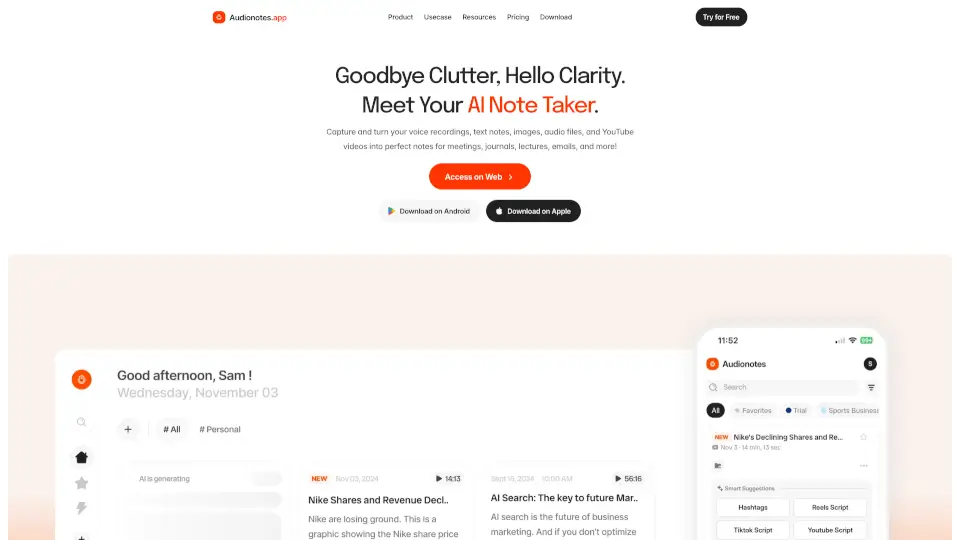
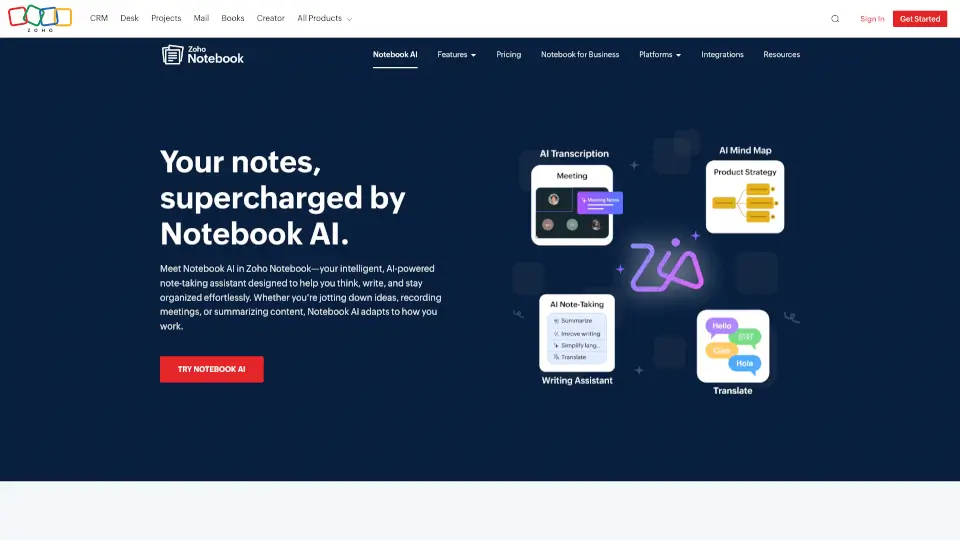
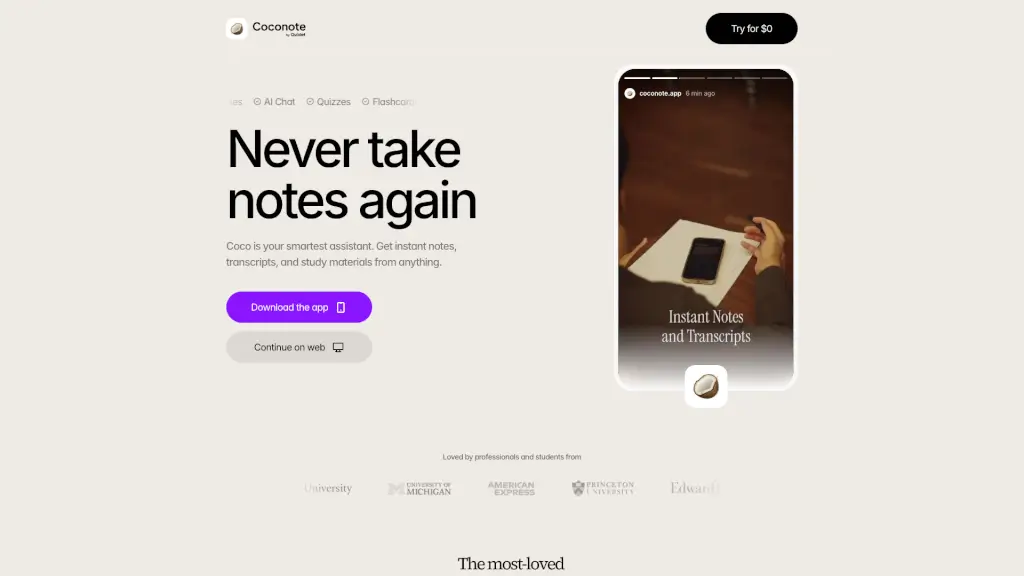
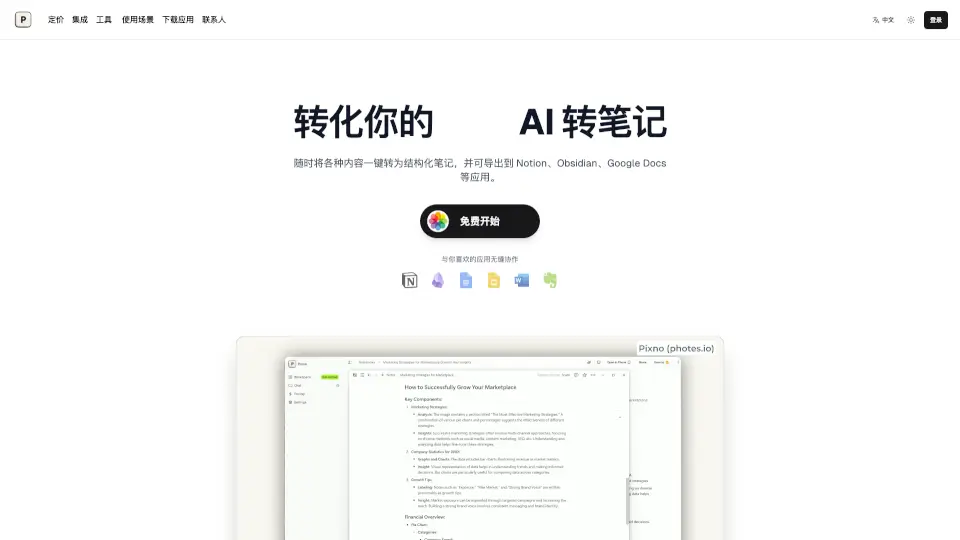
Pixno is an AI-powered note assistant that turns your photos, PDFs, audio recordings, and even videos into clear, organized text notes. It goes beyond simple OCR by understanding the context and content of your materials, so you get structured notes that are ready to use. Whether you're a student capturing lecture slides or a professional snapping whiteboard ideas, Pixno helps you capture, enhance, and export your knowledge faster. It syncs across devices and integrates with top apps like Notion, Obsidian, and Google Docs.
What are the features of Photes.io?
- Photo to Note in Seconds: Take a picture and get a well‑formatted text note within moments. No manual typing needed.
- AI‑Driven Note Enhancement: Our AI goes beyond extraction — it adds context, summarizes, and suggests related content to make your notes richer.
- Export to Your Favorite Apps: Send notes to Notion, Obsidian, Google Docs, Microsoft Word, Evernote, and more with just a few clicks.
- Network Reference & Web Search: Pixno can pull in relevant articles to back up your notes and expand your knowledge.
- Real‑Time Collaboration: Share notes with others and edit together in real time.
- Multi‑Device Sync: Start a note on your phone, continue on your tablet or laptop — everything stays up to date automatically.
- Social‑Style Browsing: Swipe through your notes like you would on social media for quick scanning.
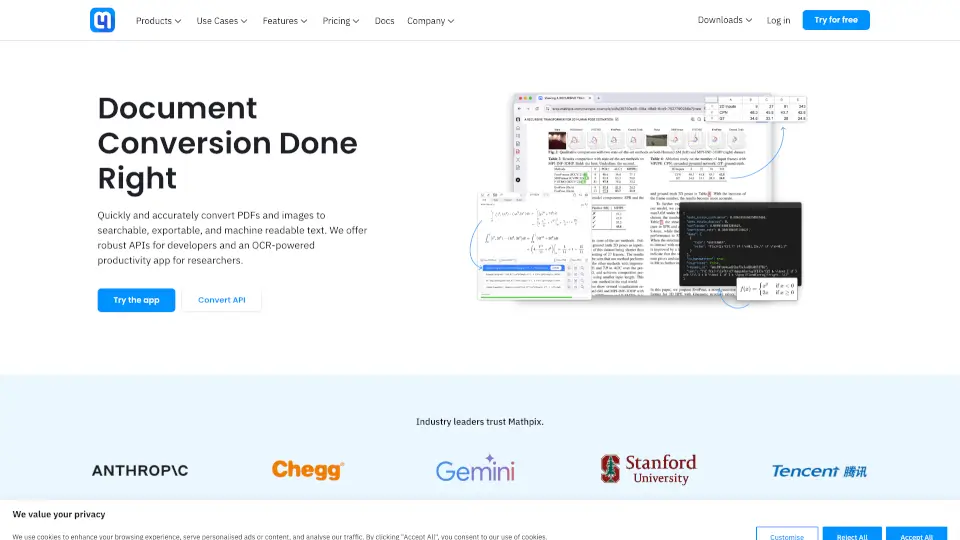
- Beyond OCR – GPT‑4 Vision & GPT‑4o: Understands charts, diagrams, graphs, and page layouts, not just plain text.
What are the use cases of Photes.io?
- Student: Snap a photo of your textbook or slide deck and get study‑ready notes instantly. You can even ask the AI to explain concepts further.
- Professional: Capture meeting whiteboards, presentation slides, or handwritten notes from a conference and turn them into digital, searchable documents.
- Lecture Recording: Upload an MP3 of a classroom talk and let Pixno generate a full set of structured notes with bullet points.
- Travel & Events: Photograph a museum sign, a recipe, or a poster, and have the information saved as a clean note.
- Collaboration: Share notes with your study group or team and work on them together without losing track.
- Language Support: Translate notes and ask the AI questions in your preferred language.
How to use Photes.io?
- Capture or Upload – Take a photo, upload a PDF, or drop an audio/video file into Pixno.
- AI Processing – Wait a few seconds while the AI extracts, understands, and structures the content.
- Review & Enhance – Read the generated note, add your own thoughts, or ask the AI to expand on a topic.
- Export – Choose your preferred app (Notion, Obsidian, Google Docs, etc.) and send the note with one tap.
- Sync Across Devices – Your notes are available everywhere — just log into Pixno on any device.