What is ClassPoint?
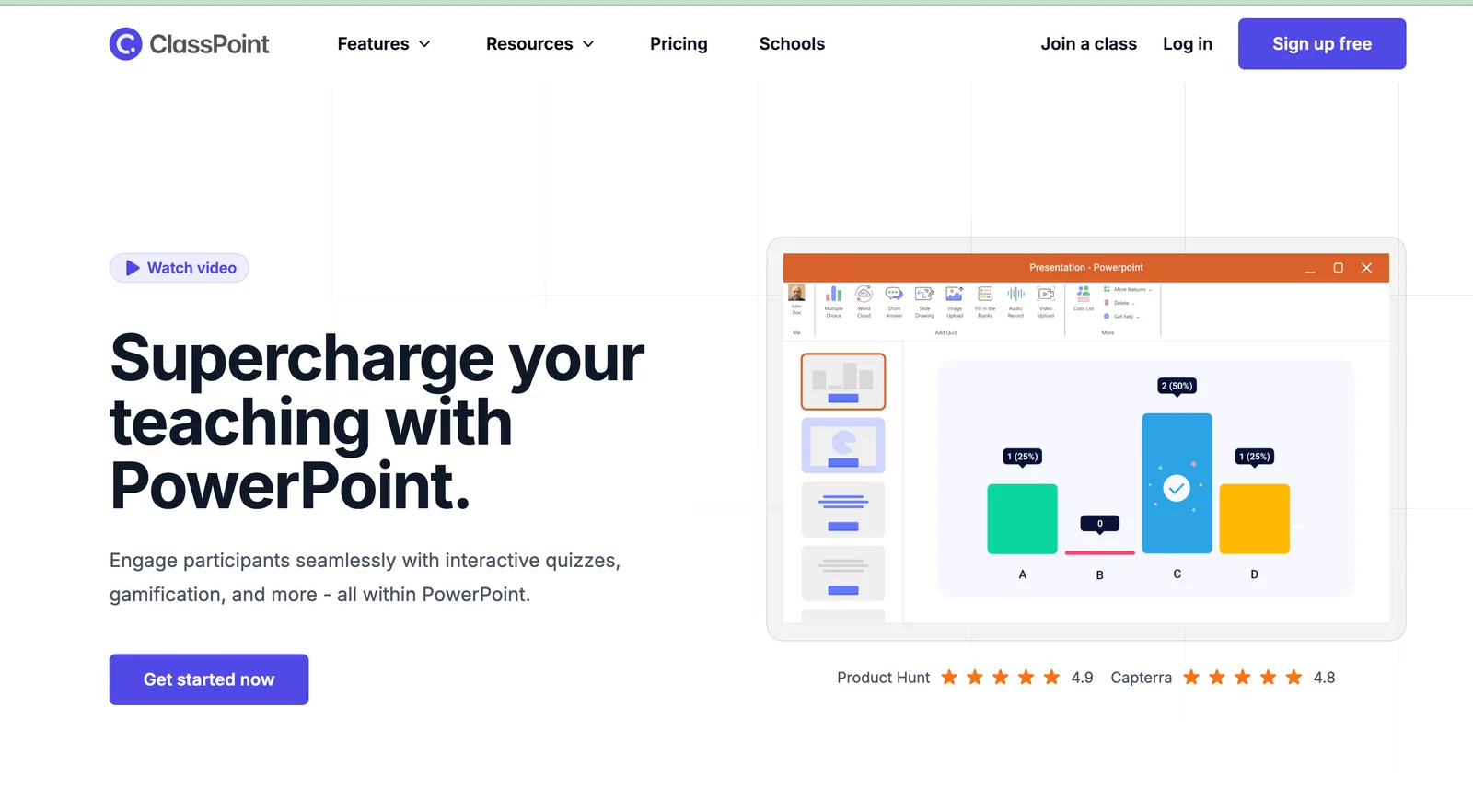
ClassPoint is an interactive teaching tool that transforms your PowerPoint presentations into dynamic, engaging classroom experiences. Designed specifically for educators, it seamlessly integrates with Microsoft PowerPoint (both desktop and web versions) to add real-time quizzes, polls, annotation tools, and student response features—no need to switch between apps or learn complex new software.
Whether you're teaching in person, remotely, or in a hybrid setting, ClassPoint helps you boost student participation, instantly gauge understanding, and make lessons more fun. Teachers love how it turns passive slides into active learning moments without disrupting their existing workflow.
What are the features of ClassPoint?
- Live Quizzes & Polls: Embed multiple-choice, short-answer, or image-based questions directly into your PowerPoint slides.
- Real-Time Student Responses: Students join via any device using a class code—no accounts needed—and answers appear instantly on your screen.
- Annotation Tools: Highlight, draw, spotlight, or zoom during presentations to emphasize key concepts.
- Name Picker & Timer: Randomly call on students fairly and keep activities on track with built-in timers.
- AI-Powered Question Generator: Automatically turn slide content into quiz questions using AI to save prep time.
- Gradebook & Analytics: Track individual and class-wide performance over time with downloadable reports.
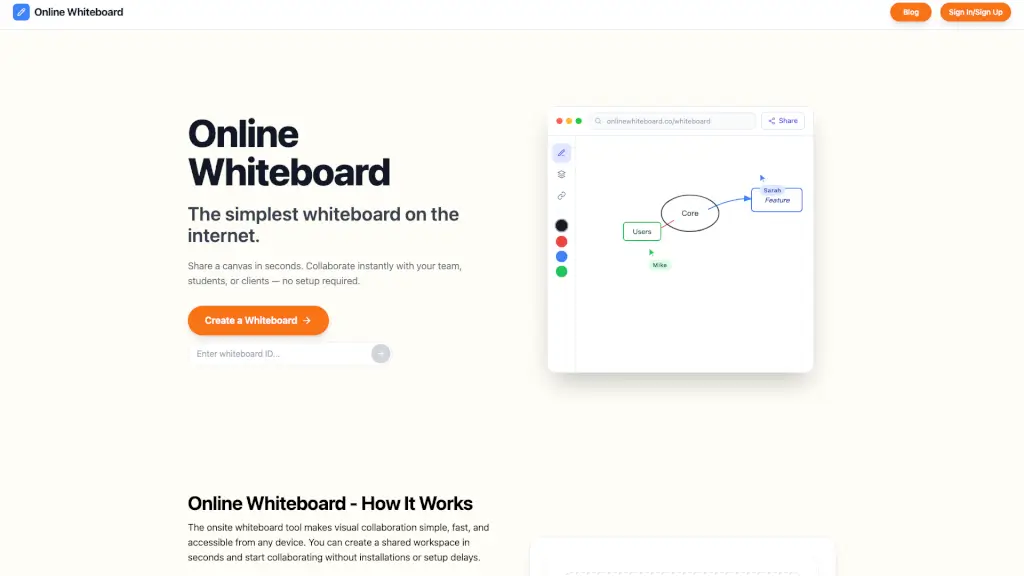
- Whiteboard Integration: Seamlessly switch to a digital whiteboard during lessons for spontaneous explanations.
What are the use cases of ClassPoint?
- Delivering formative assessments during lectures to check for understanding without pausing your flow.
- Running icebreaker polls on the first day of class to build community and gather student input.
- Facilitating remote or hybrid learning by keeping all students engaged regardless of location.
- Creating gamified review sessions with leaderboards and instant feedback before exams.
- Supporting differentiated instruction by quickly identifying which students need extra help.
- Encouraging shy or reluctant participants to contribute anonymously through digital responses.
How to use ClassPoint?
- Install the free ClassPoint add-in from https://classpoint.io/ and sign in with your school or personal email.
- Open PowerPoint and click the ClassPoint tab to access tools like “Add Question” or “Annotations.”
- During your presentation, click the floating ClassPoint button to launch polls, name picker, or whiteboard.
- Share the auto-generated class code with students—they go to classpoint.app on any browser to join.
- Review responses live on your screen or later in the dashboard for grading and insights.
- Use the AI Assistant to generate practice questions from your existing slide content in seconds.