
What is Genially?
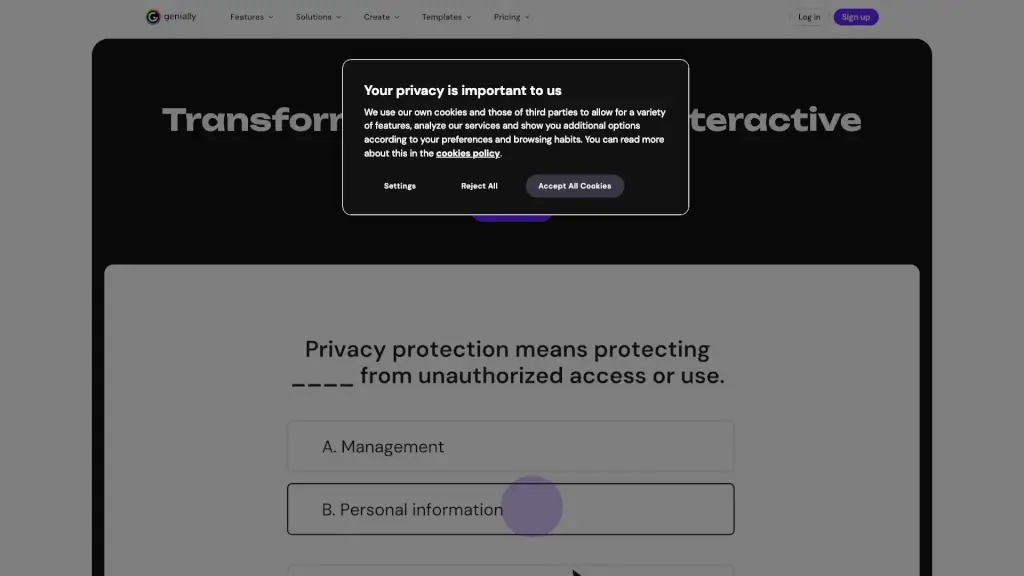
Genially is an all-in-one platform that lets anyone create interactive, animated content—no coding required. Whether you're a teacher, marketer, trainer, or student, Genially helps you turn static ideas into engaging experiences like presentations, infographics, quizzes, escape rooms, and more. Its intuitive drag-and-drop interface makes professional-quality design accessible to everyone.
With built-in AI tools, real-time collaboration, and thousands of customizable templates, Genially eliminates the need to juggle multiple apps. From classroom lessons to corporate training and social media campaigns, it empowers users to communicate more effectively by making content dynamic, memorable, and fun to interact with.
What are the features of Genially?
- AI-Powered Creation: Use Genially AI Builder to generate interactive content from simple text prompts and speed up your workflow.
- No-Code Interactivity: Add clickable hotspots, animations, branching scenarios, and embedded widgets without writing a single line of code.
- Live Presentation Mode: Present in real time, launch polls or questions on the fly, and engage audiences during live sessions.
- Brand Kit Integration: Save your logo, colors, and fonts to apply consistent branding across all projects with one click.
- Real-Time Collaboration: Co-edit projects simultaneously with team members and manage permissions easily.
- Analytics Dashboard: Track views, interactions, and responses to understand how your audience engages with your content.
- LMS & Platform Integration: Seamlessly connect with learning management systems and share creations via link, embed, or download.
What are the use cases of Genially?
- A teacher creates accessible, interactive lessons for students with diverse learning needs using clickable diagrams and self-paced quizzes.
- An HR manager designs onboarding experiences with clickable org charts, video walkthroughs, and knowledge checks.
- A marketing team builds animated social media banners and interactive product demos that boost engagement and clicks.
- University instructors develop branching scenario simulations for medical or business ethics training.
- Sales leaders present quarterly results with dynamic, data-rich slides that include live polls for team feedback.
- Nonprofits craft digital storytelling microsites with timelines, image sliders, and donation call-to-actions.
How to use Genially?
- Sign up for a free account at genially.com and choose a template or start from scratch.
- Use the drag-and-drop editor to add text, images, icons, and interactive elements like buttons or pop-ups.
- Apply animations and transitions to bring your content to life—no technical skills needed.
- Click “Present” to run your creation live, or share a link for others to explore it on their own.
- Enable the Brand Kit to auto-apply your company’s colors, fonts, and logo across all future projects.
- Use Genially AI to generate a first draft by describing what you want (e.g., “a quiz about climate change for middle schoolers”).