
Canvid AI Screen Recorder logo

Canvid AI Screen Recorder

0
4.0
(0 Reviews)
United States21.06%

Canvid makes screen recording easy and fun, perfect for anyone looking to create engaging videos.

Added on: 2025.02.15 · Updated on: 2025.02.15
Social Media:
Visit Site
View Alternatives
Canvid AI Screen Recorder

Canvid AI Screen Recorder Product Information

What is Canvid AI Screen Recorder?

Create stunning screen recordings effortlessly with Canvid! No editing skills are needed to capture, enhance, and share your content with clarity and style.

What are the features of Canvid AI Screen Recorder?

  • Capture Anything: Record your entire screen or a specific window, perfect for tutorials and demos.
  • Zoom It In!: Automatic or manual zoom to highlight key areas in your recordings.
  • Export Your Way: Save videos locally, upload to the cloud, or share them with a link in formats like MP4 and GIF.
  • AI Enhanced Voice: Ensure crystal clear audio with AI voice enhancement.
  • Edit Without Hassle: Crop, change layout, and zoom for polished recordings with minimal effort.
  • Captions in a Click: Create easy-to-follow transcripts for better learning and accessibility.
  • Creative Camera Features: Intuitive controls for dynamic framing and engaging storytelling.

What are the use cases of Canvid AI Screen Recorder?

  • Content Creators: Level up your YouTube game with stunning tutorials.
  • Designers & Developers: Showcase designs and capture bug reports effectively.
  • Students: Record online lectures and create video study guides.
  • Researchers & Bloggers: Capture visual references for blog posts or research projects.

How to use Canvid AI Screen Recorder?

  1. Download and install Canvid on your Windows or Mac device.
  2. Open the app and select what you want to record.
  3. Use the zoom and editing features as needed.
  4. Export your video in your preferred format.
Do you like this tool?

Upvote to help others discover it!

Canvid AI Screen Recorder Alternatives

RecCloud

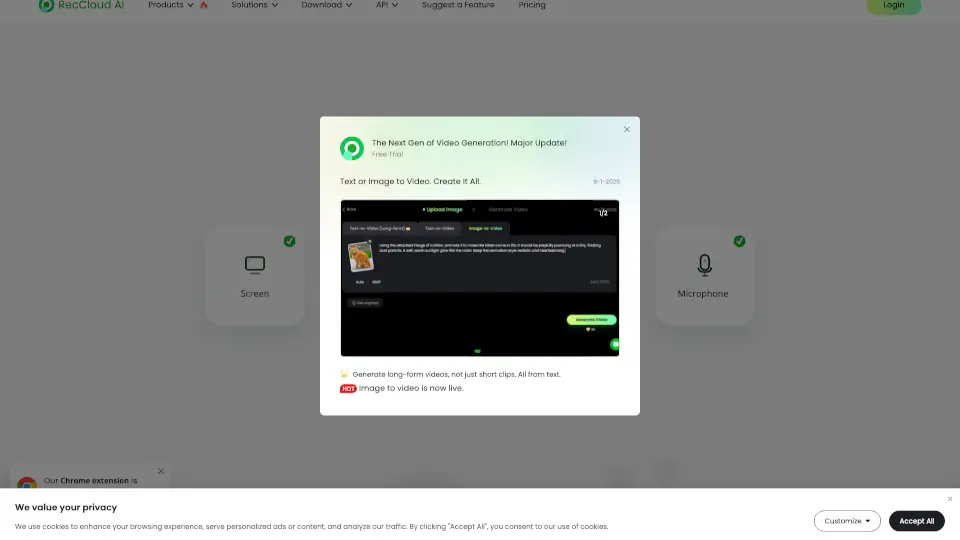
RecCloud Online Screen Recorder is a versatile, no-download solution for all your recording needs, offering a range of AI-powered tools for enhanced media creation.

US
9.83%
|
783.9K
|
5.0
Vmaker AI

Vmaker AI is an all-in-one video creation and editing platform that makes it easy to produce stunning, professional videos in minutes.

IN
15.22%
|
608.6K
|
5.0
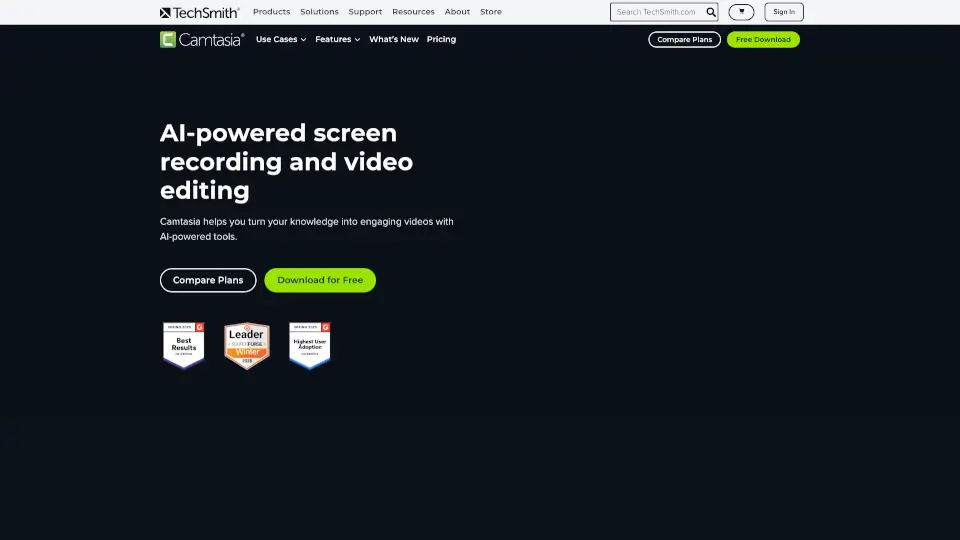
Camtasia

Camtasia makes video creation simple with AI tools, multitrack recording, and drag-and-drop editing—ideal for tutorials, training, and demos. Try it free!

US
45.69%
|
1.2M
|
5.0
Loom

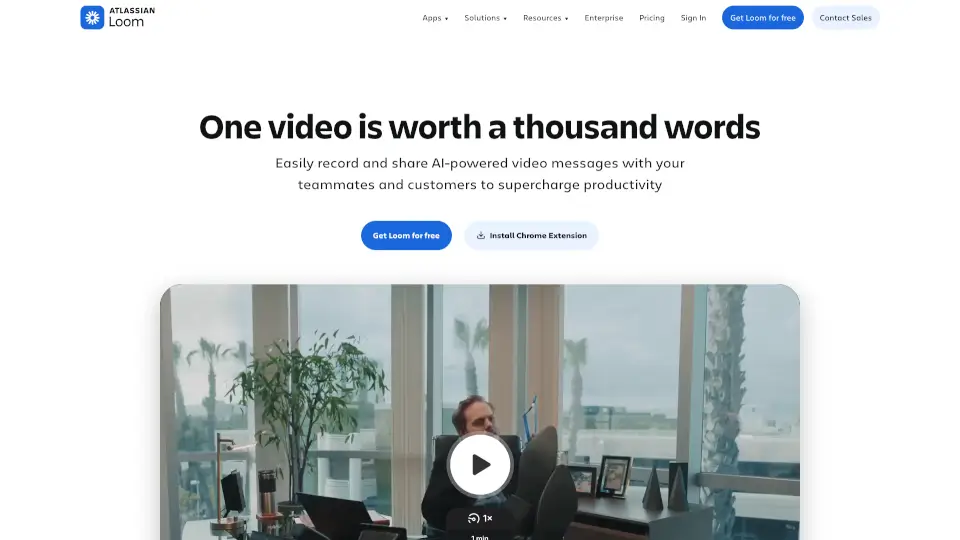
Loom is a user-friendly screen recorder that simplifies video creation, editing, and sharing for individuals and teams.

US
39.00%
|
19.6M
|
5.0
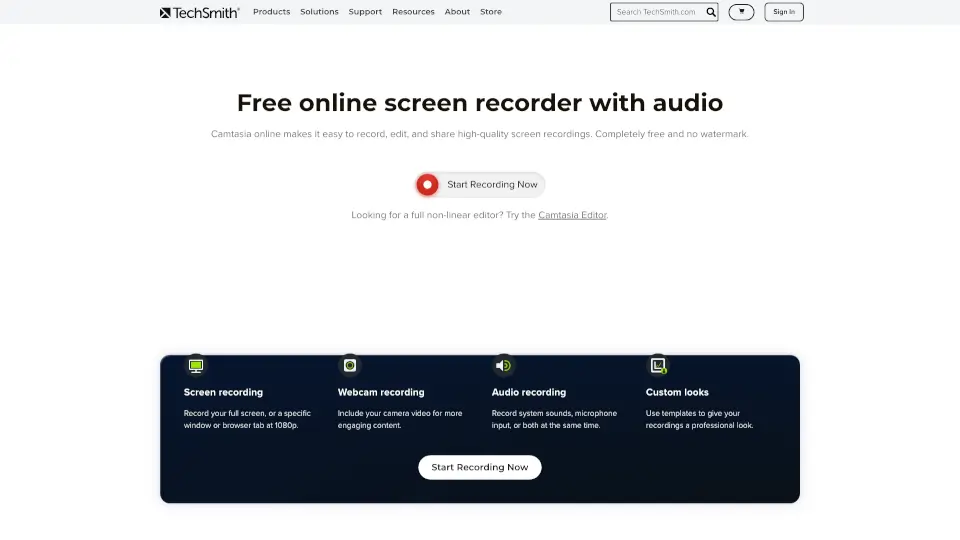
Camtasia online

TechSmith’s Camtasia online is a free, browser-based screen recorder for Mac and Windows. Record, edit, and share videos with no watermarks or limits.

US
45.69%
|
1.2M
|
5.0
Trupeer

Trupeer is your go-to AI tool for creating professional product videos and guides effortlessly. Perfect for individuals and teams alike.

JP
10.34%
|
366.2K
|
5.0
FocuSee

FocuSee is an AI-powered screen recorder that automates the editing process, making it easy to create professional-looking videos. With features like auto-zoom, AI virtual avatars, and automatic subtitle generation, FocuSee saves you time and effort while delivering high-quality results. Perfect for product demos, tutorials, and marketing videos, FocuSee is a must-have tool for creators and educators.

US
16.85%
|
98.3K
|
5.0
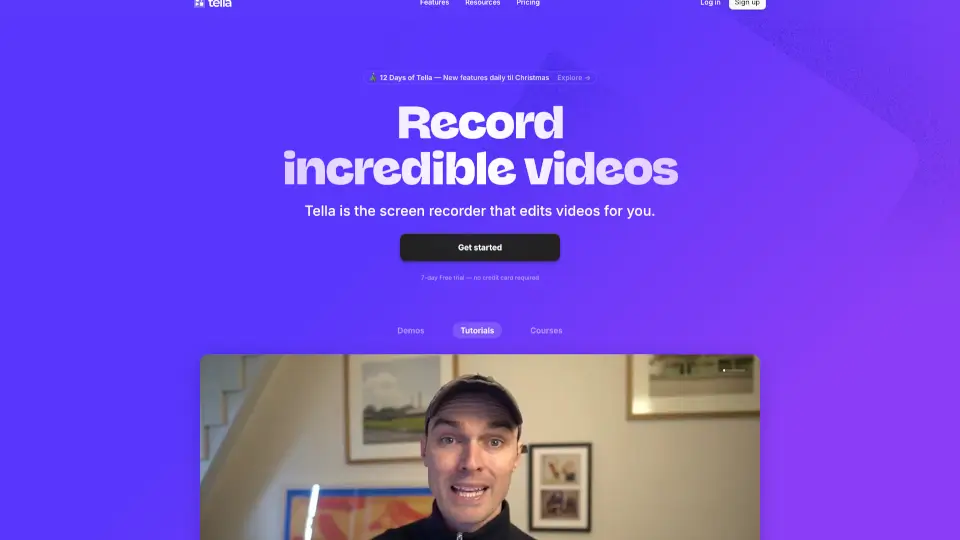
Tella

Tella is the easiest screen recorder for Mac & Windows, perfect for demos, tutorials, and courses. With AI-powered editing and 4K exports, it’s like having a pro editor in your pocket.

US
12.89%
|
377.1K
|
5.0
Canvid AI Screen Recorder Related Other Categories

Canvid AI Screen Recorder Traffic Analysis

💡 Insights

🌱
Emerging Tool
10K-100K monthly visits. Niche or new tool with potential unique value.
🔥
Explosive Growth
Recent growth of 50%. Extremely hot in the market right now!
👍
Good Experience
Bounce rate of 39%. Users are willing to explore features.
  • Monthly Visits

    34.21K

  • Bounce Rate

    39.37%

  • Pages Per Visit

    2.08

  • Visit Duration

    00:00:29

  • Global Rank

    861039

  • Country Rank

    665048

Visits Over Time

Traffic Sources

Search43.71%
Direct37.21%
Referrals9.02%
Social8.94%
Paid1.02%
Mail0.11%

Top Keywords

1
canvid
CPC$3.06
3.12KTraffic
2
screen recorder
CPC$0.69
230Traffic
3
loom
CPC$0.97
180Traffic
4
can you add text overlay to your vido using canvid editor?
180Traffic
5
recordapp
180Traffic

Top Regions

RegionPercentage
United States
United States
21.06%
India
India
15.75%
Vietnam
Vietnam
10.28%
Brazil
Brazil
8.84%
Germany
Germany
7.67%
Low
High

Canvid AI Screen Recorder FAQ

Can I try Canvid before purchasing?

Is it a subscription?

Will my license be valid after one year?

Are there any limitations on video duration?

Canvid AI Screen Recorder Reviews

0

0

0 Reviews

Write a Review

0

Login to leave a review
Sign In

Recent Reviews

No reviews yet

Canvid AI Screen Recorder Embed

Use website badges to drive community support for SeekTool.ai. They are easy to embed in your homepage or footer.

Light
Dark
Canvid AI Screen Recorder - Featured on SeekTool.aiCanvid AI Screen Recorder - Featured on SeekTool.ai
How to install?

Looking for Canvid AI Screen Recorder Alternatives?

Compare top AI tools similar to Canvid AI Screen Recorder. Find the best option for your needs.

View Alternatives

Reviews

0.0

Share your experience with this tool...

Trending

Featured

Subscribe to our AI Newsletter

Get the top AI stories delivered to your inbox weekly.