Boomerang for Gmail logo

Boomerang for Gmail

0
5.0
(0 Reviews)
United States55.53%

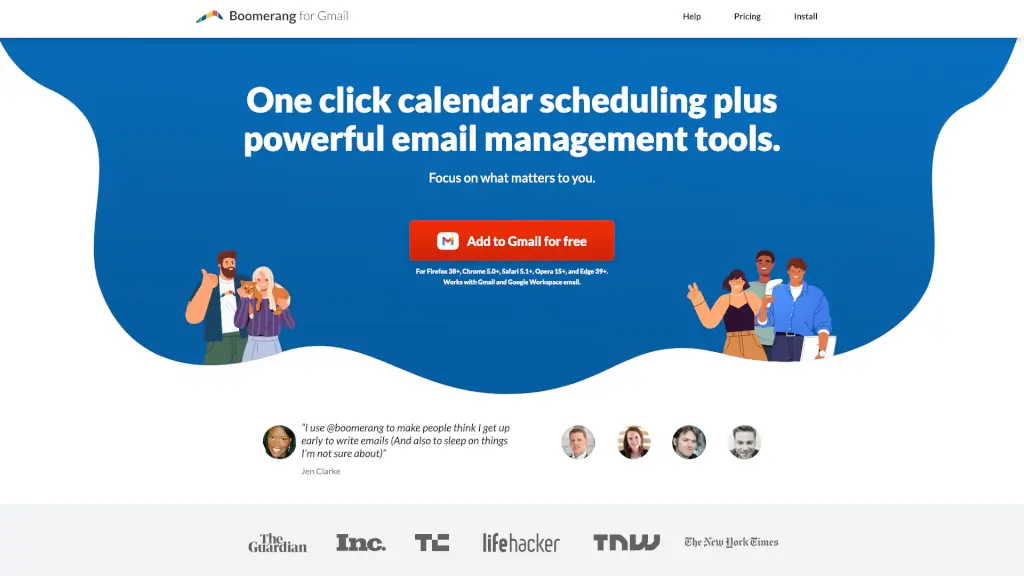
Boomerang for Gmail integrates smart meeting scheduling, email reminders, and productivity tools directly into your inbox to save time and reduce stress.

Added on: 2026.05.08 · Updated on: 2026.05.08
Social Media:
Visit Site
View Alternatives
Boomerang for Gmail

Boomerang for Gmail Product Information

What is Boomerang for Gmail?

Boomerang for Gmail is a powerful browser extension that supercharges your Gmail and Google Workspace experience with smart scheduling, email reminders, and productivity tools—all without leaving your inbox. Whether you're juggling meetings across time zones or trying to hit Inbox Zero, Boomerang helps you stay on top of your communication with minimal effort.

Instead of switching between apps or playing email ping-pong to find a meeting time, Boomerang brings everything you need right into Gmail. From scheduling emails to send later to getting gentle nudges if someone doesn’t reply, it’s designed to help you focus on what matters—not on managing your inbox.

What are the features of Boomerang for Gmail?

  • One-Click Meeting Scheduling: Create and send calendar invites directly from Gmail—no external links or back-and-forth emails.
  • Meeting Poll: Let attendees vote on the best time for group meetings; pick a winner and send invites in one click.
  • Send Later: Write emails now and schedule them to send at the perfect time—even “next Monday” works thanks to natural language recognition.
  • Email Reminders: Boomerang an email to return to your inbox at a specific time (e.g., on your travel day or before a deadline).
  • Follow-Up Alerts: Get reminded only if no one replies, so you never miss a critical response.
  • Inbox Pause: Temporarily stop new emails during focus hours or after work to reduce stress and boost productivity.
  • Respondable AI Assistant: Get real-time feedback to write clearer, more effective emails that get better responses.
  • Bookable Schedule & Team Scheduling: Share your availability or set up round-robin scheduling for sales or support teams.

What are the use cases of Boomerang for Gmail?

  • A sales rep schedules follow-up emails to prospects exactly 24 hours after a demo—automatically.
  • A remote team uses Meeting Poll to find a time that works across three different time zones.
  • A student writes birthday emails during free time on Sunday and schedules them to send on the actual dates.
  • A project manager pauses their inbox during deep work blocks to avoid distractions.
  • A traveler archives flight confirmations and sets them to reappear in their inbox on the day of departure.
  • A hiring manager uses follow-up reminders to ensure no job applicant gets overlooked.
  • A small business owner shares a Bookable Schedule link so clients can self-schedule calls without phone tag.

How to use Boomerang for Gmail?

  • Install Boomerang from the Chrome Web Store (or compatible browser extension store) and log in with your Gmail.
  • To schedule an email, compose as usual, then click Send Later and pick a date/time or type “tomorrow at 9am.”
  • To Boomerang an email back to your inbox, open the message and click the Boomerang button—choose when it should return.
  • For group meetings, click Meeting Poll, add times, and let invitees vote—all within your email thread.
  • Turn on Inbox Pause from the Boomerang menu to silence new messages during focus hours or evenings.
  • Enable Respondable while composing to get AI-powered tips on tone, length, and clarity.

Do you like this tool?

Upvote to help others discover it!

Boomerang for Gmail Alternatives

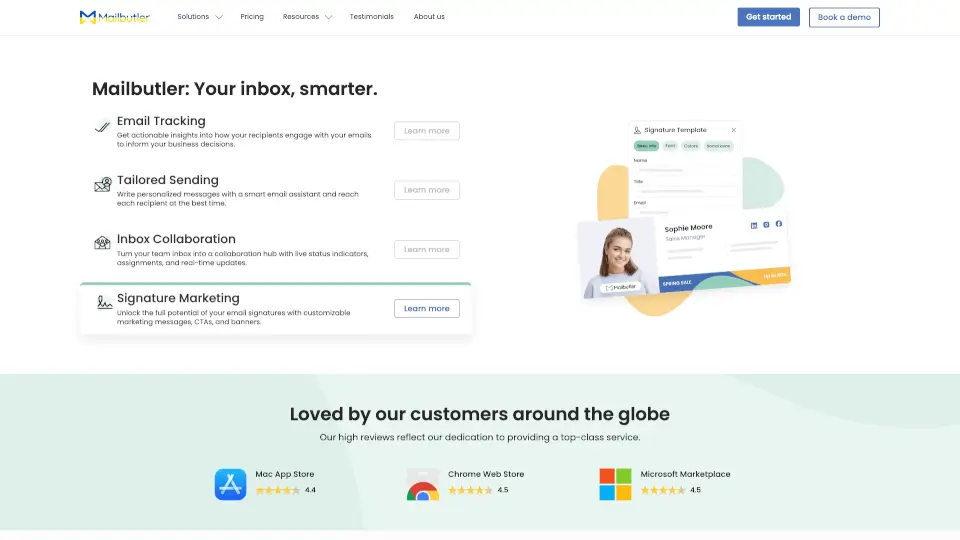
Mailbutler

Mailbutler enhances your email experience with features like tracking, scheduling, and collaboration tools, making your inbox smarter and more efficient.

US
13.53%
|
57.0K
|
5.0
AI Mail Assistant

Boost your email productivity with AI Mail Assistant, your smart Gmail companion.

US
100.00%
|
872
|
3.0
Zoom AI Companion

Zoom AI Companion is your go-to AI assistant for boosting productivity, streamlining communication, and making your workday more efficient.

US
46.16%
|
25.5M
|
5.0
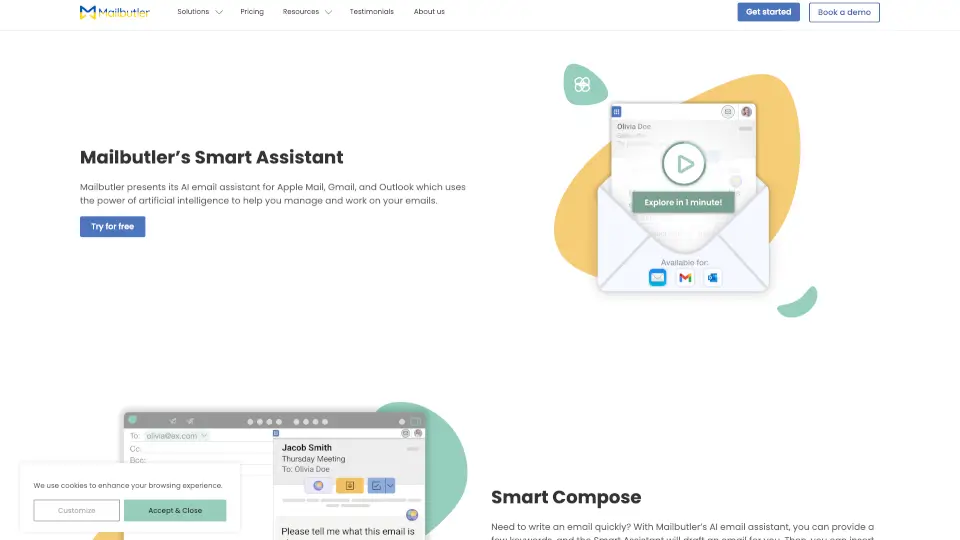
Mailbutler AI

Mailbutler’s Smart Assistant is an AI-powered tool that simplifies email management, saving you time and effort. Try it today!

US
13.53%
|
57.0K
|
5.0
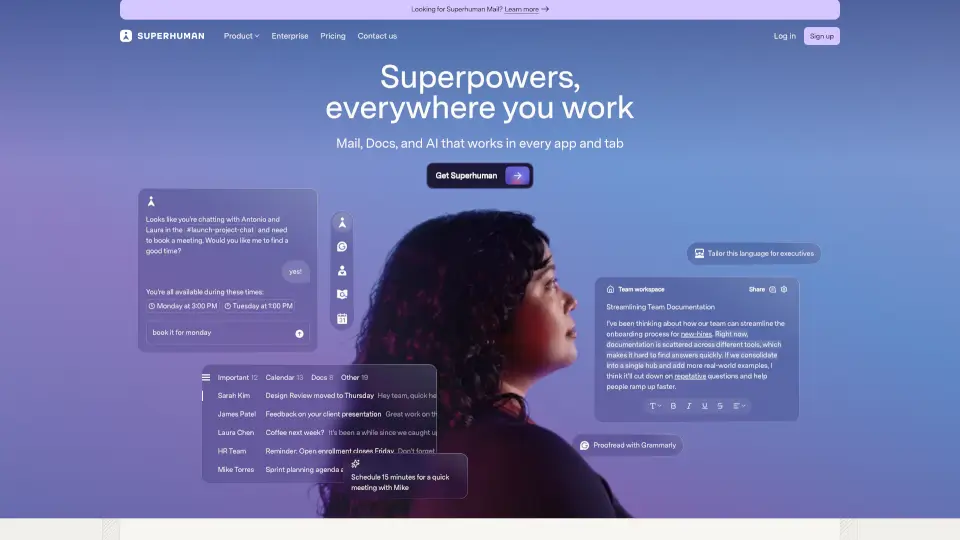
Superhuman

Superhuman is the most productive email app ever made, offering AI-powered features to save time, improve collaboration, and streamline email management.

US
62.55%
|
3.3M
|
5.0
Amie

Amie is the ultimate productivity app, combining todos, email, and calendar in one place. With AI-powered features and seamless integration, it’s designed to help you focus on what matters most.

US
33.49%
|
110.8K
|
5.0
Zoom IQ

Zoom AI Companion is your go-to AI assistant for boosting productivity, improving collaboration, and enhancing skills—all within the Zoom platform.

US
46.16%
|
25.5M
|
5.0
Circleback.ai

Circleback is the ultimate AI-powered meeting assistant that automates note-taking, action items, and post-meeting tasks, making you 10X more productive.

US
43.99%
|
220.2K
|
5.0
Boomerang for Gmail Related Other Categories

Boomerang for Gmail Traffic Analysis

💡 Insights

Medium Scale
100K-1M monthly visits. Growing tool with active development.
⚠️
Slight Decline
Traffic has slightly decreased recently.
👍
Good Experience
Bounce rate of 56%. Users are willing to explore features.
🌍
United States Dominant
56% users from United States. Optimized for this market.
  • Monthly Visits

    157.98K

  • Bounce Rate

    55.77%

  • Pages Per Visit

    1.52

  • Visit Duration

    00:00:27

  • Global Rank

    292651

  • Country Rank

    118427

Visits Over Time

Traffic Sources

Search45.75%
Direct33.07%
Referrals12.47%
Mail6.54%
Paid1.14%
Social0.29%

Top Keywords

1
boomerang for gmail
CPC$4.48
6.10KTraffic
2
mailtrack
CPC$1.80
2.07KTraffic
3
boomerang
CPC$0.36
960Traffic
4
boomerang gmail
CPC$5.83
760Traffic
5
google calendar
CPC$1.05
550Traffic

Top Regions

RegionPercentage
United States
United States
55.53%
India
India
5.64%
Canada
Canada
3.05%
United Kingdom
United Kingdom
2.69%
France
France
2.21%
Low
High

Boomerang for Gmail FAQ

Does Boomerang work with Google Workspace?

Can I use Boomerang on my phone?

Is Boomerang free?

How is Boomerang different from Calendly?

Will my guests need Boomerang to see my meeting invite?

Can I schedule recurring emails?

Does Boomerang track email opens?

What browsers support Boomerang?

Boomerang for Gmail Reviews

0

0

0 Reviews
Sign Into leave a review

Recent Reviews

No reviews yet

Boomerang for Gmail Embed

Use website badges to drive community support for SeekTool.ai. They are easy to embed in your homepage or footer.

Light
Dark
Boomerang for Gmail - Featured on SeekTool.aiBoomerang for Gmail - Featured on SeekTool.ai
How to install?

Looking for Boomerang for Gmail Alternatives?

Compare top AI tools similar to Boomerang for Gmail. Find the best option for your needs.

View Alternatives

Reviews

0.0

Share your experience with this tool...

Trending

Featured

Subscribe to our AI Newsletter

Get the top AI stories delivered to your inbox weekly.