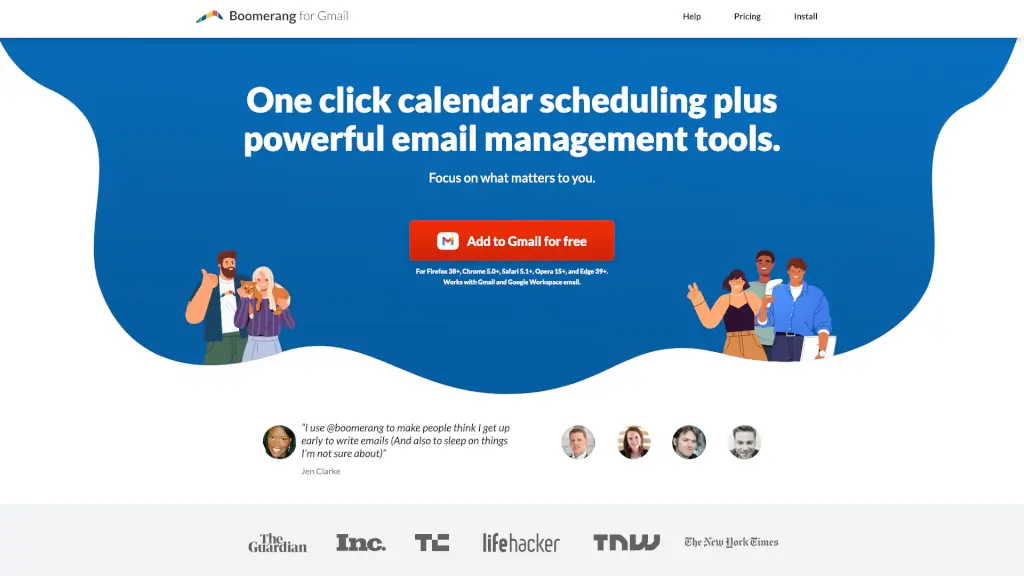
Boomerang for Gmail logo

Boomerang for Gmail

5.0
(0 Reviews)
United States48.98%

Boomerang for Gmail integrates smart meeting scheduling, email reminders, and productivity tools directly into your inbox to save time and reduce stress.

Verified by SeekTool
Social Media:
Boomerang for Gmail

Boomerang for Gmail Product Information

What is Boomerang for Gmail?

Boomerang for Gmail is a powerful browser extension that supercharges your Gmail and Google Workspace experience with smart scheduling, email reminders, and productivity tools—all without leaving your inbox. Whether you're juggling meetings across time zones or trying to hit Inbox Zero, Boomerang helps you stay on top of your communication with minimal effort.

Instead of switching between apps or playing email ping-pong to find a meeting time, Boomerang brings everything you need right into Gmail. From scheduling emails to send later to getting gentle nudges if someone doesn’t reply, it’s designed to help you focus on what matters—not on managing your inbox.

What are the features of Boomerang for Gmail?

  • One-Click Meeting Scheduling: Create and send calendar invites directly from Gmail—no external links or back-and-forth emails.
  • Meeting Poll: Let attendees vote on the best time for group meetings; pick a winner and send invites in one click.
  • Send Later: Write emails now and schedule them to send at the perfect time—even “next Monday” works thanks to natural language recognition.
  • Email Reminders: Boomerang an email to return to your inbox at a specific time (e.g., on your travel day or before a deadline).
  • Follow-Up Alerts: Get reminded only if no one replies, so you never miss a critical response.
  • Inbox Pause: Temporarily stop new emails during focus hours or after work to reduce stress and boost productivity.
  • Respondable AI Assistant: Get real-time feedback to write clearer, more effective emails that get better responses.
  • Bookable Schedule & Team Scheduling: Share your availability or set up round-robin scheduling for sales or support teams.

What are the use cases of Boomerang for Gmail?

  • A sales rep schedules follow-up emails to prospects exactly 24 hours after a demo—automatically.
  • A remote team uses Meeting Poll to find a time that works across three different time zones.
  • A student writes birthday emails during free time on Sunday and schedules them to send on the actual dates.
  • A project manager pauses their inbox during deep work blocks to avoid distractions.
  • A traveler archives flight confirmations and sets them to reappear in their inbox on the day of departure.
  • A hiring manager uses follow-up reminders to ensure no job applicant gets overlooked.
  • A small business owner shares a Bookable Schedule link so clients can self-schedule calls without phone tag.

How to use Boomerang for Gmail?

  • Install Boomerang from the Chrome Web Store (or compatible browser extension store) and log in with your Gmail.
  • To schedule an email, compose as usual, then click Send Later and pick a date/time or type “tomorrow at 9am.”
  • To Boomerang an email back to your inbox, open the message and click the Boomerang button—choose when it should return.
  • For group meetings, click Meeting Poll, add times, and let invitees vote—all within your email thread.
  • Turn on Inbox Pause from the Boomerang menu to silence new messages during focus hours or evenings.
  • Enable Respondable while composing to get AI-powered tips on tone, length, and clarity.

Do you like this tool?

Upvote to help others discover it!

Boomerang for Gmail Alternatives

MailMaestro

MailMaestro

Maestro Labs offers secure, native AI tools for Outlook, Gmail, and Teams that automate email writing, meeting notes, and calendar management to save professionals 8+ hours weekly.

US
19.38%
59.0K
5.0
Mailbutler

Mailbutler

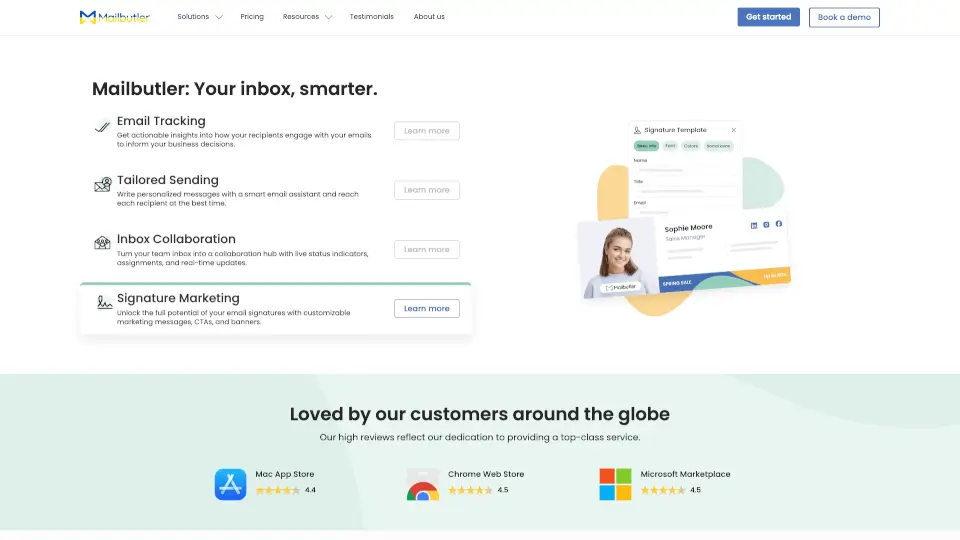
Mailbutler is a secure email productivity extension that tracks opens, streamlines team replies, and automates outreach across Apple Mail, Gmail, and Outlook.

US
34.84%
56.2K
5.0
MagicAI by Spike

MagicAI by Spike

Spike AI boosts productivity by turning your email into an intelligent, all-in-one workspace with AI-powered writing, summarization, and team collaboration.

US
32.47%
134.1K
5.0
Sidekick

Sidekick

Sidekick is a time-saving AI scheduling tool that simplifies meeting bookings with smart features and seamless integrations.

US
33.50%
18.5K
4.0
Mailbutler AI

Mailbutler AI

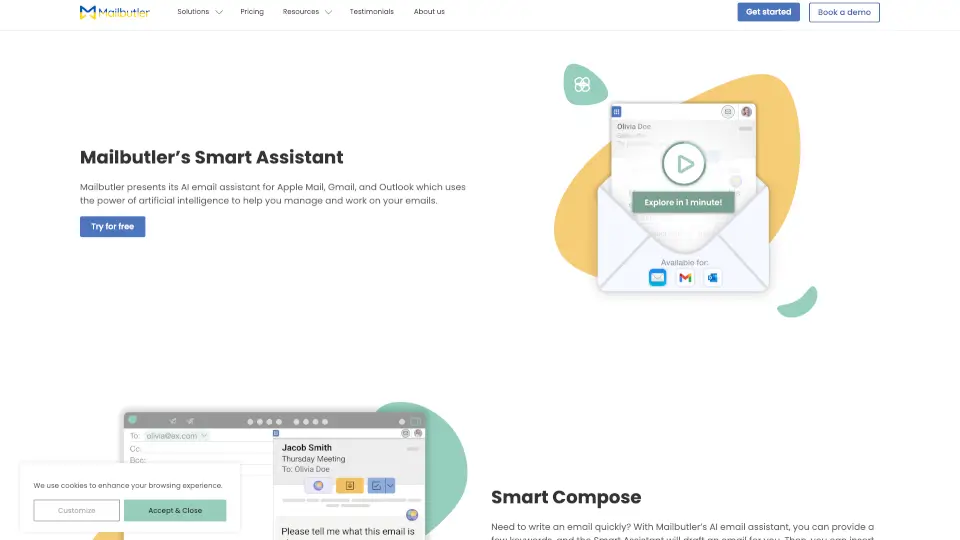
Mailbutler’s Smart Assistant is an AI-powered tool that simplifies email management, saving you time and effort. Try it today!

US
34.84%
56.2K
5.0
Superhuman

Superhuman

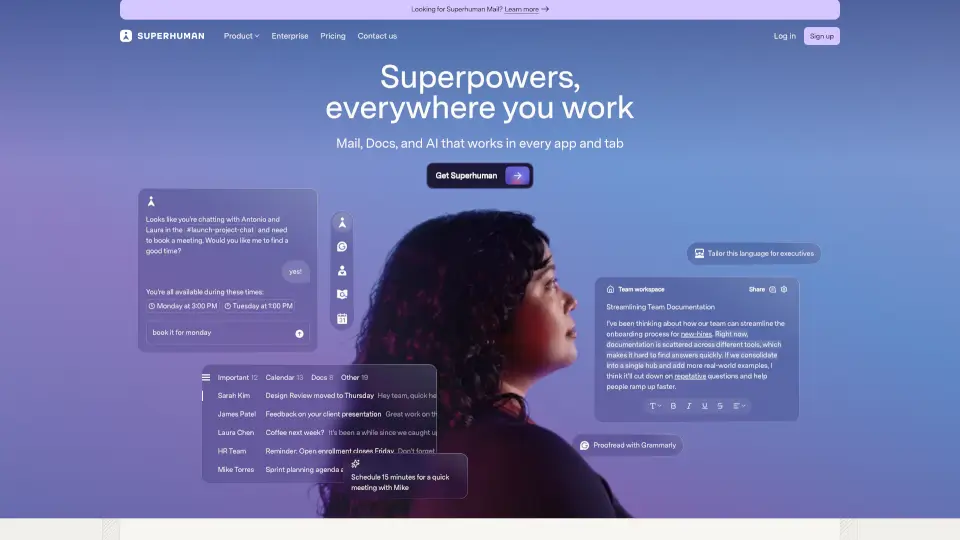
Superhuman is the most productive email app ever made, offering AI-powered features to save time, improve collaboration, and streamline email management.

US
52.17%
4.9M
5.0
Spark Mail

Spark Mail

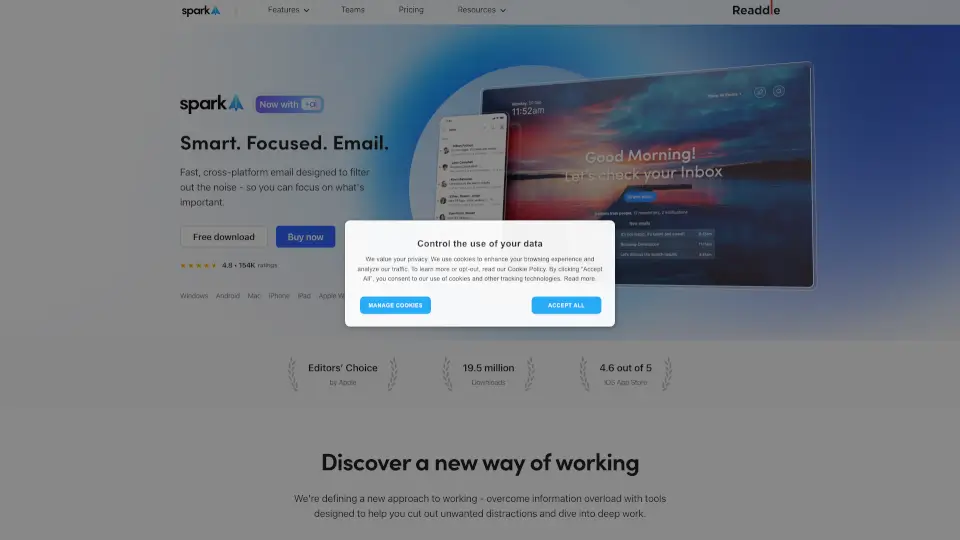
Spark Mail helps you manage your inbox efficiently, focusing on what’s important while filtering out distractions.

US
28.88%
524.2K
5.0
Read AI

Read AI

Read AI is the ultimate productivity tool for meetings, emails, and messages, helping you save time and stay organized.

US
32.23%
4.8M
5.0

Boomerang for Gmail Related Other Categories

Boomerang for Gmail Traffic Analysis

💡 Insights

Medium Scale
100K-1M monthly visits. Growing tool with active development.
➡️
Stable
Traffic remains stable, indicating a mature product.
👍
Good Experience
Bounce rate of 50%. Users are willing to explore features.
🌍
United States Dominant
49% users from United States. Optimized for this market.
  • Monthly Visits

    123.74K

  • Bounce Rate

    50.39%

  • Pages Per Visit

    1.53

  • Visit Duration

    00:00:17

  • Global Rank

    375151

  • Country Rank

    184126

Visits Over Time

Traffic Sources

Direct38.07%
Search Organic30.36%
Search Paid12.49%
Referrals9.32%
Mail6.46%
Gen Ai1.85%
Social Organic1.35%
Display Ads0.11%
Social Paid0.00%
Affiliate0.00%

Top Keywords

1
boomerang for gmail
CPC$5.70
2.79KTraffic
2
boomerang email
CPC$11.71
1.41KTraffic
3
mailtrack
CPC$1.92
630Traffic
4
boomerang gmail
CPC$4.69
540Traffic
5
in google email can i see who opened my email outside a company
300Traffic

Top Regions

RegionPercentage
United States
United States
48.98%
India
India
5.14%
Australia
Australia
3.45%
Canada
Canada
3.29%
France
France
3.15%
Low
High

Powered by SimilarWeb

Boomerang for Gmail FAQ

Does Boomerang work with Google Workspace?

Yes! Boomerang works seamlessly with both personal Gmail and Google Workspace accounts.

Can I use Boomerang on my phone?

Yes—Boomerang offers mobile apps for iOS and Android so you can schedule emails and manage reminders on the go.

Is Boomerang free?

Boomerang offers a free version with core features like Send Later and basic reminders. Advanced tools like Meeting Poll, Team Scheduling, and Respondable require a paid subscription.

How is Boomerang different from Calendly?

Unlike Calendly, Boomerang is built directly into Gmail—no external links, redirects, or separate logins. Everything happens in your email thread.

Will my guests need Boomerang to see my meeting invite?

No! Recipients don’t need Boomerang. The Magic Live Calendar updates automatically regardless of what email or calendar app they use.

Can I schedule recurring emails?

Yes—Boomerang supports recurring scheduled emails (e.g., weekly reports or monthly check-ins).

Does Boomerang track email opens?

Yes, Boomerang includes email tracking so you can see when messages are opened (optional and compliant with privacy policies).

What browsers support Boomerang?

Boomerang works on Chrome 5.0+, Firefox 38+, Safari 5.1+, Opera 15+, and Edge 39+.

Boomerang for Gmail Reviews

0

0

0 Reviews
Sign Into leave a review

Recent Reviews

No reviews yet

Boomerang for Gmail Embed

Use website badges to drive community support for SeekTool.ai. They are easy to embed in your homepage or footer.

Light
Dark
Boomerang for Gmail - Featured on SeekTool.aiBoomerang for Gmail - Featured on SeekTool.ai
How to install?