
Blue Moon AI logo

Blue Moon AI

0
4.0
(0 Reviews)
India21.42%

Blue Moon AI transforms architectural sketches and plans into photorealistic renders, making it a must-have tool for architects and real estate professionals.

Verified by SeekTool
Social Media:
Blue Moon AI

Blue Moon AI Product Information

What is Blue Moon AI?

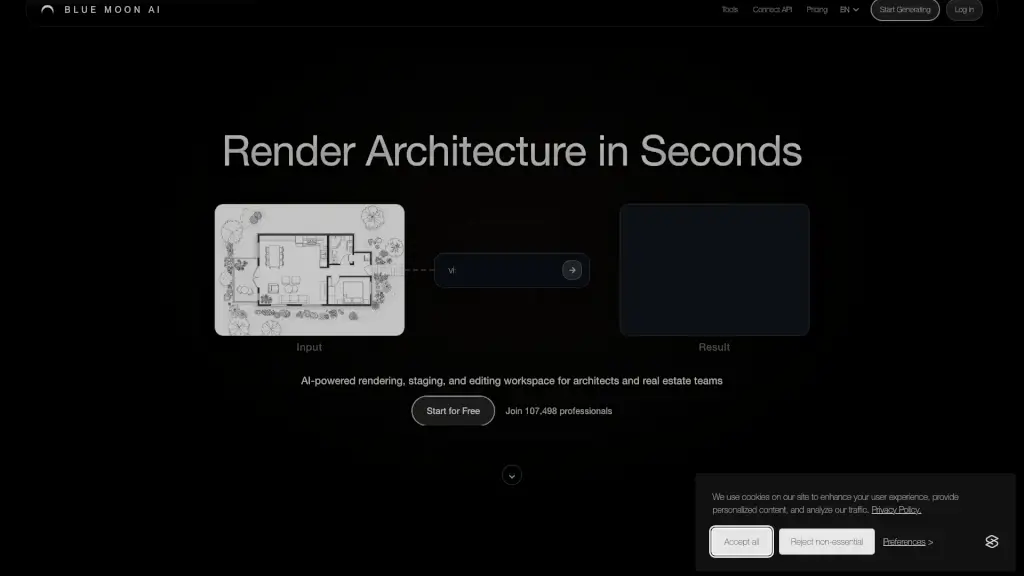
Blue Moon AI, or blmn.ai, is a powerful tool designed to help architects and real estate professionals transform their sketches, plans, and ideas into stunning, photorealistic renders in just seconds. Whether you're working on a modern commercial development or a cozy residential project, Blue Moon AI makes it easy to visualize, refine, and present your designs. With features like AI-powered rendering, virtual staging, and upscaling, this platform streamlines the creative process, saving you time and effort.

What are the features of Blue Moon AI?

  • AI-Powered Rendering: Upload your sketches, elevations, or facade plans and get photorealistic renders almost instantly.
  • Virtual Staging: Furnish and stage your spaces with just one click, making it perfect for real estate presentations.
  • Edit & Modify: Easily modify your designs by explaining desired changes or using the intuitive brush tool.
  • Upscaling: Enhance and upscale your renders with high-resolution textures and refined details.
  • Animation: Turn a single static image into a dynamic video animation, adding life to your visualizations.
  • 3D Modeling: Convert a single photo into a textured 3D model that you can view and download.
  • Text-to-Render: Generate architectural images from text prompts, bringing your vision to life quickly.

What are the use cases of Blue Moon AI?

  • Architectural Visualization: Quickly turn your design concepts into detailed, photorealistic renders for client presentations.
  • Real Estate Marketing: Create polished, staged visuals for property listings to attract more buyers.
  • Interior Design: Experiment with different furniture and decor options to find the perfect look for a space.
  • Urban Planning: Visualize site plans and urban layouts to better communicate your ideas to stakeholders.
  • Construction Documentation: Generate high-quality renderings to support construction documents and proposals.
  • Design Iteration: Rapidly iterate on design ideas and get immediate feedback from clients and team members.

How to use Blue Moon AI?

  • Upload Your Design: Start by uploading your sketches, CAD exports, or reference images.
  • Choose Your Render Type: Select the type of render you want, such as exterior, interior, or floor plan.
  • Refine and Edit: Use the editing tools to make any necessary adjustments, like changing angles or adding furniture.
  • Generate High-Quality Output: Choose the resolution and quality settings, then generate your final render.
  • Download and Share: Once satisfied, download your render and share it with clients or team members.

Do you like this tool?

Upvote to help others discover it!

Blue Moon AI Alternatives

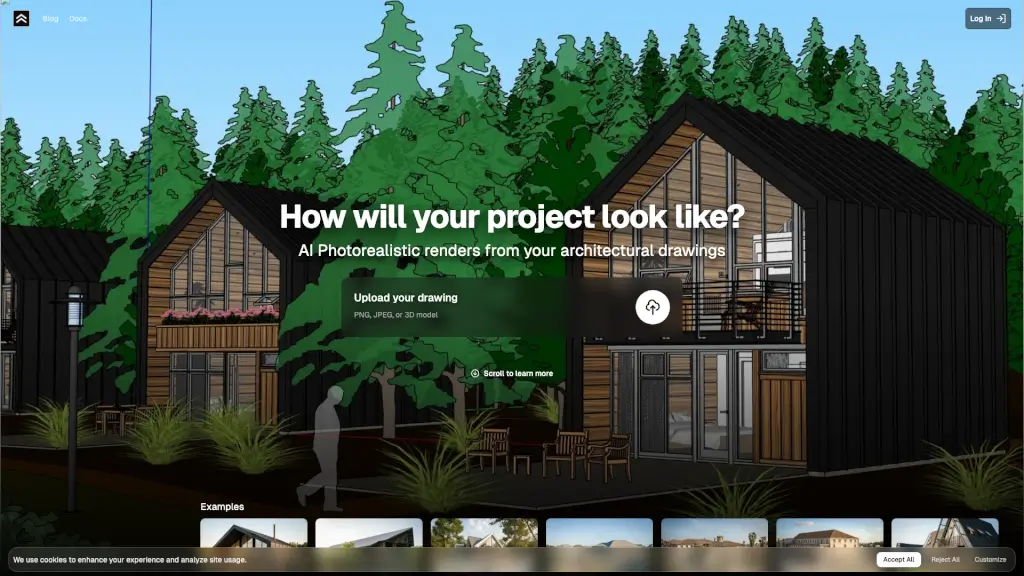
Render a House

Render a House transforms architectural drawings into photorealistic renders in 10 seconds using AI, making professional visualization fast, affordable, and effortless.

AR
21.82%
|
62.7K
|
5.0
VisualizeAI

VisualizeAI makes design effortless—10x faster with AI-powered renders for architects, designers, and creatives.

US
38.99%
|
62.7K
|
5.0
ArchiVinci

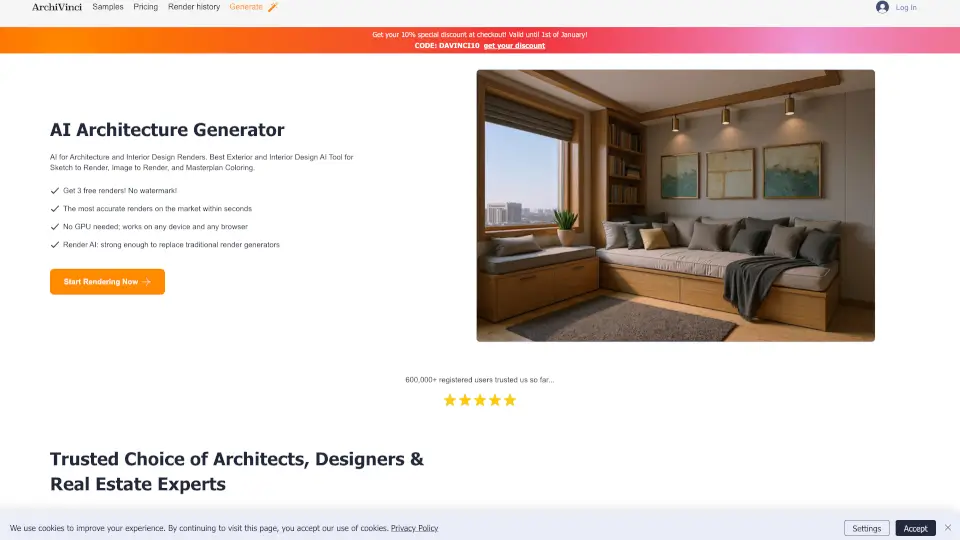
ArchiVinci is the easiest way to create professional architectural renders without 3D expertise. Perfect for designers, architects, and hobbyists who want to visualize ideas fast.

US
6.99%
|
237.0K
|
5.0
MyarchitectAI

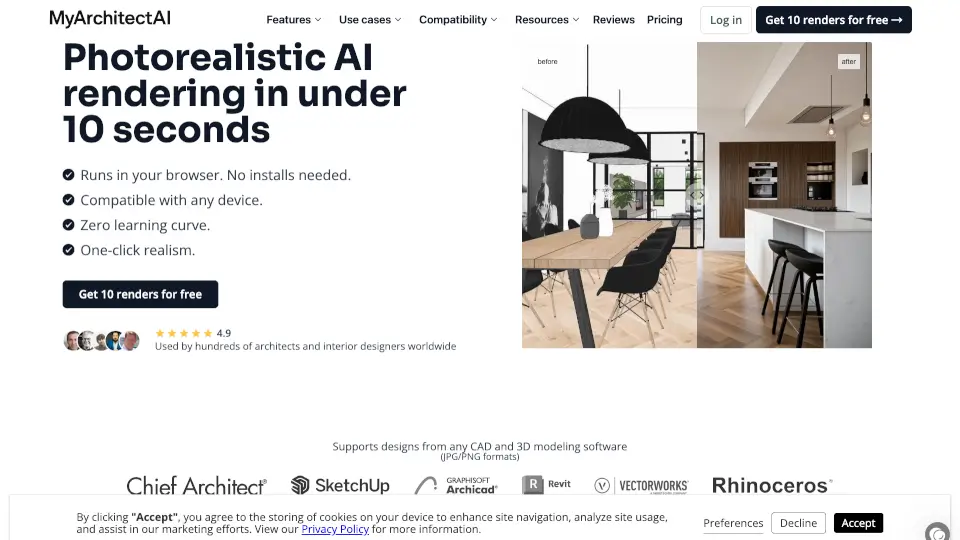
MyArchitectAI is the ultimate AI rendering tool for architects and interior designers. Create photorealistic renders in seconds, experiment with different styles, and edit your designs with ease. No installation required, and it works on any device. Get 10 free renders to try it out!

IN
11.80%
|
458.0K
|
5.0
Rendair

Rendair simplifies architectural rendering with AI-powered tools that deliver high-quality visualizations quickly and efficiently. Perfect for architects, designers, and students.

MX
15.75%
|
657.6K
|
5.0
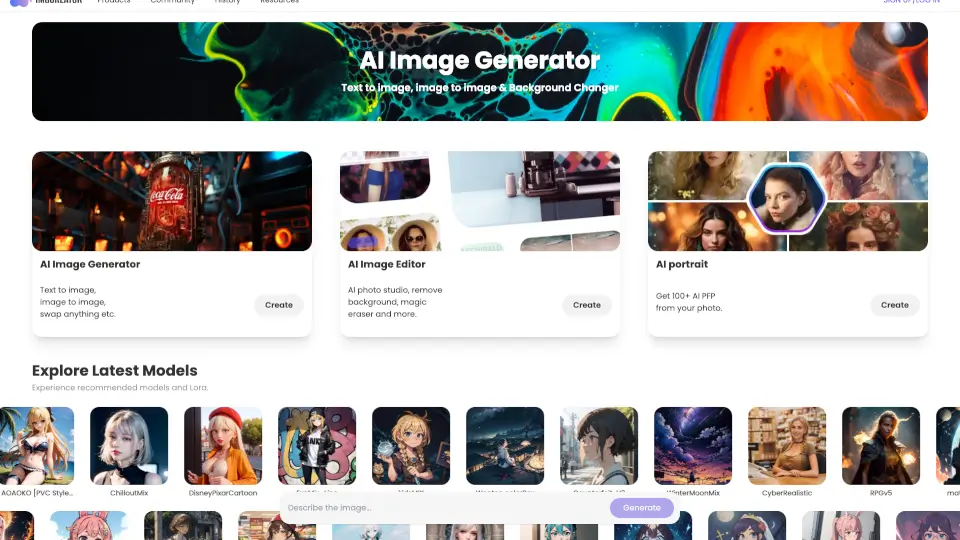
IMGCreator

ZMO.AI is a versatile AI art generator that turns your ideas into stunning visuals with over 100+ models and features like ControlNet. Perfect for artists, designers, and creatives.

IN
13.34%
|
69.2K
|
5.0
ZMO Imagen AI

Imagen AI is a powerful tool for generating creative variations of photos and illustrations, perfect for design inspiration, A/B testing, and personal projects.

IN
13.34%
|
69.2K
|
5.0
StarryAI

StarryAI is a free, user-friendly AI image generator that lets anyone create high-quality, original visuals with full ownership and commercial rights.

US
19.10%
|
339.3K
|
5.0

Blue Moon AI Related Other Categories

Blue Moon AI Traffic Analysis

💡 Insights

🌱
Emerging Tool
10K-100K monthly visits. Niche or new tool with potential unique value.
⚠️
Slight Decline
Traffic has slightly decreased recently.
👍
Good Experience
Bounce rate of 36%. Users are willing to explore features.
  • Monthly Visits

    36.93K

  • Bounce Rate

    36.07%

  • Pages Per Visit

    2.28

  • Visit Duration

    00:00:39

  • Global Rank

    790807

  • Country Rank

    236213

Visits Over Time

Traffic Sources

SearchPaid46.75%
SearchOrganic24.05%
Direct23.19%
SocialOrganic3.70%
SocialPaid1.02%
Mail0.90%
DisplayAds0.24%
Referrals0.14%
GenAi0.00%
Affiliate0.00%

Top Keywords

1
blue moon
CPC$1.55
1.61KTraffic
2
render ai
CPC$0.61
480Traffic
3
blmn ai
440Traffic
4
blue moon ai
300Traffic
5
ai render
CPC$1.31
240Traffic

Top Regions

RegionPercentage
India
India
21.42%
Philippines
Philippines
9.01%
Indonesia
Indonesia
8.15%
Vietnam
Vietnam
7.14%
Dominican Republic
Dominican Republic
5.49%
Low
High

Powered by SimilarWeb

Blue Moon AI FAQ

What is Blue Moon AI (blmn.ai)?

Blue Moon AI is a comprehensive tool suite that transforms architectural sketches, elevation drawings, and facade plans into photorealistic renderings within seconds. It also allows you to virtually furnish and stage your space, enhance and upscale your renders, and animate still images.

Is Blue Moon AI free to use?

You receive 3 free credits upon signing up. For continued access, you can select from our Light, Standard, or Professional subscription tiers. Learn more on our Subscribe page.

How many credits are required per generation?

Most single renders use 1 credit. Pro models and high-definition renders may require additional credits. Advanced features like high-level upscaling and animations also require more credits.

Do credits roll over into the next month?

Yes, unused credits roll over while your subscription remains active, subject to your plan's maximum credit balance. If you unsubscribe, remaining credits expire when your active subscription term ends.

Can I use Blue Moon AI for commercial projects?

Absolutely. Blue Moon AI renders and edits are licensed for commercial use.

How does Blue Moon AI benefit architects?

By turning quick sketches into photorealistic visuals almost instantly, Blue Moon AI empowers architects to iterate design ideas and develop presentations without requiring rendering software.

How does Blue Moon AI support real estate brokers?

Real estate professionals can now generate polished visualizations, ranging from renderings and virtual staging to animations, all within seconds, without relying on external agencies or contractors.

Blue Moon AI Reviews

0

0

0 Reviews
Sign Into leave a review

Recent Reviews

No reviews yet

Blue Moon AI Embed

Use website badges to drive community support for SeekTool.ai. They are easy to embed in your homepage or footer.

Light
Dark
Blue Moon AI - Featured on SeekTool.aiBlue Moon AI - Featured on SeekTool.ai
How to install?

Looking for Blue Moon AI Alternatives?

Compare top AI tools similar to Blue Moon AI. Find the best option for your needs.

View Alternatives

Reviews

0.0

Share your experience with this tool...

Trending

Featured

Subscribe to our AI Newsletter

Get the top AI stories delivered to your inbox weekly.