
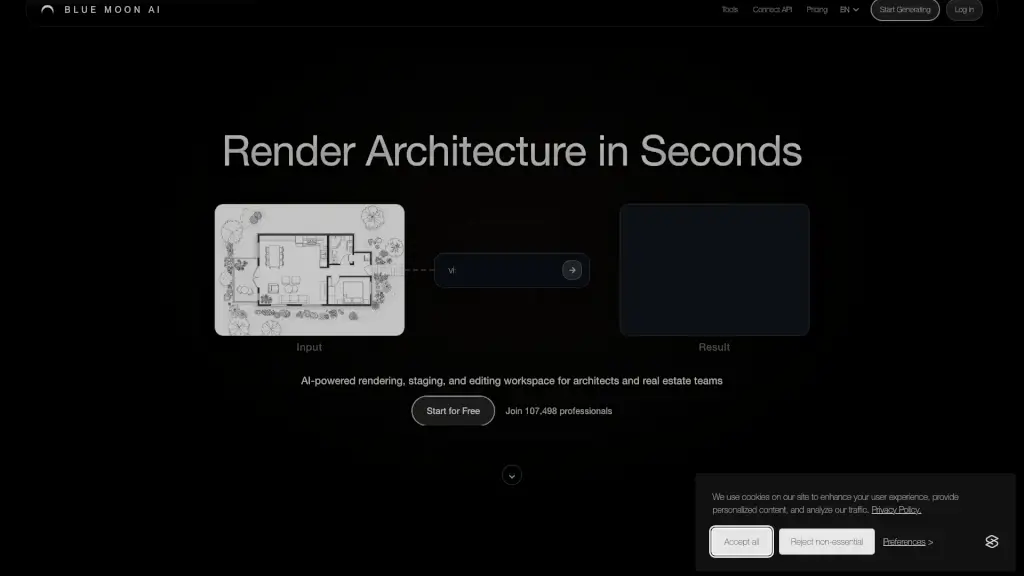
What is Blue Moon AI?
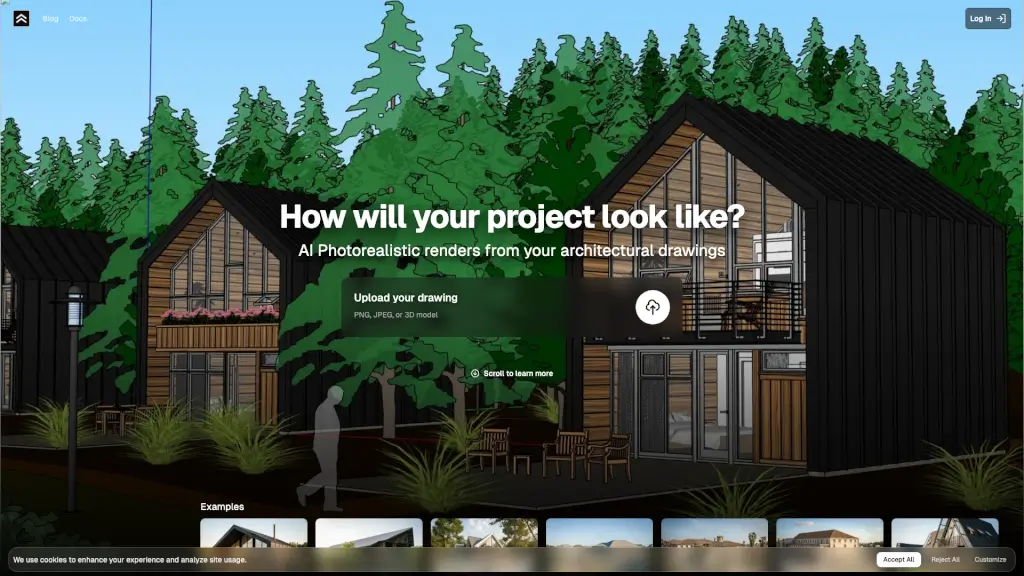
Blue Moon AI, or blmn.ai, is a powerful tool designed to help architects and real estate professionals transform their sketches, plans, and ideas into stunning, photorealistic renders in just seconds. Whether you're working on a modern commercial development or a cozy residential project, Blue Moon AI makes it easy to visualize, refine, and present your designs. With features like AI-powered rendering, virtual staging, and upscaling, this platform streamlines the creative process, saving you time and effort.
What are the features of Blue Moon AI?
- AI-Powered Rendering: Upload your sketches, elevations, or facade plans and get photorealistic renders almost instantly.
- Virtual Staging: Furnish and stage your spaces with just one click, making it perfect for real estate presentations.
- Edit & Modify: Easily modify your designs by explaining desired changes or using the intuitive brush tool.
- Upscaling: Enhance and upscale your renders with high-resolution textures and refined details.
- Animation: Turn a single static image into a dynamic video animation, adding life to your visualizations.
- 3D Modeling: Convert a single photo into a textured 3D model that you can view and download.
- Text-to-Render: Generate architectural images from text prompts, bringing your vision to life quickly.
What are the use cases of Blue Moon AI?
- Architectural Visualization: Quickly turn your design concepts into detailed, photorealistic renders for client presentations.
- Real Estate Marketing: Create polished, staged visuals for property listings to attract more buyers.
- Interior Design: Experiment with different furniture and decor options to find the perfect look for a space.
- Urban Planning: Visualize site plans and urban layouts to better communicate your ideas to stakeholders.
- Construction Documentation: Generate high-quality renderings to support construction documents and proposals.
- Design Iteration: Rapidly iterate on design ideas and get immediate feedback from clients and team members.
How to use Blue Moon AI?
- Upload Your Design: Start by uploading your sketches, CAD exports, or reference images.
- Choose Your Render Type: Select the type of render you want, such as exterior, interior, or floor plan.
- Refine and Edit: Use the editing tools to make any necessary adjustments, like changing angles or adding furniture.
- Generate High-Quality Output: Choose the resolution and quality settings, then generate your final render.
- Download and Share: Once satisfied, download your render and share it with clients or team members.