
What is Berrycast?
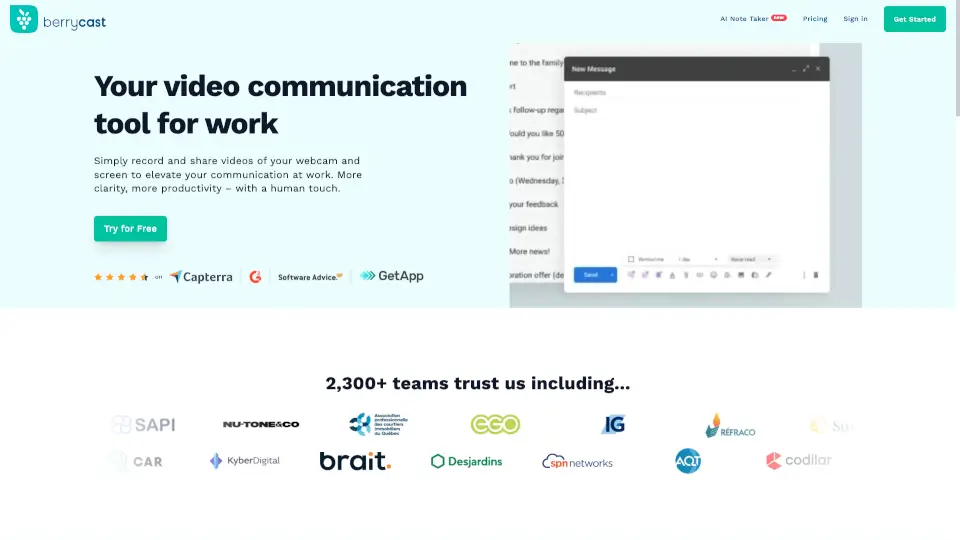
Tired of typing long emails only to be misunderstood? Berrycast is a free, easy-to-use screen recorder for Windows and Mac that lets you quickly create video messages with your webcam and screen—perfect for explaining ideas clearly without scheduling another meeting. Think of it as your friendly, more personal alternative to Loom.
Whether you're walking a client through a proposal, giving feedback on a design, or training a new teammate, Berrycast helps you communicate faster and with more clarity. Plus, it’s packed with smart AI-powered features like automatic transcripts, note-taking, and meeting summaries—so you spend less time taking notes and more time getting things done.
What are the features of Berrycast?
- Screen & Webcam Recording: Capture your full screen, a window, or just your webcam—and combine them in one clear video message.
- AI Note Taker & Summarization: Automatically generates transcripts and highlights key points from your recordings.
- Instant Video Sharing: Get a shareable link the moment you finish recording—no uploading delays.
- GDPR-Compliant Security: Your data stays protected with enterprise-grade privacy standards.
- Seamless App Integrations: Embed Berrycast directly into tools you already use for smoother teamwork.
- Free to Use: Full-featured screen recording at no cost, trusted by over 2,300 teams.
What are the use cases of Berrycast?
- Explain complex project updates to remote team members without endless email threads.
- Walk clients through contract details or financial documents with personalized video commentary.
- Provide clear bug reports or design feedback by recording your screen while talking through issues.
- Create quick onboarding videos for new hires showing how internal tools work.
- Record async stand-ups or status updates so teammates can watch on their own schedule.
- Share software tutorials or process walkthroughs with customers or colleagues.
How to use Berrycast?
- Click “Record” on the Berrycast website (JavaScript must be enabled).
- Choose to record your screen, webcam, or both—then start talking.
- When done, Berrycast instantly processes your video and gives you a shareable link.
- Send the link via email, Slack, or any messaging app for instant feedback.
- Use the AI transcript feature to review or summarize key points after recording.
- Integrate Berrycast into your favorite work apps to record without switching tabs.