
What is AnyToURL?
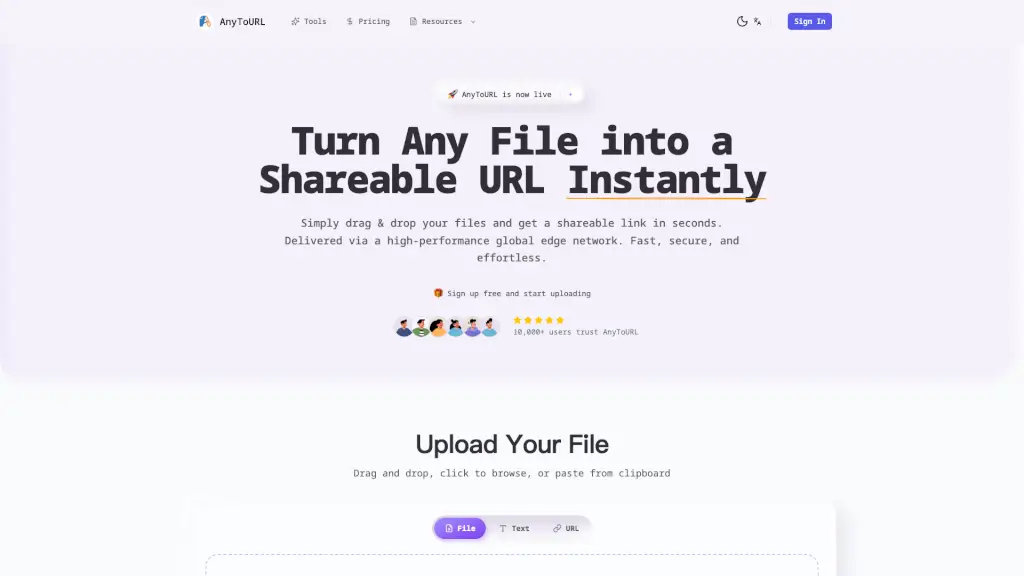
AnyToURL is a super-fast and easy way to share any file with anyone, anywhere. Just drag and drop your files—whether they're images, videos, PDFs, or code snippets—and get a shareable URL instantly. It's perfect for students, professionals, and anyone who needs to share files quickly and securely. With a high-performance global edge network, your files are delivered lightning-fast, and you can even add password protection for extra security.
What are the features of AnyToURL?
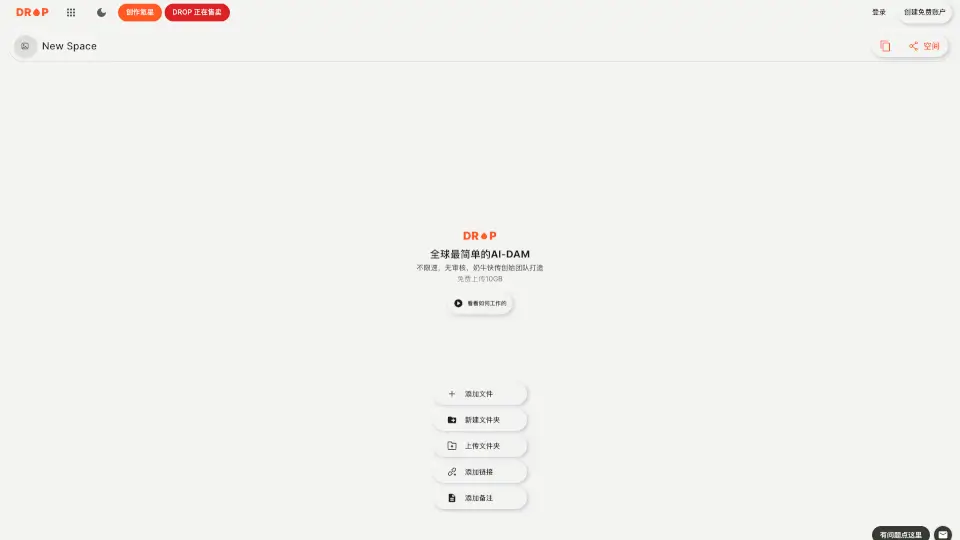
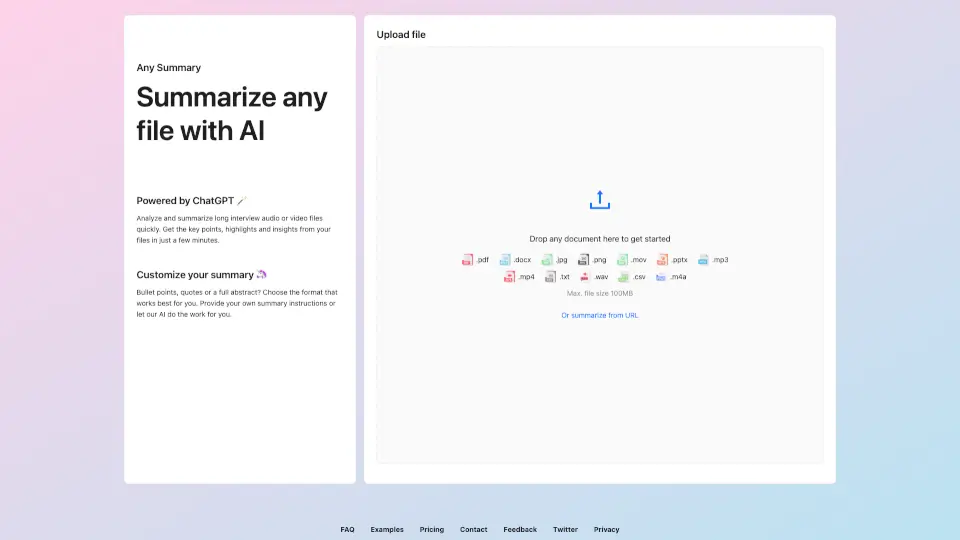
- Drag & Drop Upload: Simply drag your file onto the page. No complicated forms, just simple and fast uploads.
- Instant Shareable Links: Get a short, shareable URL immediately after upload. Share via email, chat, or social media with one click.
- Smart File Preview: Images, PDFs, and documents preview directly in the browser. No downloads needed for viewing.
- Global Edge CDN: Delivered via Cloudflare's high-performance global edge network for lightning-fast access worldwide.
- Password Protection: Secure sensitive files with password protection. Only authorized people can access your content.
- Permanent Storage: Upgrade to keep your files forever. Free files expire after 24 hours; paid plans offer permanent storage.
What are the use cases of AnyToURL?
- Sharing Design Files: Quickly share design mockups, logos, and other creative assets with clients or team members.
- Collaborating on Documents: Easily share and preview PDFs, Word documents, and other files with colleagues or classmates.
- Distributing Educational Materials: Teachers can share lesson materials, assignments, and resources with students.
- Sending High-Resolution Photos: Freelance photographers can share large, high-resolution photos with clients without worrying about slow download times.
- Streaming Videos: Content creators can share video files that load quickly and can be previewed directly in the browser.
- Hosting Code Snippets: Developers can share code snippets and small projects with team members or for public viewing.
How to use AnyToURL?
- Drag and drop your file onto the upload area, or click to browse and select the file.
- Once uploaded, copy the generated shareable URL.
- Share the link via email, chat, social media, or embed it in websites.
- For sensitive files, add a password to protect your links.
- Optionally, upgrade to a paid plan for more features like larger file sizes and permanent storage.