
AnyToURL logo

AnyToURL

4.0
(0 Reviews)
United States28.63%

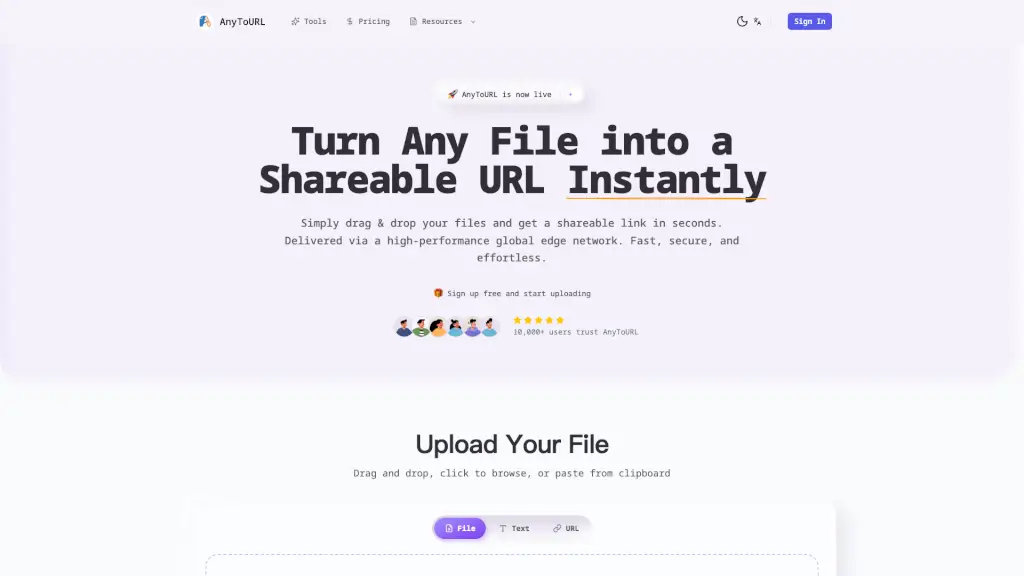
AnyToURL is the fastest and easiest way to share files online, offering instant shareable URLs, smart file previews, and secure, global delivery via a high-performance edge network.

Verified by SeekTool
Social Media:
AnyToURL

AnyToURL Product Information

What is AnyToURL?

AnyToURL is a super-fast and easy way to share any file with anyone, anywhere. Just drag and drop your files—whether they're images, videos, PDFs, or code snippets—and get a shareable URL instantly. It's perfect for students, professionals, and anyone who needs to share files quickly and securely. With a high-performance global edge network, your files are delivered lightning-fast, and you can even add password protection for extra security.

What are the features of AnyToURL?

  • Drag & Drop Upload: Simply drag your file onto the page. No complicated forms, just simple and fast uploads.
  • Instant Shareable Links: Get a short, shareable URL immediately after upload. Share via email, chat, or social media with one click.
  • Smart File Preview: Images, PDFs, and documents preview directly in the browser. No downloads needed for viewing.
  • Global Edge CDN: Delivered via Cloudflare's high-performance global edge network for lightning-fast access worldwide.
  • Password Protection: Secure sensitive files with password protection. Only authorized people can access your content.
  • Permanent Storage: Upgrade to keep your files forever. Free files expire after 24 hours; paid plans offer permanent storage.

What are the use cases of AnyToURL?

  • Sharing Design Files: Quickly share design mockups, logos, and other creative assets with clients or team members.
  • Collaborating on Documents: Easily share and preview PDFs, Word documents, and other files with colleagues or classmates.
  • Distributing Educational Materials: Teachers can share lesson materials, assignments, and resources with students.
  • Sending High-Resolution Photos: Freelance photographers can share large, high-resolution photos with clients without worrying about slow download times.
  • Streaming Videos: Content creators can share video files that load quickly and can be previewed directly in the browser.
  • Hosting Code Snippets: Developers can share code snippets and small projects with team members or for public viewing.

How to use AnyToURL?

  • Drag and drop your file onto the upload area, or click to browse and select the file.
  • Once uploaded, copy the generated shareable URL.
  • Share the link via email, chat, social media, or embed it in websites.
  • For sensitive files, add a password to protect your links.
  • Optionally, upgrade to a paid plan for more features like larger file sizes and permanent storage.
Do you like this tool?

Upvote to help others discover it!

AnyToURL Alternatives

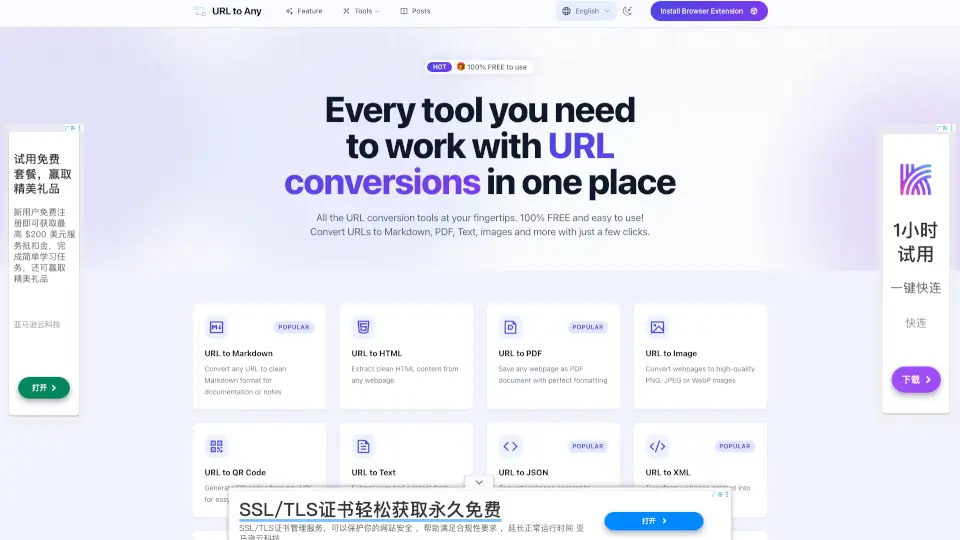
URL to Any

URL to Any

URL to Any is a free, fast, and secure tool for converting webpages to formats like PDF, Markdown, images, and more—perfect for saving, sharing, and referencing.

US
29.63%
48.8K
4.0
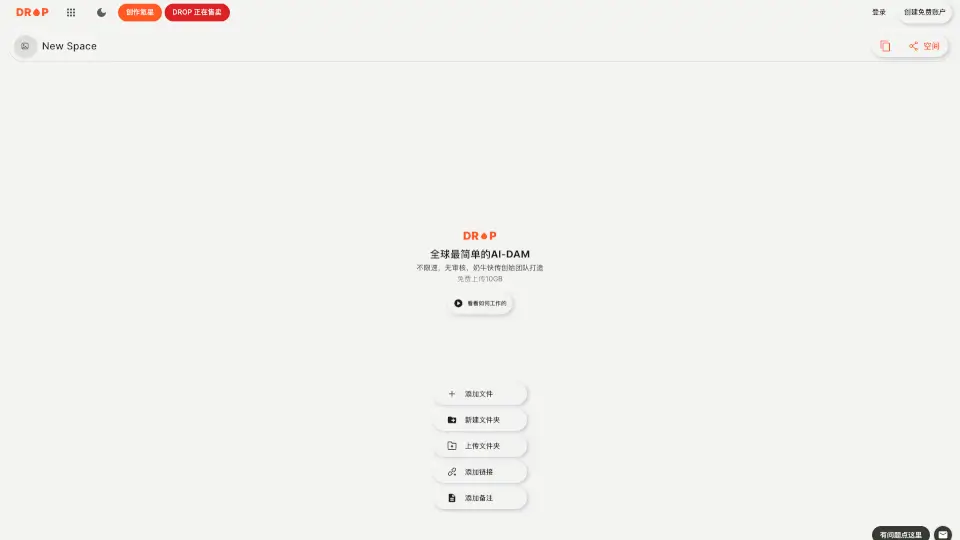
DROP

DROP

DROP is a fast, secure, and easy-to-use platform for sharing files up to 10GB. Perfect for personal or professional use, it’s the ultimate solution for seamless file sharing. ---

CN
78.58%
7.3K
3.0
TinyWow

TinyWow

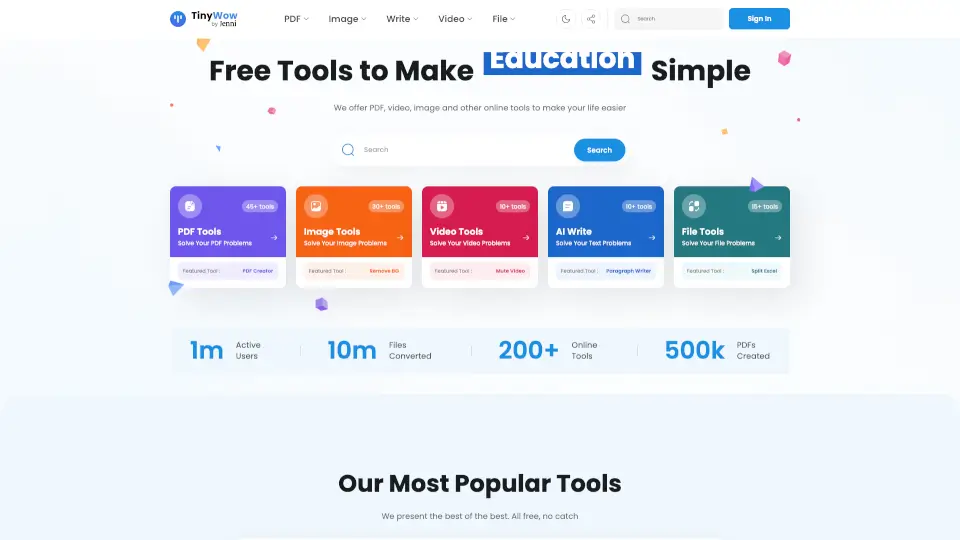
TinyWow offers 200+ free, no-signup online tools for PDF editing, AI writing, image enhancement, video conversion, and file management—with automatic file deletion for privacy.

US
24.08%
1.9M
5.0
AnySummary

AnySummary

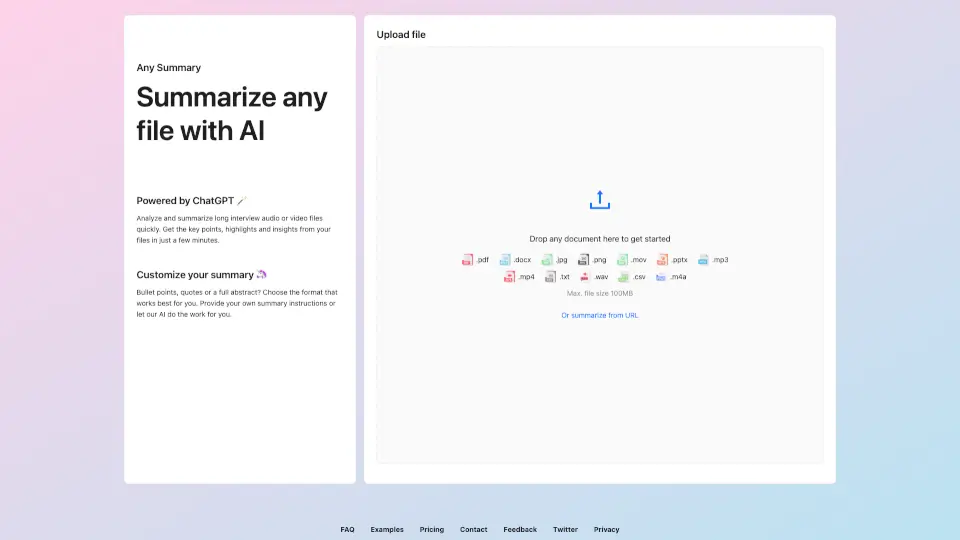
AnySummary is the easiest way to turn long files or videos into quick, actionable summaries using AI. Save time and get straight to the point!

RU
18.46%
19.8K
4.0
AI Convert Hub

AI Convert Hub

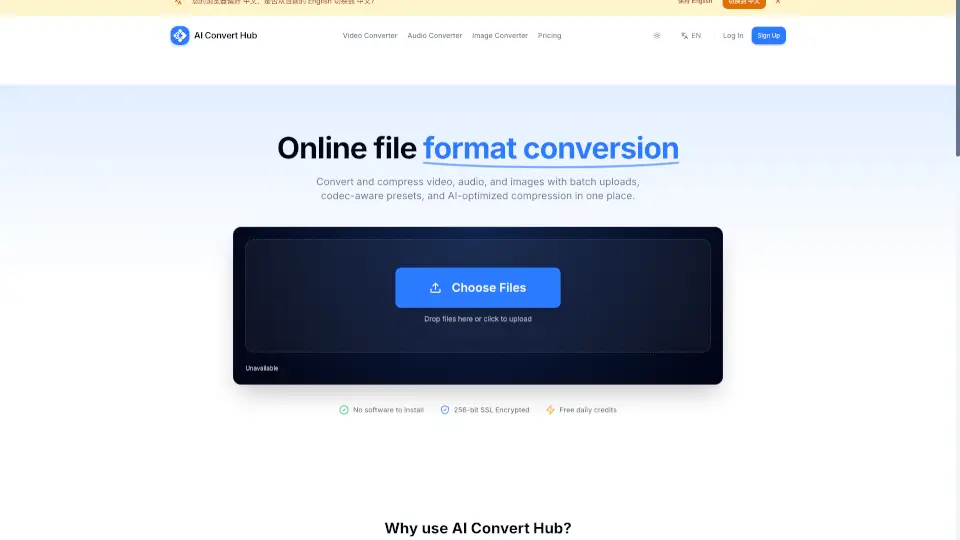
AI Convert Hub offers fast, secure, and high-quality online conversion for video, audio, and images with advanced codec controls and batch processing.

CN
100.00%
3.0K
3.0
BestPDF

BestPDF

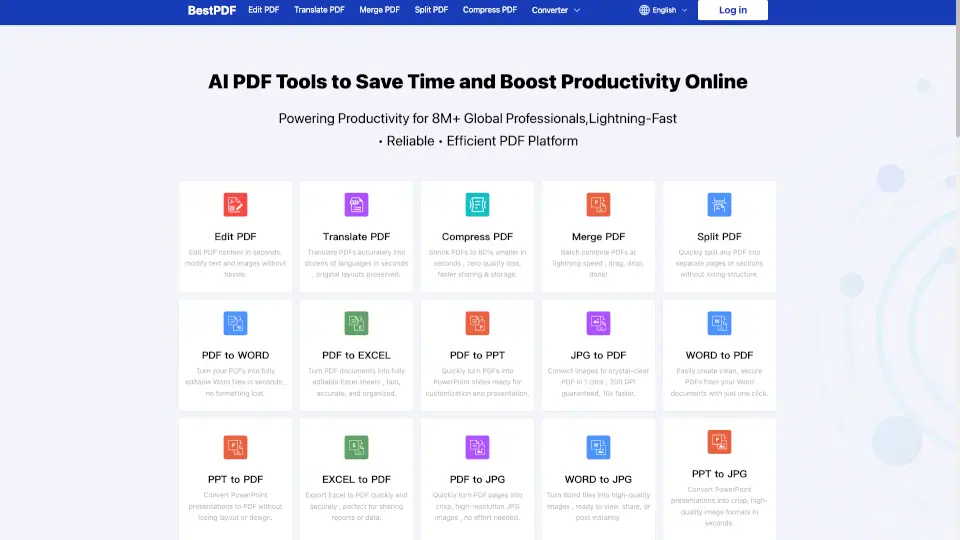
BestPDF is a fast, secure, and easy-to-use online PDF editor and converter. Edit, compress, merge, split, and translate PDFs—no downloads or watermarks.

US
37.77%
2.6K
3.0
Get Magic Tools

Get Magic Tools

GetMagicTools is a comprehensive online platform offering a wide range of tools for image editing, file conversion, and document management, making it a valuable resource for students, professionals, and businesses alike.

MX
37.60%
1.0K
3.0
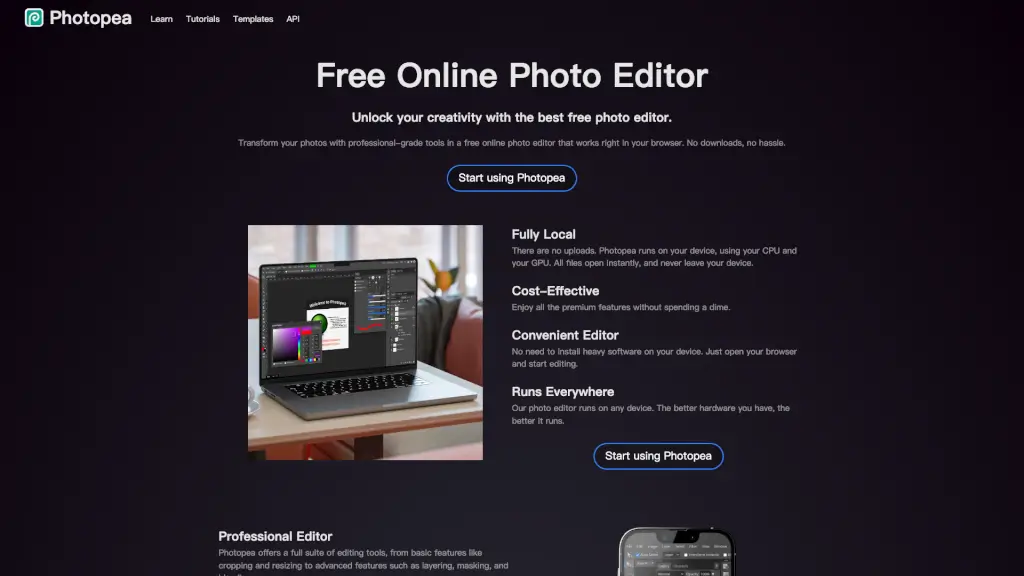
Photopea

Photopea

Transform your photos with professional-grade tools using Photopea, the best free online photo editor that works right in your browser.

US
20.05%
19.4M
5.0

AnyToURL Related Other Categories

AnyToURL Traffic Analysis

💡 Insights

🌱
Emerging Tool
10K-100K monthly visits. Niche or new tool with potential unique value.
🔥
Explosive Growth
Recent growth of 2728%. Extremely hot in the market right now!
💎
High Stickiness
Low bounce rate (24%) and deep engagement (3.1 pages/visit). Excellent user experience.
  • Monthly Visits

    26.98K

  • Bounce Rate

    24.04%

  • Pages Per Visit

    3.05

  • Visit Duration

    00:00:40

  • Global Rank

    895091

  • Country Rank

    42812

Visits Over Time

Traffic Sources

Gen Ai0.00%
Display Ads0.00%
Social Organic0.00%
Mail0.00%
Search Paid0.00%
Social Paid0.00%
Referrals0.00%
Affiliate0.00%
Search Organic0.00%
Direct0.00%

Top Keywords

1
turn mp3 into link
130Traffic
2
share gif file online for embed for free
120Traffic
3
anytourl
110Traffic
4
mp3 naar link omzetten
110Traffic
5
mp3 audio link
80Traffic

Top Regions

RegionPercentage
United States
United States
28.63%
India
India
19.26%
Indonesia
Indonesia
13.07%
Brazil
Brazil
12.34%
Germany
Germany
9.62%
Low
High

Powered by SimilarWeb

AnyToURL FAQ

Is AnyToURL free to use?

Yes, AnyToURL offers a free tier with temporary file hosting (24-hour retention), 5 MB max file size, and 1 GB of uploads per month. Paid plans offer more features and storage.

How do I upload a file?

You can drag and drop your file onto the page, click to browse and select the file, or paste from the clipboard (Ctrl+V / Cmd+V).

What file types can I upload?

You can upload images, videos, PDFs, documents, and code snippets. The maximum file size for free users is 50 MB.

Can I password-protect my files?

Yes, you can add password protection to your files to ensure only authorized people can access them.

How long are files stored?

Free files expire after 24 hours. Paid plans offer permanent storage options.

Can I use a custom domain?

Custom domains (CNAME) are available with the Ultra plan.

AnyToURL Reviews

0

0

0 Reviews
Sign Into leave a review

Recent Reviews

No reviews yet

AnyToURL Embed

Use website badges to drive community support for SeekTool.ai. They are easy to embed in your homepage or footer.

Light
Dark
AnyToURL - Featured on SeekTool.aiAnyToURL - Featured on SeekTool.ai
How to install?

Category Rankings

Ranked by monthly traffic