
What is ChatGPT Toolbox?
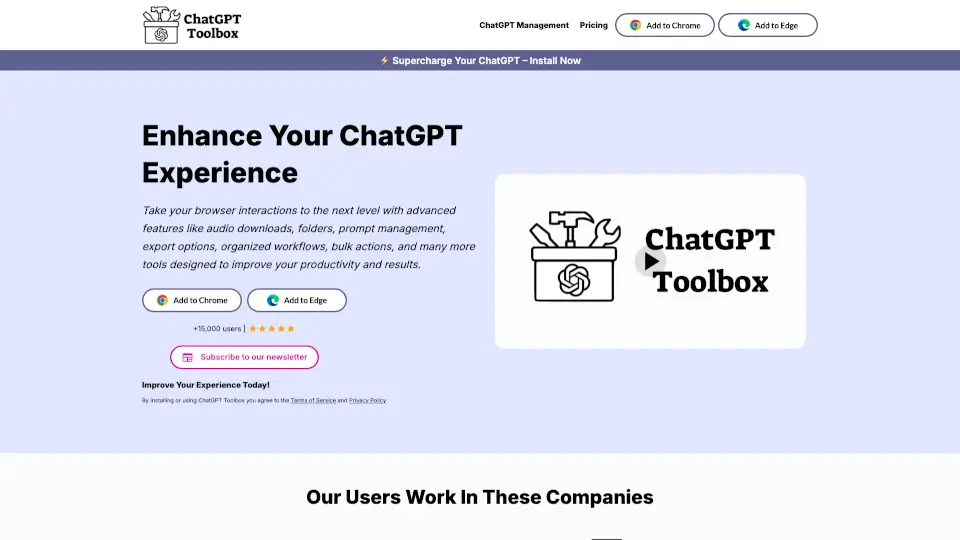
ChatGPT Toolbox is a browser extension designed to supercharge your ChatGPT experience. With features like audio downloads, folder organization, prompt management, and more, it’s the ultimate tool for boosting productivity and streamlining your workflow.
What are the features of ChatGPT Toolbox?
- Organize Conversations: Create folders and subfolders to keep your chats neatly categorized.
- Prompt Library: Access hundreds of expert-crafted prompts for SEO, marketing, creativity, and more.
- Media Gallery: Manage and download DALL-E creations with detailed generation data.
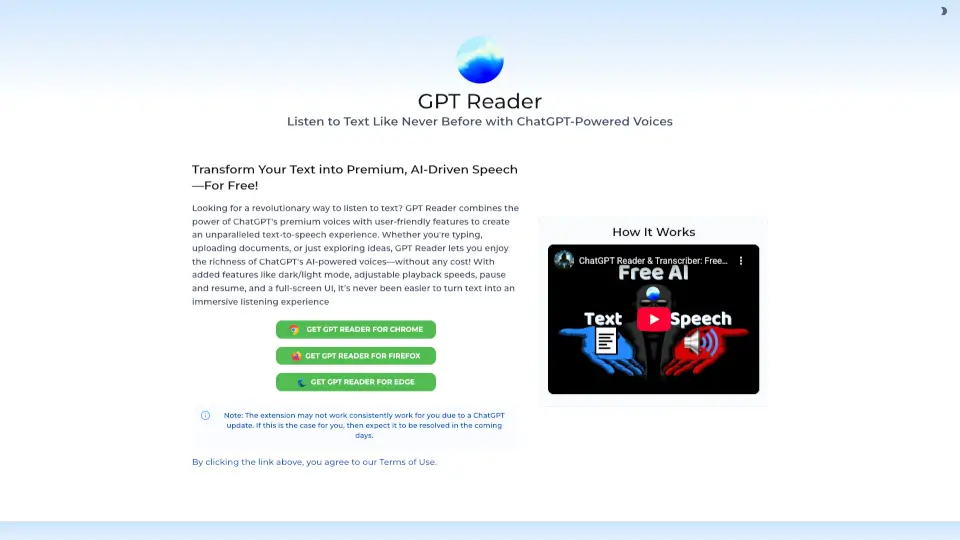
- Audio Downloads: Convert messages to MP3 with multiple voice options.
- Professional Sidebar: Advanced search, pinning, and prompt management for quick access.
- Multi-Language Support: Communicate effortlessly in your preferred language.
- Light & Dark Themes: Customize your browsing experience for day or night use.
What are the use cases of ChatGPT Toolbox?
- Students: Organize study materials and convert notes to audio for easy review.
- Professionals: Manage projects, create marketing prompts, and streamline workflows.
- Creatives: Store and organize DALL-E creations for future inspiration.
- Global Users: Use multi-language support to break communication barriers.
How to use ChatGPT Toolbox?
- Install the Extension: Add ChatGPT Toolbox to Chrome, Firefox, or Edge.
- Organize Chats: Create folders and subfolders to categorize your conversations.
- Use Prompts: Access the Prompt Library or save custom prompts for quick use.
- Download Media: View and download DALL-E creations from the Media Gallery.
- Convert to Audio: Select messages and download them as MP3 files.