
What is Krater.AI?
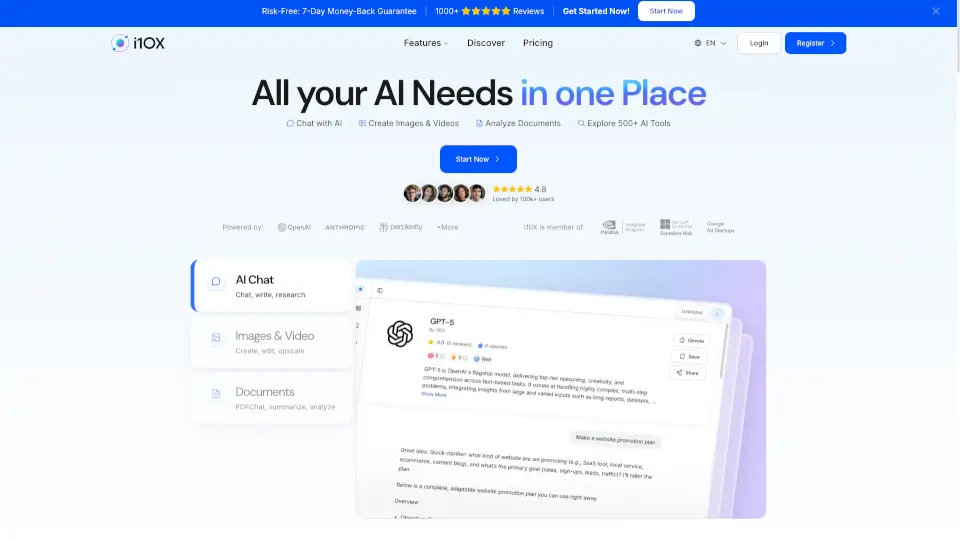
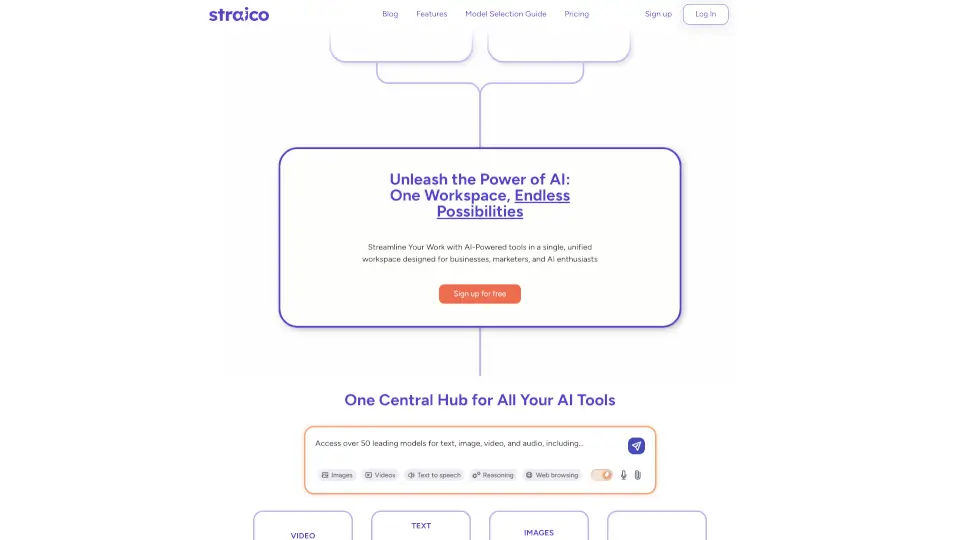
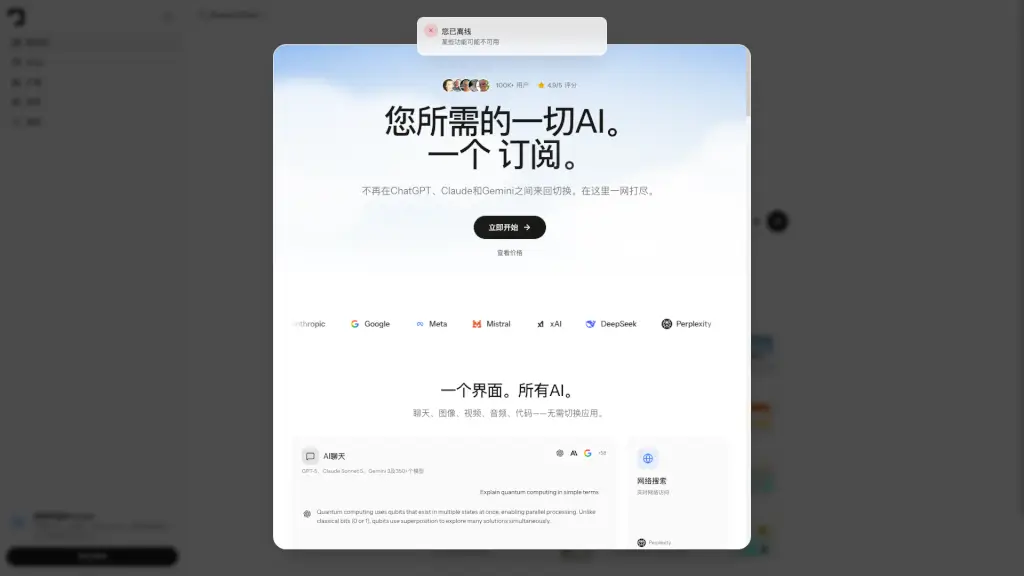
Tired of juggling between ChatGPT, Claude, Gemini, and a dozen other AI tools? Krater is your all-in-one AI SuperApp that brings together 350+ top AI models—including GPT-4, Claude Sonnet, Gemini Flash, and more—in a single, intuitive interface. Whether you need to generate images, edit videos, transcribe voice memos, or write code, Krater lets you do it all without switching tabs or managing multiple subscriptions.
Krater isn’t just about access—it’s about saving time, money, and mental energy. Instead of paying $345+/month for separate services like Midjourney, ElevenLabs, and Runway, you get everything in one place for as low as $9/month. Plus, with built-in automation, real-time web search, and seamless app integrations, Krater turns AI from a novelty into a daily productivity powerhouse.
What are the features of Krater.AI?
- 350+ AI Models in One Place: Instantly switch between top models from OpenAI, Anthropic, Google, Meta, Mistral, and more—all without leaving the app.
- Multimodal Creation Tools: Generate images, videos, audio, 3D assets, and documents using best-in-class engines like Flux, Runway, ElevenLabs, and Ideogram.
- 18+ Slash Commands: Use simple shortcuts like
/image,/transcribe,/build, or/summarizeto trigger powerful workflows instantly. - Automated Workflows: Schedule recurring tasks—like daily Hacker News digests or competitor pricing checks—that run automatically and deliver results to your chat or email.
- App Integrations: Connect Krater to Gmail, Notion, Slack, GitHub, Google Calendar, and 300+ other tools via built-in apps or MCP for custom workflows.
- Privacy-First & Ad-Free: Your data is never used to train models, your content is 100% yours, and there are zero ads—ever.
What are the use cases of Krater.AI?
- A developer uses
/buildto auto-generate a Pomodoro timer app, then deploys it directly from Krater. - A content creator transcribes a voice memo with
/transcribe, summarizes it with/summarize, and turns key points into social media visuals using/image. - A product manager runs a weekly
/compareanalysis of three competitors, complete with pricing, go-to-market strategy, and traction data. - A student uploads a 30-page research paper and gets a clear one-page brief with
/summarize. - A marketing team schedules daily AI news digests and auto-posts Linear task summaries to Slack every Monday morning.
- An entrepreneur monitors startup funding rounds with
/searchto track new AI companies raising over $50M.
How to use Krater.AI?
- Click “New Conversation” (⌘N) to start fresh or use “Keep” (⌘L) to save important chats.
- Type a slash command like
/image Arctic fox in golden hour snowto generate visuals instantly. - Use the sidebar to explore community prompts, browse recent creations, or access your Drive.
- Connect your favorite apps (like Gmail or Notion) under “Apps” to enable automated workflows.
- Upgrade to Pro or higher to unlock scheduled tasks, larger context windows, and API access.
- Toggle between AI models on the fly—no need to log in and out of different platforms.