
Что такое Kolbo AI?
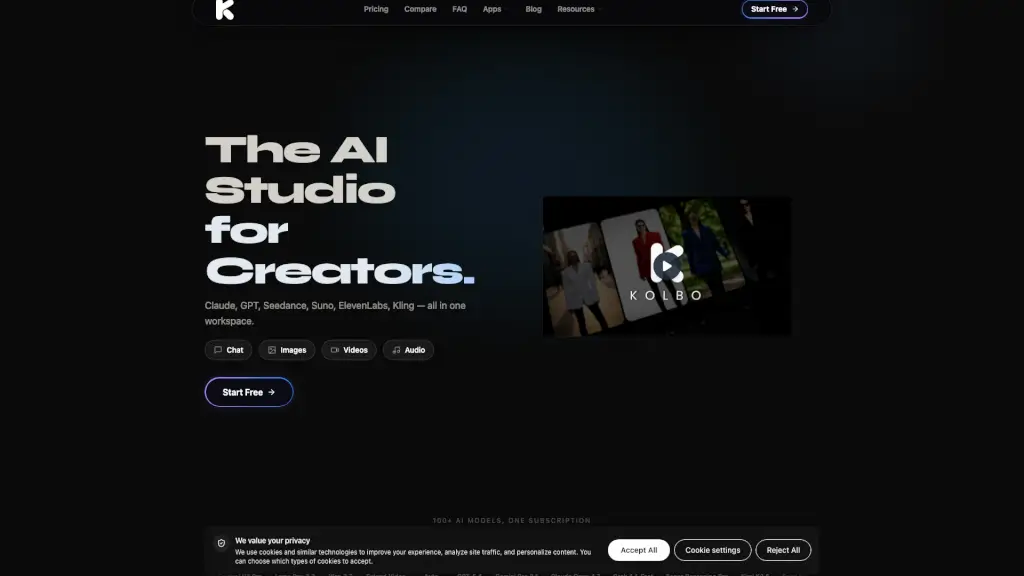
Kolbo.AI — это всё-в-одном AI-платформа для создания изображений, видео, музыки, аудио и кода с помощью более чем 100 передовых ИИ-моделей. Вместо того чтобы переключаться между Midjourney, Suno, ChatGPT или Kling, вы работаете в одном пространстве, где все инструменты «знают» контекст вашего проекта. Это особенно удобно для маркетологов, дизайнеров, разработчиков и креативных команд, которым нужно быстро генерировать профессиональный контент без технической возни.
Платформа объединяет текстовые, графические, видео- и аудиоинструменты в рамках единой системы проектов. Благодаря функциям вроде общей памяти, автоматического выбора модели и совместной работы в реальном времени, Kolbo.AI экономит часы рутины и помогает сохранять креативный поток от идеи до финального результата.
Какие особенности у Kolbo AI?
- 100+ ИИ-моделей в одном месте: От GPT-5 и Claude до Midjourney, Suno V4.5+, Kling 2.1 и ElevenLabs V3 — всё под рукой без API-ключей.
- Единое рабочее пространство с общим контекстом: Все инструменты видят историю вашего проекта, так что каждый новый элемент логично продолжает предыдущий.
- Автоматический выбор модели (Auto Mode): Kolbo сам решает, какая модель лучше всего подходит для вашей задачи — вам не нужно разбираться в тонкостях каждой ИИ-системы.
- Настольное приложение и плагины для Adobe: Генерируйте контент и перетаскивайте его прямо в Premiere Pro или After Effects.
- Накопление неиспользованных кредитов: Не потратили всё в этом месяце? Кредиты переносятся на следующий — вы ничего не теряете.
- Обучение собственных моделей: Загрузите 15 изображений своего бренда или персонажа — и создавайте бесконечно согласованный контент.
- Генерация 3D-моделей: Создавайте трёхмерные объекты по тексту или изображению — редкая функция среди конкурентов.
- Командная работа с полным контекстом: Делитесь не просто файлами, а всей историей сессии — чатами, промптами, итерациями.
Какие случаи использования Kolbo AI?
- Маркетинговое агентство создаёт полный рекламный кампейн за один запрос: изображения продукта с разных ракурсов (Angels), видеоролик (Kling), фоновая музыка (Suno) и тексты (Claude).
- Инди-разработчик генерирует персонажей и окружение для игры: обучает кастомную модель на своих концепт-артах, создаёт 3D-модели и анимирует их.
- Ютубер делает видео за 20 минут: генерирует сценарий (GPT), озвучку с клонированием голоса (ElevenLabs), анимацию (Seedance) и монтирует всё в Premiere через плагин.
- Бренд-менеджер поддерживает визуальную консистентность: обучает модель на фирменных фото и генерирует сотни on-brand изображений без участия дизайнера.
- Команда продюсеров создаёт трейлер фильма: использует Creative Director для генерации storyboards, First Last Frame для анимации ключевых кадров и Lipsync для дубляжа.
- Разработчик анализирует аудиозаписи встреч: загружает файл в чат, получает транскрибацию, выжимку решений и задачи.
- Музыкант создаёт саундтрек по описанию настроения: «меланхоличный синтвейв с элементами джаза» → готовый трек от Suno.
Как использовать Kolbo AI?
- Зарегистрируйтесь бесплатно — без карты и без установки. Просто зайдите на сайт и начните работать.
- Создайте новый проект — он станет центральным хабом для всех ваших активов: чатов, изображений, видео и заметок.
- Используйте Auto Mode, если не уверены, какую модель выбрать — Kolbo сам подберёт оптимальный инструмент.
- Для сложных задач попробуйте Creative Director или Angels: они генерируют целые наборы контента за один клик.
- Установите настольное приложение или плагины Adobe, чтобы перетаскивать AI-контент прямо в свои привычные программы.
- Пригласите коллег в проект — они увидят весь контекст, а не только финальные файлы.