
What is Adobe Firefly?
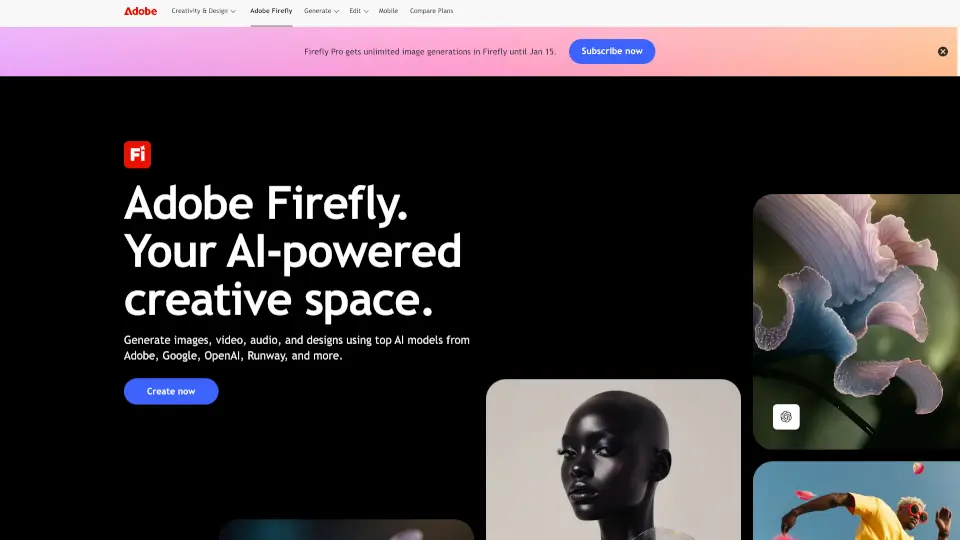
Adobe Firefly is a free generative AI tool built for creators who want to make stunning images, videos, audio, and designs—fast. Whether you're a marketer, designer, student, or social media content creator, Firefly helps turn your ideas into polished, ready-to-use assets using simple text prompts. Best of all, it’s powered by commercially safe AI models, so you can use what you create with confidence.
Unlike many AI tools that only do one thing well, Firefly brings together top models from Adobe, Google, OpenAI, Runway, ElevenLabs, and more in one easy-to-use platform. You can generate a podcast thumbnail, add cinematic effects to a video, translate voiceovers into 20+ languages, or build mood boards with teammates—all without leaving the app.
What are the features of Adobe Firefly?
- AI Image & Video Generation: Create high-quality images and video clips from text or still photos using Adobe’s latest models like Firefly Image 5 and partner models like FLUX.2 [pro].
- Commercially Safe Outputs: All Adobe-trained models are built on licensed and public domain content—no copyright worries.
- Firefly Boards: Collaborate on an infinite canvas to brainstorm, organize, and refine creative projects with teams.
- Mobile App Support: Full-featured Firefly experience on iOS and Android—generate and edit on the go.
- Multi-Format AI Tools: Generate sound effects, vector graphics, voice translations, and atmospheric video layers (like smoke or lens flares).
- Seamless Adobe Integration: Send creations directly into Photoshop, Premiere Pro, Illustrator, or Adobe Express for professional editing.
- Content Credentials: Built-in transparency showing when and how AI was used in your files.
- 100+ Language Prompts: Type prompts in over 100 languages; translate audio/video in 20+ while preserving voice tone.
What are the use cases of Adobe Firefly?
- Marketers creating on-brand campaign visuals and localized social media content across regions.
- Video editors generating B-roll footage, adding motion to stills, or producing custom sound effects.
- Design teams building mood boards or storyboards in Firefly Boards before moving to final production.
- Social media creators making eye-catching thumbnails, reels, and graphics in minutes.
- Podcasters designing cover art and generating background audio tracks without hiring a sound engineer.
- Educators producing multilingual educational videos with AI voice translation that keeps the original speaker’s pitch.
- Freelancers prototyping brand identities or mock-ups quickly for client pitches.
How to use Adobe Firefly?
- Sign up for a free Adobe account and visit firefly.adobe.com or download the Firefly mobile app.
- Choose your creative type: image, video, audio, or vector—and pick a model (Adobe or partner).
- Enter a clear text prompt (under 750 characters) describing what you want to generate.
- Use editing tools like Generative Fill or Prompt to Edit to refine results before exporting.
- Export as PNG, JPG, or MP4, or send directly to Photoshop, Express, or other Creative Cloud apps.
- For team projects, start a Firefly Board to collaborate in real time on an infinite visual workspace.