What is Clipfly AI?
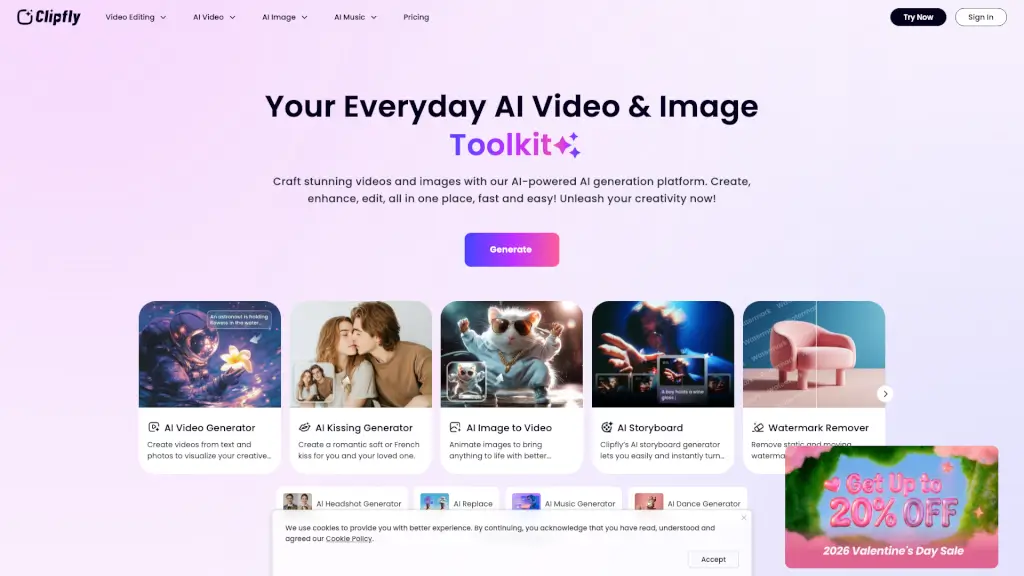
Clipfly is an AI-powered creative platform that makes it super easy to turn your ideas into stunning videos, images, and music. Whether you're a beginner or a seasoned creator, Clipfly offers a wide range of tools to help you craft professional-looking content without needing any special skills or expensive software. From video editing and image generation to music creation, Clipfly has got you covered. It's fast, free, and incredibly user-friendly, making it the perfect choice for anyone looking to bring their creative visions to life.
What are the features of Clipfly AI?
- AI Video Generator: Transform text and photos into dynamic, high-quality videos in seconds.
- AI Image Generator: Create unique images or transform existing ones with a variety of artistic styles.
- AI Music Generator: Compose songs in any genre, from pop and rock to jazz and lo-fi, with just a few clicks.
- Video Editor: Edit and enhance your videos with tools like trimming, cropping, adding effects, and more.
- Photo Enhancer: Improve the clarity, color, and sharpness of your images instantly.
- AI Talking Avatar: Generate lifelike avatars that speak your script with natural voice and facial expressions.
What are the use cases of Clipfly AI?
- Marketing and Promotions: Create engaging promotional videos and eye-catching graphics for your business.
- Social Media Content: Produce scroll-stopping content for platforms like YouTube, TikTok, and Instagram.
- Personal Projects: Make personalized videos for birthdays, weddings, and other special occasions.
- Educational Materials: Develop informative and visually appealing presentations and training videos.
- Creative Storytelling: Bring your stories to life with animated videos and custom soundtracks.
- Brand Identity: Design logos, banners, and other visual elements to strengthen your brand.
How to use Clipfly AI?
- Choose Your Tool: Select the tool you need, whether it's the AI Video Generator, Image Generator, or Music Generator.
- Upload Your Content: Upload your text, photos, or audio files to get started.
- Customize and Edit: Use the intuitive interface to add effects, adjust settings, and make your content look and sound exactly how you want.
- Preview and Refine: Preview your creation and make any necessary adjustments.
- Export and Share: Once you’re happy with the result, export your project and share it with the world.