
What is Charma?
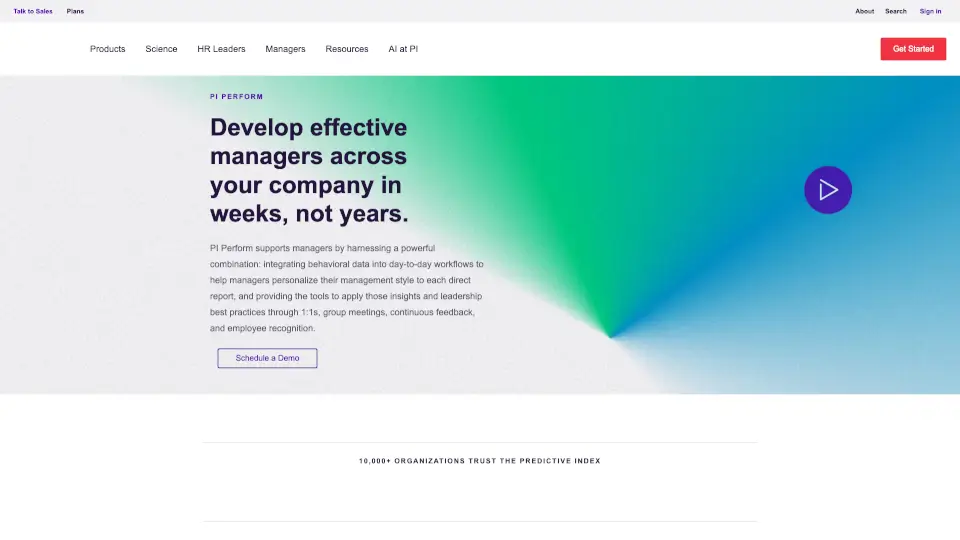
PI Perform is an all-in-one platform that helps managers become better leaders by blending behavioral science with everyday tools. Instead of guessing how to manage each team member, you get personalized insights into their workplace behaviors—right inside your 1:1 meetings, feedback cycles, goal tracking, and employee recognition. It’s designed to make leadership more human, more effective, and a whole lot easier.
What are the features of Charma?
- Behavioral Insights: See each direct report’s behavioral data in their 1:1 workspace, with guidance on how to communicate and manage them based on their unique work style.
- Meeting Management: Use collaborative workspaces to build agendas async, run guided in-meeting sessions (Meeting Mode), and get automated summaries sent to everyone afterward.
- Continuous Feedback & Recognition: Give quick, AI-assisted feedback and recognition that aligns with how each person prefers to communicate. Run 360 reviews and link feedback to ongoing 1:1s.
- Goals & OKR Management: Set goals with check-in intervals that automatically appear in 1:1 agendas. No separate trackers—accountability built right into your workflow.
- Integrations: Connect with Slack, Zoom, MS Teams, Jira, and more so you can create agendas, action items, and Kudos from tools you already use.
- Review Cycles: Launch formal reviews in bulk, track completion, and connect them to everyday feedback—keeping development active all year.
What are the use cases of Charma?
- A manager wants to personalize their 1:1s for each team member but doesn’t know where to start. PI Perform shows behavioral insights for each person, offering tips on communication and motivation.
- An HR leader needs to roll out company-wide performance reviews without drowning in spreadsheets. They launch cycles in bulk, managers run 360 feedback, and everything links back to ongoing conversations.
- A team lead struggles with unfocused meetings. Using PI Perform, they build agendas collaboratively in advance, use Meeting Mode to stay on track, and get automated summaries to keep everyone aligned.
- An employee wants consistent, meaningful feedback. Their manager uses PI Perform’s AI guidance to write quick, actionable feedback weekly—no more waiting for annual reviews.
- A company wants to tie individual goals to business results. Managers set goals in the platform, define check-in intervals, and those discussions automatically appear in 1:1 agendas.
How to use Charma?
- Start with behavioral data: In each 1:1 workspace, review the behavioral insights for your direct report. Notice their strengths, potential caution areas, and preferred communication style.
- Build a meeting agenda async: Before your 1:1, invite your team member to add discussion topics, notes, or files to the collaborative workspace so the meeting is purpose-driven.
- Use Meeting Mode during the call: Click into Meeting Mode to keep everyone focused on the same topic. Document notes, decisions, and action items in real time with clear owners and deadlines.
- Send automated summaries: After the meeting, PI Perform sends a summary to all participants—no more manual follow-ups or missed action items.
- Give continuous feedback: Go to the feedback section, use the AI guidance to write clear, actionable feedback, and tie it to the employee’s goals or recent 1:1 conversations.
- Set goals with check-ins: Create a goal for a direct report, choose a check-in interval (e.g., weekly), and the goal will automatically appear in their 1:1 agenda until it’s completed.