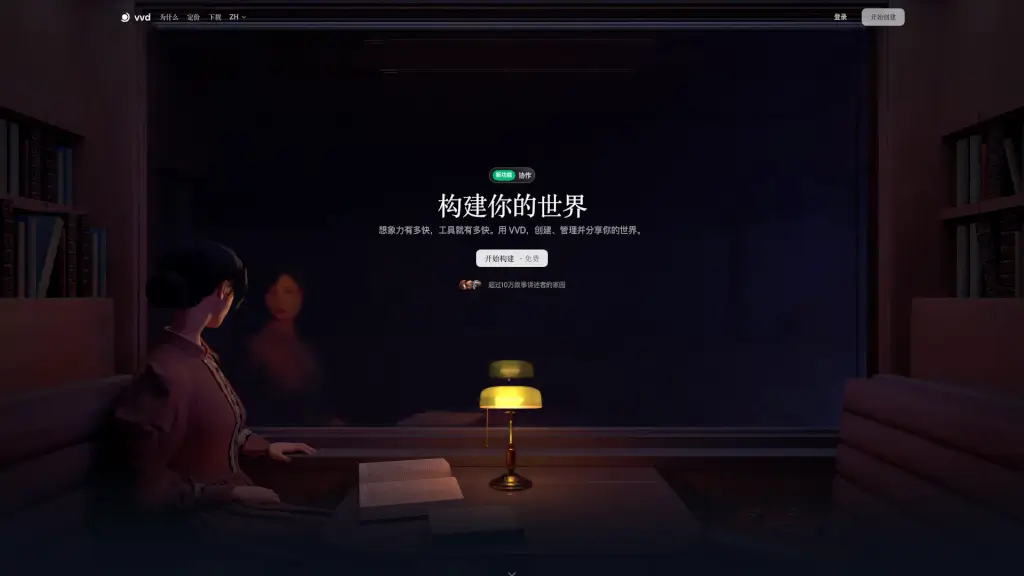
What is vvd?
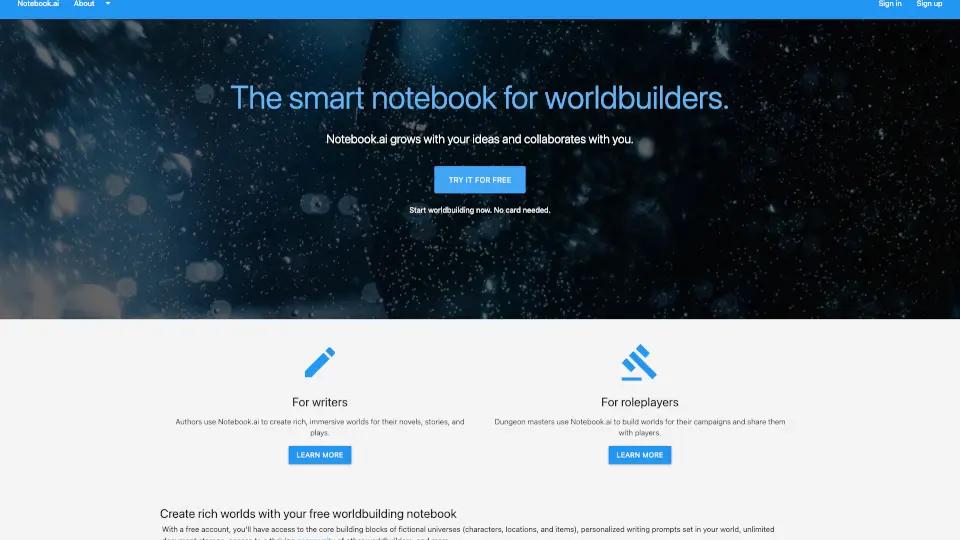
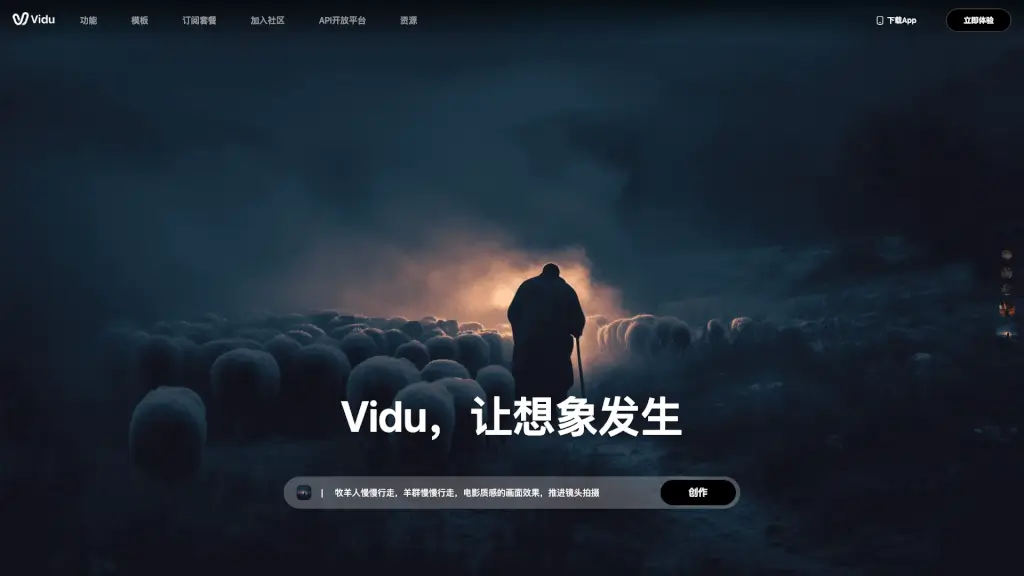
VVD is a powerful tool for creators and storytellers to build, manage, and share their immersive worlds. Whether you're crafting a fantasy realm, a sci-fi universe, or a historical setting, VVD provides the tools you need to bring your vision to life. With features like interactive maps, relationship charts, and real-time collaboration, VVD makes it easy to organize and develop every aspect of your world, from characters and locations to artifacts and lore.
What are the features of vvd?
- Interactive Maps: Create detailed, layered maps that allow you to mark locations, link entries, and make your world come alive.
- Relationship Charts: Visualize the complex connections between characters, factions, and events, making it easy to see how everything fits together.
- Live Encyclopedia: Build a comprehensive, always-updated encyclopedia for your world, with cross-referenced entries and change tracking.
- Real-Time Collaboration: Work with other creators in real-time, view changes instantly, and leave comments to ensure everyone is on the same page.
- Rich Entry Creation: Develop detailed profiles for all elements of your world, including characters, places, and items, and update them as your story evolves.
- Customizable Templates: Use pre-built templates or create your own to suit your specific needs, ensuring your world is organized exactly how you want it.
What are the use cases of vvd?
- Fantasy World Building: Create a rich, detailed fantasy world complete with maps, character backstories, and intricate lore.
- Sci-Fi Universe Development: Design a futuristic universe with advanced technology, alien races, and interstellar politics.
- Historical Fiction: Reconstruct a historical setting with accurate details, key figures, and significant events.
- Game Design: Develop a game world with interactive maps, character relationships, and a comprehensive lore database.
- Collaborative Storytelling: Work with a team of writers to create a shared world, with real-time updates and feedback.
- Educational Projects: Use VVD to create educational materials, such as interactive history lessons or science projects.
How to use vvd?
- Start by Creating Your World: Log in and create a new project. Name your world and set up the basic structure.
- Add Characters and Locations: Use the built-in templates to add detailed entries for your characters, places, and items.
- Create Interactive Maps: Use the map feature to mark important locations and link them to your entries.
- Visualize Relationships: Use the relationship chart to connect characters, factions, and events, and see how they interact.
- Collaborate with Others: Invite collaborators to your project and work together in real-time, leaving comments and suggestions.
- Keep Your Encyclopedia Updated: Regularly update your live encyclopedia to keep track of changes and additions to your world.