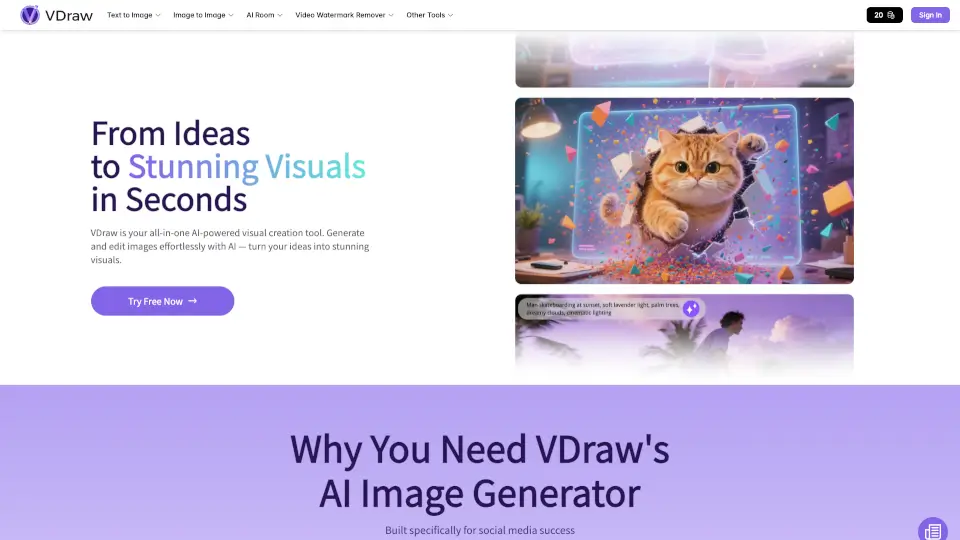
Qu'est-ce que VDraw AI ?
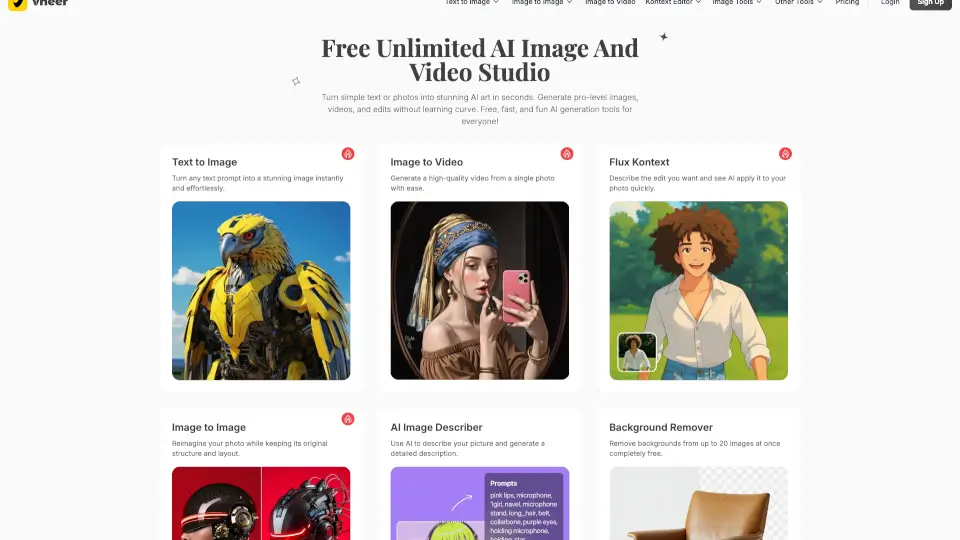
VDraw est votre solution tout-en-un pour créer des images et éditer des vidéos facilement. Que vous soyez créateur de contenu, influenceur ou simplement passionné de design, VDraw vous permet de transformer vos idées en visuels impressionnants en quelques secondes. Plus besoin d’être expert en design : tout est simple, rapide et gratuit.
Quelles sont les caractéristiques de VDraw AI ?
- Générateur d’images IA : Transformez du texte en images en un clic.
- Éditeur d’images IA : Améliorez, retouchez et personnalisez vos visuels facilement.
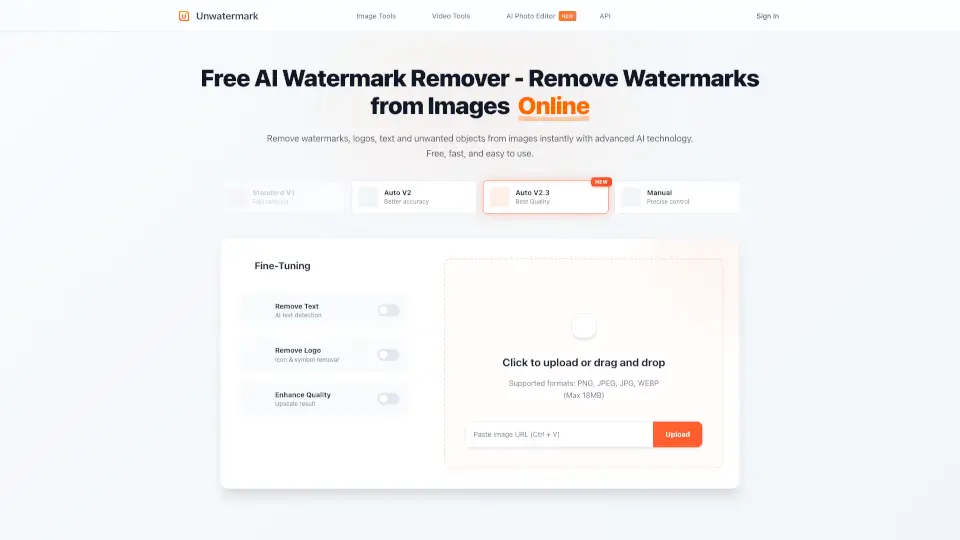
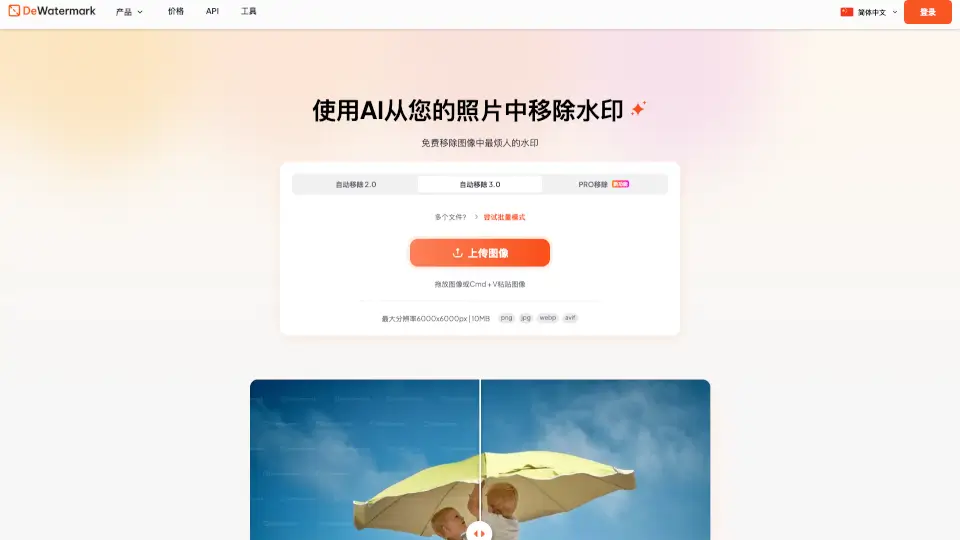
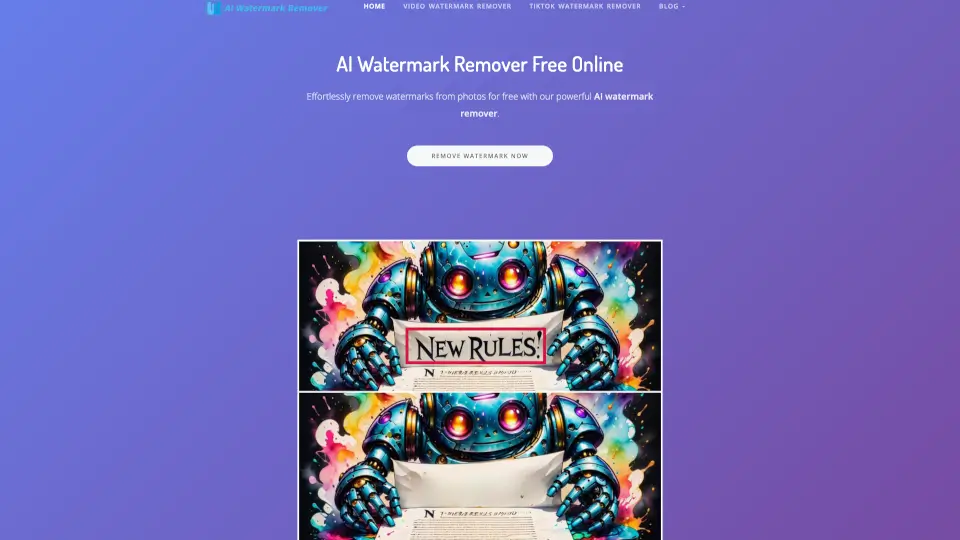
- Suppression de filigrane vidéo : Enlevez les filigranes de vos vidéos en un instant.
- Amélioration de photos : Rendez vos images plus nettes et professionnelles.
- Outils pour réseaux sociaux : Créez des carrousels, miniatures, citations et plus encore.
- Téléchargement de contenu : Récupérez photos, vidéos et stories depuis Instagram, YouTube, Facebook, etc.
Quels sont les cas d'utilisation de VDraw AI ?
- Créer des visuels pour Instagram, TikTok, YouTube ou Facebook.
- Générer des miniatures accrocheuses pour vos vidéos.
- Nettoyer rapidement des vidéos en supprimant les filigranes.
- Améliorer la qualité de vieilles photos ou images floues.
- Concevoir des carrousels ou citations inspirantes pour les réseaux sociaux.
- Tester différentes idées visuelles sans perdre de temps.
Comment utiliser VDraw AI ?
- Inscrivez-vous gratuitement sur VDraw.
- Choisissez l’outil adapté à votre besoin : Générateur d’images, Éditeur, Suppression de filigrane, etc.
- Entrez votre texte ou téléchargez votre image/vidéo.
- Personnalisez le style, la taille ou les détails selon vos envies.
- Téléchargez votre visuel ou vidéo finalisé, prêt à être partagé.