
What is MyMap AI?
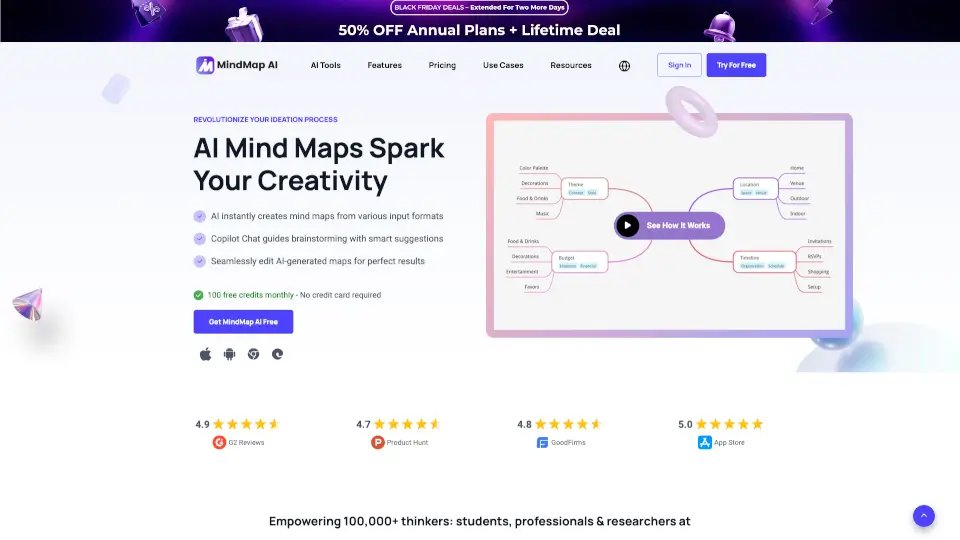
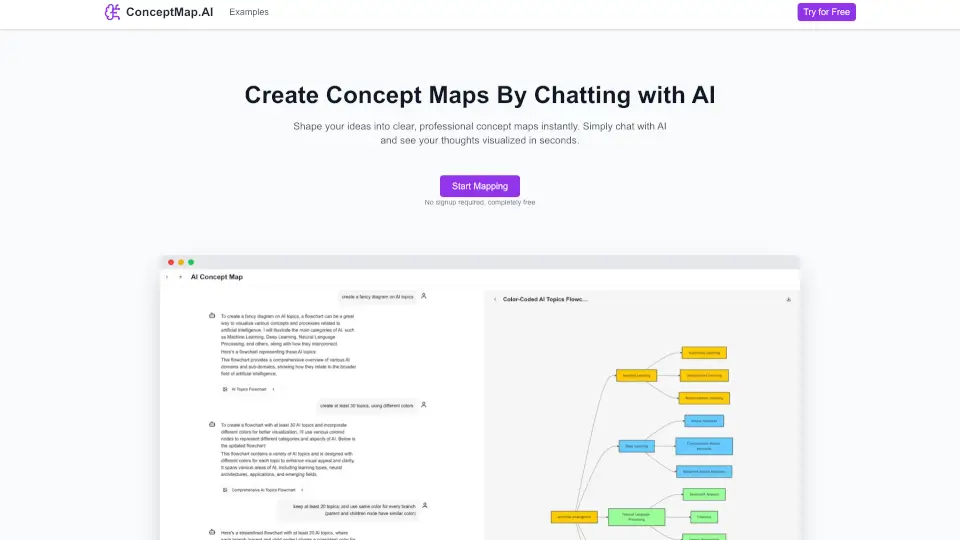
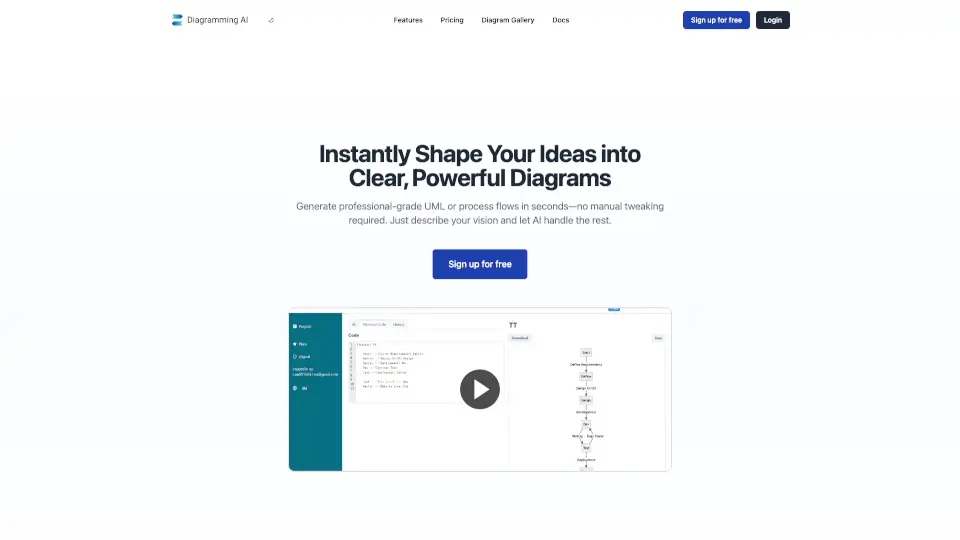
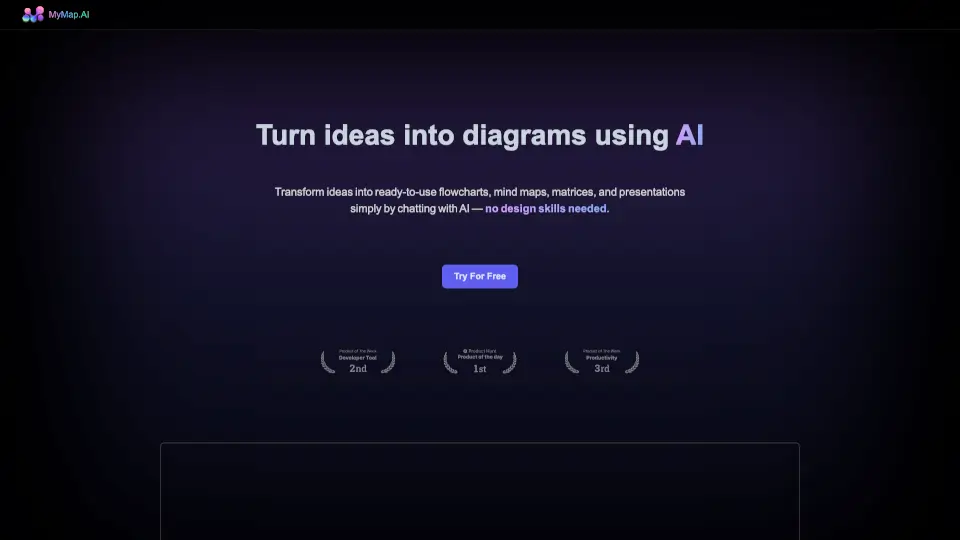
MyMap AI is your go-to tool for creating professional-level diagrams, mind maps, and presentations effortlessly. With over 500,000 users, it’s designed to transform your ideas into visual masterpieces without needing any design skills. Just chat with AI, and watch your concepts come to life.
What are the features of MyMap AI?
- AI-Native: Chat with AI to create diagrams—no manual tools needed.
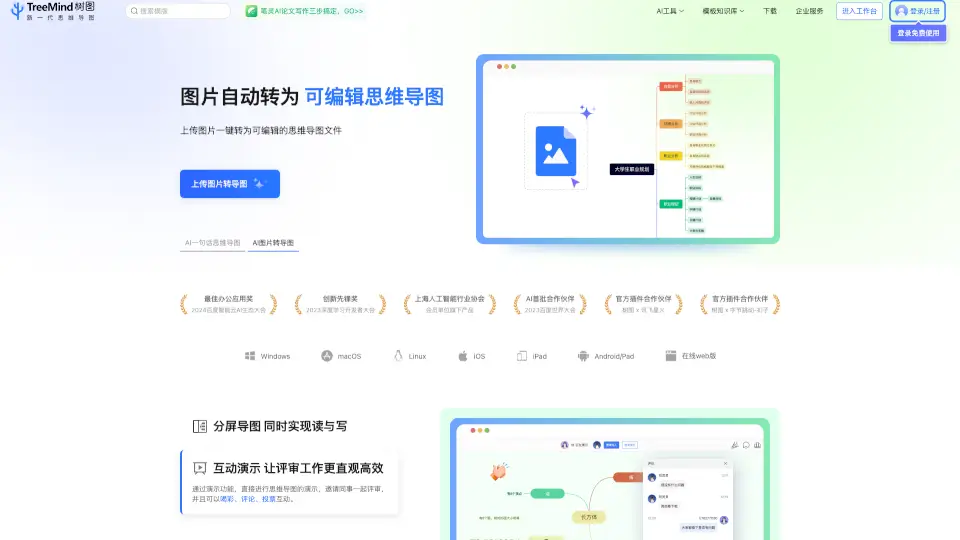
- Multiple Formats: Upload files or enter topics, and AI builds diagrams from the context.
- Web Search: Use live Google or Bing results to create rich, context-driven diagrams.
- Internet Access: Paste URLs, and AI extracts relevant info for your maps.
- Collaboration: Work with your team in real-time on the same map.
- Share & Export: Save maps as images or PDFs, or share links with others.
What are the use cases of MyMap AI?
- Students & Researchers: Turn lecture notes or research papers into visual mind maps and flowcharts.
- Professionals: Chat with MyMap to create project maps and process flowcharts for your work.
- Content Creators: Generate storyboards, script flowcharts, and infographics with ease.
How to use MyMap AI?
- Start by chatting with MyMap AI about your ideas.
- Upload files or enter topics to let AI create diagrams.
- Use web search or paste URLs for context-rich visuals.
- Collaborate with your team in real-time.
- Export or share your maps as images, PDFs, or links.