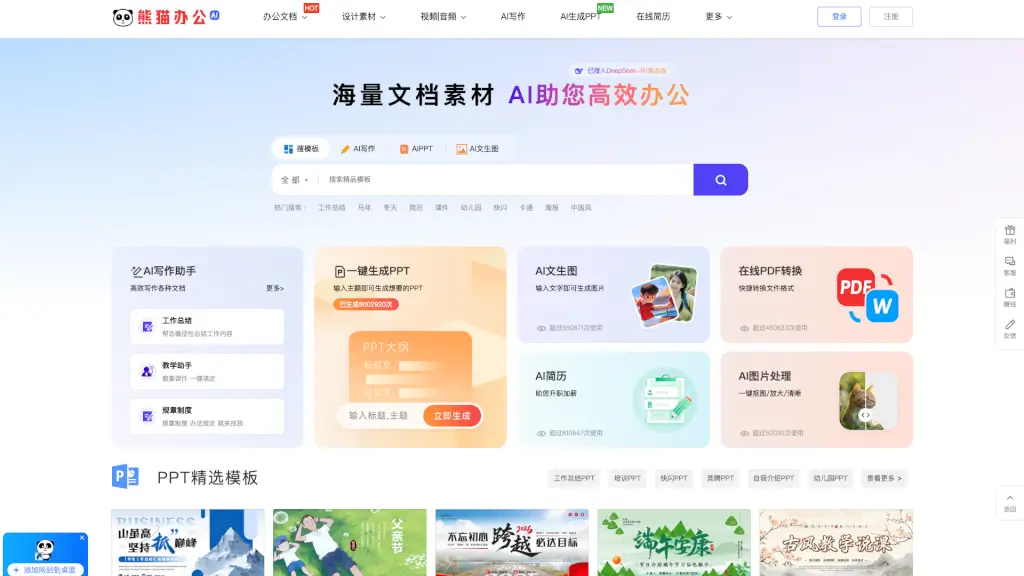
What is 熊猫办公?
Looking for a one-stop shop to supercharge your presentations, documents, and creative projects? Panda Office (also known as Xiongmao Office) is a go-to online platform packed with high-quality, ready-to-use design templates and digital assets. Whether you're preparing a last-minute PPT, crafting the perfect resume, or designing a vibrant poster, Panda Office offers professionally made, easy-to-edit resources that save you time and boost your productivity.
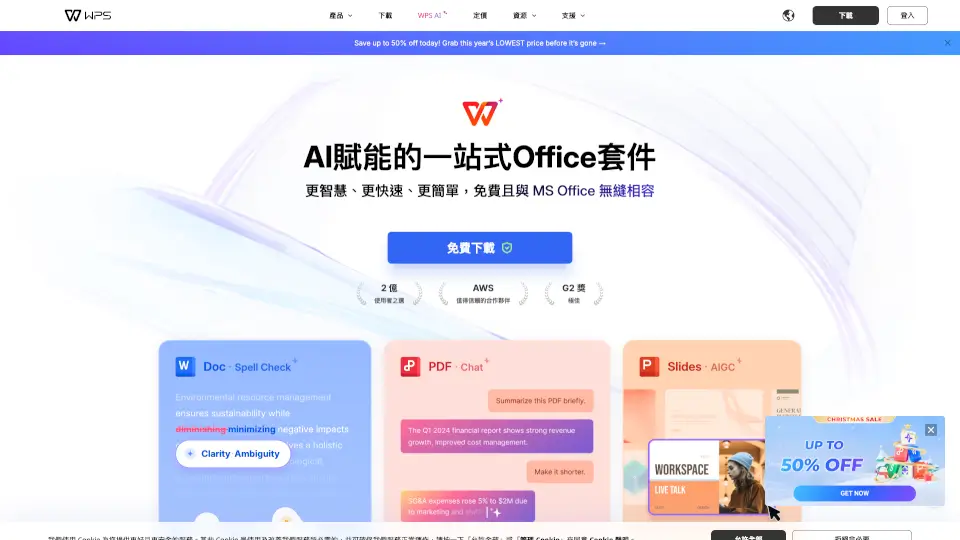
From sleek business PPT templates and practical Excel spreadsheets to eye-catching video intros, royalty-free music, and AI-powered tools, Panda Office covers nearly every need for students, office workers, teachers, and content creators. With daily updates and thousands of downloads happening every day, it’s built to help you work smarter—not harder.
What are the features of 熊猫办公?
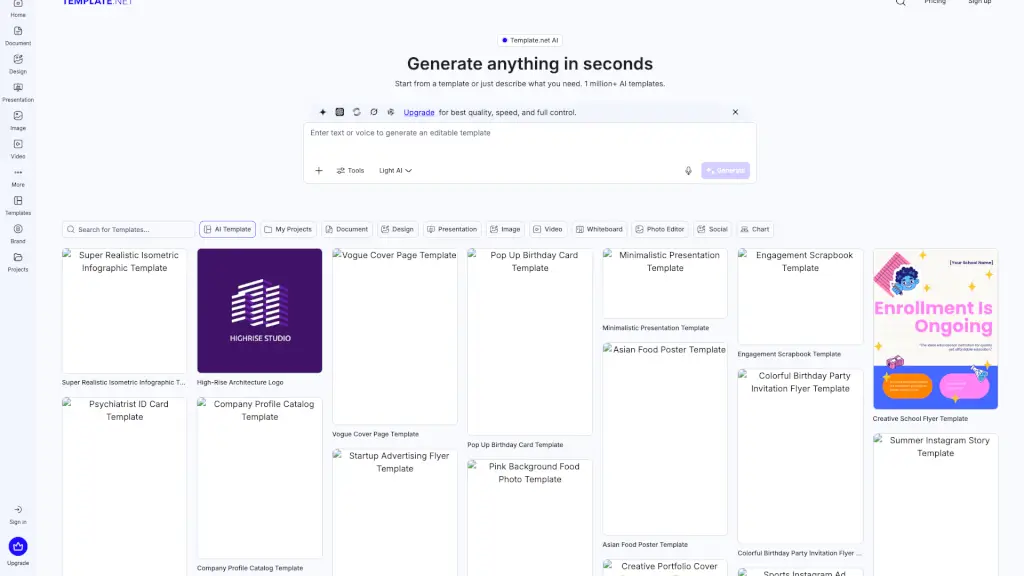
- Massive Template Library: Access thousands of premium PPT, Word, and Excel templates across categories like education, marketing, HR, finance, and more.
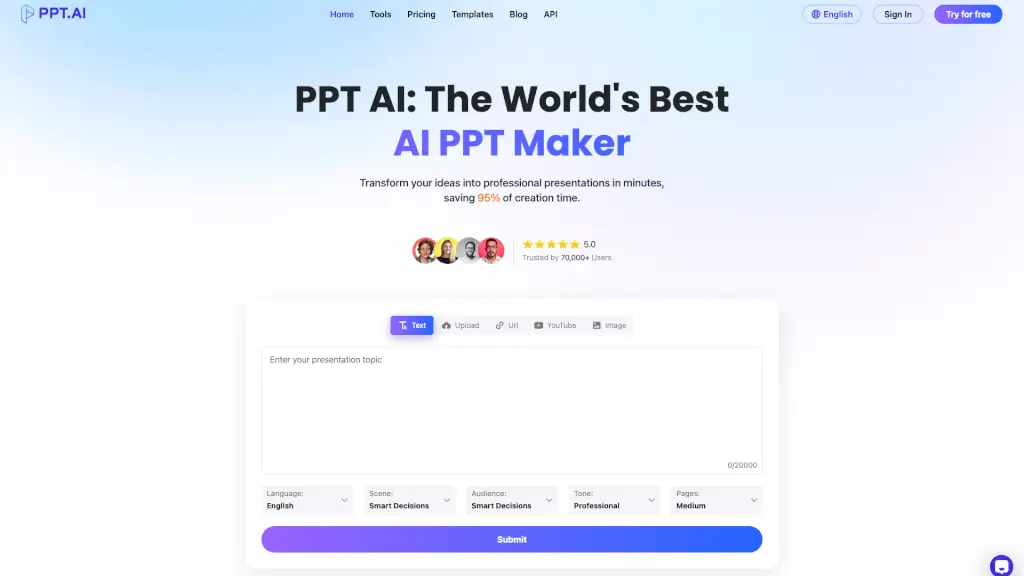
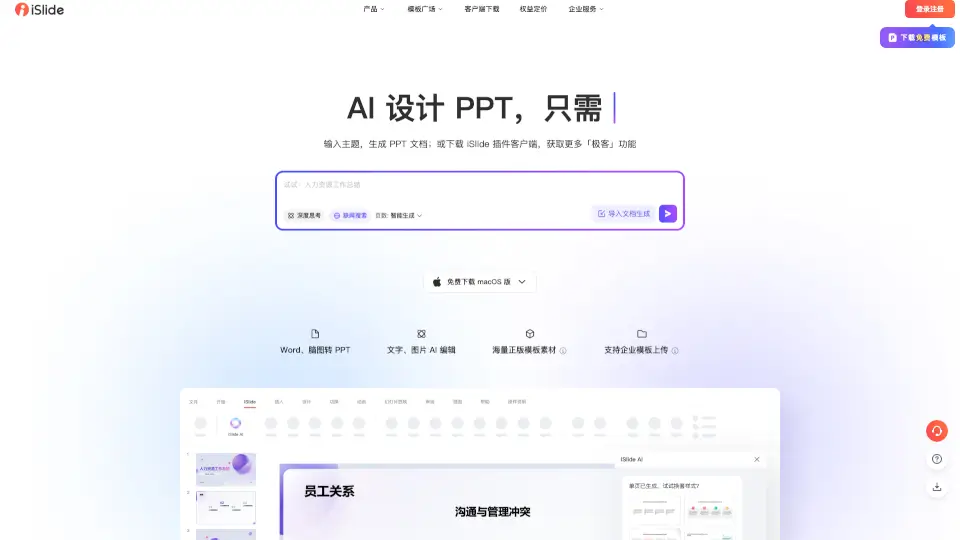
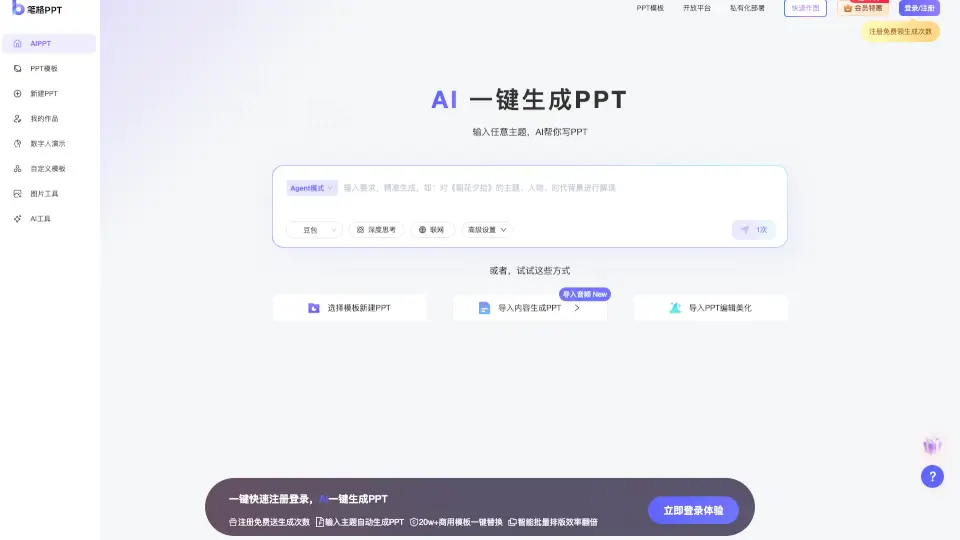
- AI-Powered Tools: Generate PPTs from text prompts, create resumes, produce images from descriptions, and convert PDFs—all powered by AI (including DeepSeek-R1 integration).
- Rich Media Assets: Download video templates (AE/PR), background music, sound effects, transparent PNG elements, and high-res background images.
- Easy Customization: All templates are designed for quick editing—just plug in your content and go.
- Daily Content Updates: Fresh, trending templates and assets added regularly to keep your work current and professional.
- Multi-Format Support: Covers everything from fonts and icons to infographics, charts, and social media graphics.
What are the use cases of 熊猫办公?
- A student rushing to finish a class presentation uses a pre-designed education-themed PPT template.
- An HR manager creates a polished job offer letter using a professional Word template in minutes.
- A small business owner builds a sales report with a ready-made Excel dashboard featuring auto-calculations.
- A teacher designs a colorful classroom handout or student award certificate using editable layouts.
- A content creator adds dynamic intro videos and background music to YouTube videos using Panda Office’s media library.
- A job seeker generates a tailored resume with AI assistance and downloads matching cover letter templates.
- An event planner crafts festival posters (like for Dragon Boat Festival or Children’s Day) using themed design kits.
How to use 熊猫办公?
- Visit the Panda Office website and sign up or log in using QQ, WeChat, or phone number.
- Use the search bar or browse categories (e.g., “PPT Templates,” “Video,” “AI Tools”) to find what you need.
- Preview templates, then click “Download”—most require a free account; some premium items may need membership.
- Open downloaded files in compatible software (PowerPoint, Word, Excel, Photoshop, etc.) and customize text, colors, and images.
- For AI features like AI PPT Generator or AI Image Creator, simply enter your prompt and let the tool do the heavy lifting.
- Check the “Hot” or “New” sections for trending and recently added content to stay inspired.