What is Textomap?
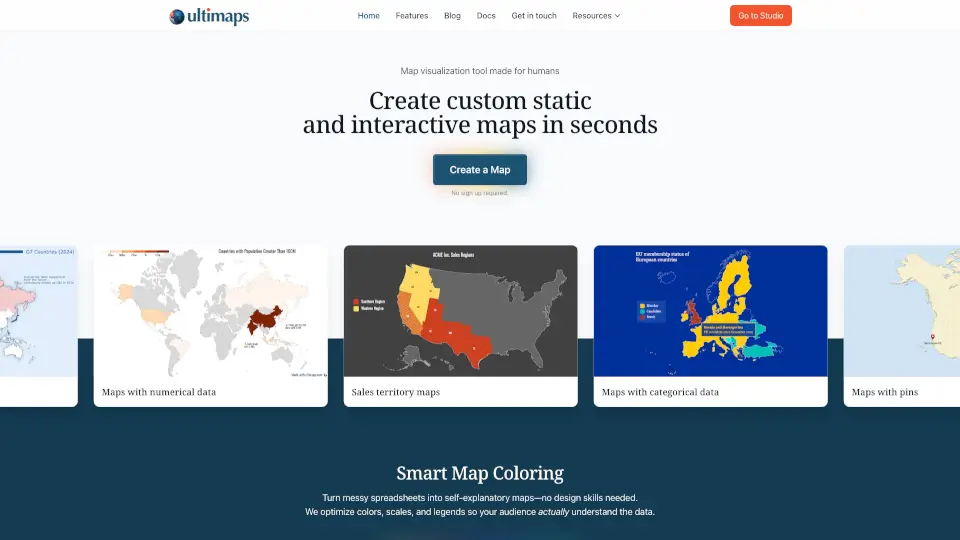
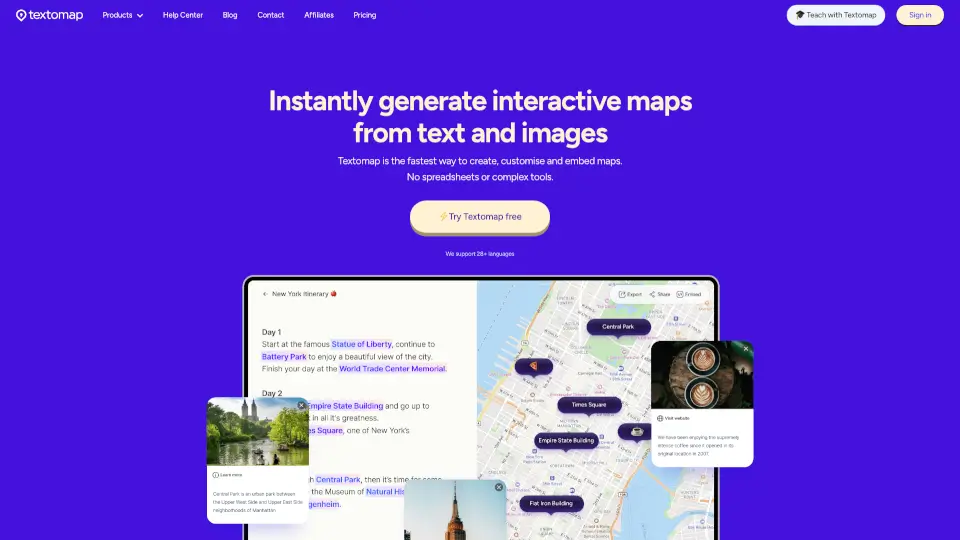
Textomap is your go-to tool for turning text into interactive maps in seconds. Whether you're a traveler, educator, or content creator, Textomap saves you hours of manual work by transforming location-based text into visually engaging maps. No need for complex tools or spreadsheets—just your words are enough.
What are the features of Textomap?
- Fast Map Creation: Generate maps from any text containing locations, addresses, or points of interest.
- Mobile-Friendly: Create and edit maps directly from your mobile browser—no laptop or app required.
- AI Integration: Use ChatGPT to create maps from real places, perfect for travel itineraries or educational material.
- Customization: Edit pin colors, labels, and descriptions, and link photos or webpages to locations.
- Multi-Language Support: Works with 11 languages, including English, Spanish, Chinese, and more.
- Export Options: Export maps as CSV files or open them directly in Google Maps.
What are the use cases of Textomap?
- Travel Planning: Create detailed itineraries for your next trip.
- Education: Visualize historical events or geographical data for classroom use.
- Blogging: Enhance your articles with interactive maps.
- News Reporting: Map out locations mentioned in news stories.
- Data Extraction: Extract location data from text and export it for further analysis.
How to use Textomap?
- Start with Text: Paste your location-based text or use a ChatGPT prompt.
- Customize: Assign locations to words or sentences, and edit pin details.
- Export or Share: Save your map, embed it in your website, or export it as a CSV file.