
What is Proactor AI?
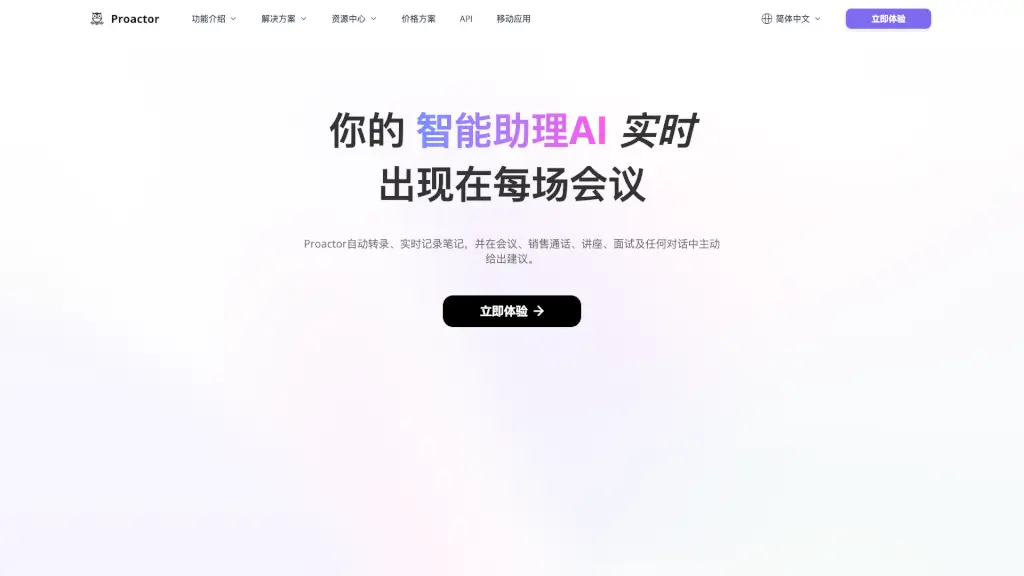
Meet Proactor AI—the world’s first proactive AI agent designed to be your real-time, context-aware teammate. Unlike passive tools that wait for commands, Proactor listens, understands, and acts before you even ask. Whether you're in a team meeting, sales call, classroom lecture, or job interview, it automatically transcribes conversations, captures key insights, and delivers smart suggestions on the spot.
Built with memory-augmented intelligence, Proactor doesn’t just record words—it recognizes patterns, spots action items, and helps you stay ahead. Think of it as your always-on AI assistant that turns every spoken word into structured, actionable knowledge without lifting a finger.
What are the features of Proactor AI?
- Real-Time Transcription: Instantly converts live speech into accurate text during calls, meetings, or lectures.
- Proactive AI Advice: Analyzes conversation context and offers relevant suggestions—like next steps, questions to ask, or follow-ups—while you talk.
- Audio & Video to Text: Upload audio files or video links (MP4, YouTube, etc.) and get searchable transcripts in seconds.
- Smart Note-Taking: Automatically summarizes discussions, highlights decisions, and extracts key takeaways.
- Voice Recording + Transcription: Record voice memos or conversations directly in the app and get instant transcripts.
- Multi-Language Support: Works seamlessly in English, Spanish, French, German, Italian, Japanese, Korean, Chinese (Simplified & Traditional), Arabic, Dutch, and Portuguese.
- Cross-Platform Access: Available via web, mobile app, and API for integration into your existing workflows.
What are the use cases of Proactor AI?
- Team Meetings: Capture decisions, assign tasks, and generate shareable summaries without manual note-taking.
- Sales Calls: Get real-time prompts to address objections, suggest pricing, or close deals faster.
- Student Lectures: Turn classroom audio into organized study notes with key concepts highlighted.
- Job Interviews: Review exact responses later and receive AI feedback on communication style.
- Client Consultations: Automatically log client needs and surface personalized recommendations during the call.
- Content Creators: Repurpose podcast or video content into blog posts, captions, or social snippets instantly.
How to use Proactor AI?
- Start a session: Open Proactor AI and click “Record” for live transcription or “Upload” for pre-recorded files.
- Join any call: Use the browser extension or mobile app to transcribe Zoom, Teams, Google Meet, or phone calls.
- Review smart notes: After a conversation, check your dashboard for AI-generated summaries and action items.
- Customize suggestions: Adjust your preferences so Proactor tailors advice to your role (e.g., sales rep vs. student).
- Export or share: Send transcripts, notes, or summaries via email, Slack, or download as PDF/DOC.
- Use offline: Record voice memos without internet—transcription processes once you’re back online.