
What is OpenMAIC?
OpenMAIC is an open-source AI-powered platform that transforms static PDFs into immersive, multi-agent interactive classrooms. Designed for students, educators, and self-learners, it turns any document—whether a textbook chapter, tutorial, or technical manual—into a dynamic learning experience where AI agents act as teachers, peers, and guides.
Instead of passively reading, you engage in conversations, solve challenges, and explore concepts through simulations, games, and real-time feedback—all generated automatically from your uploaded material. Whether you're mastering Photoshop, learning Python, or studying chemical reactions, OpenMAIC makes learning active, personalized, and fun.
What are the features of OpenMAIC?
- PDF-to-Interactive-Classroom ConversionInstantly turn any PDF into a multi-agent learning environment with discussion, quizzes, and visual aids.
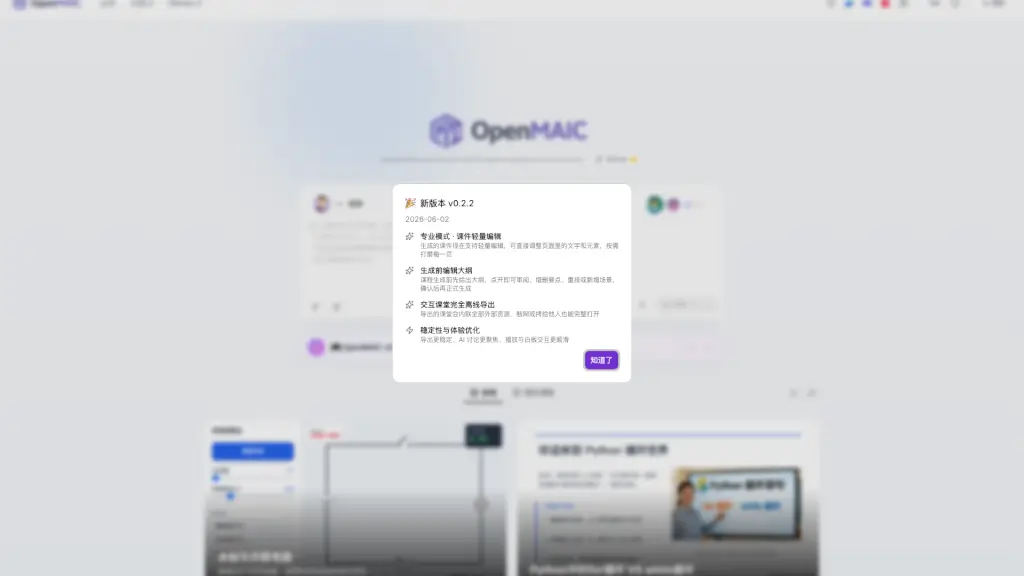
- Professional Editing ModeLightly edit generated course content directly—adjust text, rearrange elements, and refine pages without starting over.
- Pre-Generation Outline ReviewPreview and modify the course outline before full generation—add, delete, or reorder topics and scenes.
- Fully Offline ExportExport complete interactive classrooms with all resources embedded—no internet needed to share or replay lessons.
- Multi-Agent RoleplayExperience lessons guided by specialized AI personas (e.g., “Teacher Jia Mu” for deployment protocols or “老王师傅” for motorcycle repair).
- Gamified & Visual LearningLearn through interactive games (like fraction explorations or Minesweeper logic puzzles) and simulations (e.g., nitrogen compound reactions).
What are the use cases of OpenMAIC?
- A high school student uploads a physics PDF on buoyancy and practices concepts through drag-and-drop experiments and AI-guided Q&A.
- A coding beginner generates a Python course with built-in programming challenges and instant feedback from an AI tutor.
- A vocational trainer creates an interactive maintenance guide for Honda CC110 motorcycles, complete with fault-diagnosis scenarios.
- A chemistry teacher converts a lesson on nitrogen compounds into a clickable reaction simulator for remote learners.
- Researchers use OpenMAIC to structure and explore complex scientific judgment frameworks, like developing “research taste.”
- Educators export fully offline courses for students in low-connectivity areas, ensuring equal access to rich learning experiences.
How to use OpenMAIC?
- Upload a PDF file (textbook, manual, or article) to the OpenMAIC platform.
- Review and optionally edit the auto-generated course outline before final generation.
- Choose a learning mode—standard or professional—and customize agent roles if desired.
- Engage with the interactive classroom: ask questions, complete challenges, and explore visual simulations.
- Use the built-in whiteboard and discussion tools during the session for deeper understanding.
- Export the entire experience offline to revisit later or share with others—no login or internet required.