

What is MathGPTPro?
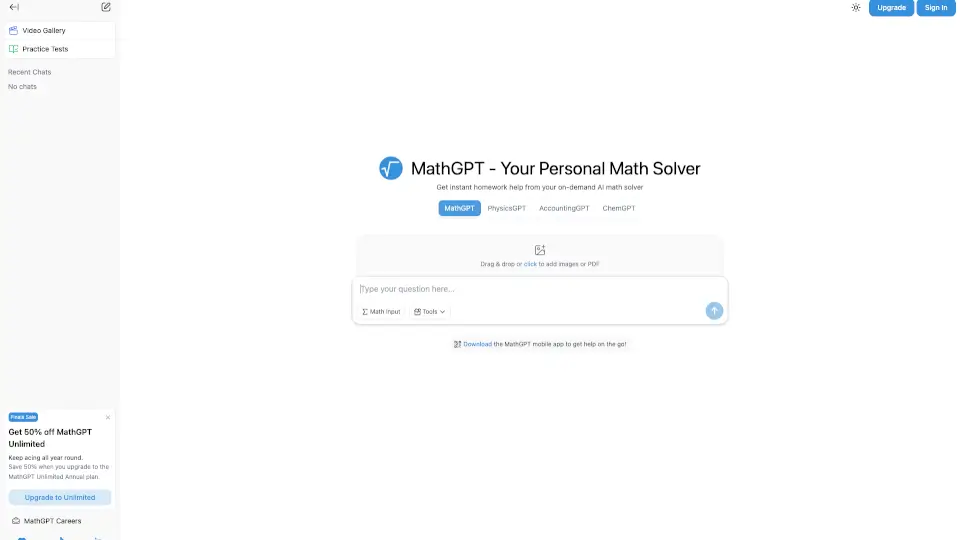
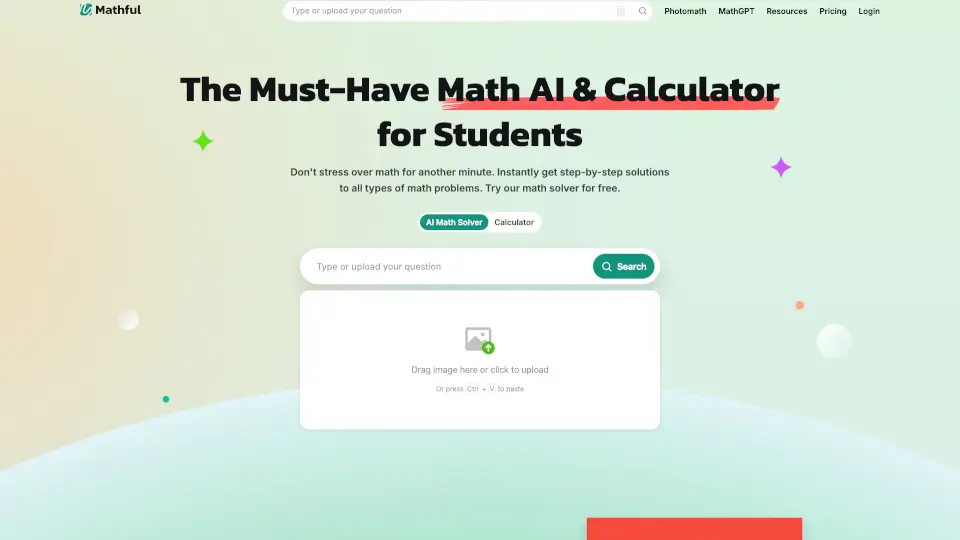
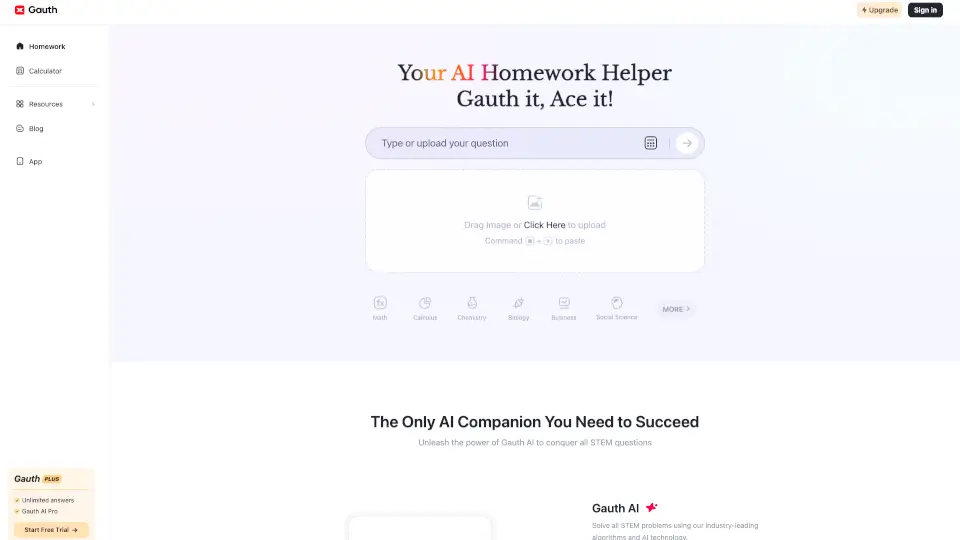
Struggling with math homework? Meet Mathos AI—your personal AI math tutor that actually helps you learn, not just copy answers. Whether you're stuck on algebra, calculus, trigonometry, or even physics problems, Mathos AI breaks down every question into clear, step-by-step explanations tailored to your learning style.
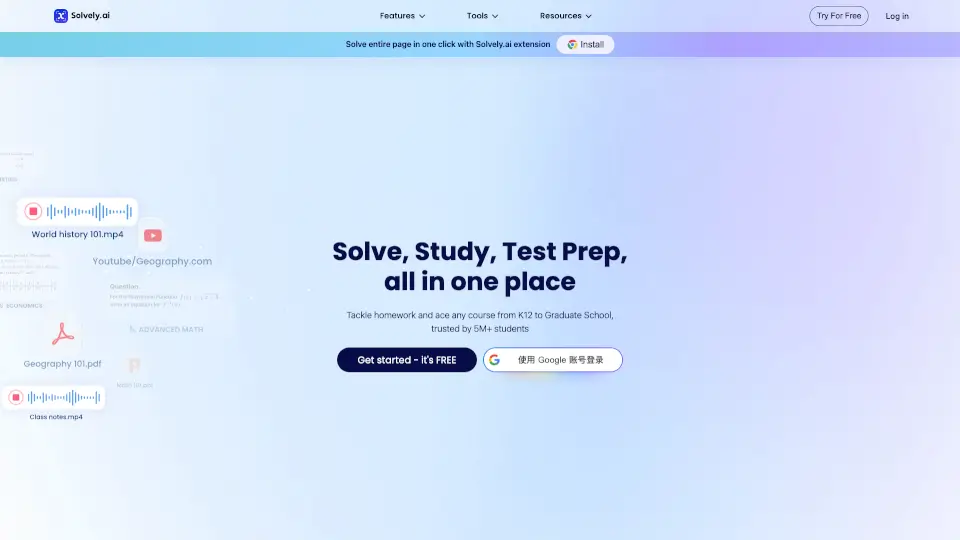
More than just a calculator, Mathos AI combines a smart math solver, PDF homework helper, interactive flashcards, quizzes, and even AI-generated explainer videos—all in one app. Trusted by over 5 million students worldwide, it’s designed to build confidence and make math feel less intimidating and more like a game you can win.
What are the features of MathGPTPro?
- AI Math Solver: Solve any problem—from basic equations to integrals—with detailed, human-like reasoning steps.
- PDF Homework Assistant: Upload entire worksheets or textbook pages; get every problem solved and explained in seconds.
- Real-Time AI Tutor: Write on a digital whiteboard and get instant feedback, corrections, and guidance as you work.
- Multiple Input Methods: Type, paste, speak, or snap a photo of your problem—even supports LaTeX for complex formulas.
- Learning Tools Suite: Turn any solution into flashcards, quizzes, or short animated videos for deeper retention.
- Interactive Math Games: Unlock fun, topic-based games after solving problems to reinforce concepts through play.
- Graphing & Scientific Calculator: Visualize functions and compute derivatives, integrals, and more—with explanations, not just results.
What are the use cases of MathGPTPro?
- A high school student uploads a scanned algebra worksheet and gets full step-by-step solutions before class.
- A college engineering major uses voice input to ask about a tricky derivative during late-night study sessions.
- A visual learner generates a 60-second AI video explaining sine and cosine transformations for exam prep.
- A parent helps their child review trig identities using custom flashcards created from past homework errors.
- A teacher assigns practice problems and recommends Mathos AI for students who need extra, patient tutoring.
- A student snaps a blurry photo of a whiteboard problem and still gets an accurate, readable solution.
- Someone prepping for the SAT uses the quiz generator to create timed practice tests on weak topics like quadratics.
How to use MathGPTPro?
- Click “Send” or press Enter to submit a typed math question (use
$or\for LaTeX formulas). - Drag and drop a PDF or image of your homework into the chat window for instant analysis.
- Tap the microphone icon to ask questions aloud—great for hands-free studying.
- After getting a solution, click “Create Flashcards” or “Generate Video” to turn it into a study resource.
- Use Shift + Enter to add line breaks when writing multi-line problems or expressions.
- Download the iOS or Android app to access free Pro features for one week and use the AI whiteboard on mobile.