
What is MathSolver.top?
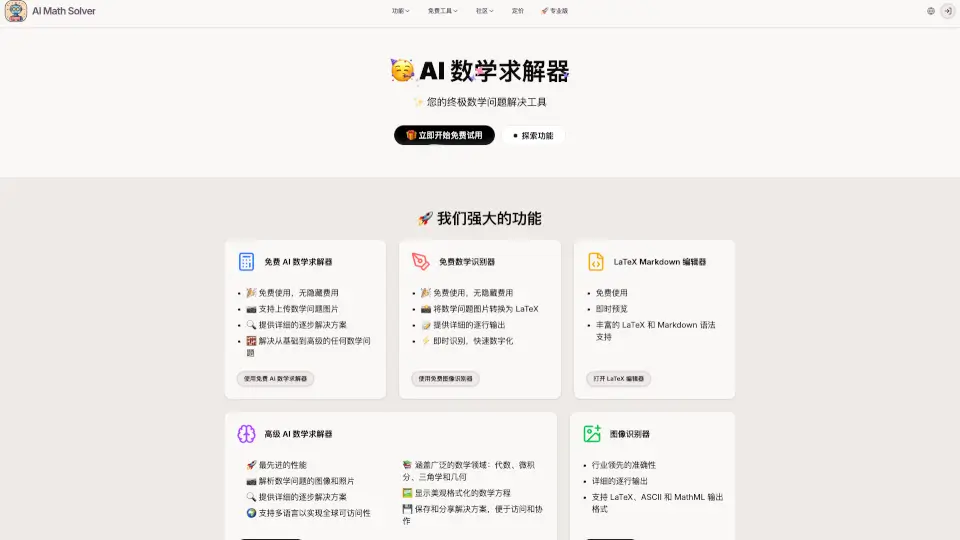
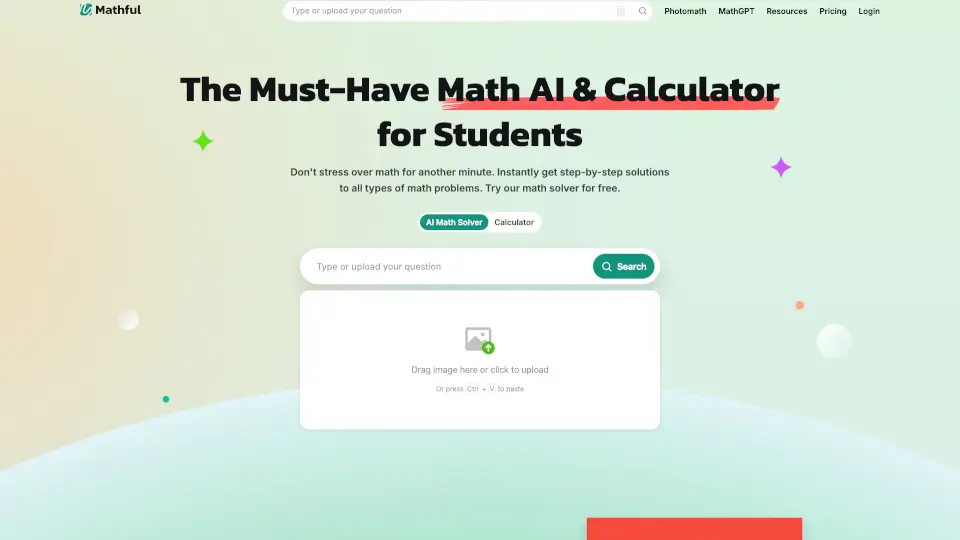
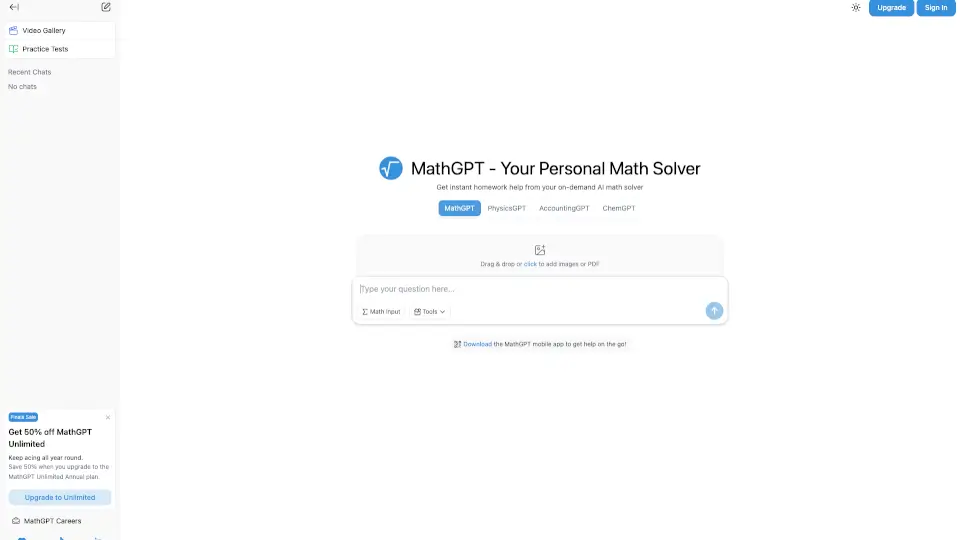
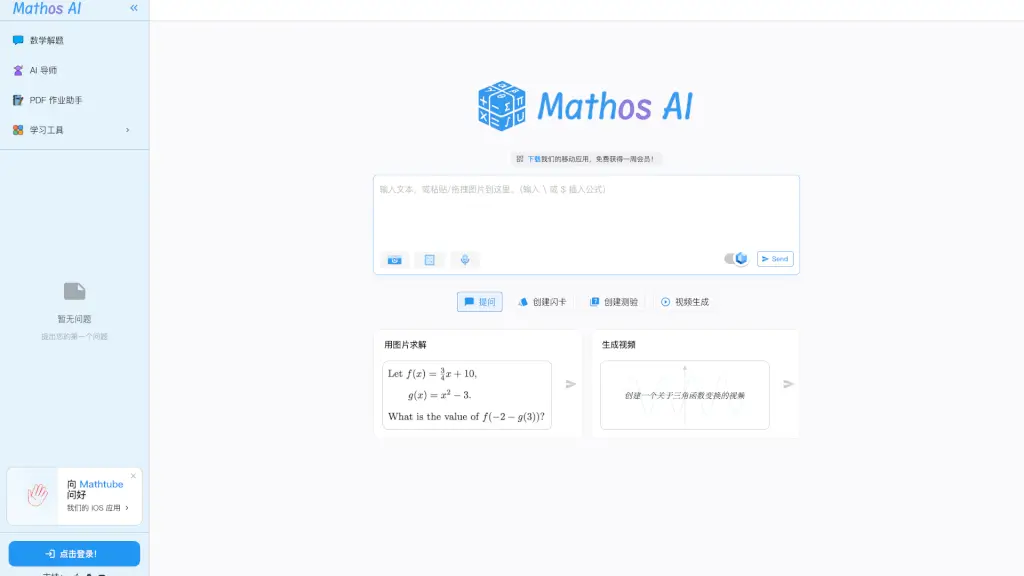
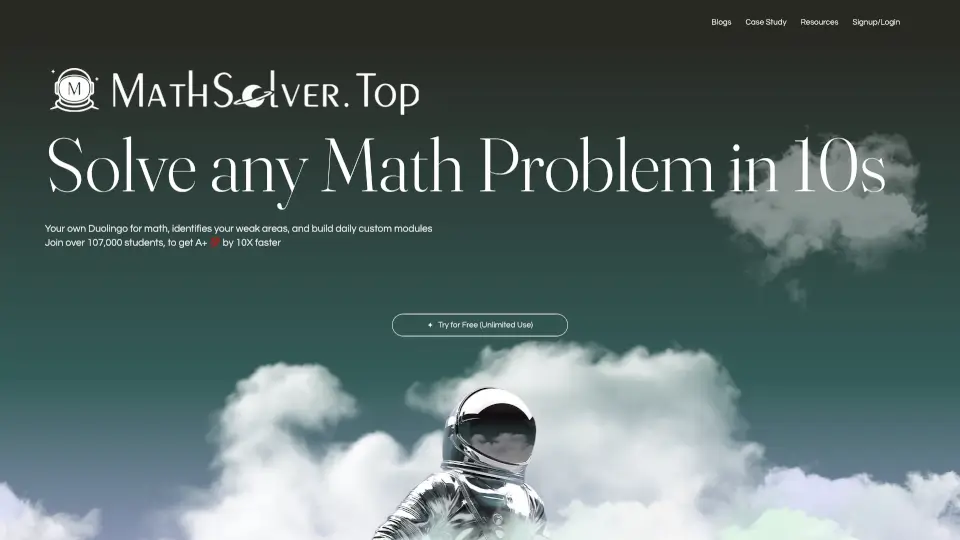
AI Math Solver is an AI-powered math learning tool for high school and college students that helps solve math problems and strengthen conceptual understanding. It offers three modes: Solver for quick step-by-step solutions, Tutor for Socratic questioning and guided learning, and Check for verifying answers and pinpointing mistakes. The tool includes a Knowledge Graph that breaks curriculum into bite-sized knowledge chunks and links practice questions to each concept. Students preparing for SATs, college-level math, or Olympiad-level problems can use it for both problem-solving and deeper learning.
What are the features of MathSolver.top?
- Solver Mode: Provides step-by-step solutions to math problems within seconds, supporting college-level and Olympiad-level math with high accuracy.
- Tutor Mode: Uses Socratic questioning to guide students through problems, identifies related knowledge points, and asks guiding questions to deepen understanding.
- Check Mode: Verifies user answers, pinpoints specific mistakes, and shows the correct approach to solving the problem.
- Knowledge Graph: Breaks curriculum into hundreds of small knowledge chunks, visualizes how concepts connect, and links each node to practice questions.
- Adaptive Study Plan: Focuses on weak areas by revisiting mistakes and adjusting daily practice modules based on user performance and mastery scores.
What are the use cases of MathSolver.top?
- High school students preparing for SAT Math who need to identify and fix weak knowledge areas.
- College students tackling calculus, probability, or statistics who need step-by-step guidance on complex problems.
- Self-learners studying math independently who want a tutor-like experience with guiding questions.
- Students who need to verify their solutions and understand exactly where their approach went wrong.
How to use MathSolver.top?
- Sign up for a free account to access unlimited use across all three modes.
- Upload a math problem or type it in to get a step-by-step solution in Solver Mode.
- Switch to Tutor Mode to receive guiding questions that help you solve problems on your own.
- Use the Knowledge Graph to track your mastery across specific knowledge chunks and identify weak areas.