
What is NinjaTools?
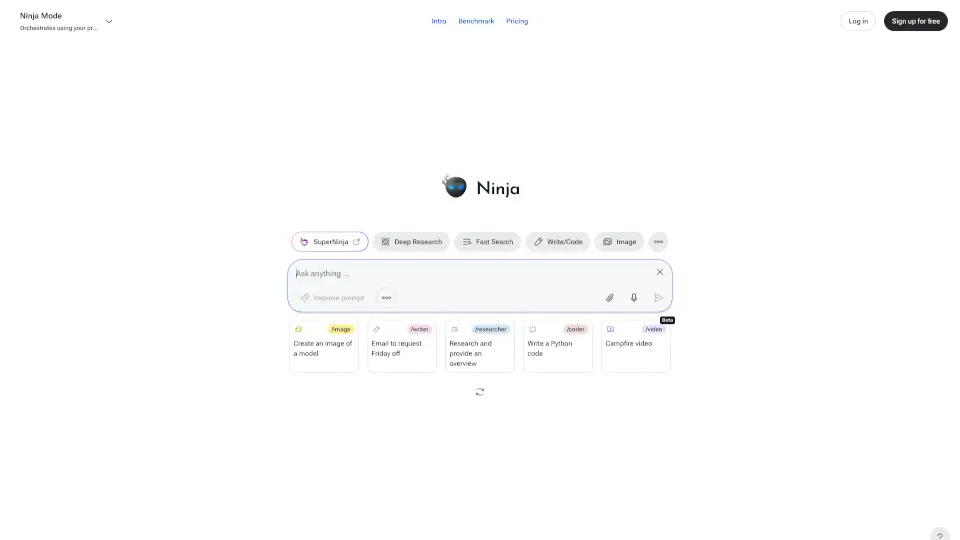
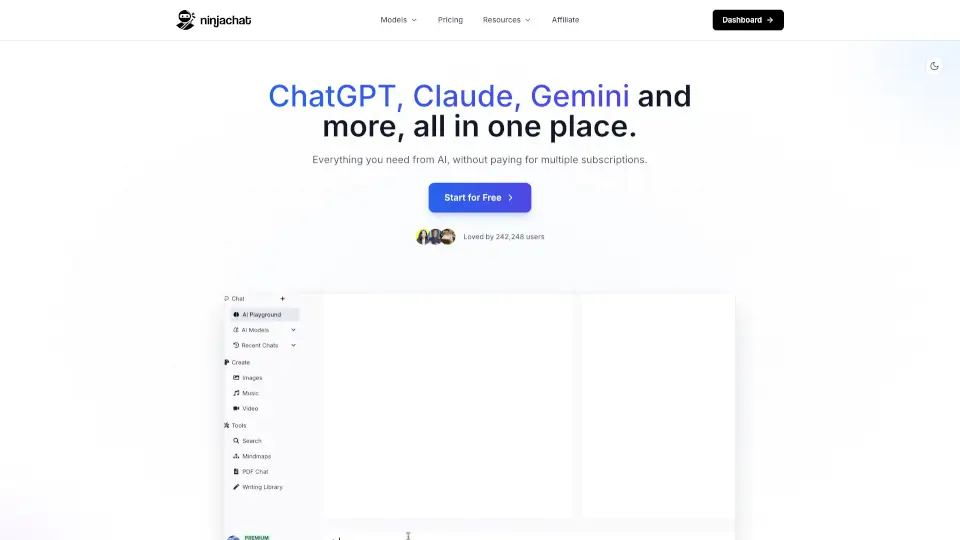
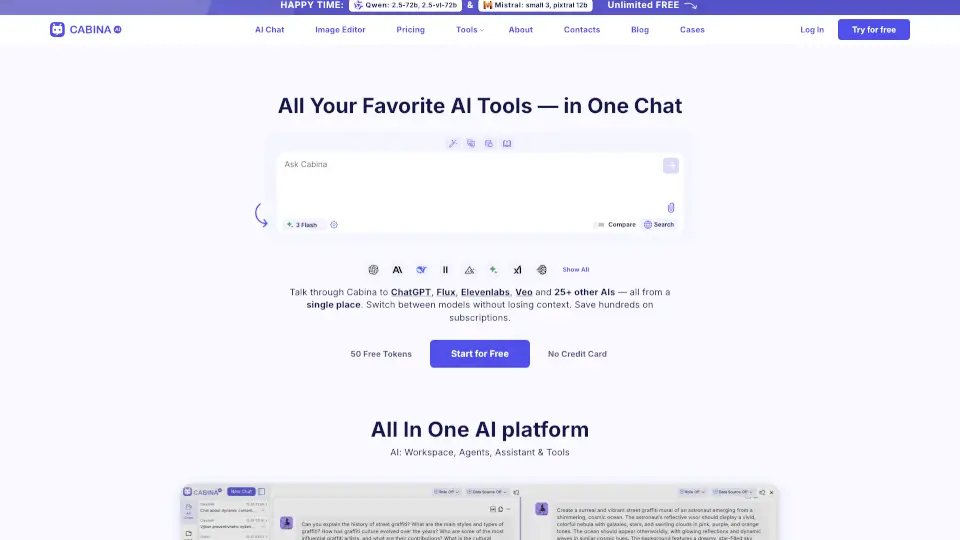
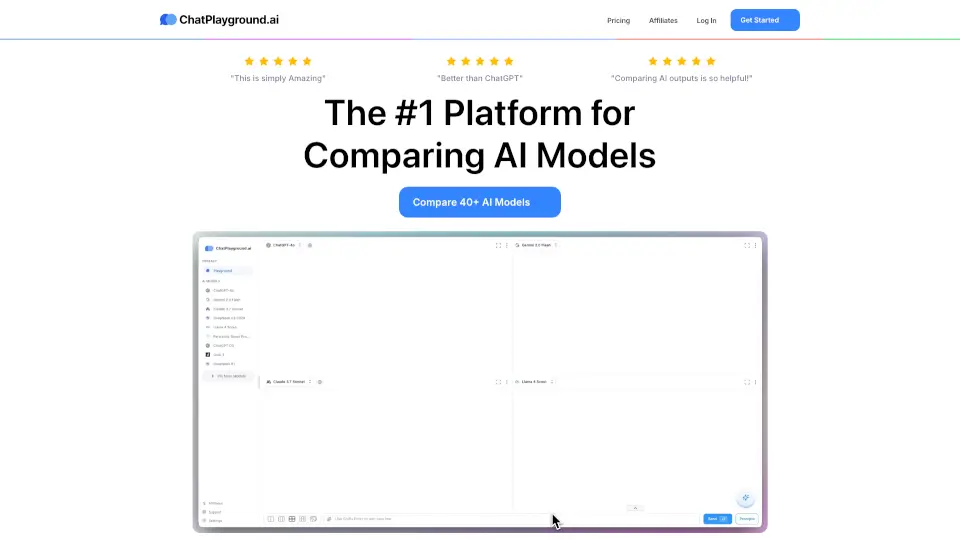
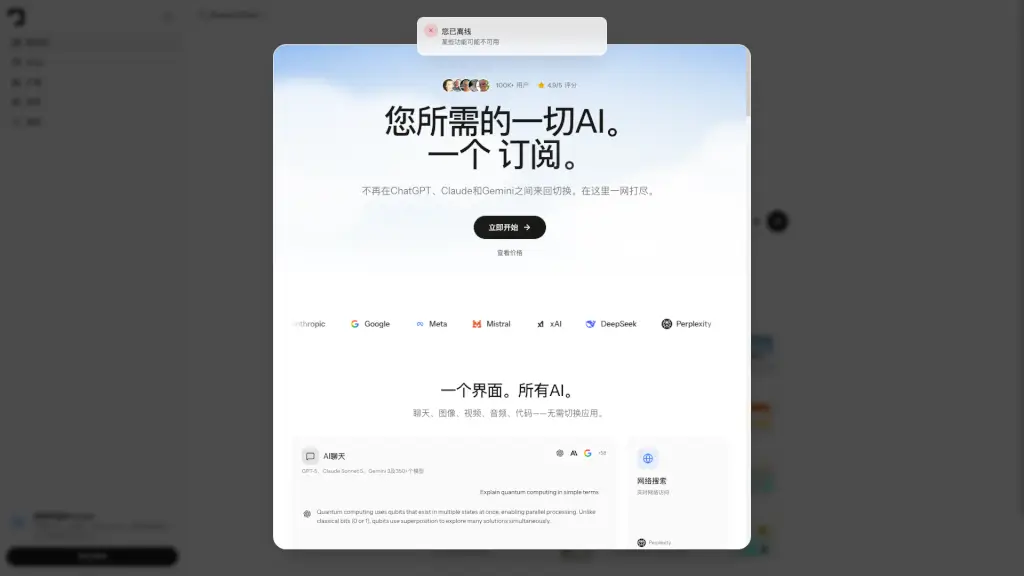
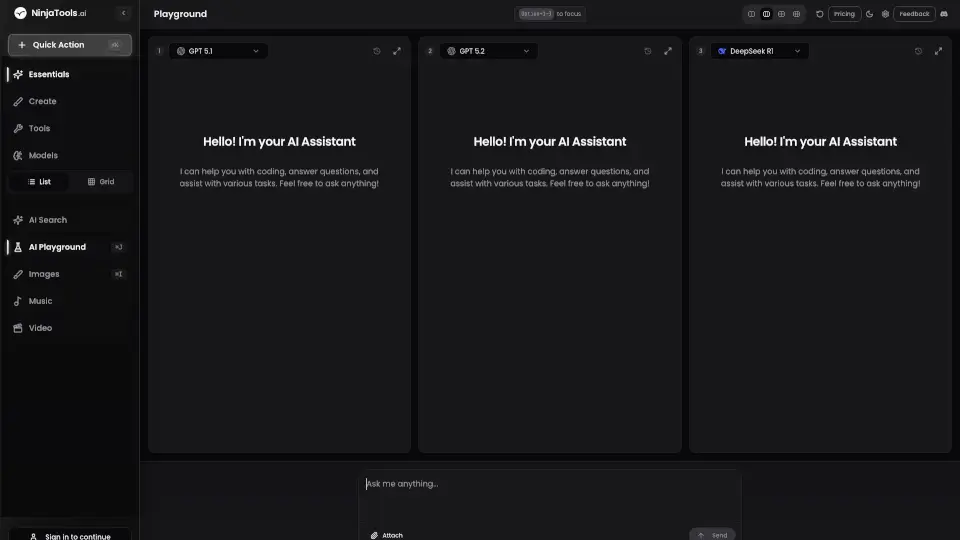
AI Playground is your go-to destination for exploring and experimenting with AI models in a fun and interactive way. Whether you're a developer, content creator, or just curious about AI, this platform lets you compare different AI models side by side and test their capabilities all in one place. With NinjaTools.ai, you can dive into a world of possibilities and see what these cutting-edge AI tools can do.
What are the features of NinjaTools?
- Compare AI Models Side by Side: Test and experiment with various AI capabilities like DeepSeek R1, GPT 4.1, Claude 4, and more.
- Quick Actions: Use keyboard shortcuts (⌘K for AI Playground, ⌘J to create, and more) to streamline your workflow.
- Multi-Functional Tools: Create images, generate music videos, build mindmaps, and work with PDFs—all powered by AI.
- Extensive AI Model Support: Access a wide range of models, including Sonnet, Gemini 2.5, Grok, and many others.
- User-Friendly Interface: Designed to make AI exploration easy and enjoyable for everyone.
What are the use cases of NinjaTools?
- Developers: Test and compare AI models for coding tasks and problem-solving.
- Content Creators: Generate ideas, create visuals, and craft compelling content with AI tools.
- Students: Experiment with AI to enhance learning and creativity.
- Businesses: Explore AI capabilities to streamline workflows and innovate.
How to use NinjaTools?
- Sign In: Start by signing in to access all features.
- Explore Models: Use the sidebar to select and compare AI models like DeepSeek R1 or GPT 4.1.
- Try Quick Actions: Use keyboard shortcuts to create, experiment, and navigate quickly.
- Experiment with Tools: Dive into image creation, music video generation, and more.
- Get Feedback: Share your thoughts and help improve the platform.