
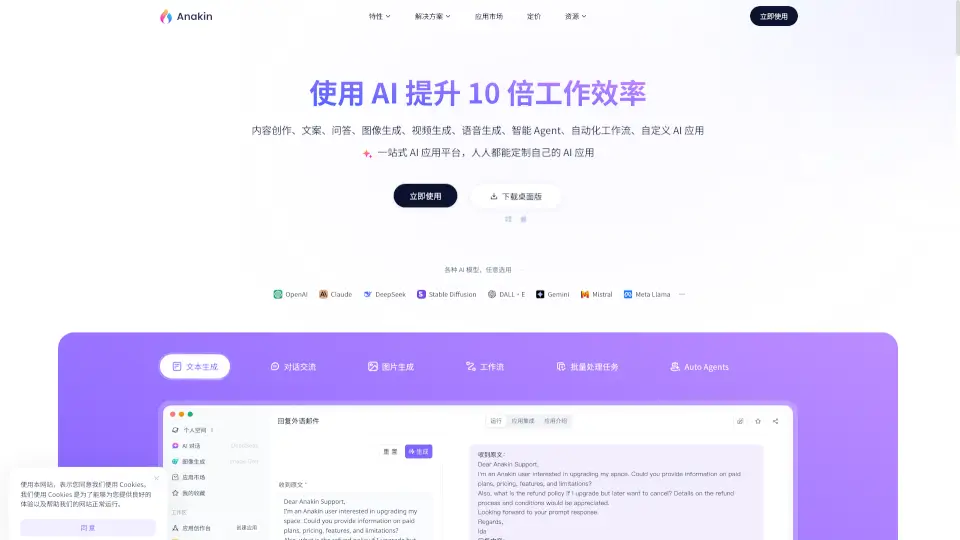
What is Anakin.ai?
Anakin.ai is an all-in-one AI platform designed to boost productivity by up to 10x—no coding required. Whether you're creating content, generating images, automating workflows, or building custom AI apps, Anakin brings together top models like GPT-4, Claude, Gemini, Llama, and Stable Diffusion in one intuitive workspace. It’s built for everyone: from beginners who just want to write better emails or generate social media posts, to power users crafting complex automation with AI agents and batch processing.
Unlike fragmented AI tools, Anakin.ai offers a unified environment where you can mix text, image, video, and voice generation with smart workflows—all through a visual, drag-and-drop interface. The platform already hosts over 1,000 ready-to-use AI applications, so you can start solving real-world tasks instantly or customize your own in minutes.
What are the features of Anakin.ai?
- 1,000+ Prebuilt AI AppsJumpstart your work with ready-made tools for writing, coding, design, translation, PPT creation, and more.
- Multi-Model SupportSeamlessly switch between leading AI models including OpenAI GPT-4o, Claude 3.5 Sonnet, Gemini Pro, DeepSeek, Llama, and DALL·E.
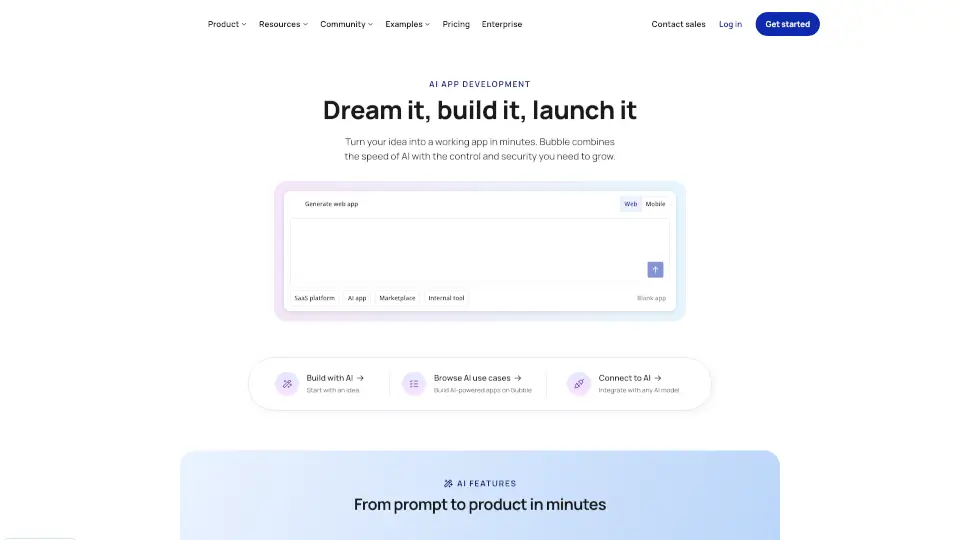
- No-Code App BuilderCreate your own custom AI applications using a visual editor—no programming or prompt engineering needed.
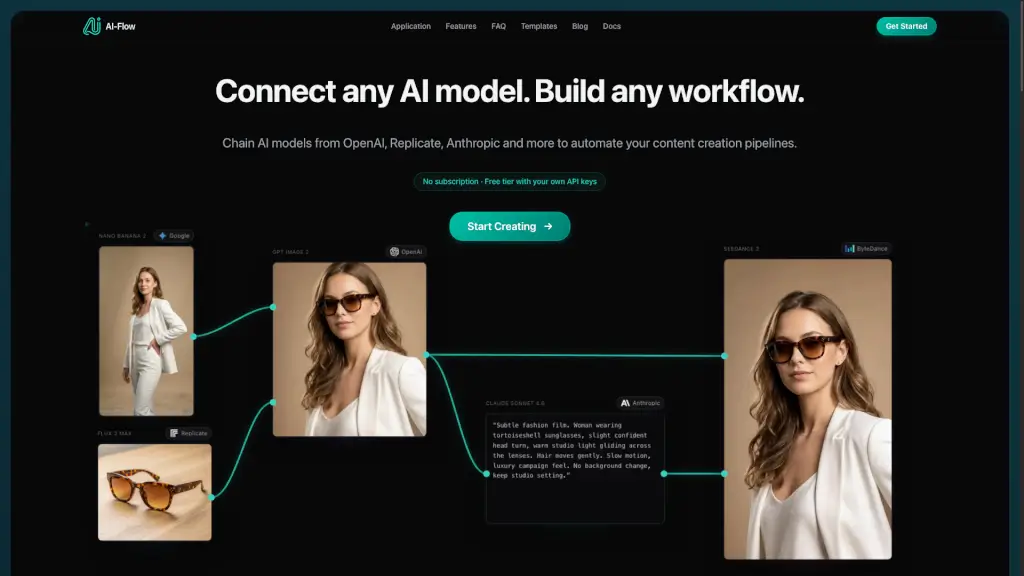
- Workflow AutomationChain AI models, APIs, and logic blocks together to automate complex, multi-step tasks.
- Batch ProcessingRun AI tasks on hundreds or thousands of inputs at once (e.g., generate 500 product descriptions in one click).
- Auto Agents (Coming Soon)Set up intelligent AI assistants that handle repetitive work like data extraction, customer replies, or report generation.
- Custom ChatbotsTrain AI chatbots on your own documents or brand voice for personalized customer or team support.
What are the use cases of Anakin.ai?
- A marketer generates high-converting Instagram captions and product images in seconds using built-in e-commerce templates.
- A programmer uses the code-writing app to debug scripts or convert Python to JavaScript without leaving the platform.
- An office manager automates weekly report generation by connecting email data, spreadsheets, and AI summarization in a single workflow.
- A student creates presentation outlines and slides from a simple topic input using the PPT Generator app.
- An e-commerce seller translates and localizes product listings into 10 languages with one click using the translation assistant.
- A designer removes unwanted objects from photos and upscales resolution using the AI image repair tool.
- A small business owner builds a custom FAQ chatbot trained on their support docs to reduce customer service load.
How to use Anakin.ai?
- Visit Anakin.ai using a desktop computer (mobile is not supported).
- Sign up for a free account to access starter credits and explore the App Market.
- Browse or search for apps by category (e.g., “Writing,” “Image Generation,” “Programming”) and click “Use Now”.
- To build your own app, go to the App Builder, choose a template, and customize inputs, AI models, and output style visually.
- For repetitive tasks, use Batch Mode to upload a CSV or list and process multiple items simultaneously.
- Download the desktop app for faster performance and offline access to your workflows.