
What is Meetily AI?
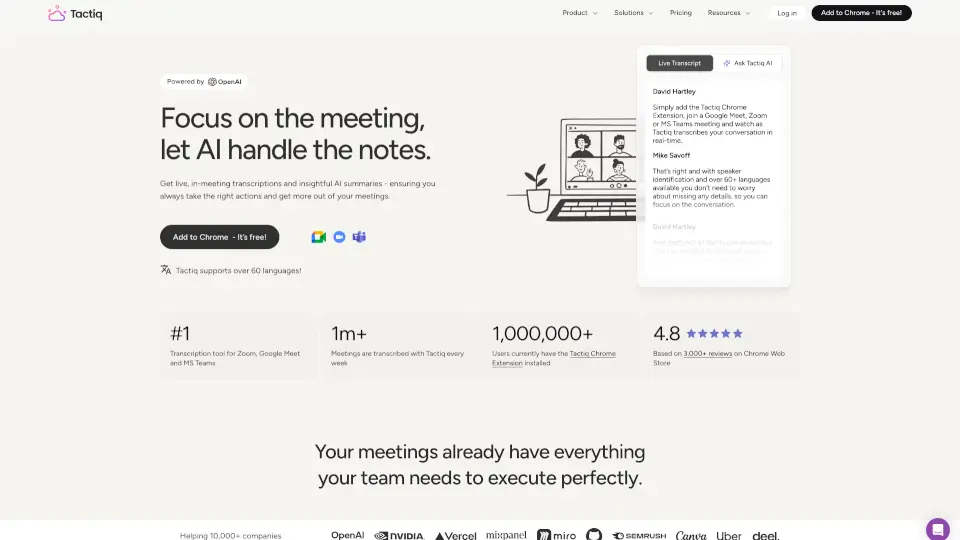
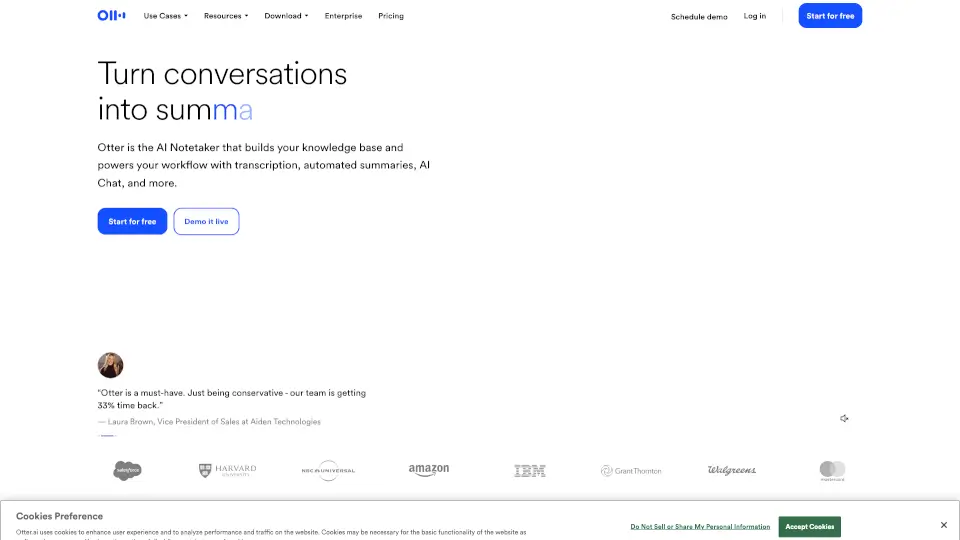
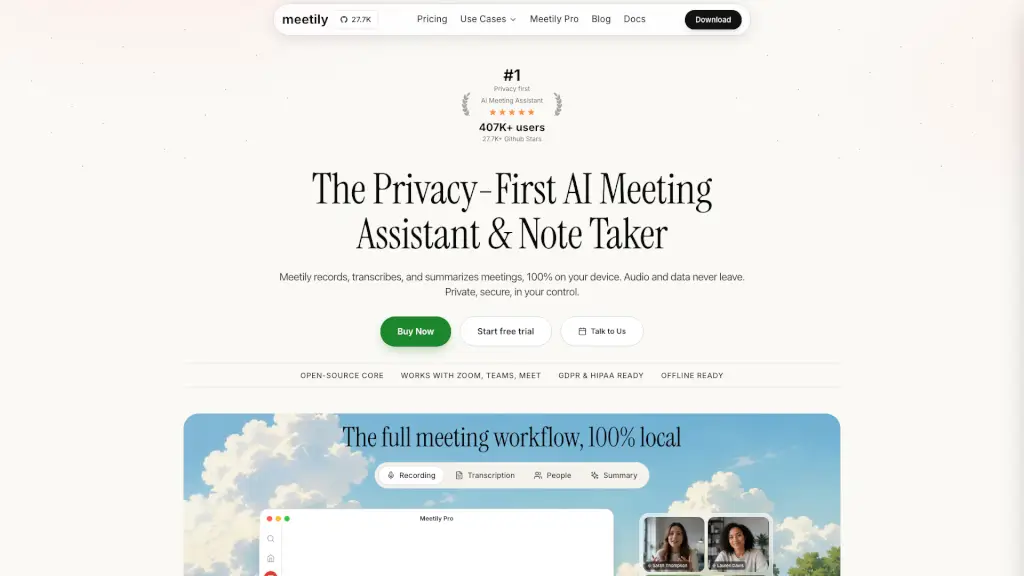
Meetily (Meetly AI) is an open-source AI meeting assistant for individuals and teams who need private, local transcription, recording, and summarization of meetings. Unlike cloud-based rivals like Otter.ai or Fireflies, Meetily processes everything on your own device — no data ever leaves your computer. It works with Google Meet, Zoom, Microsoft Teams, Discord, and any other video conferencing software by capturing system audio directly. The Community Edition is free and open source (MIT licensed), while Pro costs $10/user/month billed annually for enhanced features like speaker diarization, advanced exports, and auto-detect meetings. The tool has over 369,000 downloads and 25,900+ GitHub stars.
What are the features of Meetily AI?
- 100% Local TranscriptionUses OpenAI Whisper models (tiny, base, small, medium, large-v3) to transcribe meetings in real time on your device. No internet connection required after initial setup. Works with GPU acceleration for faster processing.
- Pluggable AI SummariesChoose between local LLMs (via Ollama) or bring your own API key (Claude, OpenAI, Groq) to generate structured meeting summaries, key points, and action items. The summary is generated locally if you use local models.
- Bot-Free RecordingNo meeting bot joins your calls. Meetily captures audio directly from your computer’s system audio (like screen recording), so no "Recording Bot has joined" notification appears. Works with any platform without host permissions.
- Speaker Diarization (Pro)Identify who said what during a meeting. The tool labels every voice in the transcript live and on imported audio, making the transcript read like a conversation. Available in the Pro plan.
- Real-Time Transcription & Input OptionsCapture speech as it happens, or import audio/video files (10 formats) for retranscription. Supports multi-language detection and high accuracy with medium+ models.
- Export & TemplatesExport transcripts and summaries in Markdown, PDF, or DOCX (Pro). Six built-in summary templates; Pro users can create custom templates. Copy or regenerate summaries with one click.
- Offline & CompliantOperates completely offline using local Whisper and local LLMs. Designed for GDPR and HIPAA compliance by default because no data leaves your device. Enterprise can deploy on self-hosted infrastructure.
What are the use cases of Meetily AI?
- Healthcare professionalsrecording confidential patient consultations: transcription and summary remain on the device, meeting HIPAA requirements without third-party cloud storage.
- Legal teamscapturing client meetings or depositions: speaker identification and local-only storage help maintain attorney-client privilege.
- Tech foundersreviewing product demos or investor calls: generate action items and key points locally, without leaking sensitive business strategy.
- Remote teamsusing Google Meet, Zoom, or Teams: bot-free recording means no one sees a "recording bot" join, and participants don’t need to grant permissions.
- Developerscustomizing the open-source MIT-licensed code: fork the GitHub repo, modify the UI, add integrations, or deploy on their own infrastructure.
- Freelancers and consultantswho need offline meeting notes: can run Meetily on a laptop without internet, with local AI summarization via Ollama.
How to use Meetily AI?
- Download and installthe native desktop app for macOS (.dmg) or Windows (EXE) from the official site. Linux users can build from source (native Linux app in development).
- Start a meetingon any video conferencing platform (Zoom, Google Meet, Teams, etc.). Open Meetily and click the microphone icon to begin live transcription.
- For AI summaries, choose your preferred LLM provider in settings (local Ollama, or bring your own API key for Claude/OpenAI/Groq). After the meeting, click "Generate Summary" to get key points, action items, and speaker labels.
- Name speakersby playing the sample audio and clicking to assign names. This improves speaker diarization accuracy in future transcripts.
- Export or sharethe transcript and summary as Markdown, PDF, or DOCX (Pro). Use the copy button to paste into your notes or project management tool.