
Gling AI logo

Gling AI

5.0
(0 Reviews)
United States15.42%

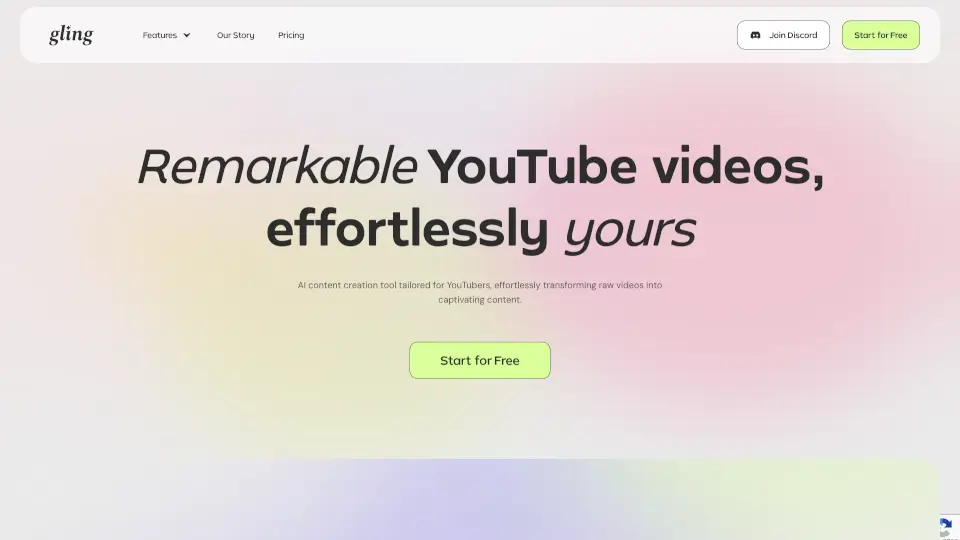
Gling is an AI video editing tool for YouTube creators that automatically cuts bad takes, silences, and filler words, then exports to mainstream editors like Final Cut and Premiere.

Verified by SeekTool
Social Media:
Gling AI

Gling AI Product Information

What is Gling AI?

Gling is an AI video editing software built for YouTube creators that automatically removes bad takes, silences, filler words, and background noise from raw footage. It transcribes your video, finds the unwanted parts, and cuts them so you get a clean timeline to refine. The tool is ideal for solo creators or small teams who want to skip the repetitive cutting work and focus on content. It works with video and audio files and exports to Final Cut, DaVinci, Premiere, or MP4/MP3 with captions.

What are the features of Gling AI?

  • Auto Cut Bad Takes & Silences: Gling automatically detects and removes unwanted sections like pauses, mistakes, and filler words from your raw recording, giving you a clean first edit.
  • AI Text-Based Trimmer: Review and refine your edited video by adjusting parts of the transcript text or removing clips from the timeline, giving you creative control.
  • AI Captions & Subtitles: Automatically generate captions and subtitles for your video, then export them as SRT files alongside your MP4 or MP3 download.
  • Auto Framing (Zoom In/Out): Apply automatic zoom adjustments to keep the focus on you or your subject, making static talking-head videos more dynamic.
  • YouTube Title & Chapter Generator: Let Gling suggest optimized titles and video chapters based on your content, aiming to help your videos perform better on YouTube.
  • Next Video Suggestions: Get AI-driven ideas for your next video to keep your channel growing, based on the content you’re editing.

What are the use cases of Gling AI?

  • YouTube creator editing a talking-head video — cuts out pauses and mistakes so you can export a polished clip directly to Premiere or DaVinci.
  • Vlogger cleaning up raw footage from a day out — removes background noise and silences to keep the story flowing.
  • Educational content producer recording a lecture — auto-deletes filler words and bad takes, then adds captions for accessibility.
  • Solo podcaster editing a solo episode — uses silence removal and noise reduction to create a clean audio file without manual scrubbing.
  • Small team managing multiple YouTube uploads — relies on title and chapter generation to speed up post-production for each video.

How to use Gling AI?

  • Upload your raw recording (video or audio file) — Gling will transcribe it and automatically cut bad takes, silences, and filler words.
  • Review the AI-edited video in the timeline and refine manually by adjusting text or removing clips as needed.
  • Use the text-based trimmer to make precise cuts without scrubbing through the video frame by frame.
  • Apply AI captions, auto framing, or noise removal before exporting to your preferred format.
  • Export your clean timeline to Final Cut, DaVinci, or Premiere, or download as MP4/MP3 with SRT captions.
Do you like this tool?

Upvote to help others discover it!

Gling AI Alternatives

GlowVideo

GlowVideo

GlowVideo is a free AI video generator that transforms text and images into professional 4K videos instantly, with no editing skills required. Perfect for content creators, marketers, and anyone looking to make stunning videos.

US
80.97%
1.3K
3.0
FireCut AI

FireCut AI

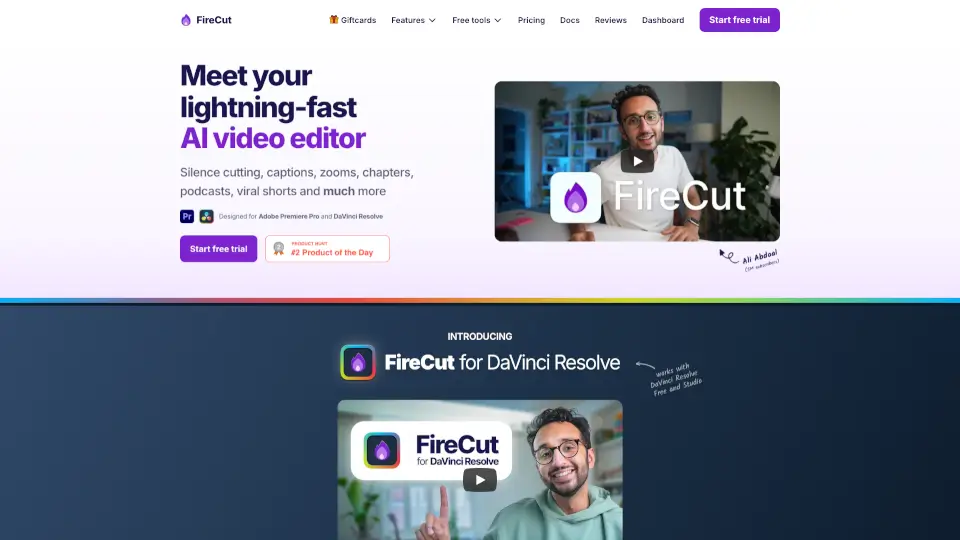
FireCut is an AI video editing plugin for Premiere Pro and DaVinci Resolve that automates silence cutting, captions, zoom cuts, chapters, and more for creators and editors.

US
18.10%
103.2K
5.0
ChatCut

ChatCut

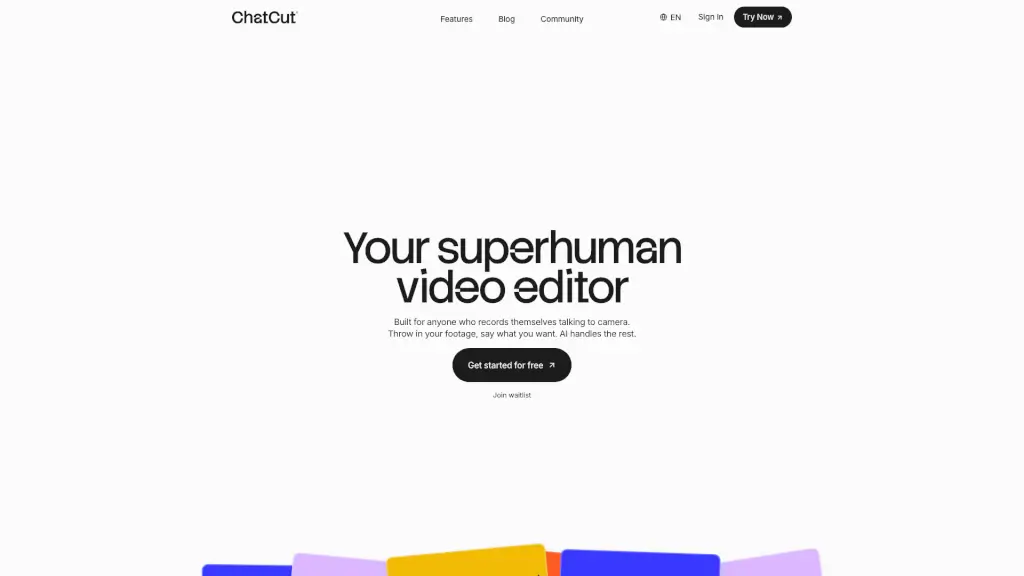
ChatCut is your superhuman AI video editor that simplifies the editing process, allowing you to create polished videos with just a few text prompts.

CN
23.58%
389.7K
5.0
Diffusion Studio

Diffusion Studio

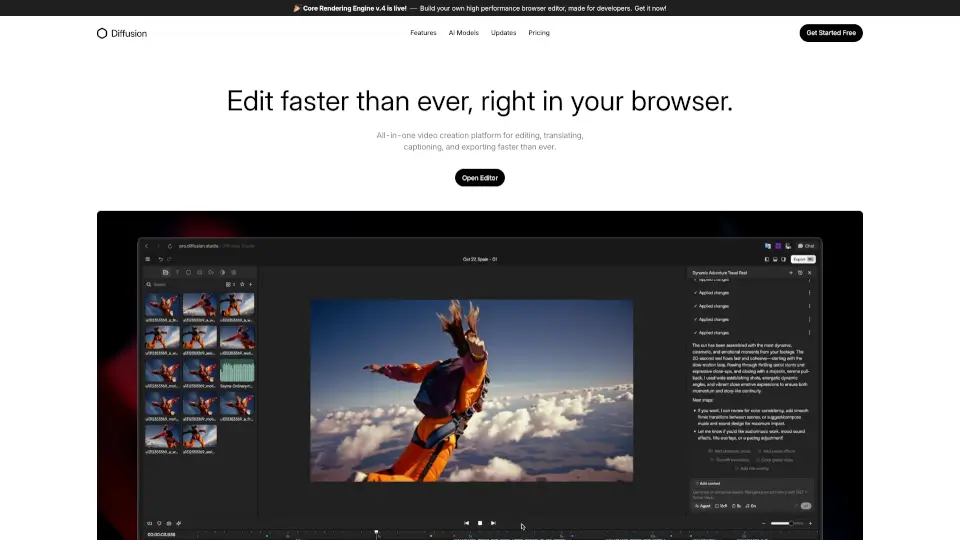
Diffusion Studio is an all-in-one online video editor that lets you create, edit, and export professional videos in your browser, with AI-assisted features and no installations required.

US
34.53%
39.3K
4.0
AI Video Cut

AI Video Cut

AI Video Cut makes it easy to turn long videos into viral short clips for YouTube, TikTok, and ads. With AI-powered features, it’s perfect for creators, marketers, and businesses.

BR
18.49%
189.6K
5.0
GliaCloud

GliaCloud

GliaCloud uses AI video agents to simplify professional video creation, boost audience engagement, and deliver measurable business results—no editing skills required.

JP
37.49%
75.0K
5.0
Snapy AI

Snapy AI

Snapy.ai is an AI-powered short video creator that helps content creators, podcasters, and YouTubers repurpose long-form content into engaging social media clips with automatic editing and silence removal.

US
36.70%
17.9K
4.0
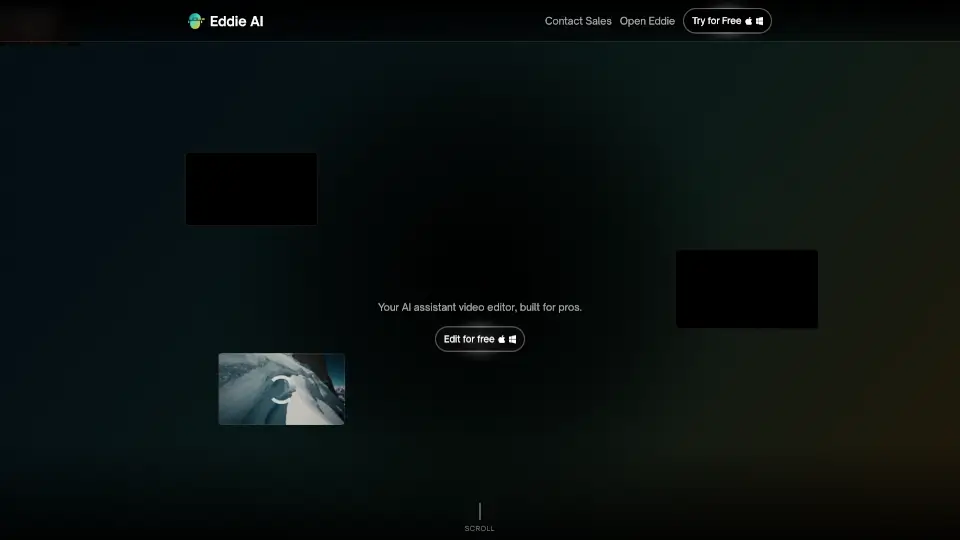
Eddie AI

Eddie AI

Eddie is an easy-to-use AI video editor that helps you quickly cut and refine videos from interviews or any footage. Export your work to popular formats and enjoy a smooth editing experience whether on desktop or web.

US
22.62%
85.4K
5.0

Gling AI Related Other Categories

Gling AI Traffic Analysis

💡 Insights

Medium Scale
100K-1M monthly visits. Growing tool with active development.
⚠️
Slight Decline
Traffic has slightly decreased recently.
👍
Good Experience
Bounce rate of 39%. Users are willing to explore features.
🌐
Global Reach
Balanced user distribution worldwide.
  • Monthly Visits

    246.78K

  • Bounce Rate

    39.17%

  • Pages Per Visit

    2.40

  • Visit Duration

    00:01:23

  • Global Rank

    186271

  • Country Rank

    201404

Visits Over Time

Traffic Sources

Search Organic43.92%
Direct29.48%
Search Paid8.44%
Social Organic6.93%
Referrals4.80%
Gen Ai3.18%
Social Paid1.85%
Display Ads0.83%
Mail0.58%
Affiliate0.00%

Top Keywords

1
gling
CPC$1.73
6.08KTraffic
2
gling ai
CPC$1.07
5.57KTraffic
3
hentaifox
CPC$0.17
1.65KTraffic
4
ai video editor
CPC$0.79
600Traffic
5
clipping ai
CPC$0.79
530Traffic

Top Regions

RegionPercentage
United States
United States
15.42%
India
India
4.80%
Russia
Russia
4.49%
United Kingdom
United Kingdom
3.63%
France
France
3.50%
Low
High

Powered by SimilarWeb

Gling AI FAQ

What is Gling?

Gling is an AI video editing tool designed for YouTube creators. It automatically removes bad takes, silences, filler words, and background noise from raw footage.

Who is Gling best for?

It’s built for solo YouTube creators, vloggers, educators, and small teams who want to skip the repetitive cutting work and focus on content quality.

Does Gling offer a free trial?

The source mentions "Start for Free" options, but no specific free trial duration or pricing details are provided. Check their website for current plans.

Can I export to other video editors?

Yes. Gling lets you export your clean timeline directly to Final Cut, DaVinci Resolve, or Premiere, or download as MP4/MP3 with SRT captions.
Gling AI Reviews

0

0

0 Reviews
Sign Into leave a review

Recent Reviews

No reviews yet

Gling AI Pricing

Free

Perfect for beginners to explore and learn, with 1 hour media produced monthly.
$0
  • Up to 1 hour of media processed
  • Unlimited video export with watermark
  • No Premium support
  • Remove bad takes
  • Auto remove silences
  • Auto remove filler words
  • YouTube Title Generator
  • YouTube Chapters Generator
  • Next Video suggestions
  • AI Captions
  • Generate subtitles (Export as .SRT)
  • Auto framing (Zoom in/out)
  • Multicam editing
  • AI B-rolls
  • Speech audio enhancement
  • Export as MP4 (with watermark)/MP3
  • XML to Premiere/Final Cut Pro/Resolve

Plus

Designed for light users with a limited number of videos produced monthly.
$20/mon
  • Up to 10 hours of media processed per month
  • Unlimited video export (no watermark)
  • No Premium support
  • Remove bad takes
  • Auto remove silences
  • Auto remove filler words
  • YouTube Title Generator
  • YouTube Chapters Generator
  • Next Video suggestions
  • AI Captions
  • Generate subtitles (Export as .SRT)
  • Auto framing (Zoom in/out)
  • Multicam editing
  • AI B-rolls
  • Speech audio enhancement
  • Export as MP4/MP3
  • XML to Premiere/Final Cut Pro/Resolve

Pro

Advanced capabilities tailored for those who demand the highest level of performance.
$40/mon
  • Up to 30 hours of media processed per month
  • Unlimited video export (no watermark)
  • Including Premium support
  • Remove bad takes
  • Auto remove silences
  • Auto remove filler words
  • YouTube Title Generator
  • YouTube Chapters Generator
  • Next Video suggestions
  • AI Captions
  • Generate subtitles (Export as .SRT)
  • Auto framing (Zoom in/out)
  • Multicam editing
  • AI B-rolls
  • Speech audio enhancement
  • Export as MP4/MP3
  • XML to Premiere/Final Cut Pro/Resolve

Gling AI Embed

Use website badges to drive community support for SeekTool.ai. They are easy to embed in your homepage or footer.

Light
Dark
Gling AI - Featured on SeekTool.aiGling AI - Featured on SeekTool.ai
How to install?

Category Rankings

Ranked by monthly traffic