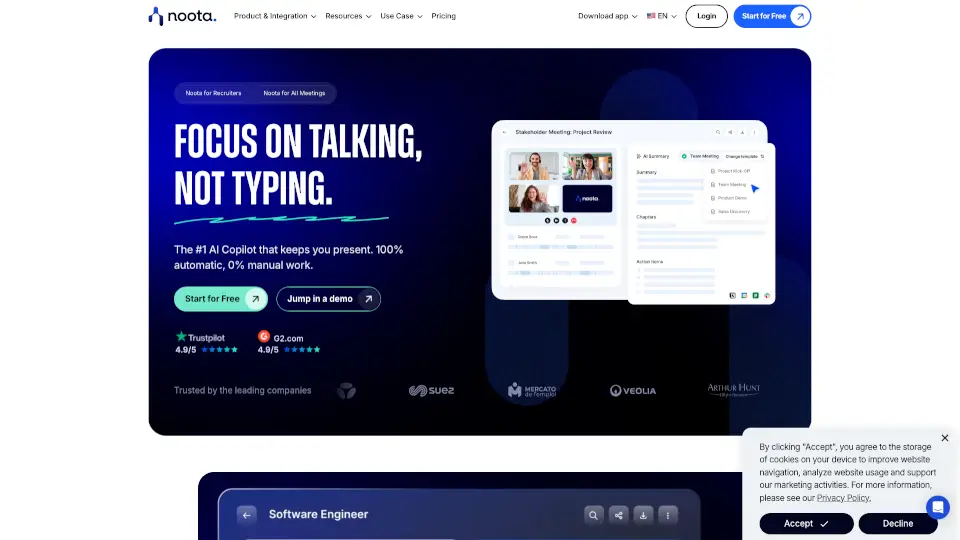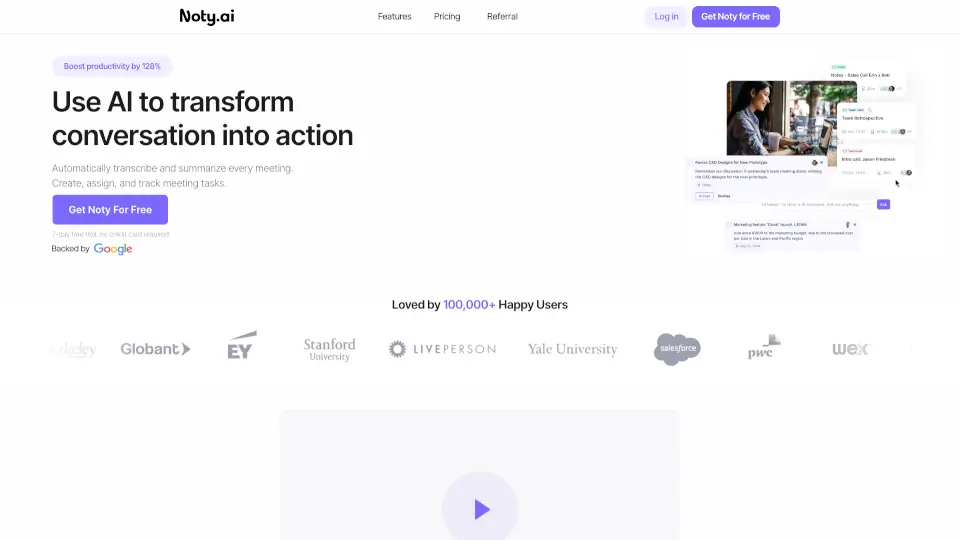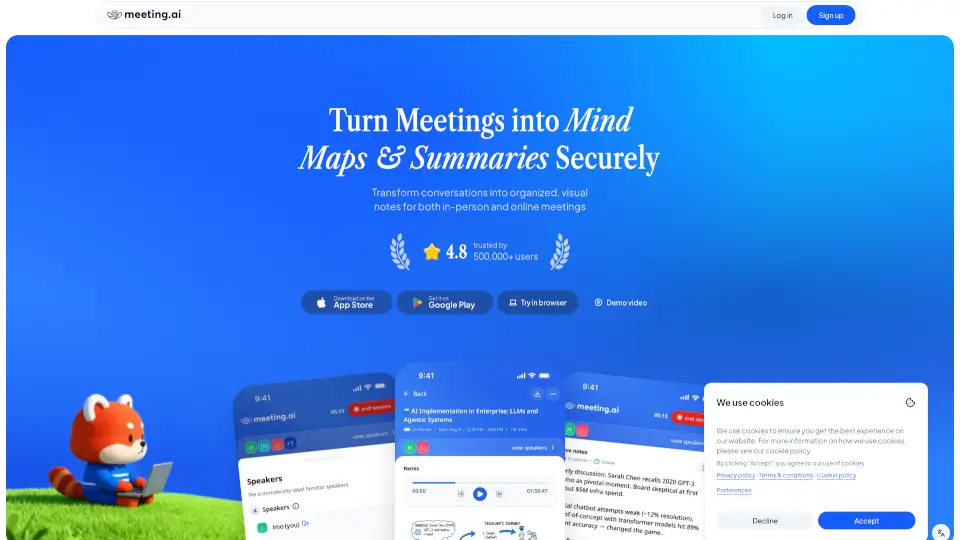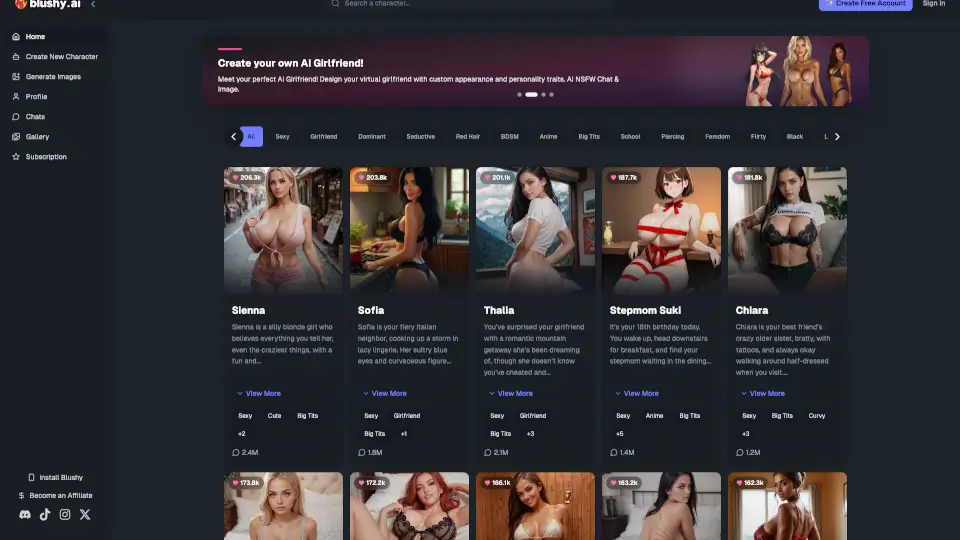
What is Blushy AI?
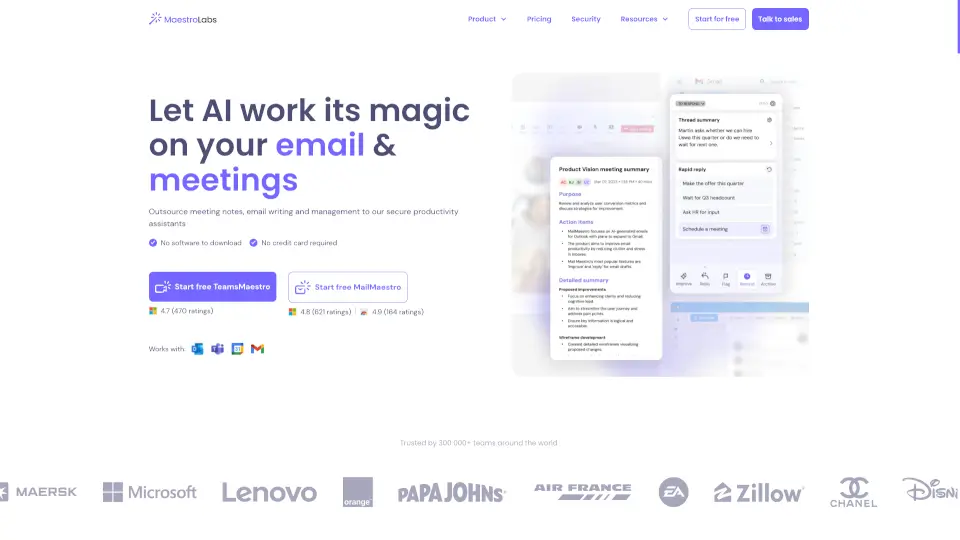
Meet Blushy.ai, your AI email and meeting assistant that takes over your inbox and calendar so you can focus on the work that actually matters. It drafts replies in your voice, finds the perfect meeting times, and keeps your day organized — all without you lifting a finger. No complex setup, just connect your accounts and let Blushy handle the busywork.
What are the features of Blushy AI?
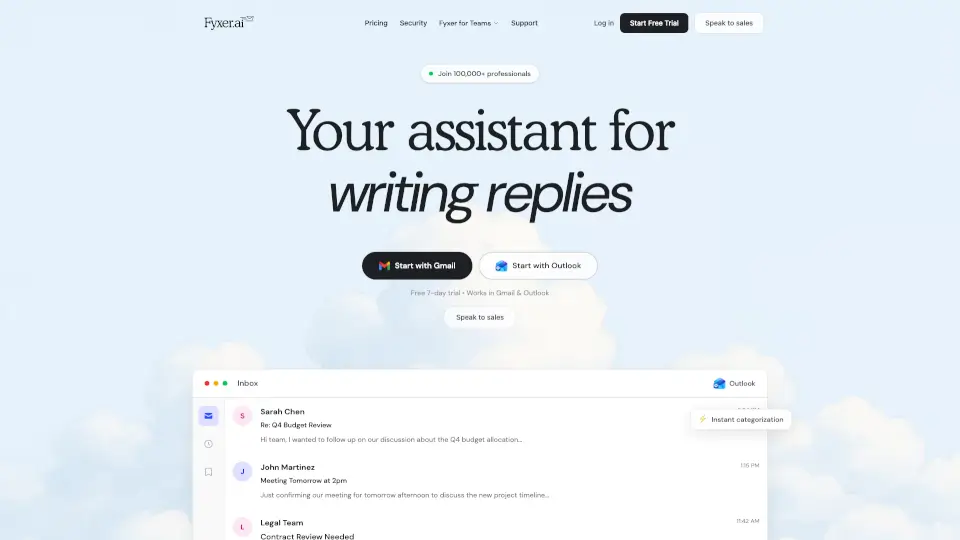
- Smart Email DraftingBlushy reads your emails, understands the context, and drafts perfect replies in your natural tone. You review, tweak (if needed), and send in seconds.
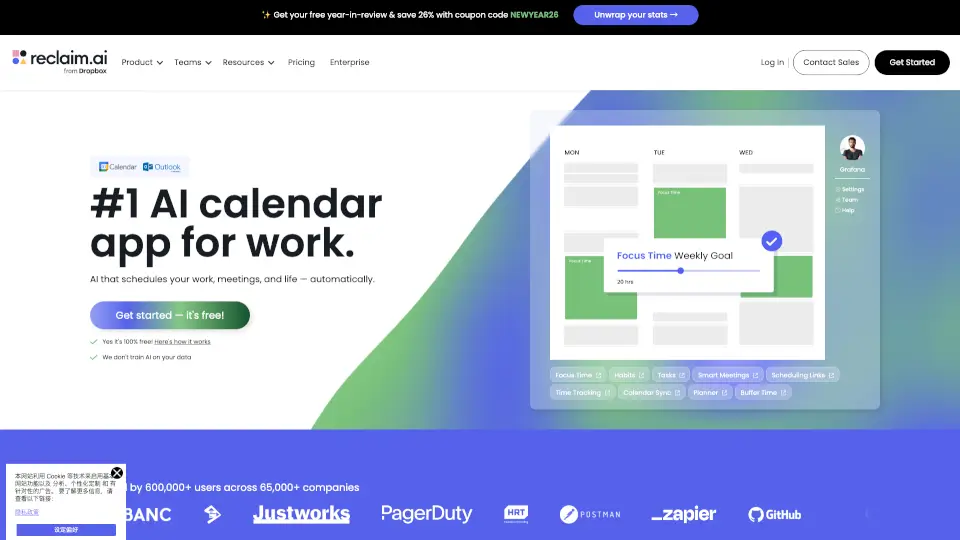
- Intelligent SchedulingNo more endless back-and-forth emails. Blushy automatically finds the best times, sends invites, and handles rescheduling for you.
- Context-Aware AIThe more you use it, the better it gets. Blushy learns your communication style, preferences, and priorities to become your personal assistant.
- Privacy FirstYour data stays yours. End-to-end encryption, SOC 2 compliance, and you control exactly what Blushy can access.
- Instant SummariesLong email threads? Blushy summarizes them instantly so you know what matters without reading every message.
- Team CoordinationTrack action items, follow up automatically, and keep everyone aligned across your team.
What are the use cases of Blushy AI?
- Busy executivesSave hours every day by letting Blushy draft replies and schedule meetings — you just approve and send.
- Freelancers and solopreneursKeep your inbox organized and never miss a client meeting. Blushy handles the scheduling chaos.
- Remote teamsCoordinate across time zones without the email ping-pong. Blushy finds the best time for everyone.
- Sales professionalsFocus on closing deals instead of juggling meeting invites and follow-up emails.
- Managers and team leadsDelegate email drafting and meeting scheduling to Blushy, freeing you up for strategic work.
How to use Blushy AI?
- Step 1Connect your accounts — link your email and calendar in one click. Blushy supports Gmail, Outlook, and Google Calendar.
- Step 2Let Blushy learn your style — it analyzes your communication patterns, tone, and preferences to match your voice.
- Step 3Review and send — Blushy drafts replies, schedules meetings, and organizes your day. You approve with a tap.
- Step 4Get smarter over time — every interaction makes Blushy better. It adapts to your workflow and preferences.