AutoCaption is an AI caption generator that adds animated subtitles, emojis, and translations to your videos in seconds for TikTok, Reels, and Shorts.
Best AutoCaption Alternatives & Competitors 2026
A popular AI Caption Generator tool with 126.6K monthly visits. We've analyzed 20 similar AI tools to help you compare features, popularity, and ratings. Find the perfect alternative for your needs.
Quick Comparison
(Top 5 by Traffic)| Tool | Visits | Top Market | Growth | Rating | Insight | Description |
|---|---|---|---|---|---|---|

AutoCaptionCurrent | 126.6K | 🇮🇳 India12.6% | +41.4% | - | 📊Steady Growth Recent growth of 41%. Product is in a healthy upward trend. | AutoCaption is an AI caption generator that adds animated subtitles, emojis, and translations to your videos in seconds for TikTok, Reels, and Shorts. |
CapCut | 52.5M | 🇺🇸 United States12.6% | -1.0% | - | 🚀Super High Traffic Over 10M monthly visits. A market leader with extremely high user trust. | CapCut is an AI-powered video editor that simplifies editing with smart tools like text-to-speech, auto-captions, and video upscaling. Perfect for creators of all levels, CapCut helps you make stunning videos faster and easier. |
Animaker’s Subtitle Generator | 1.0M | 🇺🇸 United States15.6% | -9.2% | - | 📈High Traffic Over 1M monthly visits. Widely recognized and stable choice. | Animaker’s free AI-powered subtitle generator creates, customizes, and translates accurate video captions in 134 languages with just one click. |
Captions | 955.2K | 🇺🇸 United States15.8% | -8.1% | - | ⭐Medium Scale 100K-1M monthly visits. Growing tool with active development. | Captions is an AI video editor that transforms raw footage or text into polished, professional-quality videos with auto-captions, custom avatars, and smart editing—fast. |

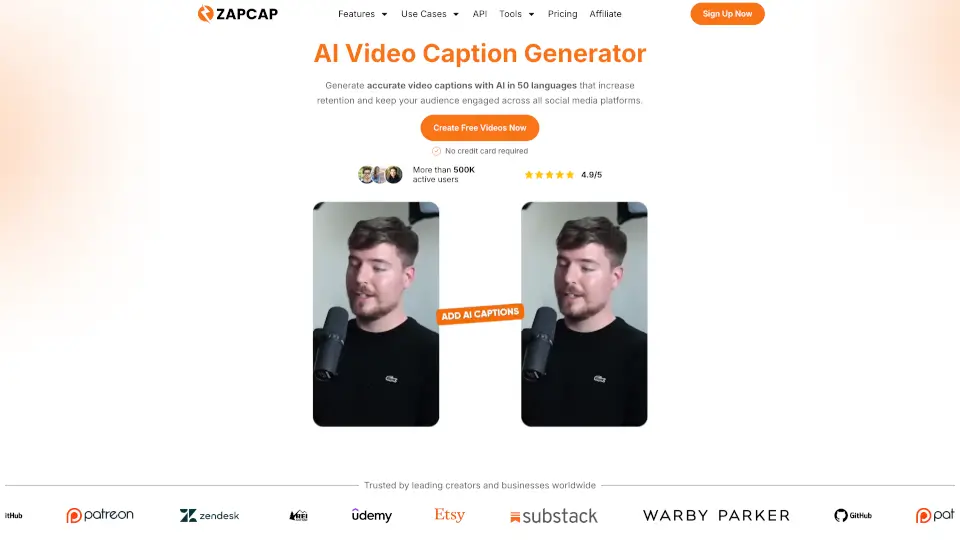
ZapCap | 221.6K | 🇬🇧 United Kingdom13.1% | -16.4% | - | ⭐Medium Scale 100K-1M monthly visits. Growing tool with active development. | ZapCap is the fastest way to add captions, B-roll, and transitions to videos—helping creators save time and grow their audience. |

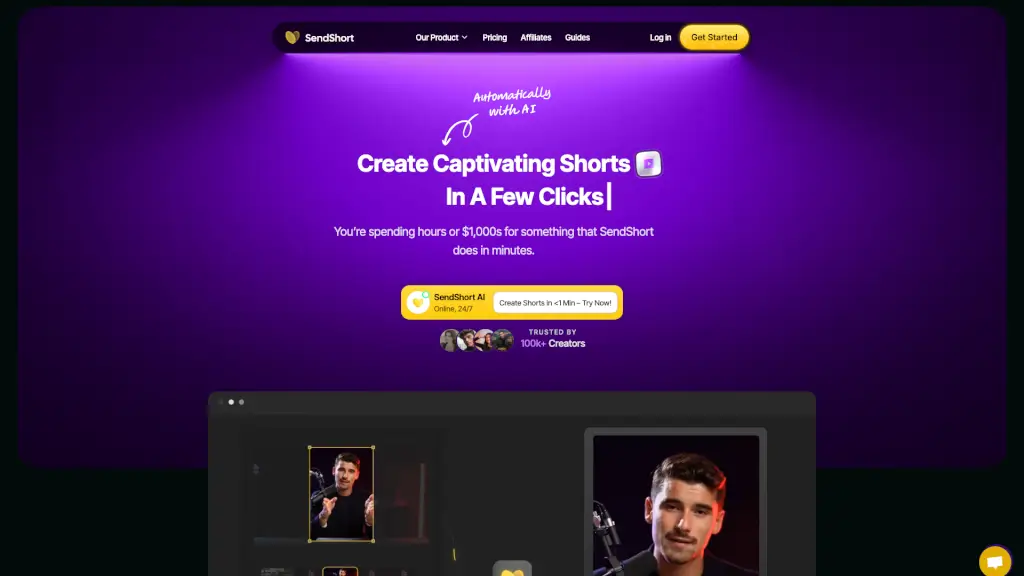
SendShort | 120.7K | 🇫🇷 France8.1% | -16.3% | - | ⭐Medium Scale 100K-1M monthly visits. Growing tool with active development. | SendShort is an AI-powered tool that turns long videos into engaging short clips, adding auto-generated captions, translations, and more, all in minutes. |

Closest Match
Tools that are functionally closest to AutoCaption, ranked by semantic similarity and category relevance.


Animaker’s free AI-powered subtitle generator creates, customizes, and translates accurate video captions in 134 languages with just one click.

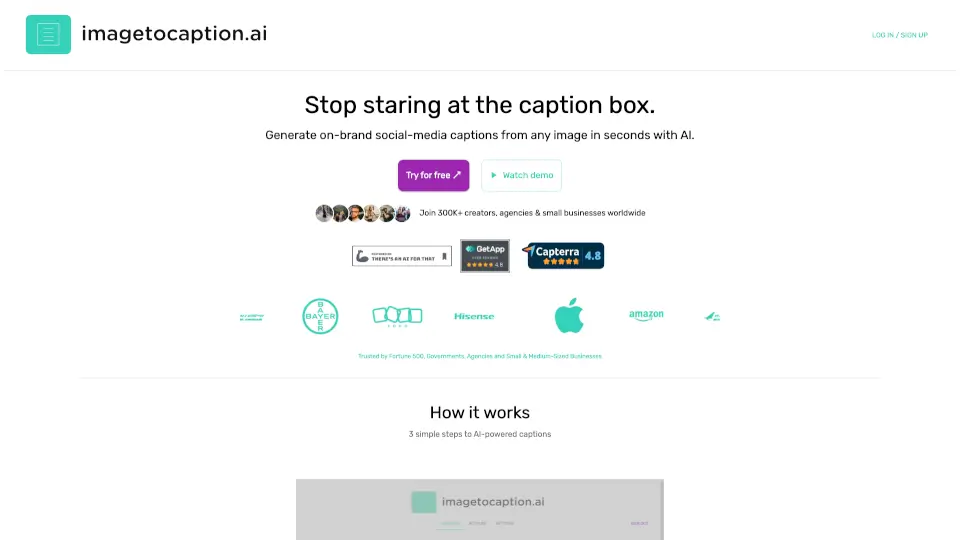
Automate your captions effortlessly with imagetocaption.ai, saving time and enhancing your social media presence.

ZapCap is the fastest way to add captions, B-roll, and transitions to videos—helping creators save time and grow their audience.

Captions is an AI video editor that transforms raw footage or text into polished, professional-quality videos with auto-captions, custom avatars, and smart editing—fast.
Similar Traffic Scale
Alternatives with comparable monthly traffic to AutoCaption, useful for comparing peers at a similar market stage.


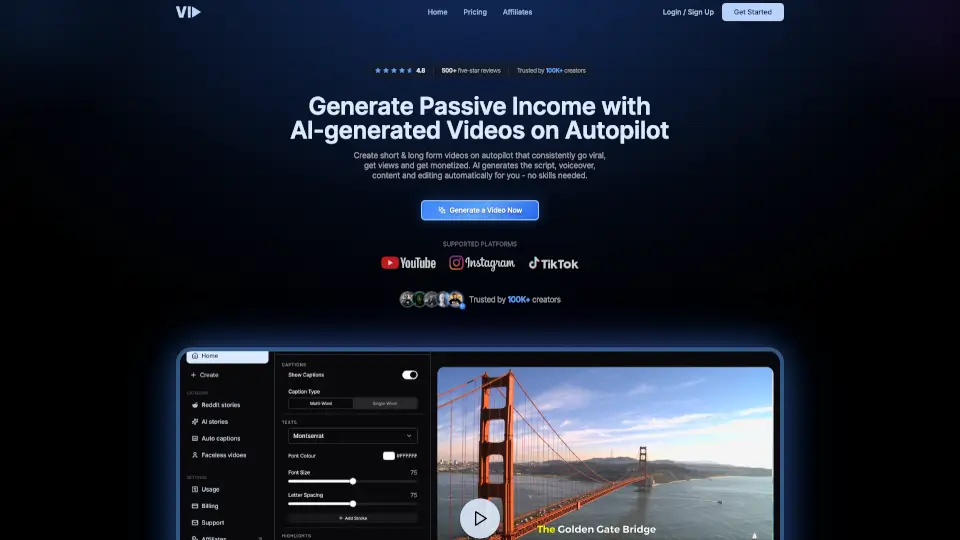
Short AI = easy, free, and powerful—create viral faceless videos fast, automate captions, and schedule posts to grow your audience. Perfect for beginners and pros alike!

SendShort is an AI-powered tool that turns long videos into engaging short clips, adding auto-generated captions, translations, and more, all in minutes.

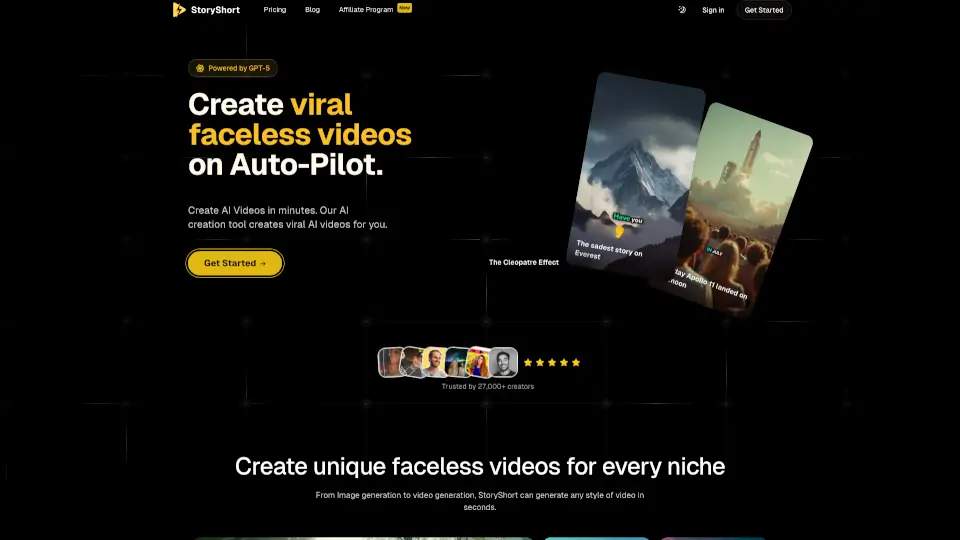
StoryShort is an AI faceless video generator that creates viral-ready TikTok and YouTube Shorts from text prompts—no camera, editing, or experience required.

Atlabs is the #1 AI video generator that creates engaging, on-brand videos in minutes using consistent characters, realistic voiceovers, and full editing control.
Fast Growing Alternatives
Similar tools with stronger recent traffic growth, highlighting alternatives that may be gaining momentum.

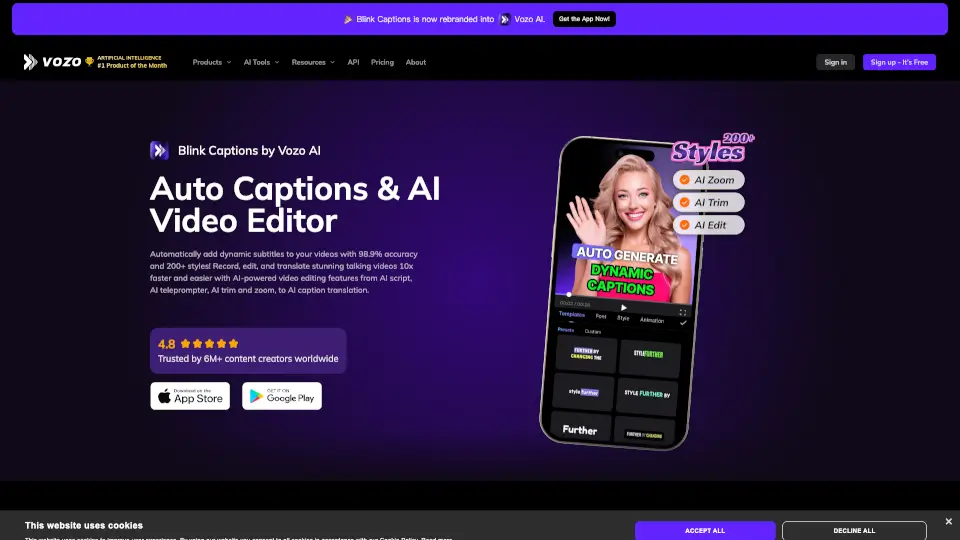
Blink Captions by Vozo is the ultimate tool for adding dynamic subtitles to your videos. With AI-powered features like auto-captions, translation, and teleprompter, it’s perfect for creators looking to save time and boost engagement.

Autopilot Shorts automates video creation, allowing you to generate unique, engaging content for social media effortlessly.

ShortsGenerator.ai makes creating viral short videos simple and fast. With AI-powered tools, customizable templates, and auto-posting features, it’s perfect for creators who want to grow their audience without the hassle of editing.

Create engaging shorts from long videos effortlessly with Ssemble's AI tools. Perfect for creators looking to boost their views!
Top 20 Alternatives to AutoCaption
Sorted by Similarity
Animaker’s free AI-powered subtitle generator creates, customizes, and translates accurate video captions in 134 languages with just one click.

Automate your captions effortlessly with imagetocaption.ai, saving time and enhancing your social media presence.

ZapCap is the fastest way to add captions, B-roll, and transitions to videos—helping creators save time and grow their audience.

Captions is an AI video editor that transforms raw footage or text into polished, professional-quality videos with auto-captions, custom avatars, and smart editing—fast.

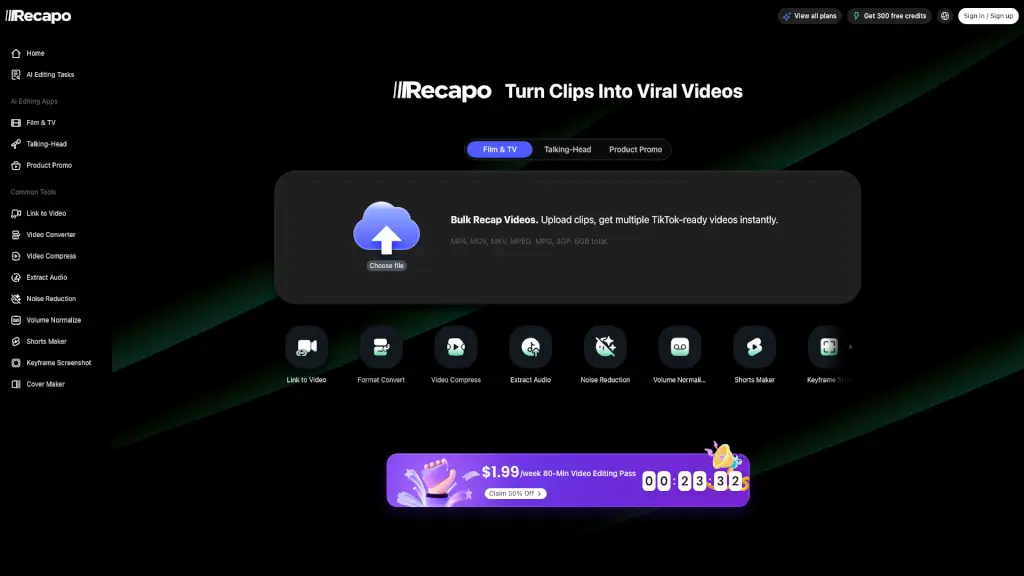
Recapo.ai is an all-in-one video recap creator studio that turns long footage into viral-ready short clips with AI scripts, voiceovers, and subtitles.

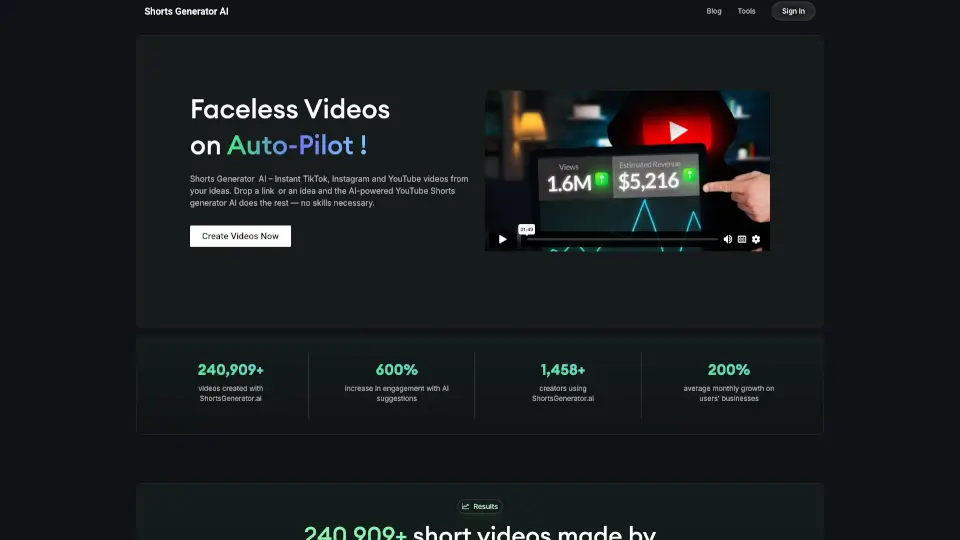
ShortsGenerator.ai makes creating viral short videos simple and fast. With AI-powered tools, customizable templates, and auto-posting features, it’s perfect for creators who want to grow their audience without the hassle of editing.

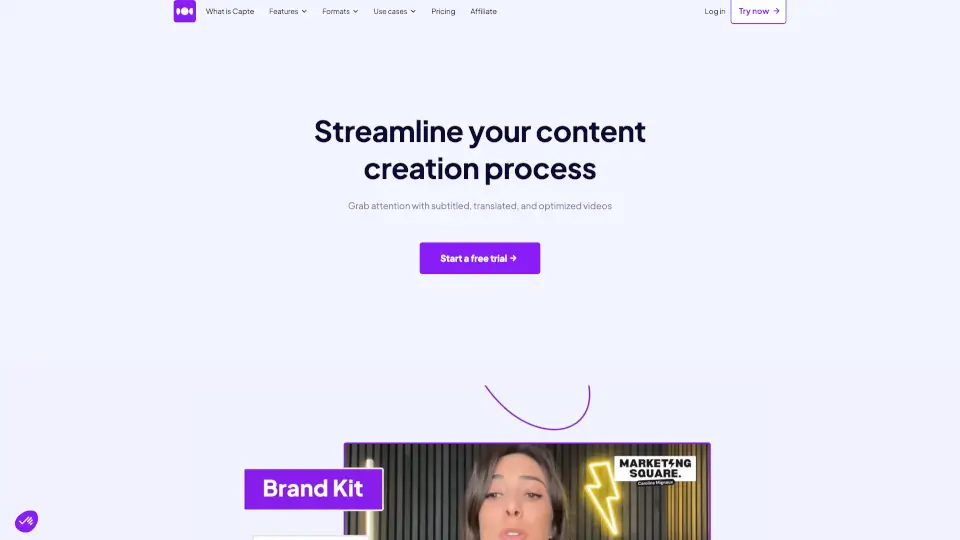
Capte simplifies content creation by automatically transcribing, translating, and styling your videos, helping you engage and grow your audience across social media.

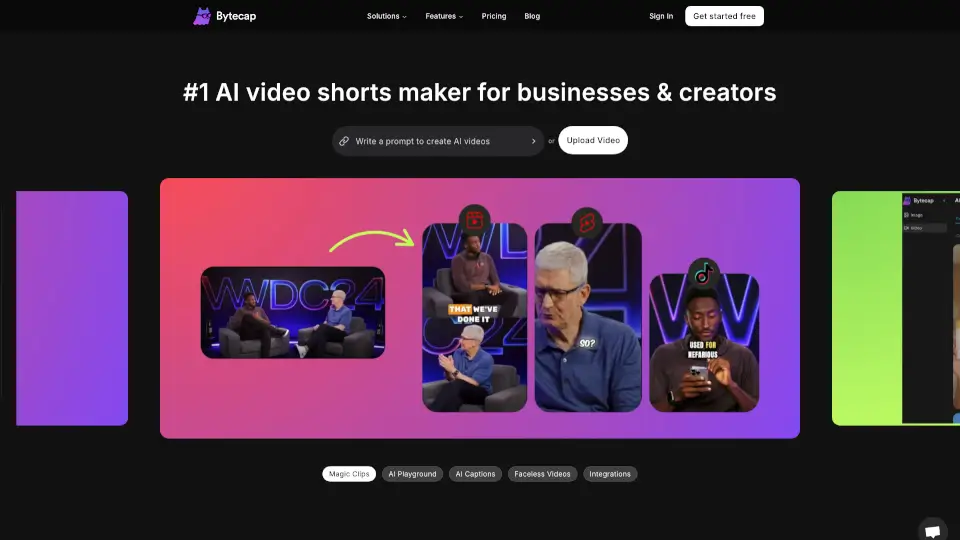
Bytecap is the ultimate tool for creating viral AI videos with ease. From AI captions to custom audio, it’s packed with features to boost engagement and maximize viewership. Perfect for creators, marketers, and educators alike.

SendShort is an AI-powered tool that turns long videos into engaging short clips, adding auto-generated captions, translations, and more, all in minutes.

CapCut is an AI-powered video editor that simplifies editing with smart tools like text-to-speech, auto-captions, and video upscaling. Perfect for creators of all levels, CapCut helps you make stunning videos faster and easier.

Blink Captions by Vozo is the ultimate tool for adding dynamic subtitles to your videos. With AI-powered features like auto-captions, translation, and teleprompter, it’s perfect for creators looking to save time and boost engagement.

AI Subtitles Captions App for Your Content | Dubs is the ultimate tool for enhancing video content with AI-powered subtitles, dubbing, and more.

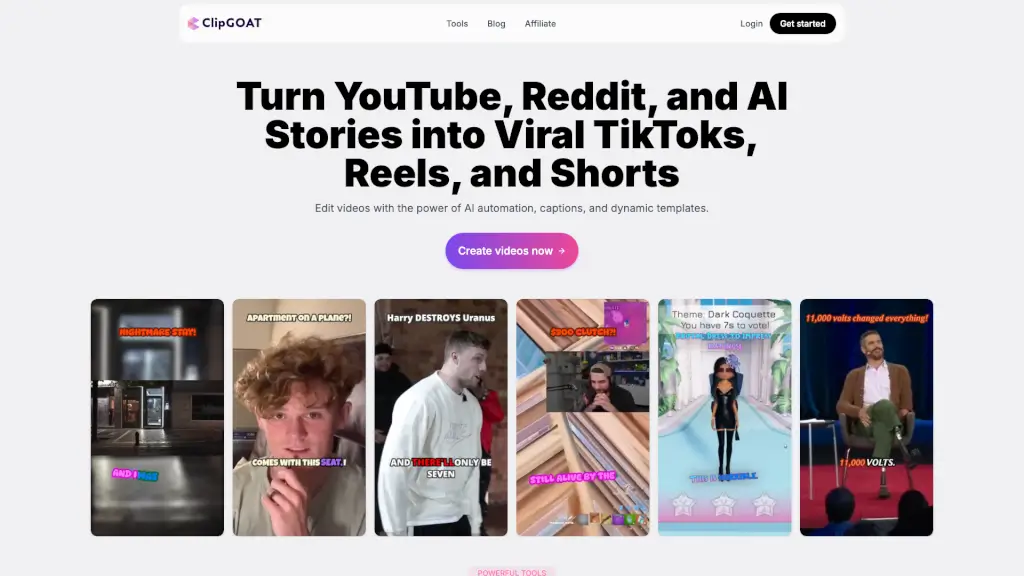
ClipGOAT is a powerful AI-driven platform that turns long videos, Reddit threads, and AI stories into engaging TikToks, Reels, and Shorts, with features like auto-reframing, auto-generated captions, and scheduling.

AI Video Cut makes it easy to turn long videos into viral short clips for YouTube, TikTok, and ads. With AI-powered features, it’s perfect for creators, marketers, and businesses.

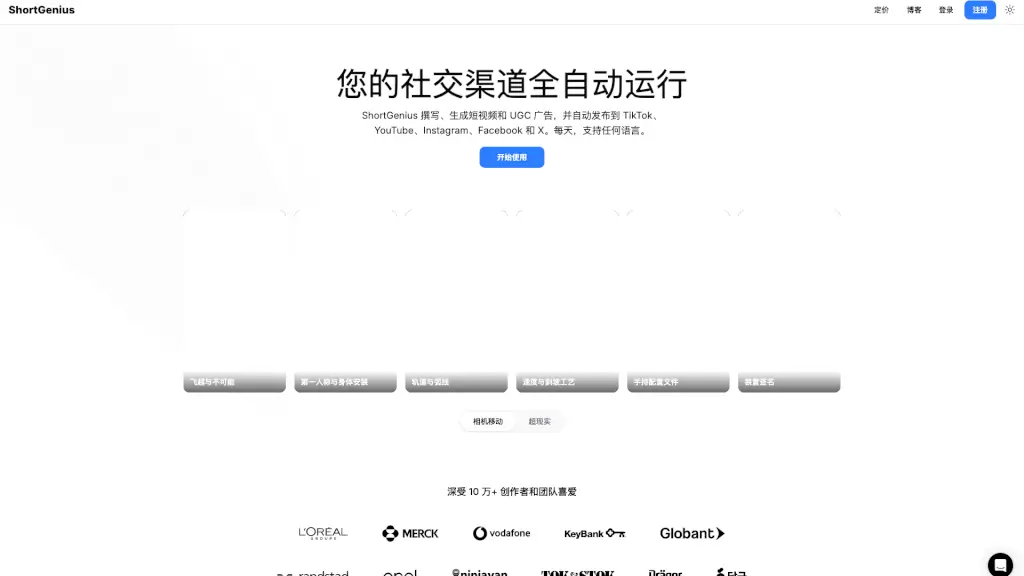
ShortGenius is an AI video and ad creation platform that generates and auto-publishes unique, multilingual social media content in minutes.

Short AI = easy, free, and powerful—create viral faceless videos fast, automate captions, and schedule posts to grow your audience. Perfect for beginners and pros alike!

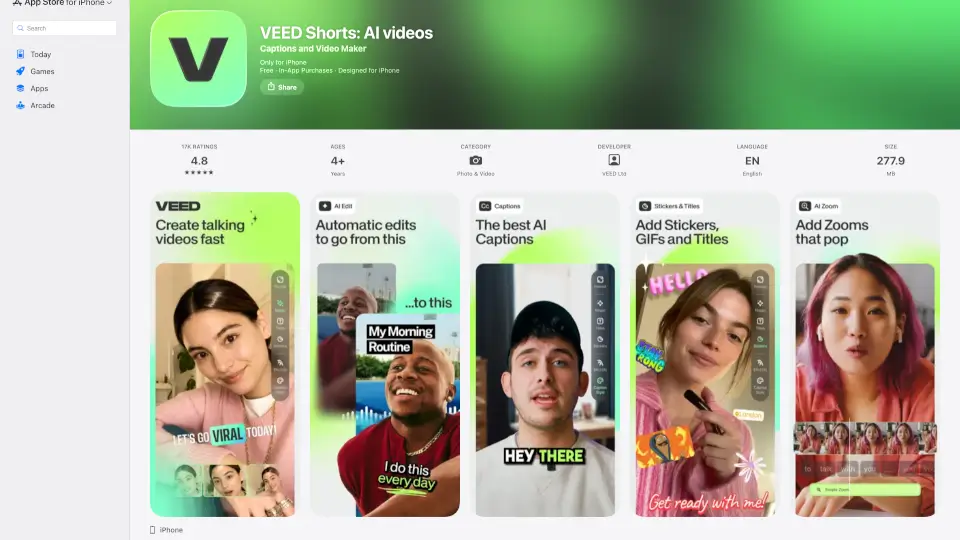
VEED - Captions for Videos is a powerful app for adding AI-generated captions and translations to your videos, making them more engaging and accessible.

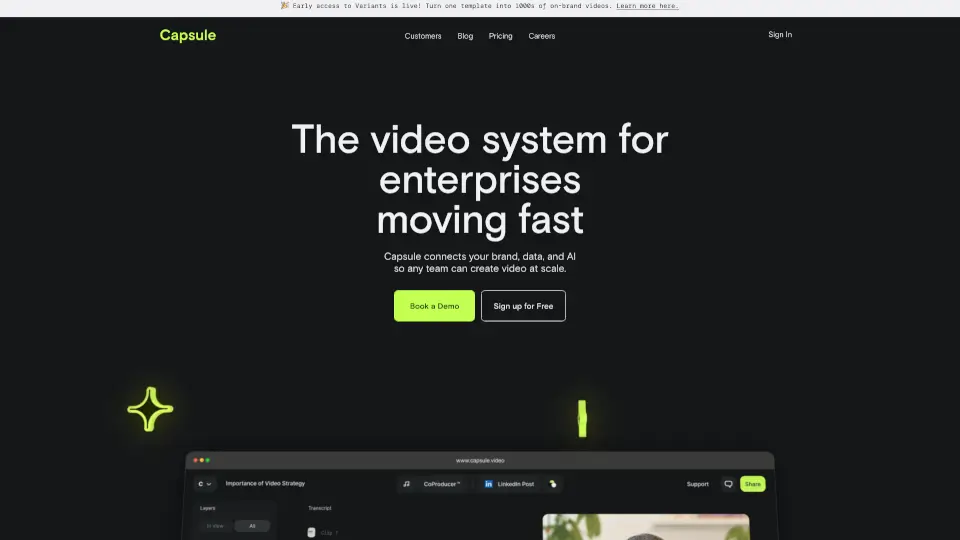
Capsule is an AI-powered video editor that helps enterprise teams create professional videos 10x faster. With motion graphics templates, real-time collaboration, and AI tools, it’s perfect for social media, paid ads, trainings, and more.

Translate.Video uses AI to instantly dub, subtitle, and translate videos into 75+ languages with studio-quality results—all in one app.

Create viral videos with Zeemo AI's powerful caption generator and video editing tools. Boost your views and income effortlessly.
Frequently Asked Questions
How we find and rank alternatives to AutoCaption
We generate a semantic embedding (vector) for every AI tool in our database. Alternatives are found by first narrowing candidates to tools in the same categories, then ranking by cosine similarity score. Only tools with a similarity score ≥ 0.52 make the cut — ensuring every recommendation is genuinely related, not just popular in the same broad category.
The full list (up to 20 tools) is ordered by semantic similarity — the most functionally similar tools appear first. "Quick Comparison" goes one step further: it takes the top candidates from that list and re-ranks them by monthly traffic, giving you a fast snapshot of the most widely-used options right now.
Quick Comparison has fewer slots and adds a traffic threshold on top of similarity. A tool can be highly similar to the one you are looking at but still have lower monthly traffic than other candidates — it stays in the full list where you can still discover and evaluate it.
Monthly visits, growth rates, and regional distribution data are sourced from SimilarWeb via our licensed API. SimilarWeb is the industry-standard web analytics service used by analysts, investors, and product teams worldwide. The data month is displayed at the bottom of the Quick Comparison table.
Similarity relationships are recalculated periodically as new tools are added to our database. Traffic metrics (visits, growth rate, top market) are refreshed monthly from SimilarWeb. The exact data month is always shown at the bottom of the Quick Comparison table so you know how fresh the numbers are.
No. The order of results is determined entirely by our similarity algorithm and third-party traffic data. We do not sell placement positions in alternative lists or Quick Comparison tables. If a tool is listed here, it earned its place through data — not through advertising spend.
Traffic data (visits, growth, top market) sourced from SimilarWeb licensed API · Similarity scores computed by our in-house vector engine