
What is Zoo Design Studio?
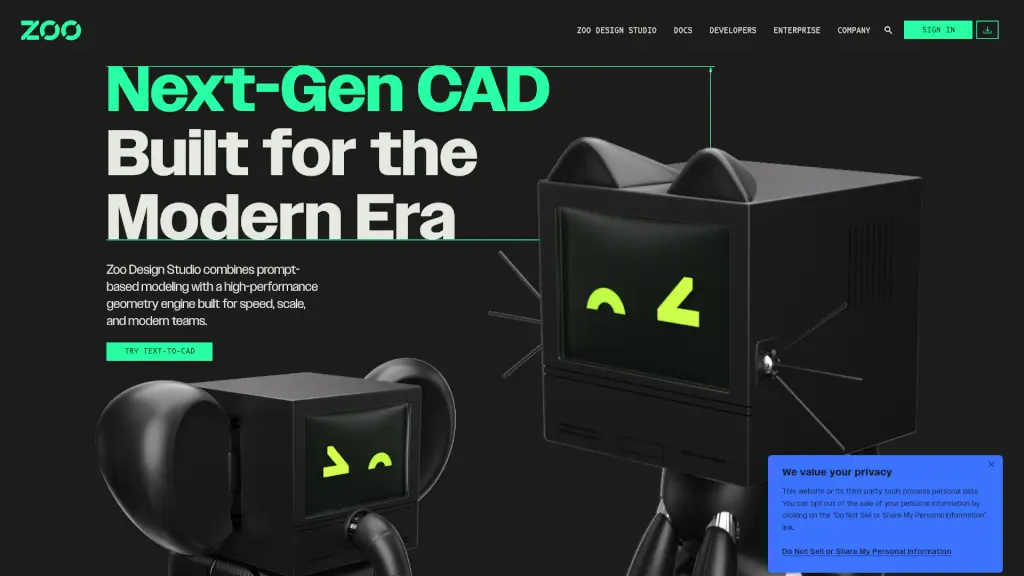
Zoo Design Studio is a next-gen CAD software that's redefining the way we approach hardware design. With its unique blend of traditional CAD features and cutting-edge Text-to-CAD technology, Zoo Design Studio empowers you to create, iterate, and refine your designs like never before. Whether you're a seasoned engineer or a beginner, this powerful tool offers a seamless hybrid workflow that combines point-and-click, code, and text-based design, making it perfect for modern teams looking to innovate and collaborate.
What are the features of Zoo Design Studio?
- Text-to-CAD: Generate parts and components using natural language prompts, making the design process faster and more intuitive.
- Hybrid Workflow: Seamlessly switch between point-and-click, code, and Text-to-CAD, giving you the flexibility to work in the way that suits you best.
- High-Performance Geometry Engine: Built for speed and scale, ensuring that even the most complex designs can be created and refined efficiently.
- Code Representation: Simplify version control with code-based design, making it easier to track changes and collaborate with team members.
- B-rep Geometry: Create precise, boundary representation geometry without the need for meshes, ensuring high-quality, accurate designs.
- Enterprise GPU Power: Leverage the power of enterprise-grade GPUs to handle large and complex projects with ease.
What are the use cases of Zoo Design Studio?
- Rapid Prototyping: Quickly generate and refine prototypes using Text-to-CAD, saving time and reducing the number of iterations needed.
- Collaborative Design: Work seamlessly with team members, whether they prefer point-and-click, coding, or text-based design, all within the same platform.
- Complex Assembly Design: Manage and refine intricate assemblies with ease, thanks to the high-performance geometry engine and B-rep geometry.
- Version Control and Collaboration: Simplify collaboration and version control with code-based design, making it easier to track and manage changes.
- Educational Purposes: Ideal for students and educators who want to learn and teach CAD design in a more intuitive and engaging way.
How to use Zoo Design Studio?
- Start by signing up for a free account on the Zoo Design Studio website.
- Familiarize yourself with the interface and the different design modes (point-and-click, code, and Text-to-CAD).
- Use Text-to-CAD to generate initial parts and components by typing natural language prompts.
- Refine your designs using the point-and-click tools or by writing code, depending on your preference.
- Take advantage of the high-performance geometry engine to create and refine complex designs.
- Collaborate with your team by sharing and reviewing code-based designs, ensuring everyone is on the same page.