
What is Whereby?
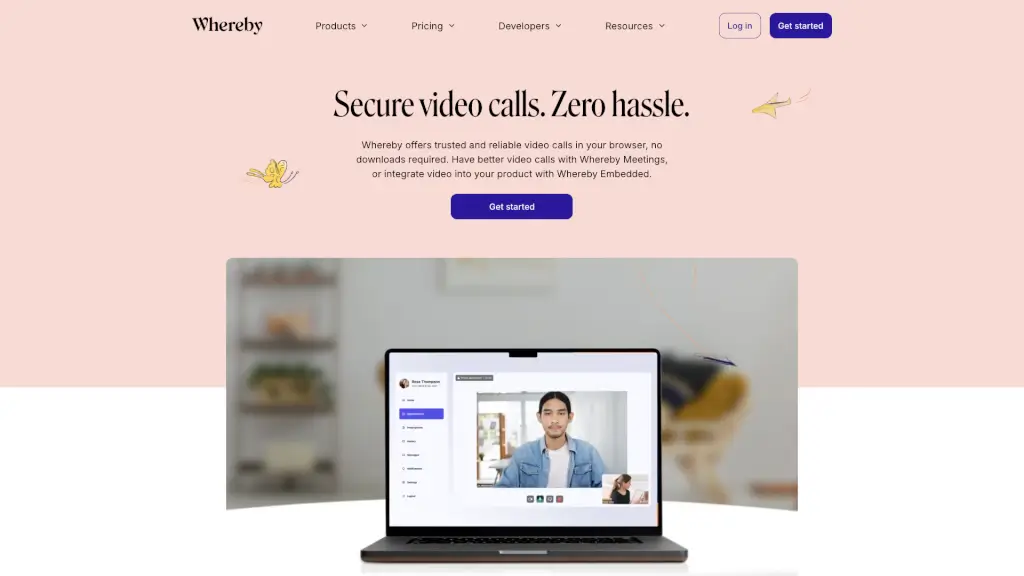
Whereby is a user-friendly and secure video conferencing platform that lets you host quick, instant meetings or embed video calls into your own platform. With no downloads required, you can start video calls right from your browser. Whether you're an individual, a team, or a product builder, Whereby offers the flexibility and reliability you need to connect with others seamlessly. Plus, it's built with privacy and security in mind, ensuring that your conversations stay confidential and compliant with GDPR and HIPAA standards.
What are the features of Whereby?
- Secure Video Calls: Enjoy private and secure video calls with end-to-end encryption, ensuring your conversations are protected.
- Customizable Rooms: Create permanent room links and customize your meeting spaces with your branding and essential features.
- API & SDK Integration: For developers, integrate video calls into your platform using Whereby’s powerful API and SDK, offering extensive features and advanced customization.
- Screen Sharing: Share your screen during calls for better collaboration and presentations.
- File Sharing: Easily share files with participants during the call to keep everyone on the same page.
- Chat and Transcriptions: Use the built-in chat feature and transcribe your calls for easy reference later.
- Virtual Whiteboard: Collaborate visually with a virtual whiteboard, perfect for brainstorming and teaching.
What are the use cases of Whereby?
- Team Meetings: Hold regular team meetings with high-quality video and essential features like screen sharing and file sharing.
- Customer Support: Provide real-time support to customers with embedded video calls directly on your website.
- Telehealth: Connect healthcare providers and patients for virtual consultations, ensuring privacy and compliance with HIPAA.
- eLearning: Create engaging virtual classroom experiences for teachers and students, complete with interactive tools like the virtual whiteboard.
- Product Demos: Showcase your products or services with live, interactive demos using screen sharing and custom branding.
- Event Hosting: Host webinars, workshops, and other events with customizable rooms and advanced features.
How to use Whereby?
- Sign Up: Start by signing up for a Whereby account at their official website.
- Create a Room: Once logged in, create a new meeting room with a permanent link.
- Invite Participants: Share the room link with your participants via email or any messaging platform.
- Start the Call: Click on the room link to start the video call. No downloads are needed; everything works directly in your browser.
- Use Features: During the call, use features like screen sharing, file sharing, and the virtual whiteboard to enhance collaboration.
- Customize Your Room: For a more personalized experience, customize your room with your branding and additional settings.