
What is ClickMeeting?
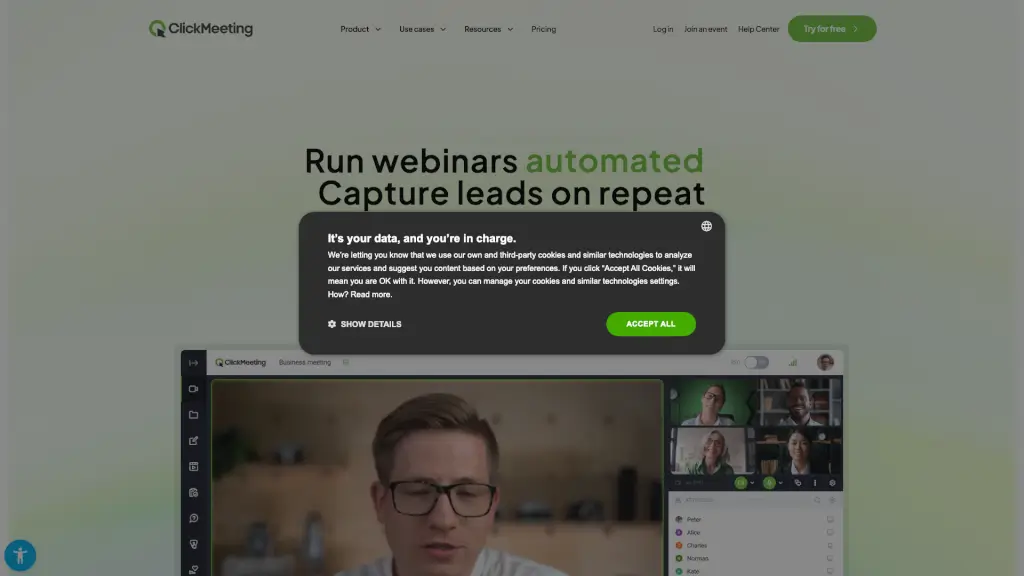
ClickMeeting is a powerful, browser-based webinar platform that lets you host live, automated, and on-demand events—no software installation required. Whether you're teaching students, running team meetings, selling digital courses, or generating leads, ClickMeeting brings everything together in one secure virtual space. With tools for engagement, monetization, automation, and analytics, it’s built for educators, marketers, coaches, and businesses who want to connect with audiences of any size—from intimate sessions to events with thousands of attendees.
Trusted by over 15 million users annually and backed by ISO/IEC 27001:2022 certification for data security, ClickMeeting combines ease of use with professional-grade features. Start for free with a 14-day trial (no credit card needed) and experience how webinars can turn your knowledge into leads, revenue, and lasting relationships—all from your web browser.
What are the features of ClickMeeting?
- No Installation Required: Run full-featured webinars directly in your browser—no downloads or plugins.
- Multiple Event Types: Host live webinars, automated replays, paid sessions, online meetings, and large-scale conferences.
- Monetization Tools: Sell tickets, accept donations, apply discount codes, and automate invoicing via integrated payment systems.
- E-Learning Suite: Use Edu Mode, breakout rooms, polls, virtual whiteboard, screen sharing, and chat for interactive teaching.
- Marketing & Lead Generation: Capture leads with custom registration forms, branded waiting rooms, CTA buttons, and automated follow-ups.
- Smart Automation: Schedule reminders, auto-deliver recordings, issue certificates, send thank-you notes, and transcribe sessions with AI.
- Advanced Analytics: Access detailed event reports and integrate with CRM, email, and marketing tools via robust APIs.
- Scalable & Secure: Support up to tens of thousands of participants with end-to-end encryption and white-label options.
What are the use cases of ClickMeeting?
- A university lecturer runs interactive online classes with breakout rooms and real-time quizzes using Edu Mode.
- A business coach sells premium masterclasses through paid webinars, accepting payments via integrated gateways and offering replay access.
- A nonprofit hosts large awareness events to recruit volunteers and collect donations during live streams.
- A SaaS company uses webinars as lead magnets—offering free product demos that automatically nurture sign-ups into paying customers.
- An enterprise conducts confidential team meetings with end-to-end encryption and records sessions for compliance.
- A content creator launches an on-demand course library powered by automated webinar replays of past live events.
- A marketing agency runs multistreamed webinars across social platforms while capturing leads with custom-branded registration pages.
How to use ClickMeeting?
- Sign up for a free 14-day trial at ClickMeeting.com—no credit card required.
- Choose your event type: live, automated, or on-demand—and set date, title, and audience size.
- Customize your webinar room with branding, waiting room agenda, and registration form.
- Invite attendees via personalized links or embed the registration page on your website.
- During the event, engage participants using polls, chat, screen sharing, or breakout rooms.
- After the session, let ClickMeeting automatically send recordings, certificates, and follow-up emails.