
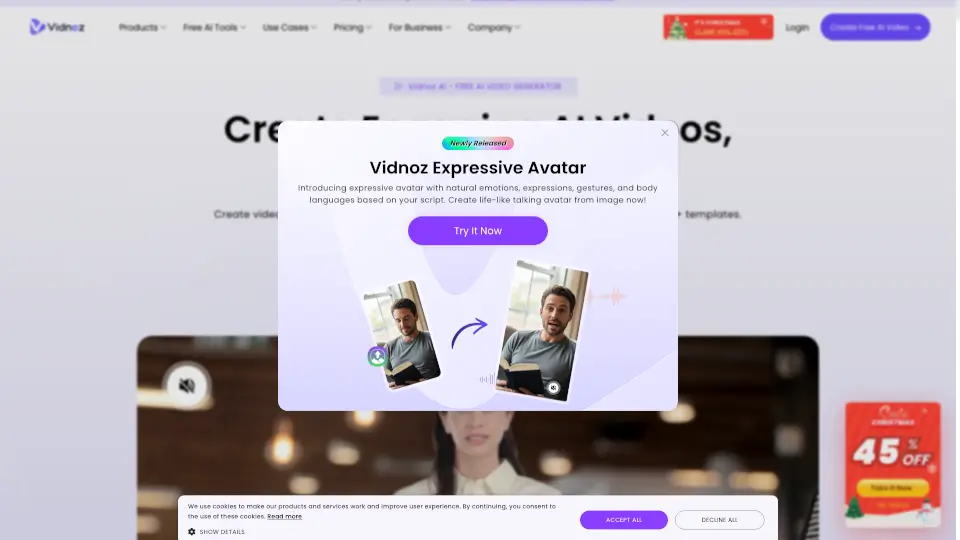
What is Vidnoz?
Vidnoz is a powerful AI video creation platform that lets anyone—whether you're a marketer, educator, or small business owner—generate professional-quality videos in minutes, no filming or editing skills required. Using advanced AI avatars, voice synthesis, and smart templates, Vidnoz transforms your text into engaging, lifelike videos perfect for social media, training, or customer communication.
What makes Vidnoz stand out is its combination of realistic AI presenters, multilingual support, and intuitive drag-and-drop tools. You don’t need cameras, microphones, or expensive software—just type your script, pick an avatar, and let the AI do the rest. It’s especially useful for teams needing fast, scalable video content without hiring production crews.
What are the features of Vidnoz?
- AI Avatars: Choose from 400+ realistic digital humans with natural expressions and gestures.
- Text-to-Video: Convert written scripts directly into spoken-word videos with synchronized lip movements.
- Multilingual Voiceovers: Support for 130+ languages and accents, ideal for global audiences.
- Custom Branding: Add logos, colors, and backgrounds to match your company identity.
- Prebuilt Templates: Jumpstart projects with ready-made scenes for ads, explainers, greetings, and more.
- Auto Captions & Subtitles: Improve accessibility and engagement with on-screen text generated automatically.
- Cloud-Based Editing: Edit and render videos entirely online—no downloads or installations needed.
What are the use cases of Vidnoz?
- Create personalized sales pitches using an AI spokesperson that speaks your prospect’s language.
- Produce employee onboarding videos quickly without scheduling studio time.
- Generate social media content (like TikTok or Instagram Reels) daily to maintain audience engagement.
- Build educational tutorials or course modules with consistent, professional narration.
- Send customized holiday greetings or announcements to clients using branded AI avatars.
- Develop product demos that highlight features clearly and visually without live actors.
How to use Vidnoz?
- Sign up for a free account at https://www.vidnoz.com.
- Select a template or start from scratch based on your goal (e.g., marketing, education).
- Type or paste your script—Vidnoz will auto-sync it with your chosen AI avatar’s speech.
- Customize your video by picking an avatar, voice, background, and adding your logo.
- Preview and edit timing, captions, or visuals as needed using the simple timeline editor.
- Export and download your final video in HD or share it directly via link.